google-site-verification=Yob8aUerXiZVtld3XWrcnpjkI0YsAAFOtgNxlPlnjcE
Tutorials Hub

Learn, Setup &
Master Every
Media Player

Explore step-by-step installation guides, setup tutorials, troubleshooting tips, hidden features, performance optimization, and expert walkthroughs for every major media player and streaming device.

48
Tutorials
139+
Covered Devices
Daily
Updated
Free
To Read
Platform Hub

Learn on Your Device

Pick your device to find installation guides, setup tutorials, troubleshooting help and playback tips written for that platform.

120 Tutorials

Android TV

Installation, IPTV setup, optimization, troubleshooting, and advanced features.

Explore Tutorials
95 Tutorials

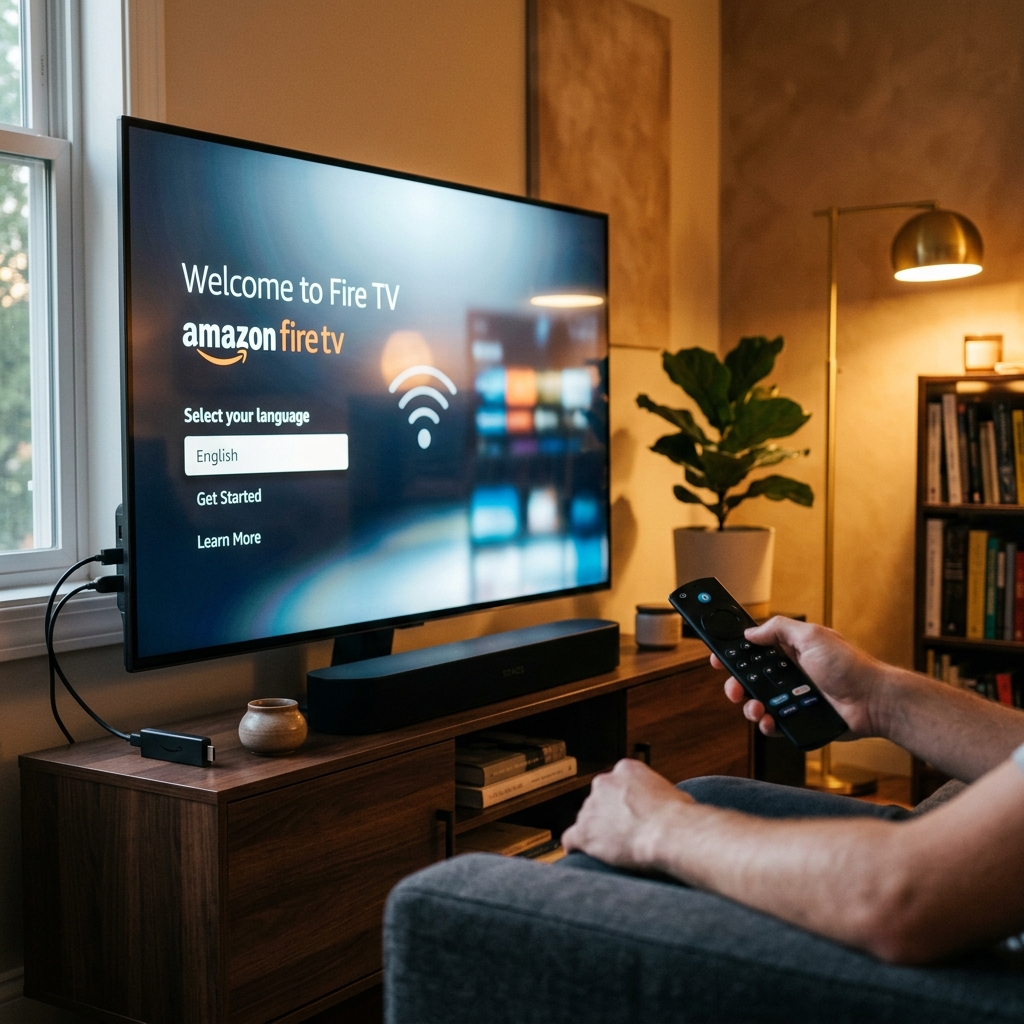
Amazon Fire TV

Sideload PlayerSDK, configure settings, and improve streaming performance.

Explore Tutorials
68 Tutorials

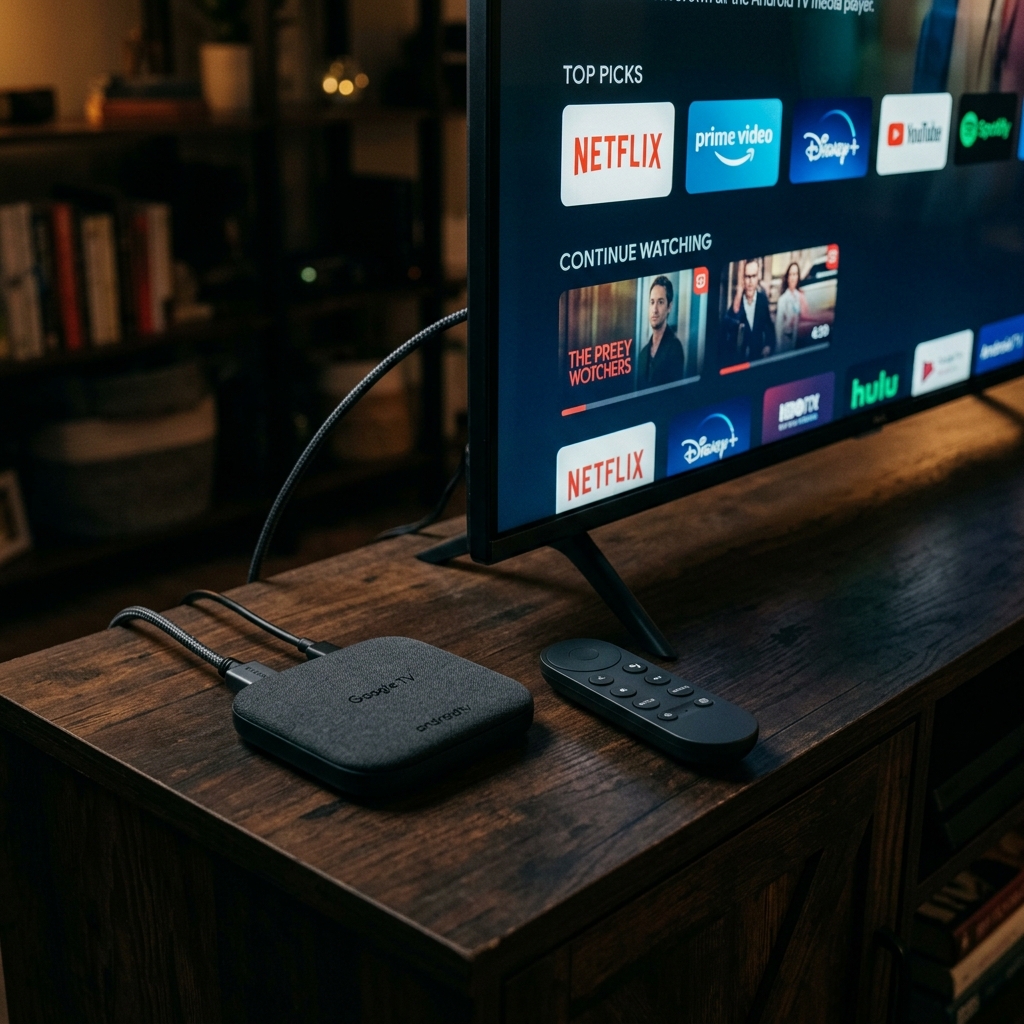
Google TV

Complete setup guides, hidden tips, and feature walkthroughs.

Explore Tutorials
54 Tutorials

Apple TV

tvOS installation, playback optimization, and advanced configuration.

Explore Tutorials
72 Tutorials

Samsung Smart TV

Tizen installation guides, app setup, and troubleshooting.

Explore Tutorials
64 Tutorials

LG webOS

Developer Mode, installation methods, and playback optimization.

Explore Tutorials
88 Tutorials

Windows & macOS

Desktop installation, keyboard shortcuts, and performance tuning.

Explore Tutorials
76 Tutorials

Mobile Devices

Android and iPhone setup guides, streaming tips, and mobile features.

Explore Tutorials
Community Favorites

Most Popular Tutorials

Explore the guides our community reads the most. From installation and setup to troubleshooting and advanced features, these tutorials are trusted by thousands of users.

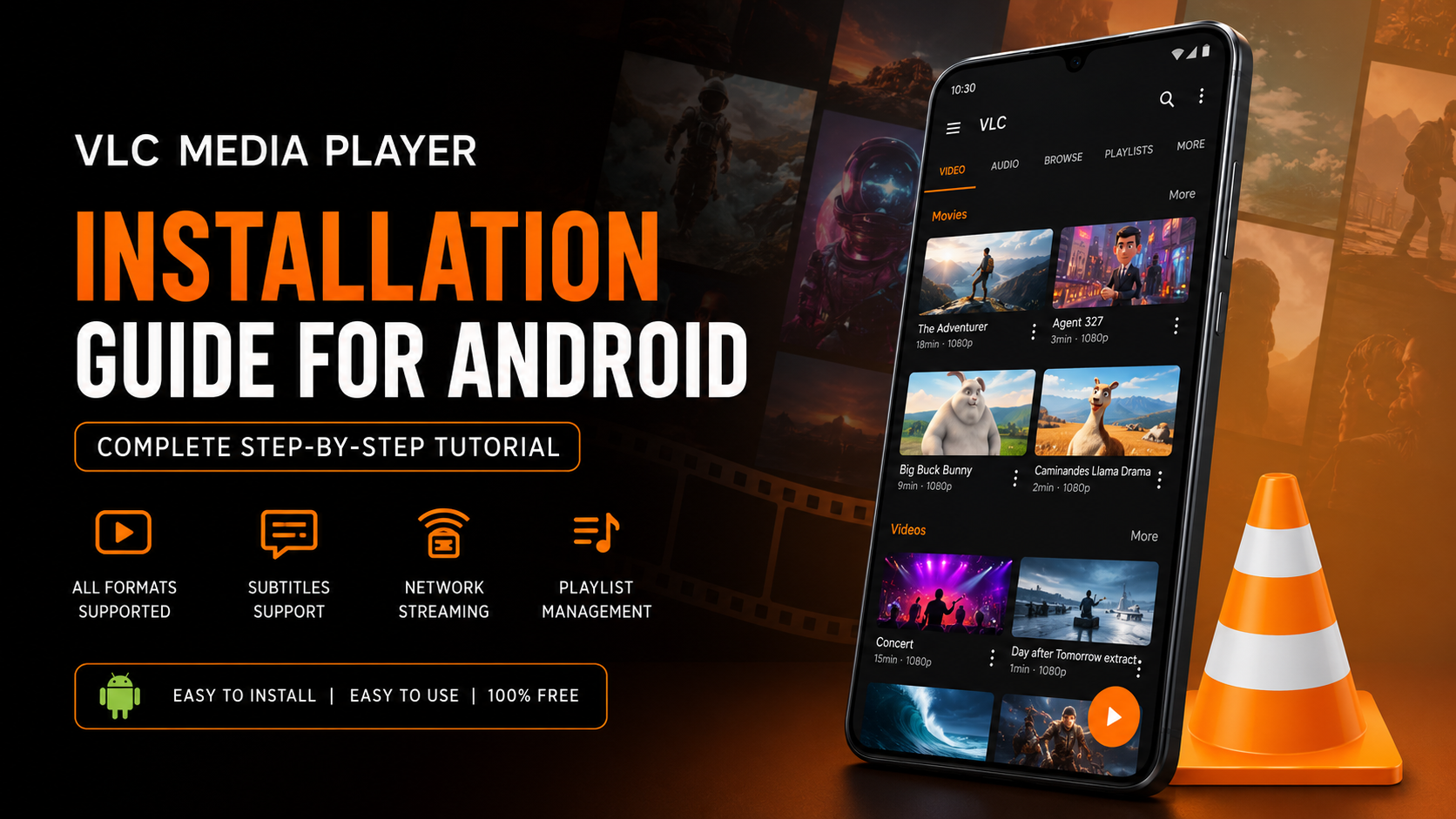
VLC Media Player Setup Guide for Android
Setup Guides
120K Views 8 min read

VLC Media Player Setup Guide for Android

Read Guide
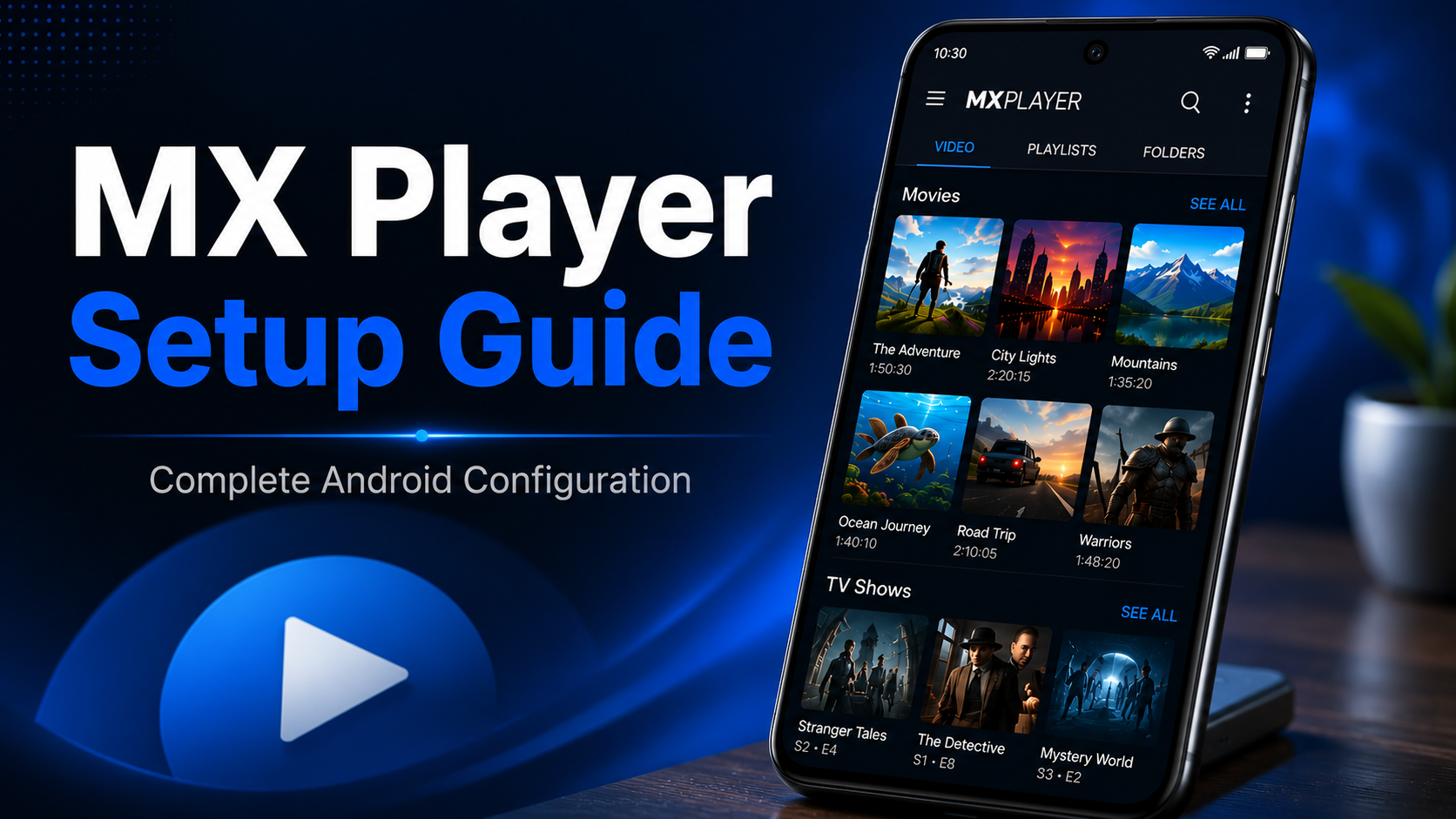
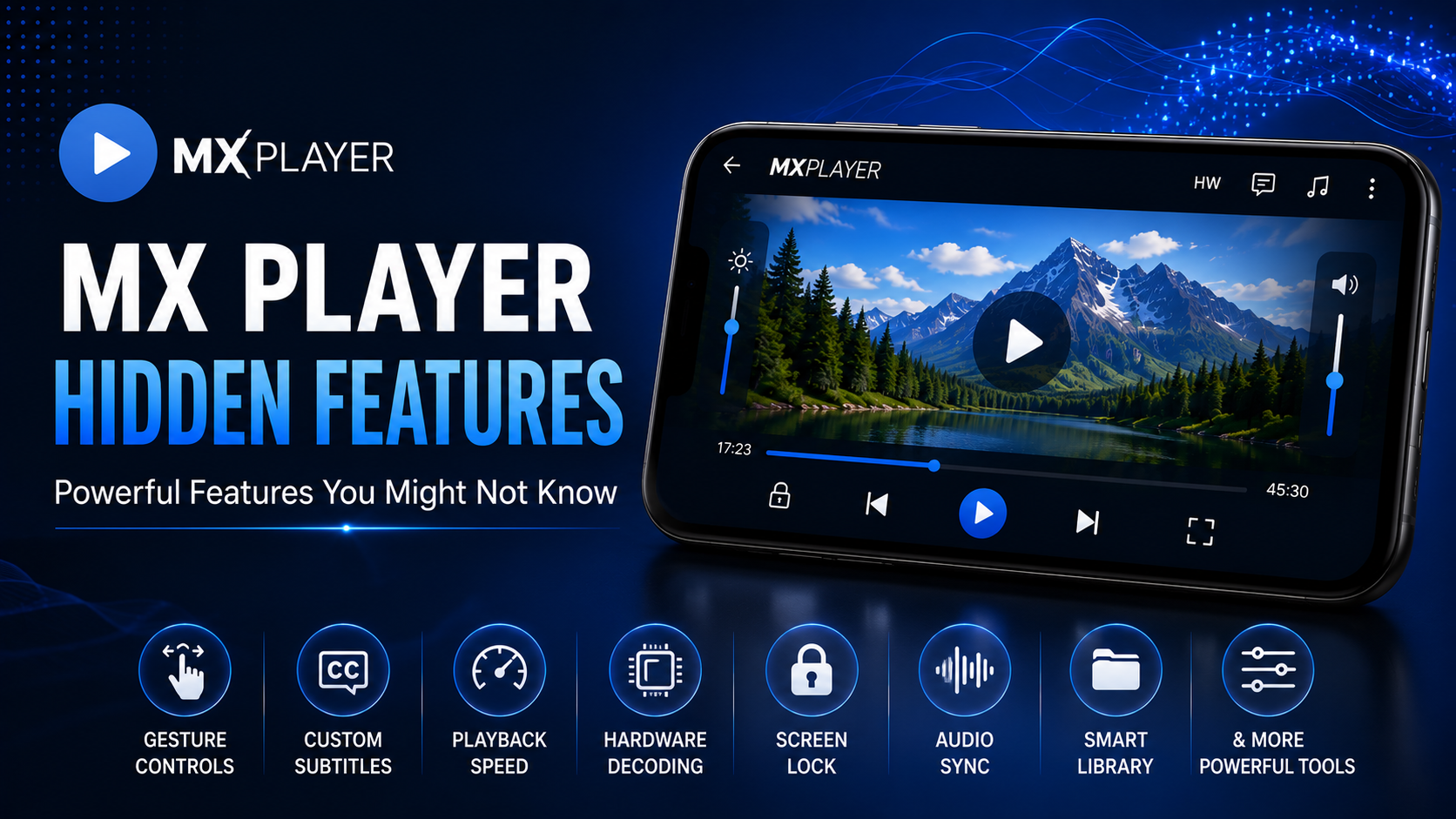
MX Player Setup Guide for Android
Setup Guides
98K Views 8 min read

MX Player Setup Guide for Android

Read Guide
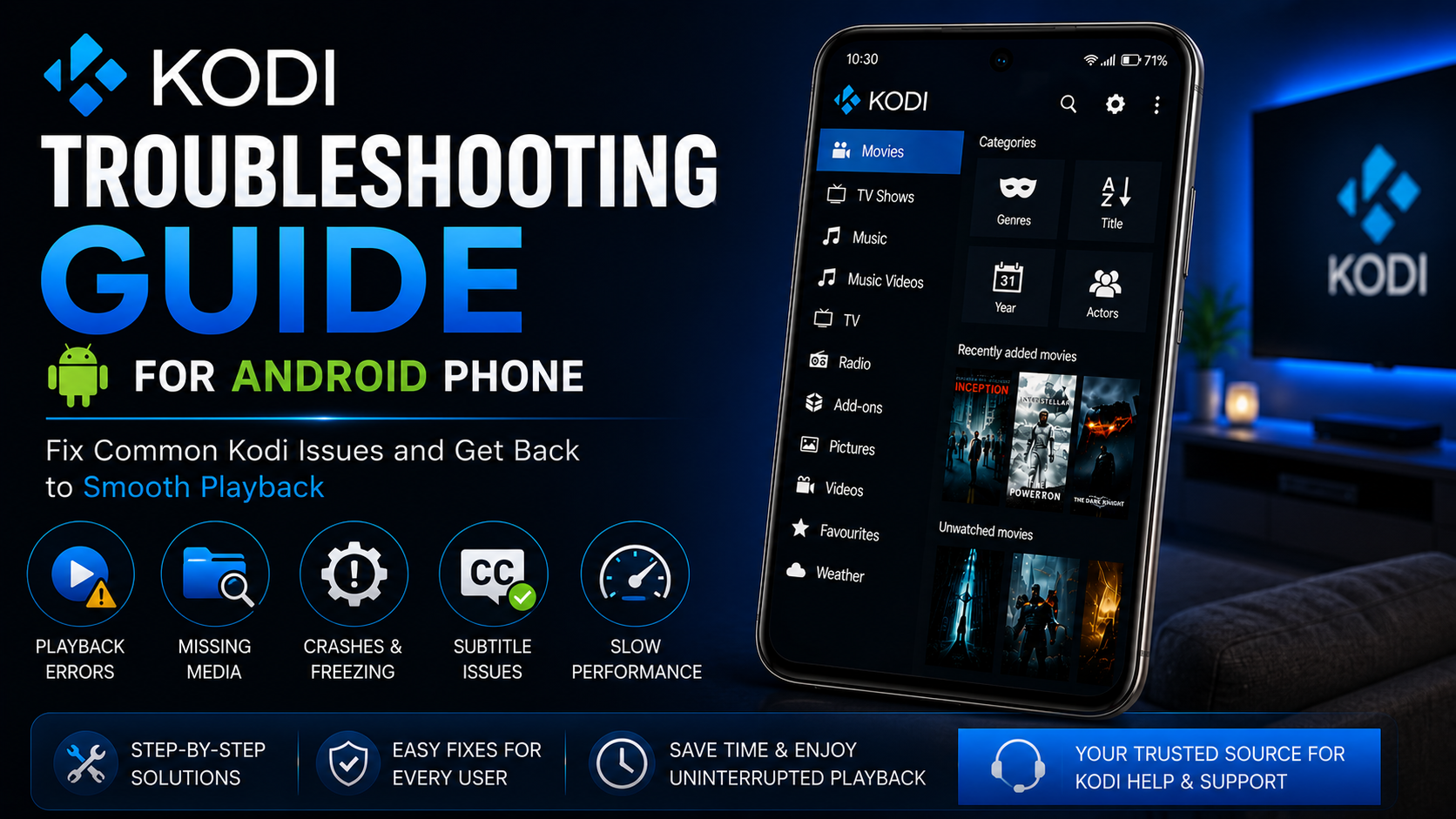
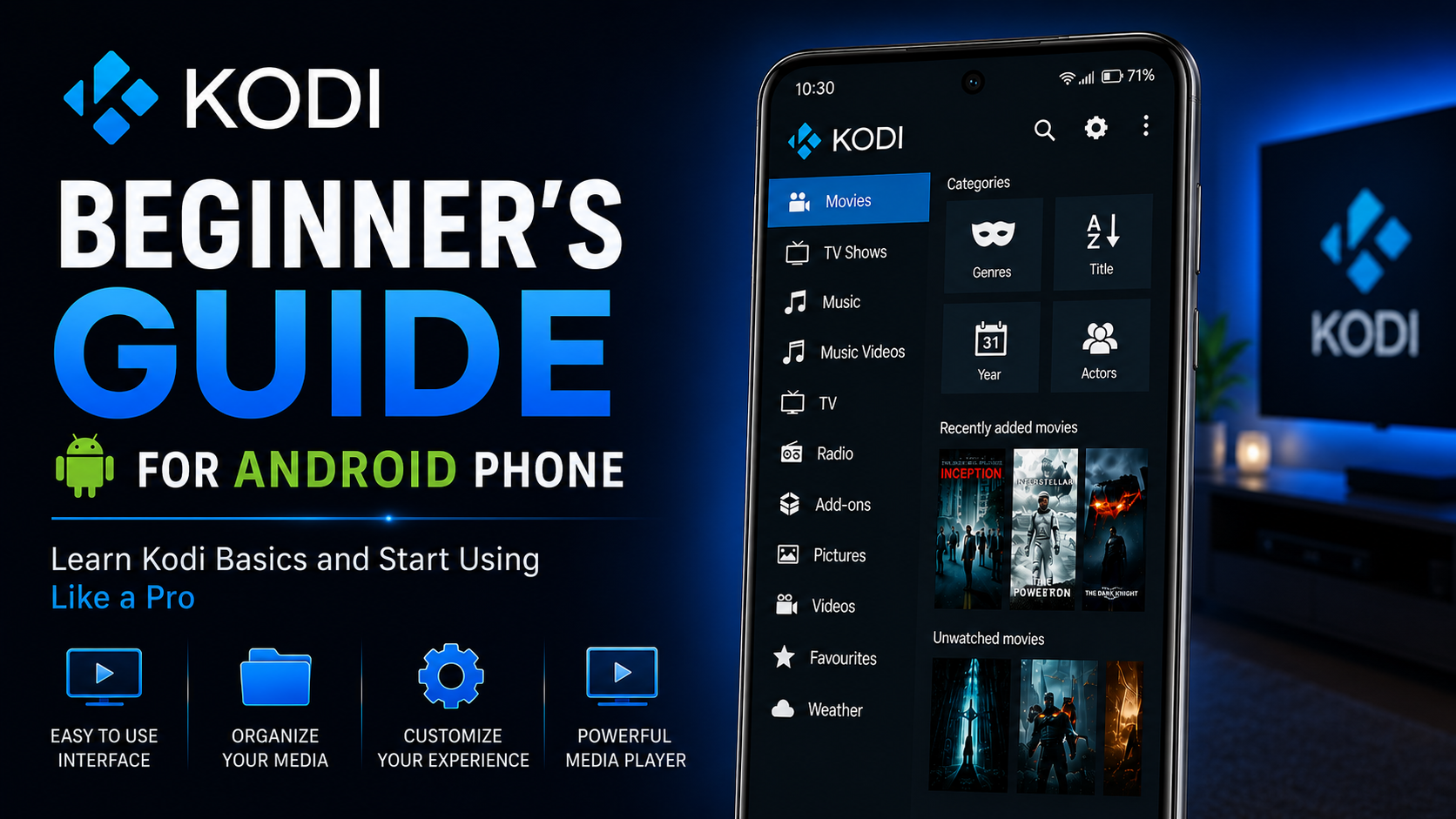
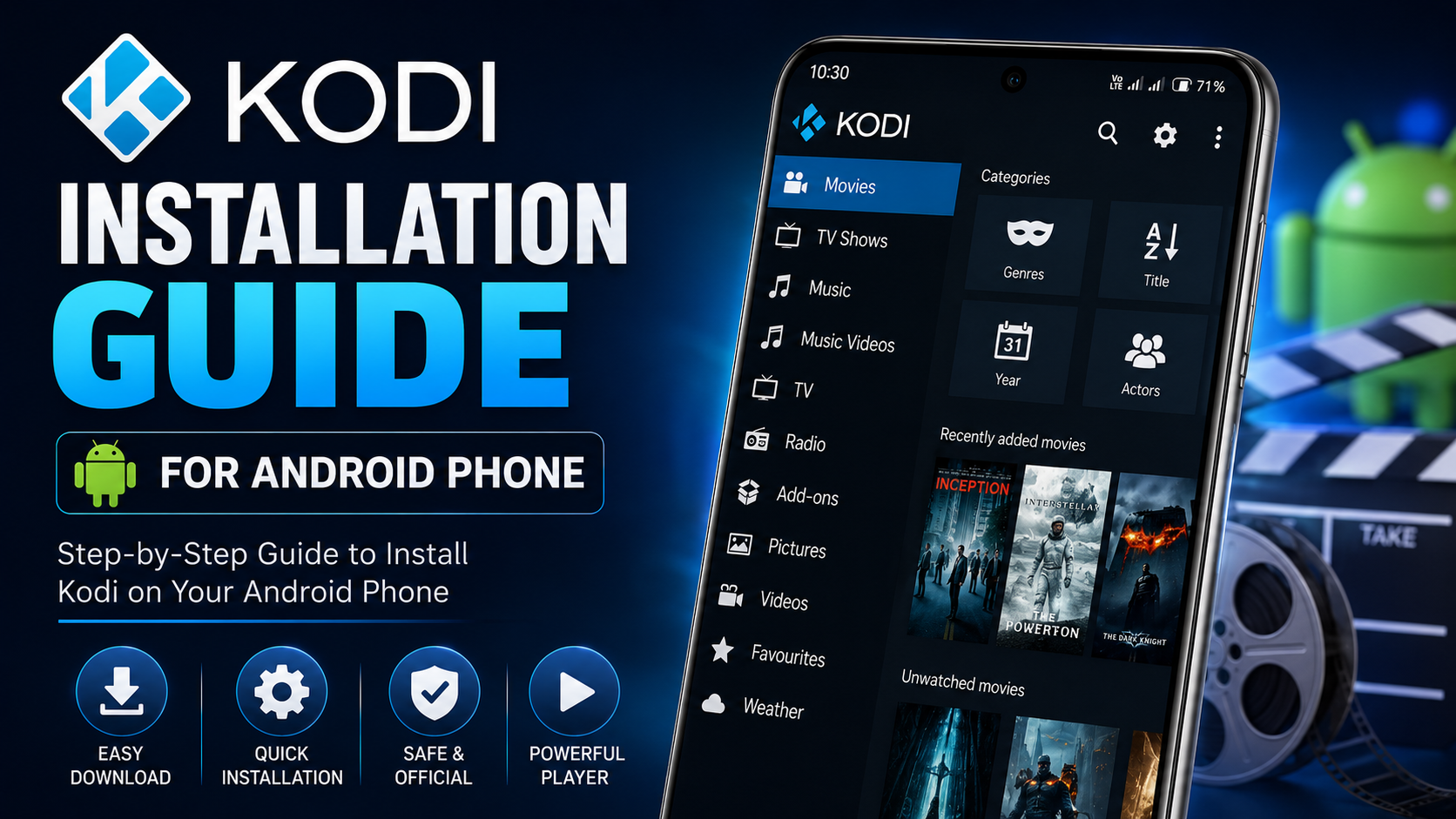
Kodi Troubleshooting Guide for Android
Troubleshooting
85K Views 9 min read

Kodi Troubleshooting Guide for Android

Read Guide
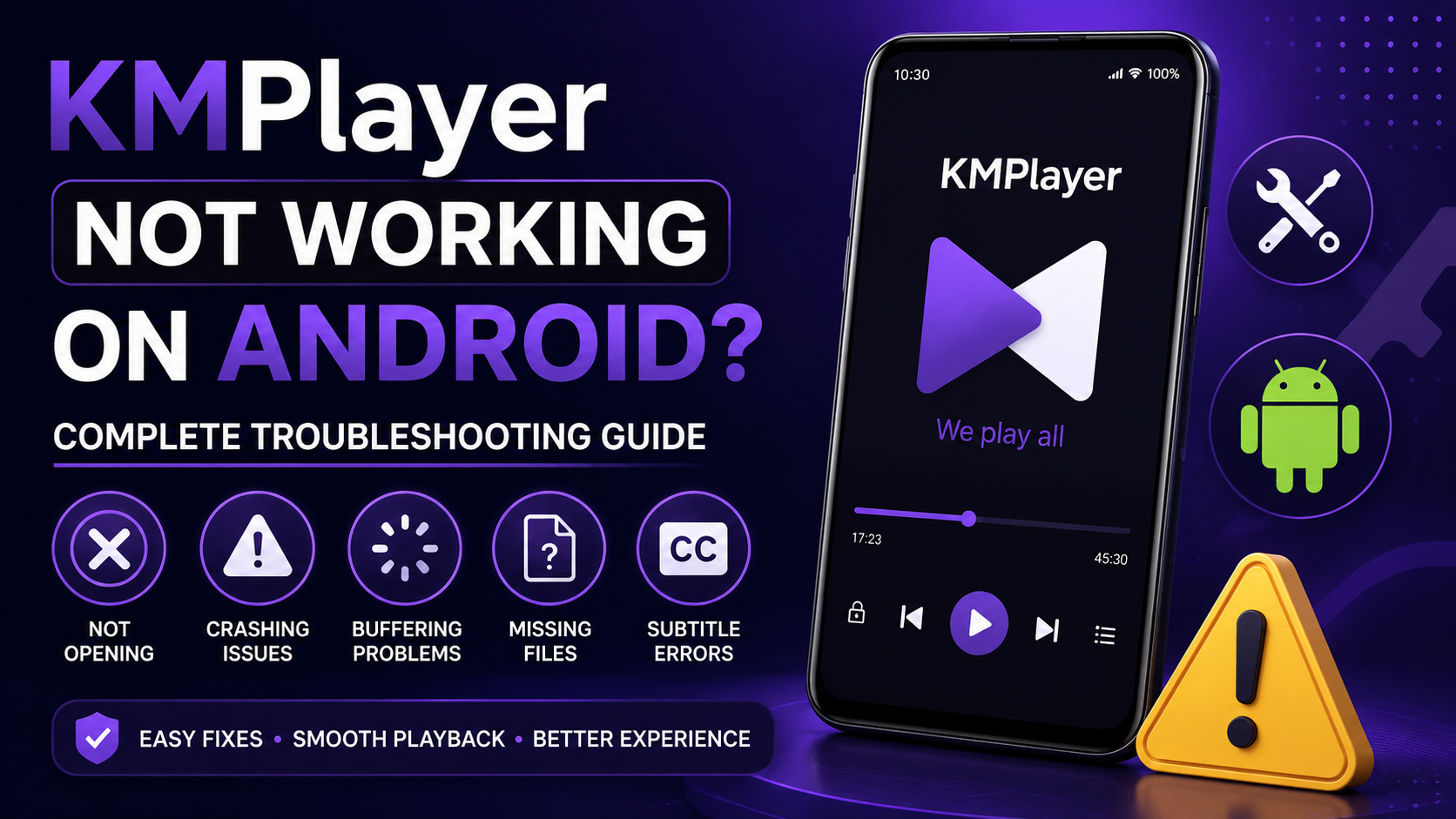
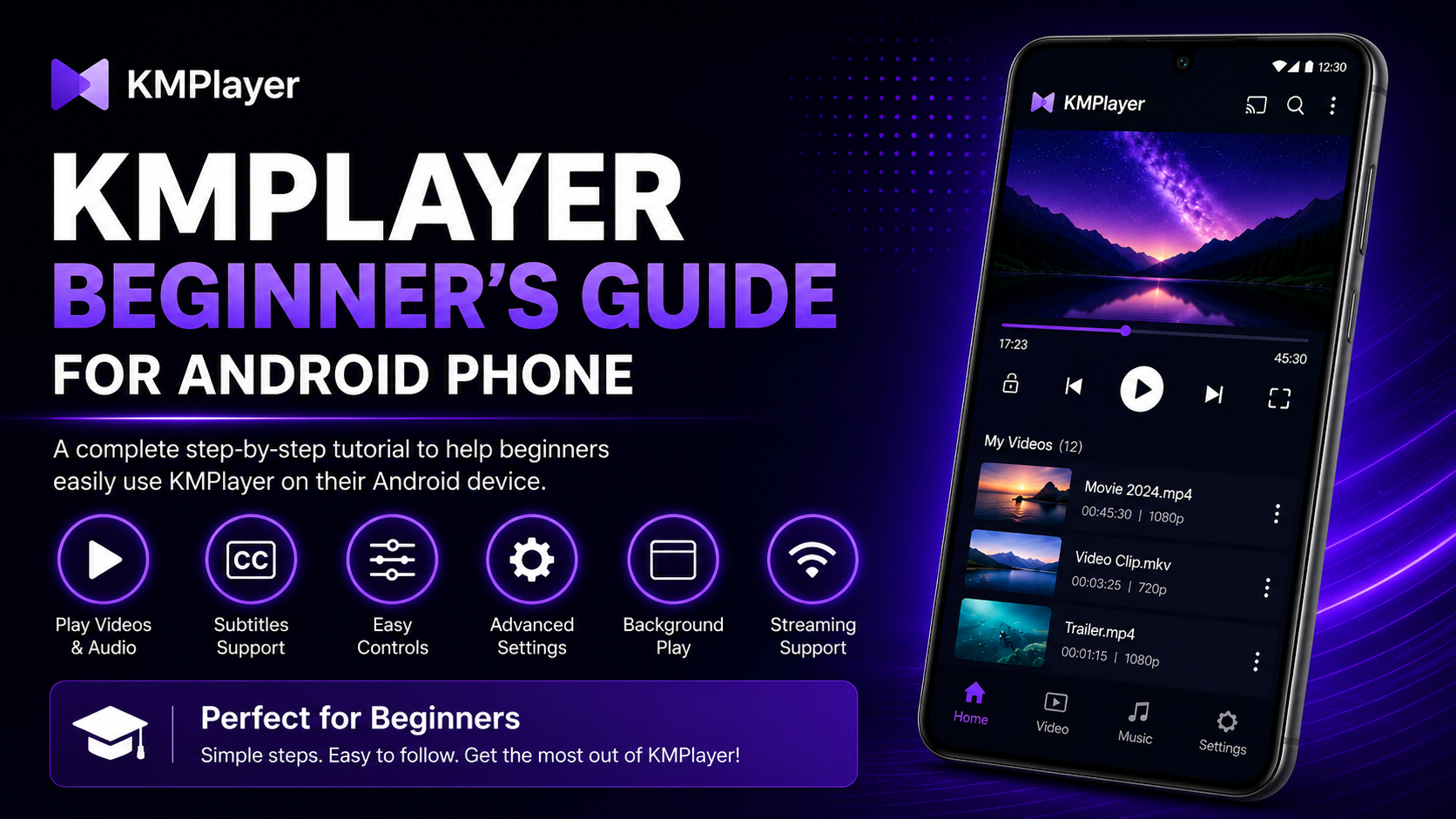
KMPlayer Not Working on Android
Troubleshooting
73K Views 9 min read

KMPlayer Not Working on Android Guide

Read Guide
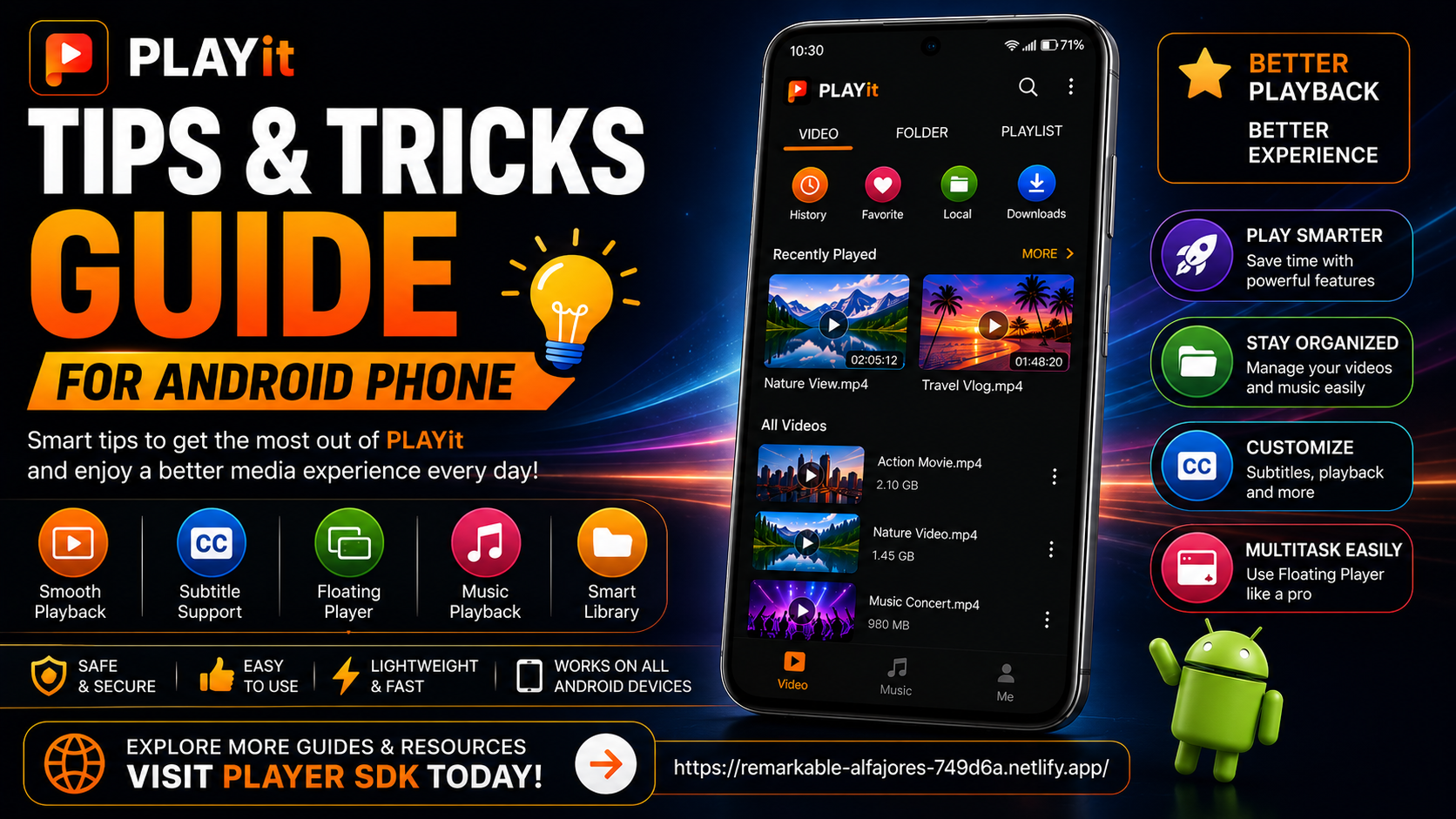
PLAYit Tips & Tricks for Android
Tips & Tricks
60K Views 7 min read

PLAYit Tips & Tricks for Android

Read Guide
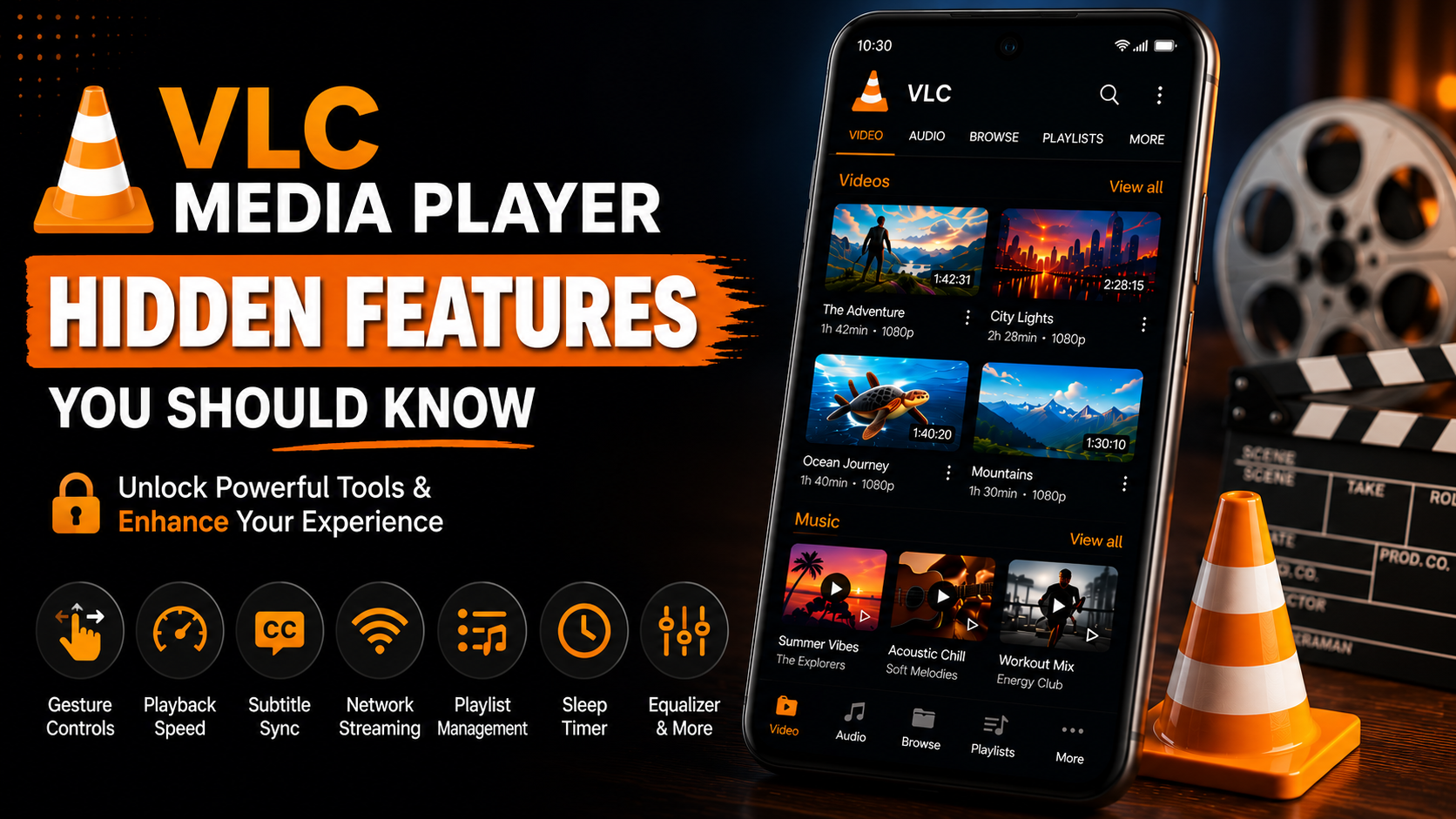
VLC Media Player Hidden Features You Should Know
Hidden Features
95K Views 8 min read

VLC Media Player Hidden Features

Read Guide
Advanced Resources

Go Beyond the Basics

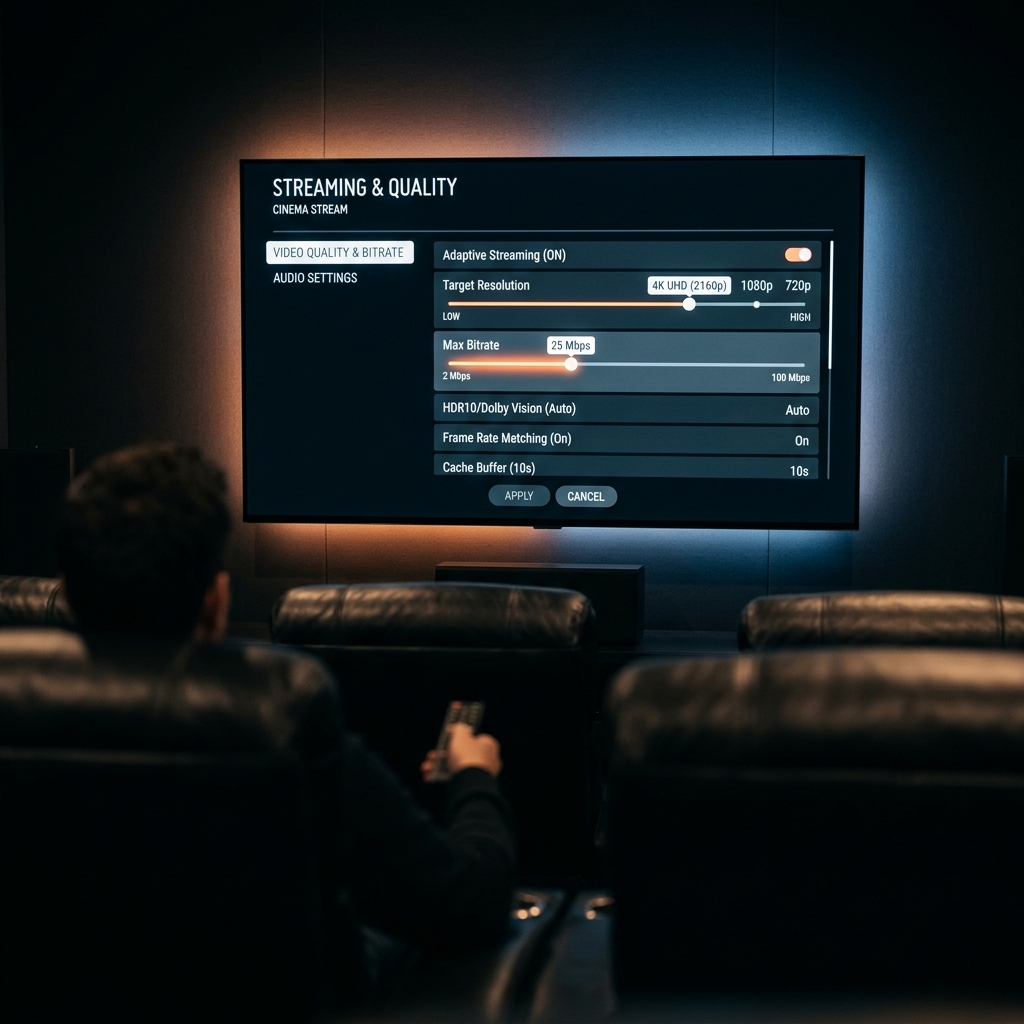
Go further with in-depth guides: performance tuning, hidden features and the settings worth changing on every device.

Need Answers?

Frequently Asked Questions

Answers to the problems readers hit most often with media players: buffering, sound, subtitles, formats and installing apps on TV devices.

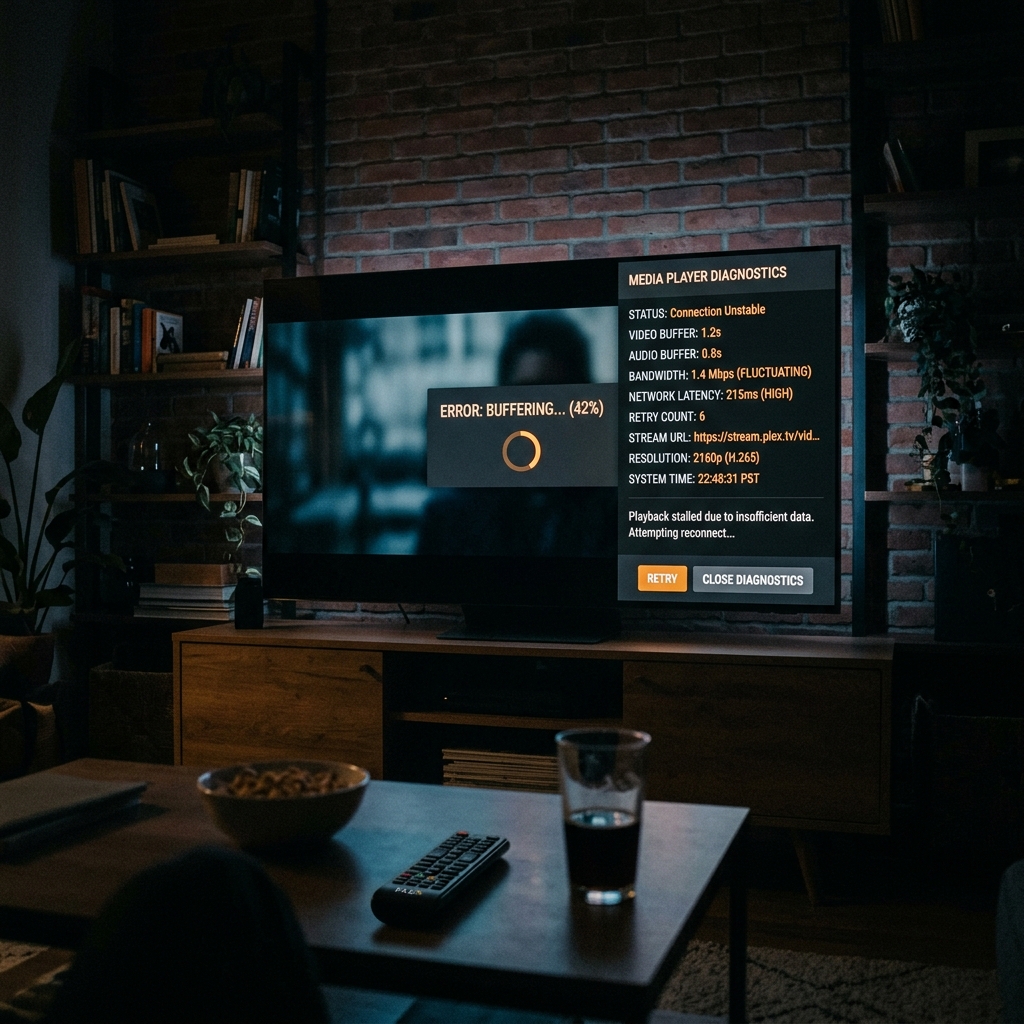
Buffering is almost always the source or the network, not the player. Test your speed on the device itself, move it closer to the router or use 5 GHz, close background apps, and clear the player's cache. For online streams, lower the quality or switch the player's hardware decoding setting. Our troubleshooting guides walk through each check in order.

Buffering Android TV Fire TV

Install from the Google Play Store whenever possible: search the player by name, check the developer (VideoLAN for VLC), then tap Install. Only sideload an APK if the app is not on the Play Store for your device, and download it from the developer's official site. Our installation guides show every step with screenshots.

Install Android

Most silent-playback problems come from the audio track or the decoder. Open the audio menu and pick a different track, switch the audio output mode (for example from passthrough to stereo), and turn hardware decoding off then on. On TVs, also check that the device output matches what your soundbar or receiver supports.

No sound Audio Playback

Put the subtitle file in the same folder with the same file name as the video and most players load it automatically. You can also open the subtitle menu during playback and choose the file by hand, then adjust the delay if the text runs ahead or behind. Our setup guides cover subtitle sync, size and encoding.

Subtitles Setup

That message means the video or audio codec is missing, not that the file is broken. Try a player that bundles its own codecs, such as VLC or Kodi, switch hardware decoding off so the player decodes in software, or re-encode the file to H.264 with AAC audio, which plays nearly everywhere.

Codecs Unsupported format Playback

Turn on apps from unknown sources in the Fire TV settings, install a downloader app, then enter the official download address of the app you want. Only use links from the developer's own site, and turn the unknown-sources setting back off when you are done. Our Fire TV guides show the full sequence.

Fire TV Sideload Install

VLC, Kodi, mpv and Jellyfin are free and open source, and MX Player has a free version supported by ads. They are safe as long as you download them from the official site or the app store for your device. PlayerSDK never hosts installers; every download button here links to the publisher's own page.

Free Safe download Official sources

Still Can't Find Your Answer?

Browse every guide by category, or search the blog for your device and app.

Category Directory

Tutorials by Category

Browse curated collections of tutorials designed to help you install, configure, troubleshoot and master your media player on every device.

Join the PlayerSDK Community

Stay Ahead with Every New Tutorial

Get the latest PlayerSDK tutorials, setup guides, troubleshooting tips, product updates, streaming news, and exclusive resources delivered directly to your inbox.

No spam. Weekly updates only. Unsubscribe anytime.

YouTube

Watch installation guides, walkthroughs, reviews, and video tutorials.

Subscribe

Discord

Ask questions, share tips, and connect with the PlayerSDK community.

Join Community

Telegram

Receive instant notifications about updates, tutorials, and announcements.

Join Channel
Expert Written Tutorials
Weekly Updated Content
Beginner Friendly
Trusted by Thousands