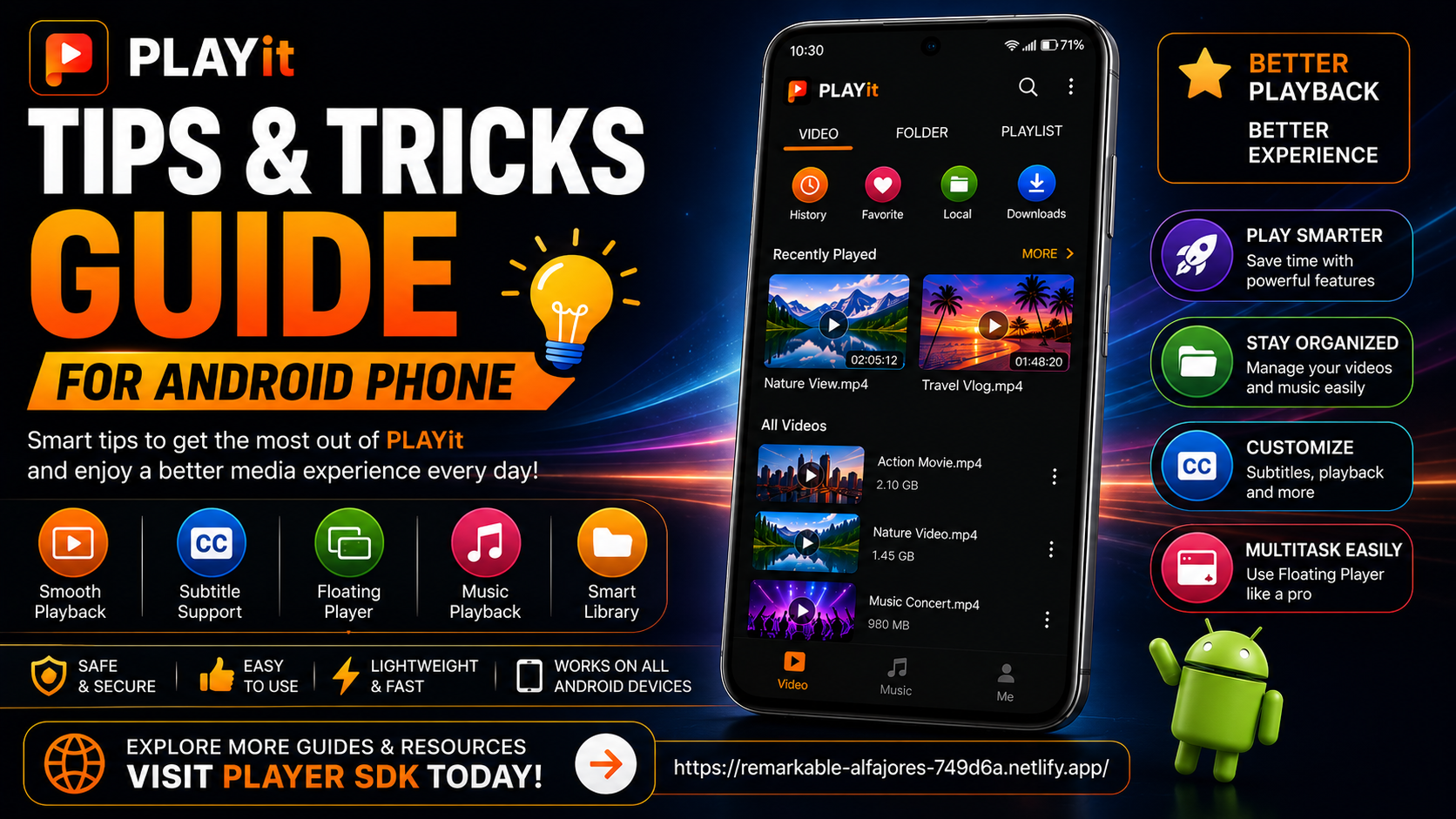
PLAYit is much more than a simple video player. While most Android users install it to watch videos or listen to music, the app includes several practical features that can make your daily media experience smoother, faster, and more enjoyable. By learning a few useful tips and tricks, you can improve playback quality, organize your media more efficiently, and make better use of PLAYit's built-in capabilities.
This guide focuses on practical techniques rather than advanced settings, making it perfect for beginners and regular Android users alike.
In this complete PLAYit Tips & Tricks Guide for Android, you'll discover easy ways to improve navigation, optimize playback, organize your library, and enjoy PLAYit more efficiently every day.
Why Learn PLAYit Tips & Tricks?
Many users only use PLAYit's basic playback features. However, a few simple habits and built-in options can significantly improve your experience.
Benefits include:
- Faster navigation
- Better video playback
- Easier media organization
- Improved subtitle readability
- Smoother multitasking
- Better file management
- More efficient daily use
- Enhanced overall performance
These tips don't require technical knowledge and can be applied immediately.
What You'll Learn
| Topic | Description |
|---|---|
| Navigation Tips | Use PLAYit more efficiently |
| Playback Tricks | Better viewing experience |
| Media Organization | Keep your library clean |
| Subtitle Tips | Improve readability |
| Floating Player | Multitask easily |
| Performance Tips | Keep PLAYit running smoothly |
| Daily Usage Habits | Improve long-term experience |
| Best Practices | Maximize efficiency |
Tip 1: Organize Your Videos into Folders
One of the simplest ways to improve your PLAYit experience is by organizing your media before opening the app.
Create folders such as:
- Movies
- TV Shows
- Music Videos
- Family Videos
- Downloads
- Educational Videos
- Travel Clips
A well-organized library makes it much easier to locate content.
Tip 2: Keep PLAYit Updated
Regular updates bring:
- Better performance
- Improved compatibility
- Bug fixes
- Security enhancements
- New features
Always update PLAYit through the Google Play Store to ensure you're using the latest version.
Tip 3: Use Floating Player While Multitasking
PLAYit's Floating Player lets videos continue playing while you:
- Browse websites
- Reply to messages
- Check emails
- Use social media
- Take notes
It's one of the most useful features for Android users who multitask frequently.
Tip 4: Customize Subtitle Settings
Subtitles are easier to read when personalized.
Adjust:
- Font size
- Text color
- Subtitle position
- Background
- Synchronization
Taking a minute to configure subtitles makes long viewing sessions much more comfortable.
Tip 5: Keep Enough Free Storage
A nearly full phone can slow down both Android and PLAYit.
Regularly remove:
- Duplicate videos
- Unused downloads
- Old media files
- Temporary files
Maintaining free storage improves playback performance.
Tip 6: Learn Playback Controls
Many users only use the Play and Pause buttons.
Explore additional controls like:
- Seek Forward
- Seek Backward
- Volume Adjustment
- Brightness Control
- Full-Screen Toggle
Knowing these controls helps you enjoy videos more comfortably.
Tip 7: Build a Consistent Folder Structure
Avoid storing media randomly across your device.
Instead, keep similar content together. For example:
- Movies → One Folder
- Music Videos → Another Folder
- Educational Videos → Separate Folder
This saves time whenever you're looking for a specific file.
Tip 8: Test Playback After Updates
Whenever PLAYit receives a major update, play one or two videos to confirm:
- Video quality
- Audio quality
- Subtitle functionality
- Playback controls
Testing early helps identify any issues quickly.
Tip 9: Restart PLAYit Occasionally
Like many Android applications, restarting PLAYit from time to time helps refresh temporary processes and keeps the app running smoothly.
This is especially useful after long viewing sessions.
Tip 10: Explore the Interface
Spend a few minutes browsing every section of PLAYit.
Examples include:
- Videos
- Music
- Folders
- Recently Played
- Downloads
The more familiar you become with the interface, the faster you'll find your content.
Tip 11: Review Permissions
If videos suddenly disappear or playback behaves unexpectedly, check Android permissions.
Ensure PLAYit still has access to:
- Photos
- Videos
- Storage
- Media
Permissions are essential for proper functionality.
Tip 12: Organize New Downloads Immediately
Instead of leaving downloaded files in one large folder, move them into dedicated folders after downloading.
This habit keeps your media library clean and easy to browse.
Tip 13: Use Recently Played
Recently Played saves time by giving you quick access to videos you've watched recently.
It's especially useful for:
- Long movies
- Tutorials
- Courses
- TV episodes
Tip 14: Explore Music Features
PLAYit isn't only for videos.
Try using it for:
- Local music playback
- Playlists
- Audio browsing
- Background listening
This lets you manage both video and music from one application.
Tip 15: Keep Android Updated
Many playback improvements come from Android itself.
Keeping your device updated improves:
- Compatibility
- Stability
- Performance
- Security
Together with PLAYit updates, this creates the best overall experience.
Everyday Tips Checklist
| Tip | Benefit |
|---|---|
| Organize Folders | Faster browsing |
| Update PLAYit | Better performance |
| Use Floating Player | Easy multitasking |
| Customize Subtitles | Better readability |
| Keep Free Storage | Smooth playback |
| Explore Interface | Faster navigation |
| Test After Updates | Verify functionality |
| Keep Android Updated | Better stability |
Best Practices for Daily Use
Developing a few simple habits can greatly improve your long-term experience with PLAYit. Organize your media regularly, update the app through the Google Play Store, maintain enough free storage, and explore new features as they become available.
Small improvements made consistently will make PLAYit easier and more enjoyable to use every day.
Common Mistakes to Avoid
Many users unknowingly reduce PLAYit's effectiveness by making a few avoidable mistakes.
Avoid:
- Keeping all media in one folder
- Ignoring app updates
- Never testing playback
- Filling device storage completely
- Skipping subtitle customization
- Not exploring built-in features
Correcting these habits leads to a noticeably smoother experience.
Why These Tips Matter
PLAYit is designed to be simple enough for beginners while offering enough flexibility for everyday users. By applying these practical tips, you'll spend less time searching for files, enjoy smoother playback, and make better use of the app's built-in features.
Whether you're watching movies, listening to music, or managing personal videos, these habits help you get more value from PLAYit without changing the way you normally use your Android phone.
What's Next?
Now that you've learned practical ways to improve your PLAYit experience, it's time to explore features that many users never notice.
Continue with the: PLAYit Hidden Features Guide
You'll discover lesser-known built-in capabilities, personalization options, and useful tools that help unlock even more from PLAYit.
Final Thoughts
Mastering PLAYit doesn't require advanced technical knowledge. A few simple tips like organizing your media, customizing subtitles, using Floating Player, and keeping the app updated can dramatically improve your everyday experience.
As you continue using PLAYit, these small habits become second nature and make watching videos or listening to music faster, easier, and more enjoyable on your Android phone.
Frequently Asked Questions (FAQs)
1) Are these tips suitable for beginners?
Yes. Every tip in this guide is designed for everyday Android users and doesn't require advanced knowledge.
2) Does keeping PLAYit updated really help?
Absolutely. Updates improve stability, performance, compatibility, and security while occasionally introducing new features.
3) Why should I organize my media folders?
Organized folders make it much easier to browse your library and quickly find the videos or music you want.
4) What is Floating Player used for?
Floating Player allows videos to continue playing in a small window while you use other apps on your Android device.
5) Do these tips improve performance?
Many of them do. Maintaining free storage, updating PLAYit, and keeping Android current all contribute to smoother performance.
6) What should I read after this Tips & Tricks Guide?
The next recommended article is the PLAYit Hidden Features Guide, where you'll discover additional built-in capabilities that many users overlook.
Continue Learning with Player SDK
Take your PLAYit experience even further with Player SDK, your trusted source for installation guides, setup guides, beginner tutorials, troubleshooting, tips & tricks, hidden features, supported device guides, and complete media player resources.
Whether you're new to PLAYit or looking to master every feature, Player SDK provides clear, step-by-step guides to help you enjoy the best possible media experience on your Android phone.
