Android TV
Installation guides, optimization tips, troubleshooting, and the latest updates.
Explore dedicated setup guides, installation tutorials, troubleshooting tips, downloads, and performance optimization for Android TV, Fire TV, Roku, Apple TV, Samsung TV, LG webOS, Windows, macOS, Linux, Android, iPhone, and more.
Select your device to access installation guides, setup tutorials, troubleshooting articles, downloads, and optimization tips tailored specifically for your platform.
Installation guides, optimization tips, troubleshooting, and the latest updates.
Setup tutorials, streaming optimization, and hidden features.
Sideloading, installation, performance tuning, and common fixes.
Player compatibility, setup instructions, and troubleshooting.
tvOS setup, streaming tips, and performance improvements.
Tizen installation, app setup, and streaming optimization.
Developer mode, installation, and playback troubleshooting.
Desktop setup, media playback, shortcuts, and advanced configuration.
Browse guides by device, from streaming sticks and smart TVs to phones and desktops looking for installation tutorials, setup instructions, troubleshooting, and performance tips.
Sideloading & Optimal 4K Settings Walkthrough
Complete installation guides, player setup, playlist configuration, performance optimization, troubleshooting, hidden features, and regular updates.
Installation & Sideloading
Setup & Optimization
tvOS Tutorials
Tizen OS Setup
Developer Mode & Installation
Desktop Player Setup
Follow step-by-step guides to install, configure and optimize media players on your favorite devices.
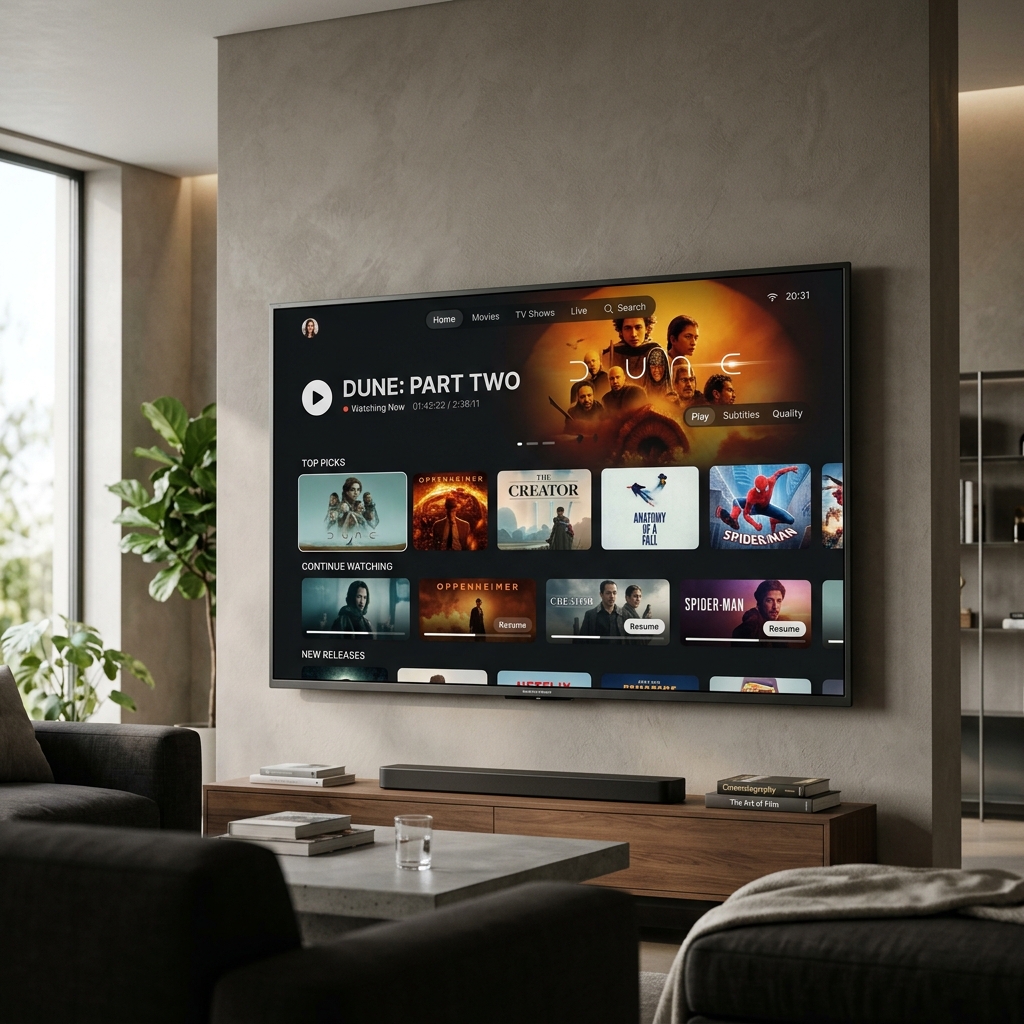
Learn how to install media players, configure playlists, enable subtitles, optimize playback settings, and customize your streaming experience on Android TV.
Read Full GuideFind fast solutions for installation problems, playback errors, buffering, login issues, subtitle problems, and device-specific troubleshooting guides.
Learn how to reduce buffering and improve streaming performance on every supported device.
Step-by-step solutions for installation and update errors across all platforms.
Resolve account, activation, and authentication issues quickly.
Fix blank screen, loading issues, and playback failures across all devices.
Solve sound output and audio synchronization problems on any device.
Configure subtitle settings and fix subtitle display problems.
Troubleshoot unexpected crashes, freezing, and startup failures.
Diagnose internet connection, DNS, VPN, and server-related issues.
Optimize PlayerSDK for smoother navigation and faster playback.
Try a different search term or browse all issue categories.
Compare the most popular streaming devices to find the perfect platform for PlayerSDK. Explore performance, compatibility, ease of setup, and supported features before making your choice.
Scroll horizontally on mobile
| Feature | Android TV | Fire TV | Apple TV | Roku |
|---|---|---|---|---|
| Media player apps | Full | Full | Full | Limited |
| 4K Streaming | Full | Full | Full | Full |
| HDR Support | Full | Full | Full | Full |
| Voice Control | Full | Full | Full | Full |
| App Installation | Easy | Easy | Medium | Limited |
| Performance | Excellent | Excellent | Excellent | Good |
| Updates | Frequent | Frequent | Frequent | Regular |
Find quick answers to the most common questions about PlayerSDK compatibility, installation, downloads, and supported devices.
PlayerSDK publishes media player guides for Android TV, Google TV, Amazon Fire TV, Roku, Apple TV, Samsung Smart TV, LG webOS, Windows, macOS, Linux, Android and iPhone. New device guides are added regularly.
Browse all devicesYes. Every guide, review and device comparison on PlayerSDK is free to read. PlayerSDK is an independent blog and does not sell software.
Explore DevicesVisit the device-specific guide for your TV model and follow the step-by-step installation instructions provided.
View Setup GuidesBuffering is usually caused by network speed, server performance, or playback settings. Visit the Troubleshooting Center for recommended fixes.
Go to TroubleshootingTutorials, downloads, and compatibility information are reviewed and updated regularly to reflect the latest software releases and supported devices.
Browse TutorialsSearch the blog or open the troubleshooting guides for your device; each guide covers the most common problems and fixes.
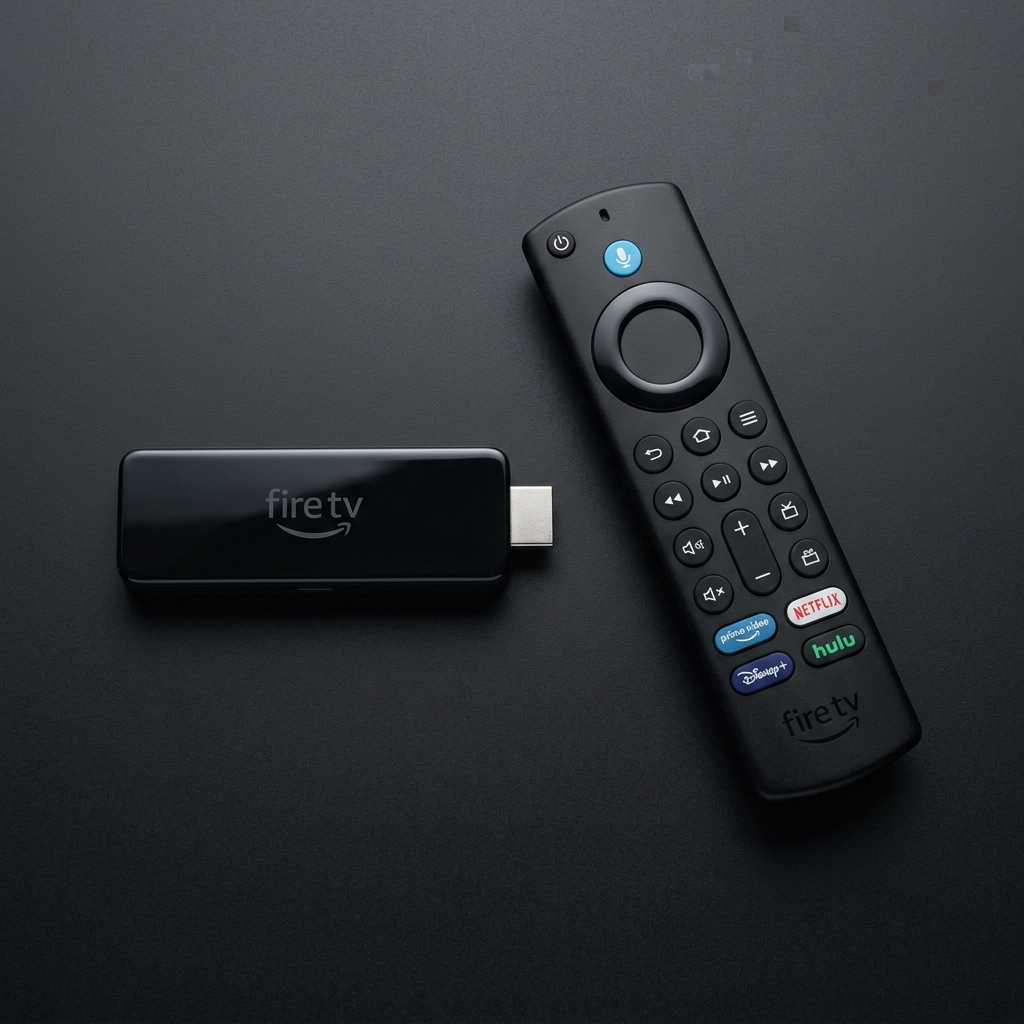
Troubleshooting GuidesIncludes guides for Firestick Lite, 4K, 4K Max, and Fire TV Cube models.
Nvidia Shield, Xiaomi Mi Box, Chromecast with Google TV, and generic boxes.
Configure PlayerSDK client and IPTV apps on Apple TV HD, 4K, and tvOS devices.
Roku Express, Roku Streaming Stick, and Roku Ultra screen casting methods.
Tizen OS setup guides, widget installs, USB sideload methods, and app downloads.
webOS installations, Developer Mode setups, custom player portals, and configuration.
Direct EXE setup, portable builds, and Windows Store apps for Windows 10/11.
Setup guides for DMG files, homebrew scripts, M1/M2/M3 native architectures.
Snap, Flatpak, AppImage guides, and source-level compilation for linux packages.
Configure players, EPG synchronization, offline playlist caching on smartphones.
Premium interface setups, AirPlay layouts, and sync tools for iOS and iPadOS.
IPTV streaming through Xbox Media Player application and PlayStation web browser tools.
Up to 1080p Full HD @ 60fps streaming with Quad-core ARM Cortex-A55, up to 1.7 GHz, 1 GB LPDDR4-3200 RAM, 8 GB storage, and Vega OS 1.1.
Up to 4K Ultra HD (3840 × 2160) @ 60fps streaming with Quad-core ARM Cortex-A55, up to 1.7 GHz, 2 GB LPDDR4 RAM, 8 GB storage, and Fire OS 8.
Up to 4K Ultra HD (3840 × 2160) @ 60fps streaming with Quad-core ARM Cortex-A55, up to 1.7 GHz, 1 GB LPDDR4 RAM, 8 GB storage, and Vega OS 1.1.
Up to 1080p Full HD @ 60fps streaming with MediaTek MT8696D Quad-core ARM Cortex-A55, up to 1.7 GHz, 1 GB RAM, 8 GB storage, and Fire OS 8.
Up to 4K Ultra HD (3840 × 2160) @ 60fps streaming with MediaTek MT8696D Quad-core ARM Cortex-A55, up to 2.0 GHz, 2 GB RAM, 16 GB storage, and Fire OS 8.
Up to 4K Ultra HD (3840 × 2160) @ 60fps streaming with Quad-core 1.7 GHz (MediaTek MT8696D), 2 GB RAM, 8 GB storage, and Fire OS 8.
Up to 4K Ultra HD (3840 × 2160) @ 60fps streaming with MediaTek MT8696 Quad-core ARM Cortex-A73 + Cortex-A53, up to 1.8 GHz, 2 GB RAM, 8 GB storage, and Fire OS 7 (Launch), later upgradable to Fire OS 8.
Up to 1080p Full HD @ 60fps streaming with MediaTek MT8695D Quad-core ARM Cortex-A53, up to 1.7 GHz, 1 GB RAM, 8 GB storage, and Fire OS 7 (Launch), later upgradable to Fire OS 8.
Up to 1080p Full HD @ 60fps streaming with MediaTek MT8695D Quad-core ARM Cortex-A53, up to 1.7 GHz, 1 GB RAM, 8 GB storage, and Fire OS 7 (Launch), later upgradable to Fire OS 8.
Up to 4K Ultra HD (3840 × 2160) @ 60fps streaming with MediaTek MT8695 Quad-core ARM Cortex-A53, up to 1.7 GHz, 1.5 GB RAM, 8 GB storage, and Fire OS 6 (Launch), later upgradable to Fire OS 7.
1080p Full HD @ 60fps streaming with MediaTek MT8127D Quad-core ARM Cortex-A7, up to 1.3 GHz, 1 GB RAM, 8 GB storage, and Fire OS 5 (Launch), later upgradable to Fire OS 6.
Up to 1080p Full HD @ 60fps streaming with MediaTek MT8127D Quad-core ARM Cortex-A7, up to 1.3 GHz, 1 GB RAM, 8 GB storage, and Fire OS 5 (Launch), later upgradable to Fire OS 6.
1080p Full HD @ 30fps streaming with Dual-core ARM Cortex-A9, up to 1 GHz, 1 GB RAM, 8 GB storage, and Fire OS 3 (Launch), upgradable to Fire OS 5.
Subscribe to PlayerSDK and receive the latest device setup guides, troubleshooting tips, software updates, reviews, downloads, and streaming news directly in your inbox.
Get new device guides and tutorials in your inbox. No spam, unsubscribe anytime.
No spam. Unsubscribe anytime. We only send valuable updates.