MX Player is widely recognized as one of the best media players for Android thanks to its smooth playback, extensive video format support, and user-friendly interface. Most users rely on it for watching movies, TV shows, and personal videos, but many never explore the advanced capabilities built into the app.
Beyond basic playback controls, MX Player offers several powerful features designed to improve convenience, personalization, and overall viewing quality. These tools help you customize subtitles, control playback with gestures, optimize performance, organize your media library, and create a more enjoyable entertainment experience.
In this comprehensive guide, we'll explore the most useful hidden features in MX Player that many users overlook. Whether you're new to the app or have been using it for years, these features can help you unlock even more value from your favorite media player.
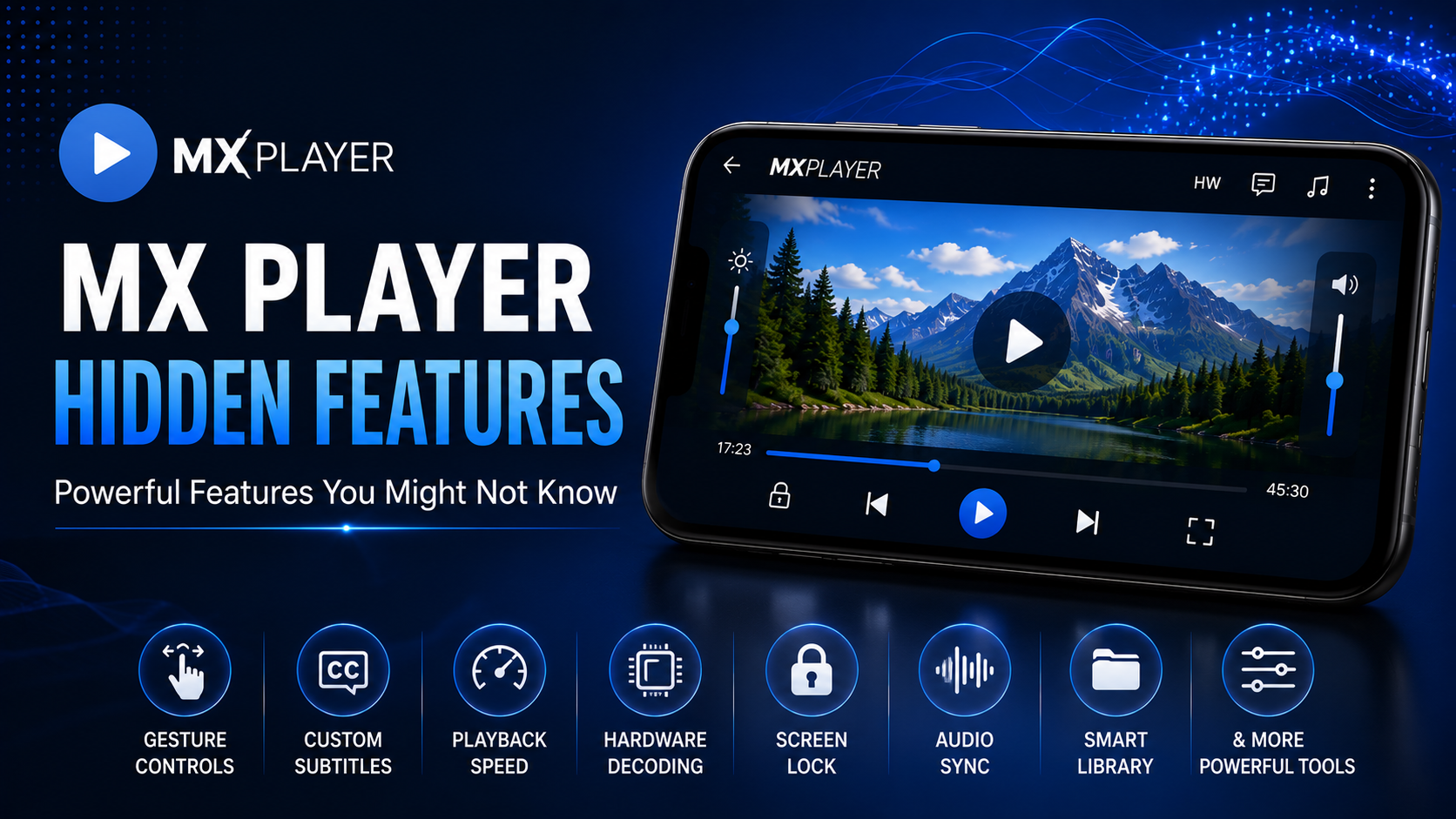
Why Explore MX Player Hidden Features?
The default settings in MX Player provide an excellent experience, but exploring additional capabilities allows you to personalize playback, improve accessibility, and make everyday media consumption much more convenient.
Many of these features are already available inside the app, but you need to know where to find them.
What You'll Discover
| Feature Area | What You'll Discover |
|---|---|
| Gesture Controls | Faster playback navigation |
| Subtitle Customization | Personalized reading experience |
| Playback Speed Control | Learn or watch at your own pace |
| Hardware Decoding | Better performance |
| Resume Playback | Continue where you left off |
| Screen Lock | Prevent accidental touches |
| Audio Synchronization | Better sound timing |
| Picture Controls | Improved viewing comfort |
Hidden Feature 1: Smart Gesture Navigation
MX Player supports gesture-based playback controls that eliminate the need to constantly tap on menus.
Swipe vertically on the left side of the screen to adjust brightness. Swipe vertically on the right side to control volume. Swipe horizontally to fast-forward or rewind.
After using gestures for a few days, you'll likely find traditional playback buttons much slower.
Hidden Feature 2: Advanced Subtitle Customization
Many users know MX Player supports subtitles, but fewer realize how customizable they are. You can modify:
Font size Font color Font style Text outline Background color Subtitle synchronization
These adjustments improve readability, especially during long movies or outdoor viewing.
Hidden Feature 3: Variable Playback Speed
Playback speed isn't only useful for educational videos. You can:
Speed through lengthy introductions Slow down technical demonstrations Watch tutorials comfortably Save time on familiar content
MX Player allows smooth playback speed adjustments while maintaining excellent video quality.
Hidden Feature 4: Hardware Decoder Switching
If a video isn't playing correctly, you don't always need another media player. MX Player lets you quickly switch between hardware decoder and software decoder.
Changing decoder modes often fixes playback issues while improving performance for different video formats.
Hidden Feature 5: Resume Playback Memory
Long videos don't always get finished in one session. MX Player automatically remembers where you stopped watching and asks whether you'd like to continue from that position.
This simple feature saves time every day.
Hidden Feature 6: Screen Lock During Playback
Watching videos while traveling or exercising often leads to accidental touches. The built-in screen lock disables touch controls until you unlock the screen again.
Your movie continues playing without interruptions.
Hidden Feature 7: Audio Delay Adjustment
Sometimes Bluetooth headphones introduce slight synchronization delays. MX Player allows you to manually adjust audio timing so speech perfectly matches the video.
This feature is particularly useful with wireless speakers and headphones.
Hidden Feature 8: Subtitle Delay Controls
External subtitles aren't always perfectly synchronized. Instead of searching for another subtitle file, simply adjust subtitle timing directly inside MX Player.
You can move subtitles forward or backward until they match the dialogue.
Hidden Feature 9: Remember Last Playback Position
Besides resume playback, MX Player intelligently remembers recently watched content. Returning to unfinished videos becomes much easier because the application keeps track of your progress automatically.
Hidden Feature 10: Library Organization
MX Player automatically scans your storage for videos, but you can improve browsing by organizing files into dedicated folders. Separate folders for:
Movies TV Shows Downloads Family Videos Educational Content
Make your library cleaner and easier to navigate.
Hidden Feature 11: Search Inside Your Media Library
Many users manually browse hundreds of videos. Instead, use the built-in search feature to locate media instantly. This becomes especially valuable for large offline collections.
Hidden Feature 12: Aspect Ratio Controls
Different videos use different aspect ratios. MX Player lets you adjust how videos fit your display without changing the original content. This helps eliminate unnecessary black bars or stretched playback when appropriate.
Hidden Feature 13: Background Audio Playback
Some videos are mainly audio-focused, such as lectures, podcasts, interviews, or music performances. On supported content and configurations, MX Player can continue audio playback while you perform other tasks on your device, making it useful for listening without actively watching the screen.
Hidden Feature 14: Faster Library Refresh
After adding new videos to your device, many users wait for the library to update automatically. Refreshing the media library manually helps new content appear sooner and keeps your collection up to date.
Hidden Feature 15: Personalize Playback Preferences
MX Player offers several customization options that allow you to tailor playback according to your preferences. You can adjust orientation behavior, screen controls, playback actions, subtitle appearance, decoder settings, and other viewing preferences to create a more comfortable media experience.
How These Features Improve Everyday Viewing
Using these features together transforms MX Player from a basic video player into a highly personalized media center. Gesture controls simplify navigation, subtitle customization improves readability, decoder options enhance compatibility, and playback controls make watching content more enjoyable across different situations.
Even small adjustments can have a noticeable impact on daily use.
Hidden Features at a Glance
| Feature | Main Benefit |
|---|---|
| Gesture Controls | Faster navigation |
| Subtitle Customization | Better readability |
| Playback Speed | Flexible viewing |
| Decoder Switching | Improved compatibility |
| Resume Playback | Saves time |
| Screen Lock | Prevents interruptions |
| Audio Sync | Better listening experience |
| Aspect Ratio | Better display control |
Who Should Use These Features?
These features benefit nearly every type of MX Player user.
Movie lovers can enjoy improved subtitles and playback controls. Students can use playback speed adjustments while watching lectures. Travelers benefit from screen locking during playback. Families appreciate resume playback and organized media libraries. Anyone who watches videos regularly can improve their experience with just a few settings.
Why MX Player Stands Out
MX Player remains one of Android's most popular media players because it balances simplicity with powerful customization. New users can begin watching videos immediately, while experienced users have access to advanced playback tools that improve comfort, flexibility, and performance.
These additional features demonstrate why MX Player remains a preferred choice for millions of Android users worldwide.
Final Thoughts
MX Player offers much more than simple video playback. Once you begin exploring its hidden features, you'll discover tools that improve navigation, personalize subtitles, optimize playback performance, and make watching videos far more convenient.
Taking a few minutes to explore these capabilities allows you to enjoy a smoother, smarter, and more enjoyable media experience every day.
Frequently Asked Questions (FAQs)
1) Are these hidden features available in all versions of MX Player?
Many features are available in current versions of MX Player, although availability may vary depending on your device, Android version, and app edition.
2) Does hardware decoding improve video playback?
Yes. Hardware decoding generally provides smoother playback, lower CPU usage, and improved battery efficiency on supported devices.
3) Can I customize subtitles?
Absolutely. MX Player allows extensive subtitle customization, including font size, color, style, background, and synchronization.
4) What is the benefit of gesture controls?
Gesture controls allow you to adjust brightness, volume, and playback position quickly without repeatedly opening playback menus.
5) Why should I organize my media library?
Organized folders improve navigation, make videos easier to find, and help keep your collection manageable.
6) Is MX Player suitable for beginners?
Yes. MX Player is easy to use for new users while also offering powerful features for those who want more control over playback.
Continue Learning with Player SDK
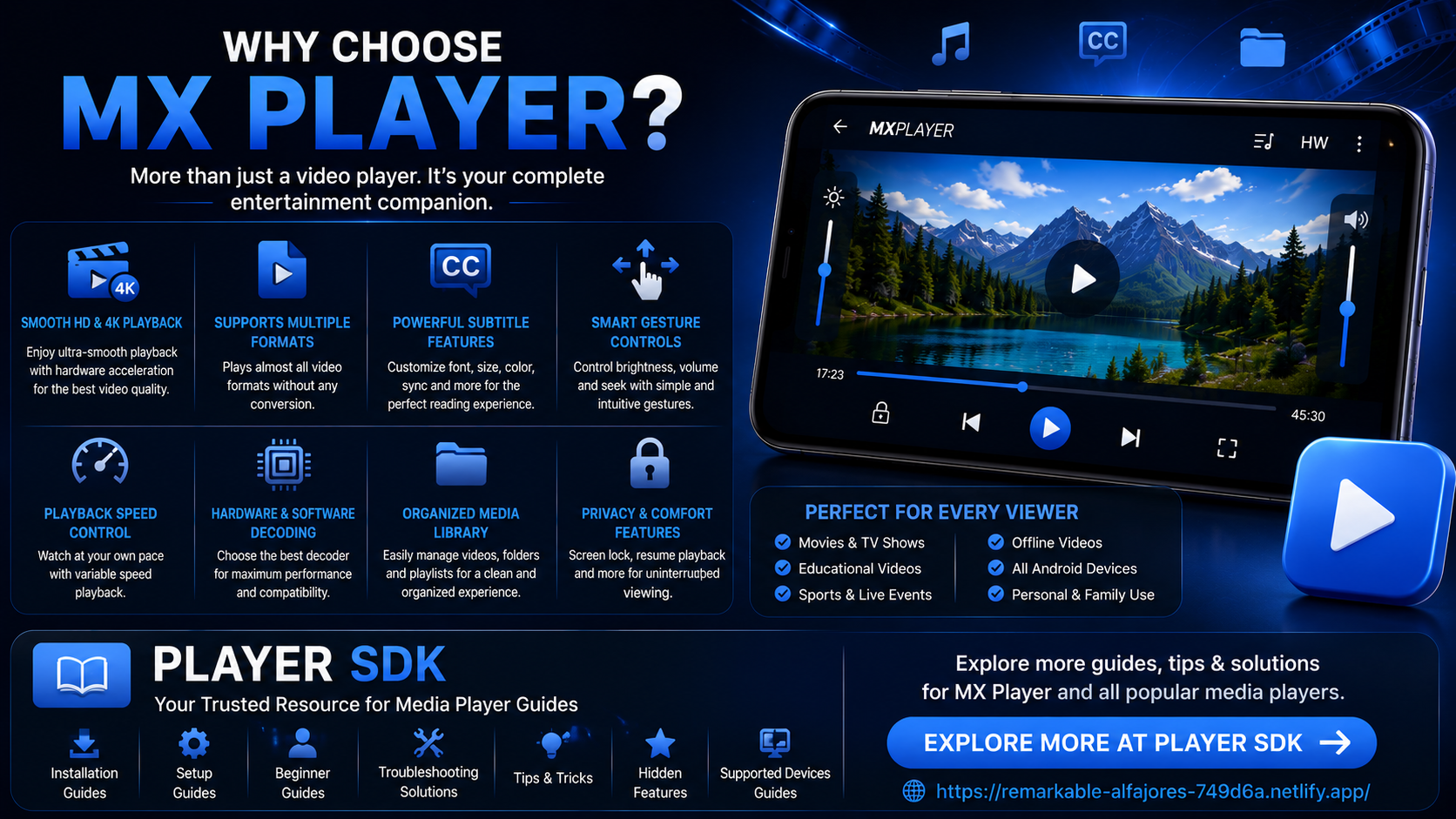
Want to unlock the full potential of MX Player and other leading media players? Player SDK is your trusted resource for installation guides, setup tutorials, beginner guides, troubleshooting solutions, tips & tricks, hidden features, supported device guides, and advanced media player tutorials.
Whether you use MX Player, VLC Media Player, Kodi, TiviMate, OTT Navigator, Sparkle TV, Perfect Player, or other popular media players, Player SDK provides detailed, easy-to-follow guides that help you get the best possible viewing experience.
