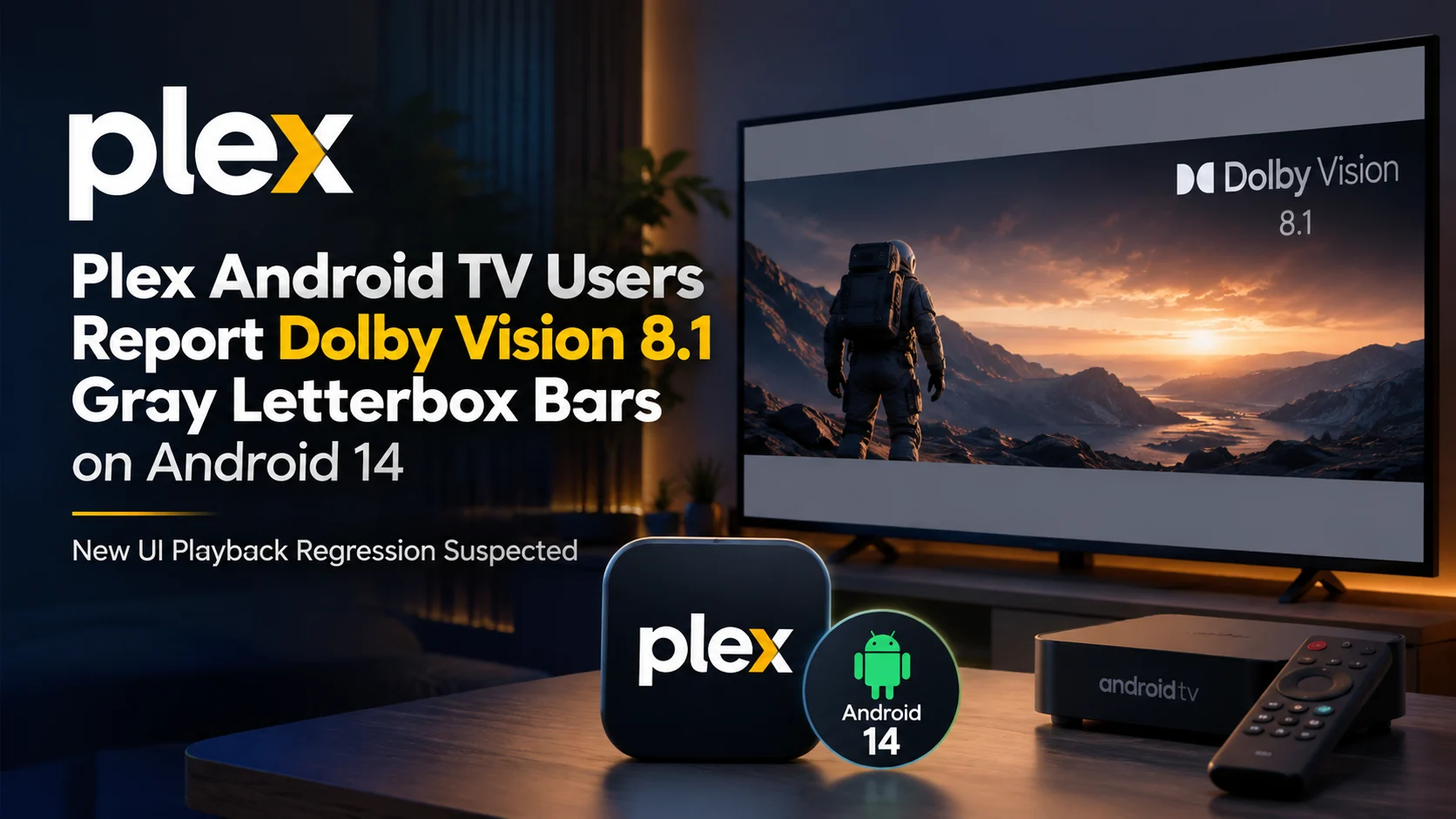
The reported Plex gray letterbox bars problem appears during Dolby Vision 8.1 playback on certain Android TV setups.
The strongest clue comes from comparison testing.
According to the Plex community report, the same type of Dolby Vision content displayed proper black letterbox areas using an older Plex Android TV build. After moving to the newer application experience, the bars became gray.
That suggests the media file or television panel may not be the only factor.
A change somewhere in Plex's playback path, Android's rendering pipeline, HDR handling, video decoding, or the interaction between these components could be involved.
For now, it is more accurate to call this a suspected playback regression rather than a confirmed Android 14 or Dolby Vision platform bug.
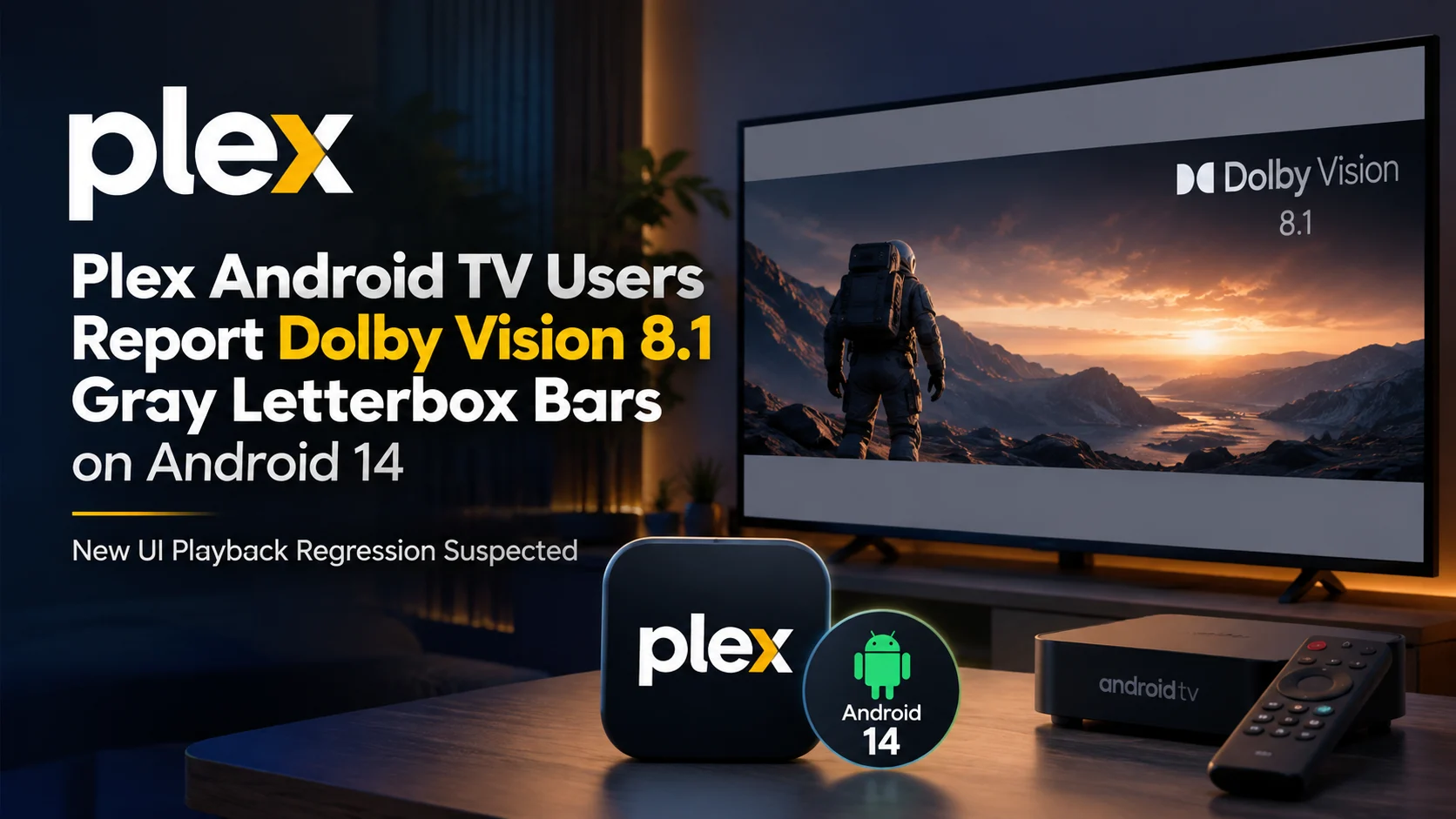
Plex Dolby Vision 8.1 Issue at a Glance
| Area | Reported Behaviour |
|---|---|
| Platform | Android TV |
| Operating System | Android 14 |
| Application | Plex |
| Video Format | Dolby Vision Profile 8.1 |
| Container | MKV |
| Playback Path | Direct Play |
| Visible Problem | Gray letterbox bars |
| Older Plex Experience | Black bars reportedly display correctly |
| New Plex Experience | Gray bars reported |
| Confirmed Root Cause | Not yet established |
Why Dolby Vision 8.1 Playback Can Be Complicated
Dolby Vision playback involves more than simply opening a video file.
A modern playback chain can involve HEVC decoding, HDR metadata, Android's media framework, the application player, hardware video decoding, display composition, and finally the television's own HDR processing.
If one part of this chain behaves differently after an application or operating-system change, video can still play while its appearance changes.
That is why HDR playback bugs are not always obvious failures.
Instead of producing a black screen, a problem may appear as raised black levels, strange brightness, incorrect colors, refresh-rate behavior, or abnormal letterbox rendering.
Google's Android Media3 documentation explains that ExoPlayer can handle HDR playback, but actual HDR decoding and display depend on support provided by the Android platform and the individual device.
This is one reason Android TV video playback can vary between devices even when they appear to support the same HDR format on paper.
Is Plex's New UI Really Causing the Gray Bars?
The redesigned Plex experience is receiving attention because users report that the problem appeared after moving away from the older Android TV application.
However, the visible interface itself may not be responsible.
Major application redesigns can also introduce changes to the video player, rendering surfaces, decoder configuration, display handling, refresh-rate switching, and device capability detection.
In other words, two versions of an application can look different while also behaving differently behind the scenes.
The safer conclusion is that the Plex Dolby Vision 8.1 playback issue appears associated with newer Plex Android TV versions, but there is not enough verified information to blame one specific component.
Could ExoPlayer or Android's Rendering Pipeline Be Involved?
The original user report proposes an interaction between Plex's internal playback implementation, ExoPlayer, and the Android 14 display compositor.
That explanation is technically possible, but it remains a user-proposed diagnosis rather than an official Plex explanation.
There are several layers between a Dolby Vision file and the final image shown on a television.
Plex must identify the media, select the correct playback path, work with Android's media APIs, access a compatible video decoder, and then send the resulting frames through the device's display pipeline.
A change in any one of those stages could potentially affect black-level presentation.
This is also why blaming ExoPlayer alone would be premature.
Why Gray Letterbox Bars Matter
A slightly gray letterbox area might sound like a minor visual issue, but it can be very noticeable on premium televisions.
OLED displays are especially revealing because black pixels can become extremely dark. Proper letterbox bars therefore tend to disappear into a dark room.
If those areas are rendered above true black, they become visible as gray rectangles around the movie.
The same issue may also be noticeable on Mini-LED and high-quality LCD displays, depending on local dimming behavior.
For users who built their setup around 4K HDR playback and Dolby Vision, correct black levels are an important part of picture quality.
The video technically playing is not the same as the video being displayed correctly.
How to Check Whether Your Plex Setup Has the Same Problem
The best method is controlled comparison.
Start with one known Dolby Vision Profile 8.1 movie where the letterbox areas are easy to see.
Play the file through Plex and confirm whether the server reports Direct Play.
Next, play that exact file using another compatible Android media player.
PlayerSDK's VLC Media Player setup guide for Android can help users configure an alternative player and compare video behavior without changing the original media file.
If another player shows proper black bars while Plex shows gray bars, that is useful evidence that the television's global black-level settings are probably not the main problem.
You can also test the same content through another compatible streaming device.
PlayerSDK's streaming device comparison makes it easier to compare Dolby Vision, HDR, and codec support when checking alternative playback hardware.
Should You Change Your TV Picture Settings?
Avoid changing several television settings immediately.
If normal SDR content, HDR10 video, and other applications continue to show correct black levels, changing your television's global brightness or black-level controls could make otherwise correct content look worse.
First determine whether the problem appears only inside Plex.
Try the same movie in another player.
Then test another Dolby Vision file.
If possible, compare it with HDR10 content as well.
This simple process makes video player troubleshooting much easier because each test removes another possible cause.
Does Direct Play Cause the Gray Bars?
Not necessarily.
The reported issue occurs during Plex Direct Play, but that does not mean Direct Play itself is broken.
Direct Play normally allows the client to receive compatible source media without requiring the server to convert the video.
That is usually desirable for high-quality local libraries because it reduces server processing and helps preserve the original video.
For troubleshooting, however, temporarily changing the playback path can provide useful information.
If the visual issue disappears when the content is converted or handled differently, the result suggests that something in the original playback path may be triggering the behavior.
That still does not mean the original file is defective.
PlayerSDK has previously covered changes affecting Plex HEVC Direct Play behavior, where users reported different playback decisions after a client update even though their original media had not changed.
That is relevant because it demonstrates how client-side changes can affect media behavior without requiring users to replace their source files.
Is the MKV Container Responsible?
There is currently no solid evidence showing that MKV alone causes the gray letterbox problem.
MKV is commonly used for high-quality local movie libraries because it can contain modern video codecs, multiple audio tracks, and subtitle streams.
The more useful question is whether the same MKV file behaves differently across players.
If Plex displays gray bars while another compatible player displays correct blacks using exactly the same file, the container itself becomes a less convincing explanation.
This is where testing with a second video player for Android becomes valuable.
The goal is not necessarily to permanently replace Plex.
The goal is to identify which part of the playback chain changes the result.
Is Android 14 Responsible?
Android 14 is part of the reported setup, but current evidence does not show that every Android 14 television or streaming device has this problem.
Android TV hardware can vary significantly.
Two devices running the same version of Android may use different chipsets, hardware decoders, firmware, Dolby Vision implementations, and manufacturer-specific display processing.
That can produce different playback behavior with the same application and media file.
Google's own Media3 documentation notes that HDR playback support depends on the Android platform and device capabilities.
So the current issue should be treated as an Android 14 Plex playback problem reported on specific configurations, rather than proof of a universal Android 14 failure.
Plex Is Still Changing Dolby Vision Playback Behavior
There is another useful piece of context.
Plex's recent Android TV player release notes include a fix allowing refresh-rate and resolution switching to work during Dolby Vision playback on Android TV and Fire TV.
That fix is not confirmation that Plex has solved the gray letterbox issue.
The two problems may be completely separate.
However, it shows that Plex is actively making changes in areas directly connected with Dolby Vision playback.
That makes it worthwhile for affected users to retest their files after Plex application updates instead of assuming that one workaround will always be necessary.
Could a Different Streaming Device Avoid the Issue?
Possibly.
Different streaming devices use different chipsets, operating systems, video decoders, and HDR pipelines.
A Dolby Vision movie that behaves incorrectly on one device may display correctly through another.
This does not automatically mean one device is universally better.
It highlights an important point about modern media playback: format support on a specification sheet is only part of the story.
Real-world player implementation matters too.
Before testing alternative hardware, users can browse PlayerSDK's Android TV streaming devices section and use the streaming device comparison tool to compare HDR standards, codecs, and platform capabilities.
For users with large Dolby Vision libraries, testing representative files is still the safest approach.
Has Plex Confirmed a Permanent Fix?
There is currently no public confirmation of a universal fix specifically addressing the Dolby Vision 8.1 gray letterbox bars described in the report.
Plex continues to update its Android television player and has released other Dolby Vision-related playback changes.
Affected users should therefore keep testing after application updates.
When reporting the problem, useful technical details include the TV or streaming-device model, Android version, Plex client version, Dolby Vision profile, container format and whether playback is Direct Play.
That kind of information is far more useful than simply reporting that Dolby Vision looks wrong.
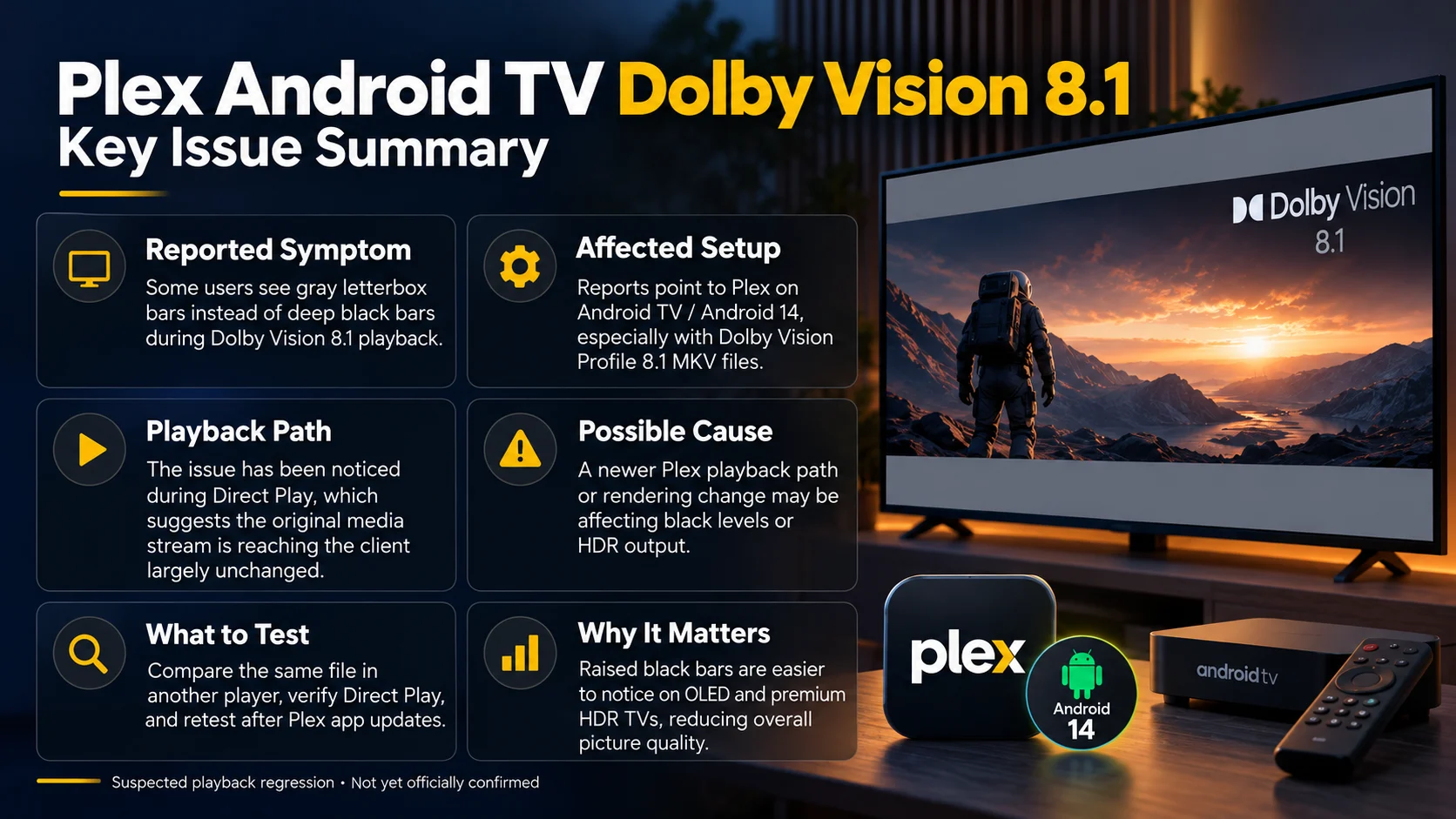
Final Verdict
The reported Plex Android TV Dolby Vision 8.1 gray letterbox bars issue deserves attention because the user reporting it has compared different Plex versions using the same type of content.
The most important observation is simple: the older Plex Android TV experience reportedly displays proper black bars, while newer versions produce gray letterbox areas under the affected configuration.
That makes a playback regression plausible.
What remains uncertain is exactly where the regression exists.
It could involve Plex's player implementation, ExoPlayer integration, Android 14 display handling, hardware decoding, Dolby Vision processing or an interaction between multiple components.
Until Plex provides a technical explanation, calling it a suspected Plex Android TV playback regression is more accurate than declaring Android 14 or Dolby Vision itself broken.
For now, users should compare the same file across players, verify the playback method, avoid unnecessary television calibration changes and retest after Plex updates.
Frequently Asked Questions
1) Why does Plex show gray letterbox bars with Dolby Vision?
Affected users report that the bars appear during Dolby Vision Profile 8.1 playback in newer Plex Android TV versions. The exact technical cause has not been officially confirmed.
2) Is Dolby Vision 8.1 broken on Plex Android TV?
No. Current evidence does not show a universal Dolby Vision 8.1 failure. The reported behavior appears to affect specific Plex and Android TV configurations.
3) Does Android 14 cause Plex gray letterbox bars?
Android 14 is part of the reported environment, but it has not been proven to be the sole cause.
4) Does Plex Direct Play cause the issue?
The reported case occurs during Direct Play, but Direct Play itself has not been confirmed as the root cause.
5) Is ExoPlayer responsible?
ExoPlayer has been discussed as part of the suspected playback chain, but there is currently no official confirmation that ExoPlayer alone causes the problem.
6) Can changing TV brightness fix the issue?
It is better to test another player first. If other applications display correct blacks, changing global picture settings may create new picture-quality problems without fixing the Plex-specific behavior.
7) Can another Android video player help?
Yes. Comparing the exact same file using another compatible player can help determine whether the issue follows the media file or Plex's playback path.
8) Is MKV responsible for the gray bars?
There is currently no evidence proving that the MKV container alone is responsible.
9) Should I test another streaming device?
Yes, if one is available. A second device can help determine whether the problem is specific to one Android TV implementation.
10) Has Plex released a permanent fix?
Plex has released other Dolby Vision-related player improvements, but there is no confirmed universal fix specifically for the gray letterbox behavior described here.
Experiencing Android TV video playback, Dolby Vision, HEVC or Direct Play problems?
Explore PlayerSDK's Android media player guides, Plex playback coverage, Android TV streaming devices and streaming device comparison resources to determine whether a playback issue is coming from the application, codec, video format or playback hardware.
