If you've recently installed and set up PLAYit on your Android phone, you're ready to enjoy one of the most popular media players available today. PLAYit is known for its clean interface, smooth HD playback, support for multiple video and audio formats, floating player mode, subtitle compatibility, and built-in media management tools.
However, if you're using PLAYit for the first time, the number of menus and features may seem overwhelming. The good news is that you don't need to learn everything at once. By understanding the basics, you'll be able to navigate the app confidently and enjoy a much better viewing experience.
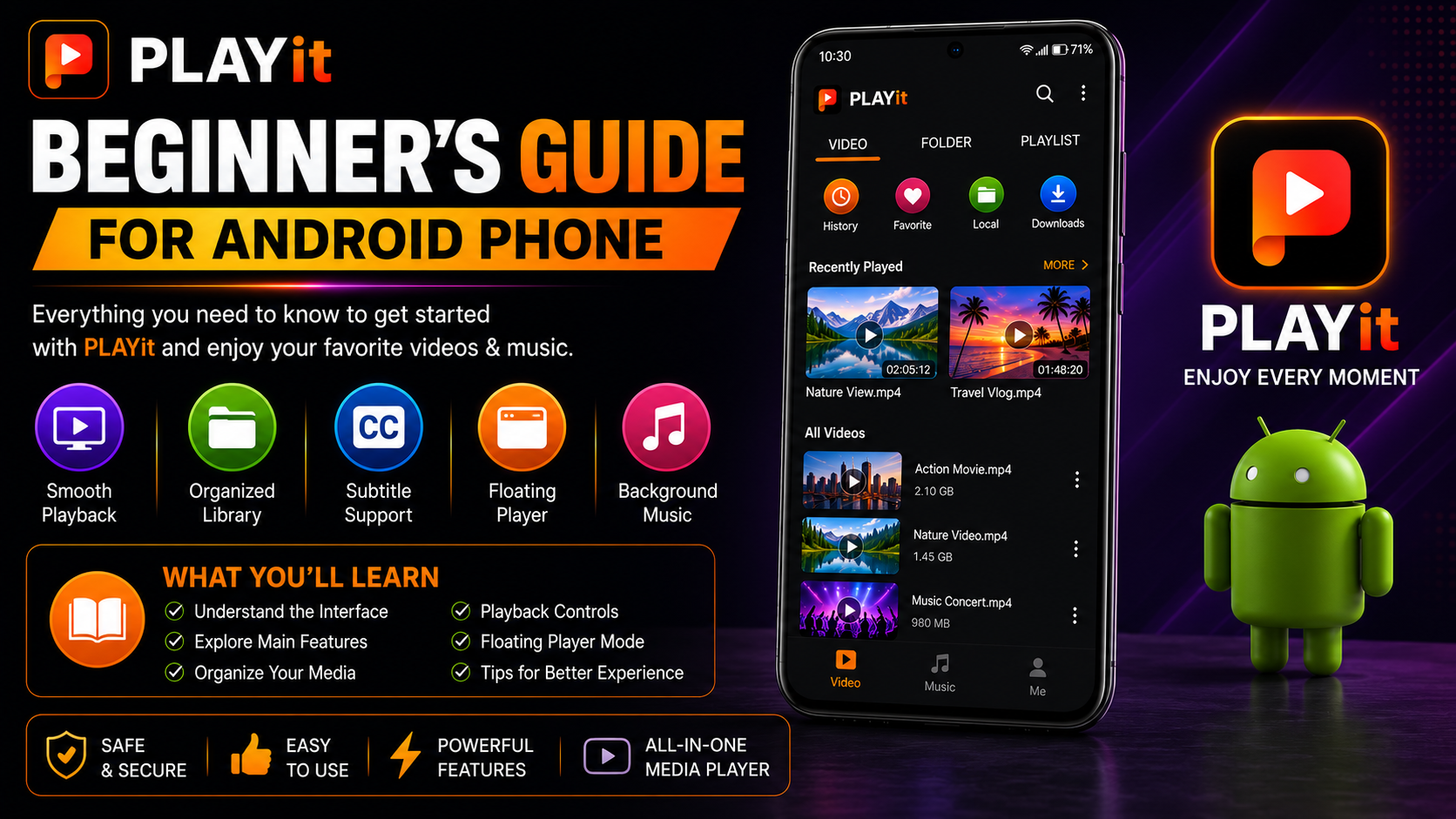
In this complete PLAYit Beginner's Guide for Android, you'll learn how the app works, understand its main features, explore the interface, organize your media, and build confidence using PLAYit every day.
Why Learn PLAYit Before Using It?
Many people install PLAYit and immediately start playing videos without exploring its features. While that works, learning the basics first helps you make the most of everything the app offers.
Benefits include:
Easier navigationBetter media organizationFaster video accessImproved playback experienceBetter subtitle usageMore comfortable interfaceSmoother everyday performanceLess confusion for new users
A few minutes of learning can significantly improve your overall experience.
What You'll Learn
| Topic | What You'll Learn |
|---|---|
| PLAYit Interface | Understand the home screen |
| Main Features | Explore core capabilities |
| Navigation | Learn where everything is |
| Media Library | Organize videos and music |
| Playback Controls | Watch content comfortably |
| Floating Player | Multitask while watching |
| Best Practices | Everyday usage tips |
| Common Mistakes | What beginners should avoid |
What Is PLAYit?
PLAYit is a powerful multimedia player designed for Android devices.
It supports a wide range of:
Video formatsAudio formatsHD playbackSubtitle filesLocal media management
Instead of switching between different apps for videos and music, PLAYit brings everything together into one easy-to-use application.
Understanding the Home Screen
When you open PLAYit, you'll see the home screen.
Depending on your version, you may find sections such as the following:
VideosMusicFoldersPlaylistsDownloadsRecently Played
Take a few minutes to explore each section before changing any settings.
Getting familiar with the layout makes navigation much easier later.
Learn the Main Navigation
The navigation system in PLAYit is simple and beginner-friendly.
Spend some time opening each section to understand where your content is stored.
Learning where to find your videos, music, folders, and playback history helps you use PLAYit much more efficiently every day.
Organize Your Media Library
One of the easiest ways to improve your PLAYit experience is by keeping your media organized.
Create folders such as the following:
MoviesTV ShowsMusicFamily VideosDownloadsTravel VideosEducational Videos
A clean folder structure makes browsing faster and keeps your library organized as it grows.
Learn Basic Playback Controls
PLAYit includes several useful playback controls.
Become familiar with:
PlayPauseResumeSeek ForwardSeek BackwardVolume ControlBrightness AdjustmentFull Screen
Knowing these controls improves your viewing experience from day one.
Explore Floating Player Mode
One of PLAYit's most useful features is Floating Player.
This allows your video to continue playing while you:
Browse the webReply to messagesUse social mediaTake notesOpen other apps
Floating Player is ideal for multitasking without interrupting playback.
Learn Subtitle Features
If you regularly watch movies or international content, subtitles become an important feature.
PLAYit allows you to customize the following:
Font sizeSubtitle positionText colorBackgroundSynchronization
Well-configured subtitles improve readability during long viewing sessions.
Explore Music Playback
PLAYit isn't only for videos.
It also supports:
Local music playbackPlaylistsBackground audioMusic organization
Spend a few minutes exploring the music section if you listen to audio files regularly.
Understand Recently Played
PLAYit keeps track of recently opened media.
This makes it easy to return to content without searching through folders again.
It's especially helpful when watching long videos or continuing unfinished movies.
Learn Folder Navigation
Instead of opening videos from random locations, browse through organized folders.
Keeping related content together makes it much easier to find media later.
Good organization saves time every day.
Explore Settings Gradually
PLAYit includes several customization options.
Instead of changing everything immediately, explore one settings section at a time.
Examples include:
Playback SettingsSubtitle SettingsInterface PreferencesLanguage Options
Learning gradually prevents confusion.
Keep PLAYit updated
Regular updates provide:
Better performanceNew featuresBug fixesImproved compatibilityBetter security
Always update PLAYit through the Google Play Store.
Keep Your Phone Organized
Your Android phone also plays a role in PLAYit's performance.
Maintain:
Free storageOrganized media foldersUpdated Android versionStable internet connection when required
A healthy device helps PLAYit run more smoothly.
Beginner Tips for Daily Use
Developing good habits early makes a noticeable difference.
Organize new videos into dedicated folders before opening them in PLAYit. Explore the interface regularly, keep the app updated, and avoid filling your device's storage completely. These simple habits improve long-term performance and make your media library easier to manage.
Quick Beginner Checklist
| Task | Status |
|---|---|
| Installed PLAYit | ✓ |
| Completed Setup | ✓ |
| Granted Permissions | ✓ |
| Organized Media | ✓ |
| Tested Video Playback | ✓ |
| Explored Floating Player | ✓ |
| Customized Subtitles | ✓ |
| Updated App | ✓ |
Common Beginner Mistakes
Many new users unknowingly reduce their overall experience.
Avoid:
Keeping all videos in one folderIgnoring subtitle settingsNever updating PLAYitSkipping playback testingFilling phone storage completelyNot exploring the interface
Avoiding these mistakes makes PLAYit easier and more enjoyable to use.
Best Practices for Everyday Use
For the best experience, organize your media library consistently, update PLAYit whenever new versions become available, and periodically review your settings to ensure they still match your preferences.
The more organized your files are, the easier it becomes to enjoy your favorite content without unnecessary searching or clutter.
Why PLAYit Is Great for Beginners
PLAYit combines powerful playback capabilities with a simple interface that makes it easy for new users to get started. Features like Floating Player, subtitle support, background music playback, and organized media browsing provide advanced functionality without making the app difficult to learn.
As you become more comfortable with PLAYit, you'll naturally discover additional features that enhance your everyday media experience.
What's Next?
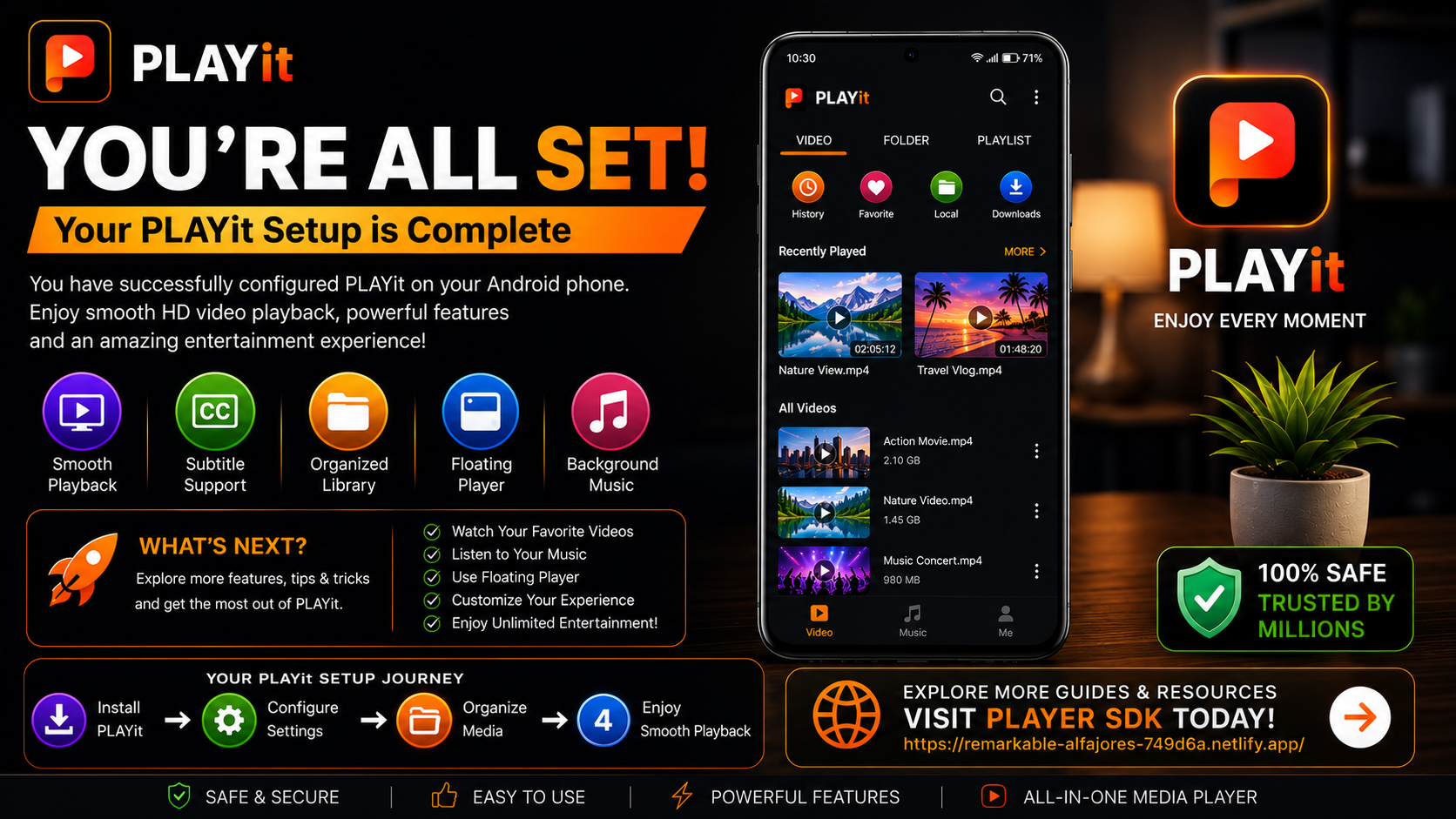
Now that you've learned the basics of using PLAYit, it's time to prepare for solving common issues that may occasionally occur.
Continue with the:
PLAYit Troubleshooting Guide
You'll learn how to fix playback problems, resolve installation issues, improve performance, and keep PLAYit running smoothly.
Final Thoughts
Learning the basics of PLAYit is the best way to build confidence and enjoy a smoother media experience. By understanding the interface, organizing your media, exploring playback controls, and using features like Floating Player and subtitles, you'll get much more from the app than simply playing videos.
Whether you're watching movies, listening to music, or managing personal media files, PLAYit offers an intuitive and powerful experience that's perfect for Android users of all experience levels.
Frequently Asked Questions (FAQs)
1) Is PLAYit beginner-friendly?
Yes. PLAYit is designed with a clean interface that makes it easy for new Android users to start watching videos and listening to music immediately.
2) Can PLAYit play both videos and music?
Yes. PLAYit supports a wide variety of video and audio formats within a single application.
3) What is a floating player?
Floating Player lets videos continue playing in a small window while you use other apps on your Android phone.
4) Should I organize my media before using PLAYit?
Yes. Keeping videos and music in separate folders makes browsing faster and your library easier to manage.
5) Does PLAYit support subtitles?
Absolutely. You can enable subtitles and customize their size, color, position, and synchronization.
6) What should I read after this beginner guide?
The next recommended article is the PLAYit Troubleshooting Guide, where you'll learn how to solve common playback issues, improve performance, and keep the app running smoothly.
Continue Learning with Player SDK
Ready to get even more from PLAYit? Player SDK is your trusted destination for PLAYit installation guides, setup guides, troubleshooting, tips & tricks, hidden features, supported device guides, and complete media player tutorials.
Whether you're just starting out or looking to master every feature, Player SDK provides beginner-friendly, step-by-step resources to help you enjoy the best possible media experience on your Android phone.
