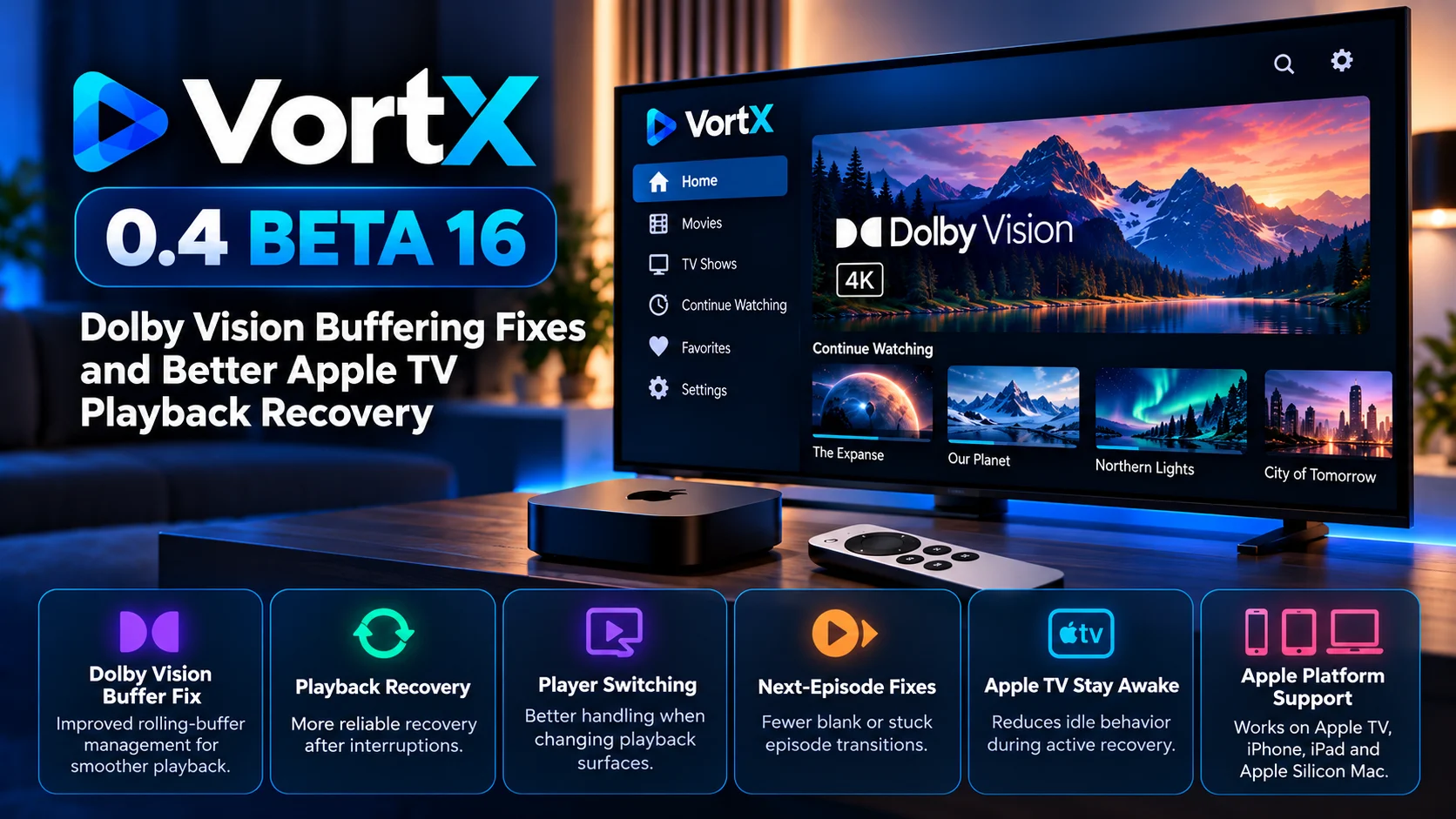
VortX has released 0.4 Beta 16, a new Apple-focused test build aimed at improving several important playback and recovery problems affecting Apple TV users.
The biggest change centers on Dolby Vision rolling-buffer management, but the update goes considerably further. VortX Beta 16 also targets incorrect player-surface switching, stalled next-episode recovery, playback-state preservation, and situations where an Apple TV could become idle. At the same time, it transferred playback between player engines.
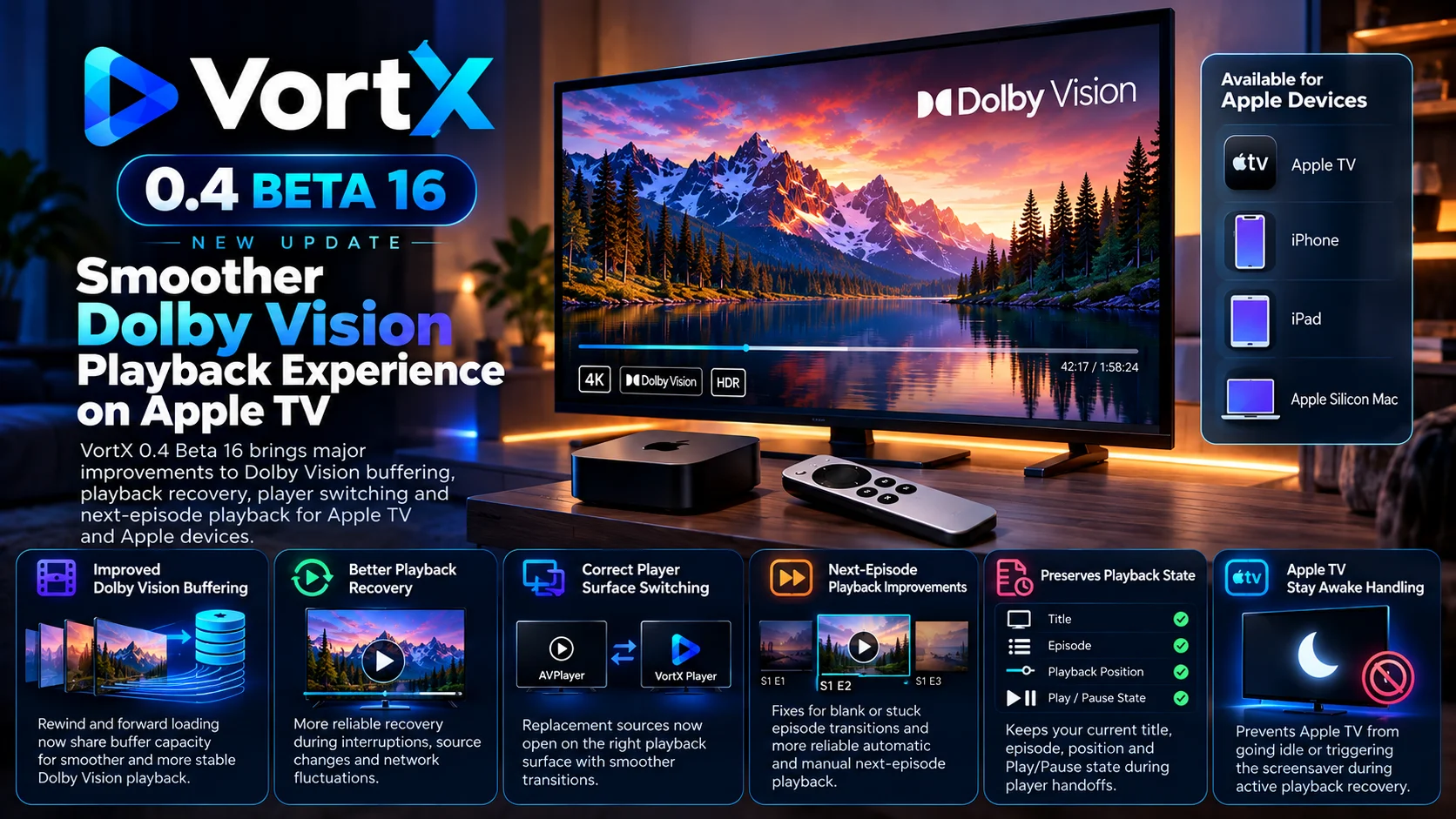
The release is available for Apple TV, iPhone, iPad, and Apple Silicon Mac. Android remains on a separate beta branch and is not included in this particular playback-focused update.
For Apple TV users, Beta 16 is especially notable because it targets problems that may not appear immediately. Dolby Vision playback can begin normally and remain stable for some time before buffer-management problems appear. Similarly, player recovery problems may only become visible when VortX needs to switch playback engines, load another episode, or rebuild a source during an active session.
Rather than adding a major interface redesign, VortX 0.4 Beta 16 focuses on making those underlying playback paths more dependable.
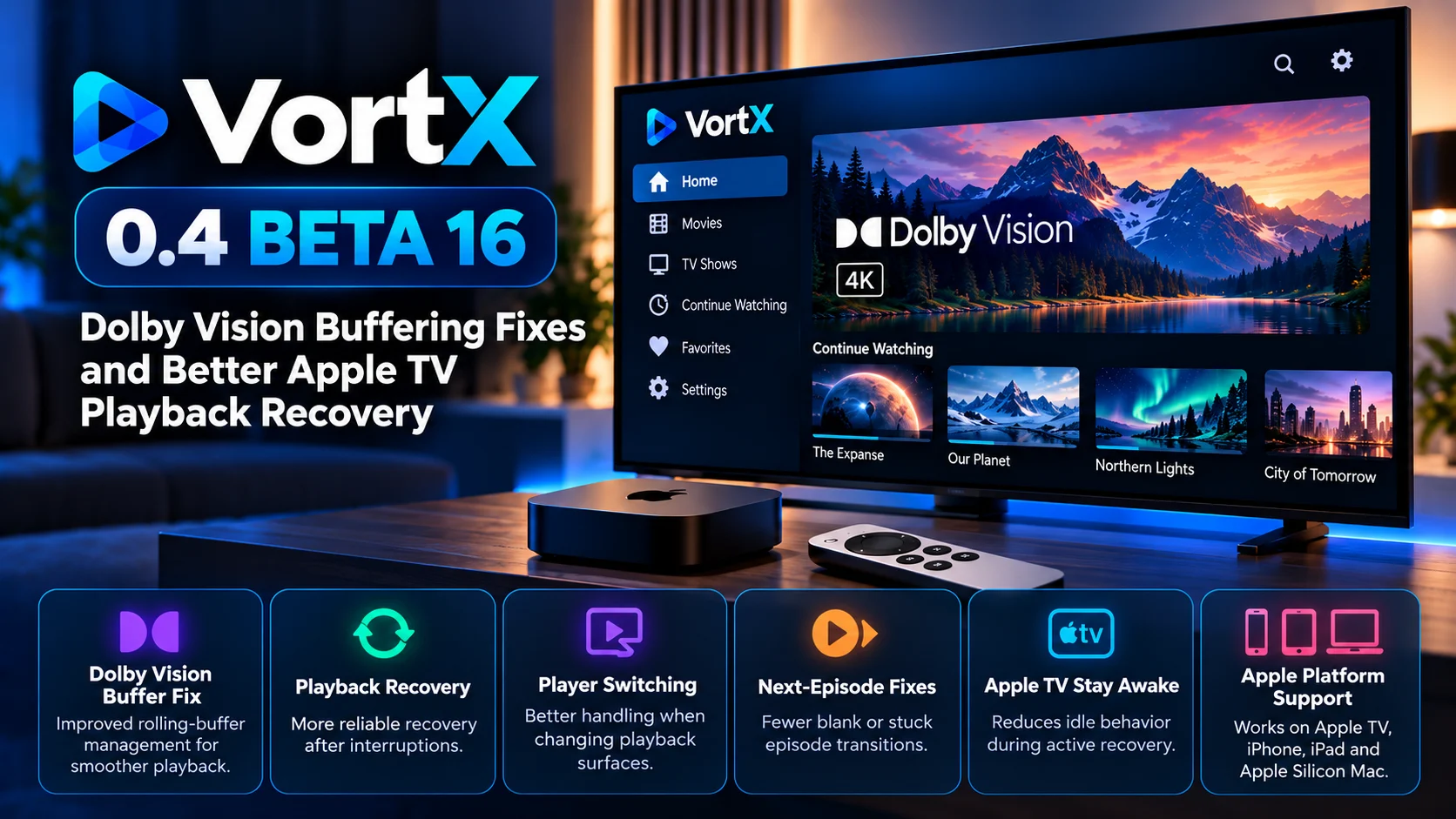
What Is New in VortX 0.4 Beta 16?
VortX Beta 16 is primarily a playback-reliability release.
The development work targets four major areas: Dolby Vision production stopping, replacement sources opening on the wrong player surface, next-episode recovery stalling, and Apple TV becoming idle during player handoffs.
The Dolby Vision change is the most technically significant.
VortX uses a local rolling buffer for certain Dolby Vision playback workflows. That buffer has limited physical capacity and needs to balance media that has already played with media that must be prepared next.
If too much capacity is reserved for older content while forward playback also assumes it can use the entire available window, the system can eventually reach a point where the next segment cannot be produced.
Beta 16 changes that allocation model.
VortX 0.4 Beta 16 Changes at a Glance
| Area | What Changed | Why It Matters |
|---|---|---|
| Dolby Vision buffer | Rewind and forward loading now share available capacity | Helps prevent the local spool from filling incorrectly |
| Forward buffering | AVPlayer buffer target follows actual forward allocation | Better matches player demand with available video data |
| Segment lifecycle | Advertised video and subtitle resources keep validity deadlines | Prevents removing resources AVPlayer may still request |
| Player switching | Recovery better preserves the intended playback surface | Reduces incorrect player-engine handoffs |
| Playback state | Title, episode, position, and play/pause state can survive switches | Makes recovery less disruptive |
| Next episode | Improved automatic and manual episode recovery | Helps prevent blank or reconnecting transitions |
| Apple TV idle handling | Active recovery keeps playback associated with an awake state | Reduces unwanted idle or screensaver behavior |
| Platforms | Apple TV, iPhone, iPad and Apple Silicon Mac | Android remains on a separate beta build |
Dolby Vision Rolling Buffer Gets a Major Fix
The biggest technical change in VortX 0.4 Beta 16 involves how the player manages its Dolby Vision rolling buffer.
A rolling buffer can be thought of as a limited storage window that continuously moves forward as playback progresses.
Part of that space may be retained for content the viewer has already watched so that backward seeking remains possible. Another portion is needed for media that must be prepared ahead of the current playback position.
The problem appears when both sides behave as though they independently have access to the full capacity.
If rewind history keeps too much data while forward loading continues requesting additional segments, the physical spool can eventually become full.
Once there is no room left to publish another segment, the Dolby Vision pipeline can stop moving forward.
That can look like ordinary buffering to the viewer even though the underlying cause is not necessarily network bandwidth.
Beta 16 changes the system so rewind history and forward-loading requirements share the available buffer capacity more carefully.
This should allow VortX to preserve useful playback history without blocking the production of the video segments needed next.
This Is Not Simply a Slow Internet Problem
The term "buffering" is often associated with weak Wi-Fi or insufficient internet speed.
That is not the primary issue being addressed here.
The Beta 16 Dolby Vision change focuses on local buffer allocation and segment production.
A connection could theoretically have plenty of available bandwidth while playback still stalls if VortX cannot allocate enough local space to publish the next video segment.
That distinction matters when troubleshooting.
Increasing internet speed would not necessarily solve a problem caused by the local spool reaching its allocation limit.
The new buffer-management logic is therefore designed to address the playback pipeline itself rather than simply increasing network retries.
Forward Playback and Rewind History Now Share Capacity
One of the most important changes is the relationship between backward-seek history and future playback data.
Keeping previous segments is useful because users expect to be able to rewind without forcing the player to reconstruct everything immediately.
However, forward playback always needs enough space to continue producing new segments.
Beta 16 attempts to maintain a better balance between those two requirements.
Instead of allowing rewind and forward loading to behave independently against the full window, the player now works with a shared capacity model.
That reduces the likelihood that historical playback data consumes space needed for the next Dolby Vision segment.
The implementation also needs to account for media segments that are currently being finalized, ensuring the system does not calculate capacity too aggressively.
AVPlayer Buffer Target Becomes More Realistic
VortX also changes how AVPlayer's preferred forward buffer relates to the amount of data the Dolby Vision producer can actually provide.
Previously, a player could effectively be encouraged to request buffering based on a larger theoretical rolling window.
Beta 16 instead ties the forward target more closely to the capacity VortX can realistically allocate for upcoming video when bitrate information is available.
That creates a healthier relationship between the media producer and the player consuming those segments.
AVPlayer should not be encouraged to maintain a forward buffer larger than VortX can reliably produce.
For long Dolby Vision sessions, that synchronization can become particularly important as the rolling buffer advances repeatedly.
Previously Advertised Segments Still Need Protection
Reducing buffer usage is not as simple as immediately deleting older files.
Once a segment has been advertised to AVPlayer, Apple's playback engine may still legitimately request it.
The same applies to subtitle resources.
Beta 16 therefore continues respecting validity deadlines for advertised video and subtitle resources.
This is an important part of the change.
If VortX aggressively removed old segments to make room for new ones, AVPlayer could request an advertised resource and unexpectedly find that it no longer exists.
That would create a different playback failure.
The goal is therefore to reclaim storage intelligently while keeping previously announced media available for as long as the player can reasonably request it.
Why Long Dolby Vision Sessions Need Testingc
Some media-player problems happen instantly.
Others require enough playback history to accumulate before the bug becomes visible.
The Dolby Vision issue targeted by Beta 16 is closer to the second category.
A movie may begin successfully, maintain Dolby Vision output, and play normally during the early portion of a session.
Only after the rolling window advances multiple times could incorrect buffer accounting become visible.
That is why extended playback is more useful than simply confirming that a Dolby Vision title starts.
Testing should include normal playback for an extended period followed by pause, resume, backward seeking, and forward seeking.
Each interaction changes the relationship between current playback, retained history, and upcoming segments.
Player Switching Gets Better Recovery Logic
VortX can work with different playback surfaces, including AVPlayer and VortX Player.
That gives the application flexibility, but it also makes recovery more complex.
When one playback path fails or needs to be replaced, VortX must do more than load a new media URL.
It needs to select the correct playback surface, preserve the current title or episode, retain the playback position, and restore whether the media was playing or paused.
Beta 16 targets reports where replacement playback could appear on the wrong player surface.
Improving this process should make fallback behavior less noticeable to viewers.
Ideally, an engine handoff should feel like a brief recovery event rather than a complete restart of the viewing session.
Playback Position and State Should Survive a Handoff
Preserving state during player recovery is particularly important on Apple TV.
Imagine watching an episode halfway through when VortX needs to switch playback engines.
If recovery only remembers the media source but loses the session state, several problems can occur.
The episode might restart from the beginning. A paused title could suddenly begin playing. The correct series could load but with a different episode selected.
Beta 16 focuses on maintaining title identity, episode identity, playback position, and play/pause state during player transitions.
That makes the recovery path much more useful.
A technically successful player switch is not enough if the viewer needs to manually find their position again.
Next-Episode Recovery Gets More Attention
Continuous episodic playback introduces another complex recovery path.
At the end of an episode, the application needs to identify the next item, resolve its source, prepare the player, update metadata, and begin playback without leaving the viewer staring at an empty surface.
Beta 16 targets situations where next-episode playback could become blank or remain stuck reconnecting.
Both automatic episode advancement and manual next-episode actions are relevant.
This is important because a failed episode transition can easily be mistaken for a general buffering issue.
In reality, the problem may occur before normal media playback has even started.
The source may be resolving incorrectly, the player may be opening on the wrong surface, or recovery logic may be waiting indefinitely for a state transition.
Continue Watching Is Part of the Recovery Workflow
Continue Watching is also important in this update because it combines playback state with content identity.
Starting a series from Continue Watching means VortX needs to know which episode should open and where playback should resume.
The next-episode transition then needs to move that state forward correctly.
If the application successfully plays video but records the wrong episode internally, future resume behavior can become inaccurate.
For that reason, Beta 16's recovery improvements matter beyond a single viewing session.
Reliable player state also affects history, progress, and future resume points.
Apple TV Should Stay Awake During Active Recovery
Another issue targeted by Beta 16 involves Apple TV's idle behavior.
During normal video playback, the operating system understands that the application is actively presenting media.
But recovery may briefly transfer video between playback surfaces.
If that transition causes the system to believe playback is no longer active, normal idle or screensaver behavior can become relevant.
Beta 16 improves handling around this situation, so Apple TV should remain awake during active playback recovery.
This is particularly important during long viewing sessions.
A player that successfully recovers video but allows the screensaver to appear during the handoff still creates a poor user experience.
Beta 16 Is Focused on Apple Platforms
VortX 0.4 Beta 16 should not be interpreted as a universal update across every supported platform.
The build specifically targets Apple TV, iPhone, iPad, and Apple Silicon Mac.
Android remains on its separate beta package while broader platform-parity work continues independently.
That means users should avoid assuming that every Beta 16 fix is available on Android TV.
The focus here is specifically the Apple playback stack and problems involving AVPlayer, Dolby Vision production, and Apple-device lifecycle behavior.
What Apple TV Users Should Test
The most useful testing for this release involves real playback behavior rather than simply opening the application.
Dolby Vision titles should be played long enough for the rolling window to advance repeatedly. Users should then test pausing, resuming, and seeking backward and forward.
Player-engine switching should be checked while watching whether the current title, episode, position, and paused or playing state remain correct.
Series playback should also be tested through Continue Watching, automatic advancement, and manual next-episode actions.
These scenarios are especially valuable because they exercise the exact areas Beta 16 is designed to improve.
Is VortX 0.4 Beta 16 a Stable Release?
No.
VortX 0.4 Beta 16 remains a beta build.
The update contains significant playback fixes, but it is still intended for testing across real devices and media combinations.
That distinction matters for people who use Apple TV as their primary daily playback device.
Beta software can introduce new regressions even while fixing existing problems.
Users evaluating the build should therefore pay particular attention to Dolby Vision stability, long playback sessions, seeking, player handoffs, and episode transitions.
Final Thoughts
VortX 0.4 Beta 16 is a focused Apple playback update rather than a broad feature release.
Its most important change happens inside the Dolby Vision pipeline, where VortX has redesigned how rewind history and forward playback share the local rolling buffer.
That should reduce situations where the spool fills in a way that prevents another video segment from being produced.
At the same time, VortX continues protecting video and subtitle resources that have already been advertised to AVPlayer.
The update also improves the relationship between AVPlayer's forward-buffer target and the amount of data VortX can realistically produce.
Beyond Dolby Vision, Beta 16 addresses several recovery scenarios that matter on Apple TV: incorrect player surfaces, lost playback state, failed next-episode transitions, and unwanted idle behavior during engine handoffs.
It remains beta software, so extended real-device testing is still important.
For users experiencing Dolby Vision stalls or unreliable playback recovery on Apple TV, however, Beta 16 is an important technical update because it addresses the underlying player pipeline rather than simply masking visible symptoms.
FAQs About VortX 0.4 Beta 16
1) What is the biggest change in VortX 0.4 Beta 16?
The biggest change is a redesigned Dolby Vision rolling-buffer allocation system. Rewind history and forward playback now share available capacity more carefully, reducing the chance that the local spool becomes unable to publish another segment.
2) Does Beta 16 fix every Dolby Vision issue?
No. The update targets a specific buffer-management problem along with several related recovery scenarios. Beta testing is still important because other device, source, or playback issues may remain.
3) Is this mainly a network buffering fix?
No. The primary Dolby Vision change concerns local rolling-buffer capacity and segment production rather than simply internet speed.
4) Does VortX Beta 16 support Apple TV?
Yes. Apple TV is one of the primary platforms targeted by this release.
5) Is VortX 0.4 Beta 16 available for Android TV?
No, Android remains on a separate beta build while Beta 16 focuses on Apple platforms.
6) What changed with next-episode playback?
The update targets cases where automatic or manual episode transitions could become blank or remain stuck reconnecting.
7) What happens when VortX changes playback engines?
Beta 16 aims to preserve the current title, episode, position, and play/pause state while switching between playback surfaces.
8) Does Beta 16 improve Apple TV screensaver behavior?
It targets situations where Apple TV could become idle during a player handoff even though active video playback was being recovered.
Stay updated with the Player SDK Guide hub
Playback reliability on modern streaming devices increasingly depends on much more than codec support. Buffer management, player handoffs, HDR formats, subtitles, segment lifecycles, operating-system behavior, and recovery logic can all determine whether a viewing session stays stable.
The Player SDK Guide Hub tracks the latest developments across Apple TV, Fire TV, Google TV, Android TV, Roku, Plex, Kodi, VLC, Android Media3, ExoPlayer, VortX, and other media-player and streaming-device platforms.
We follow release notes, player fixes, OS changes, hardware updates, playback regressions, and developer APIs to explain what changed, which devices are affected, why it matters, and what developers and streaming teams should test or watch next.
Explore the Player SDK Guide Hub for the latest streaming-device news, video-player releases, and developer-focused playback updates.
