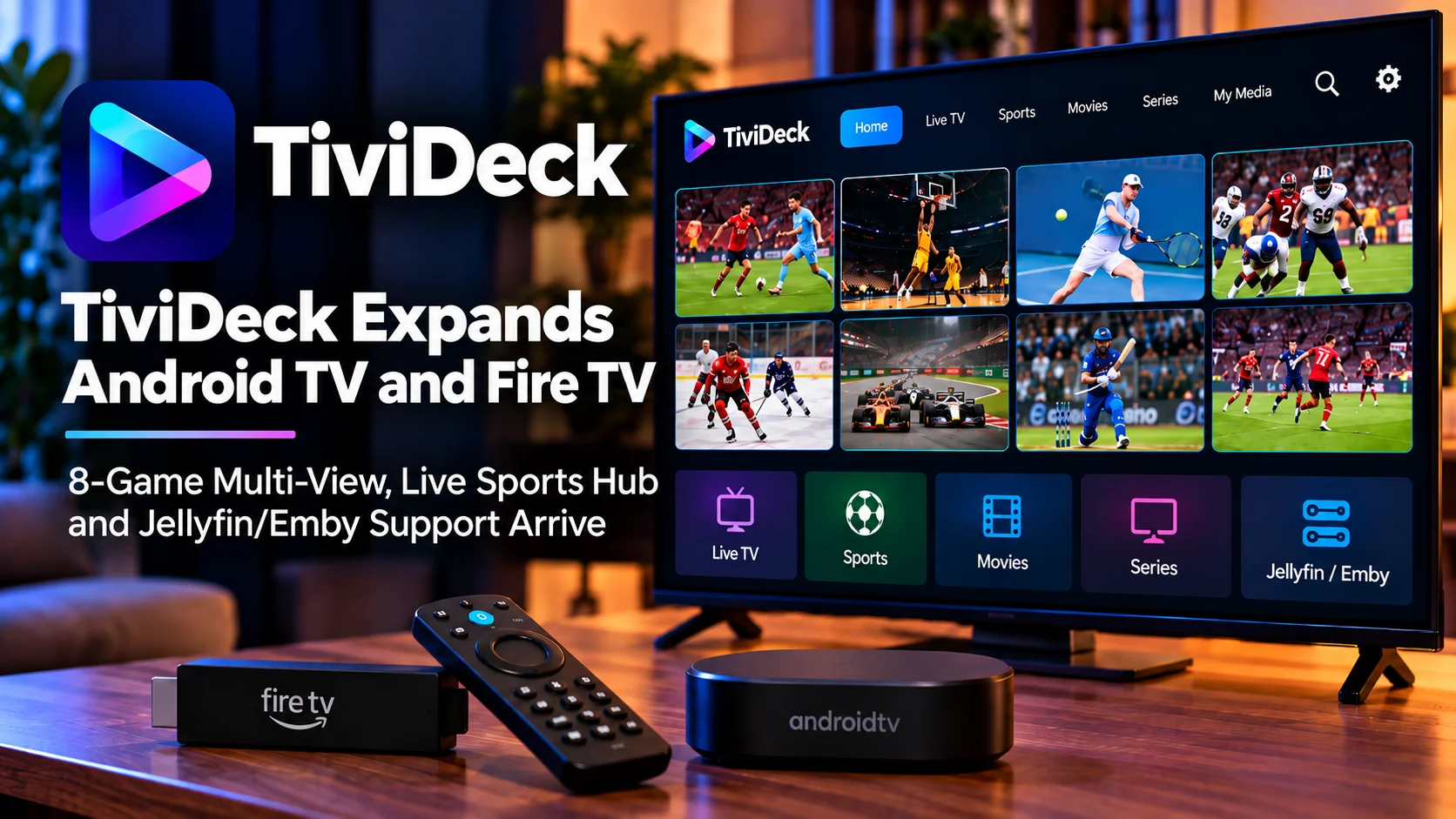
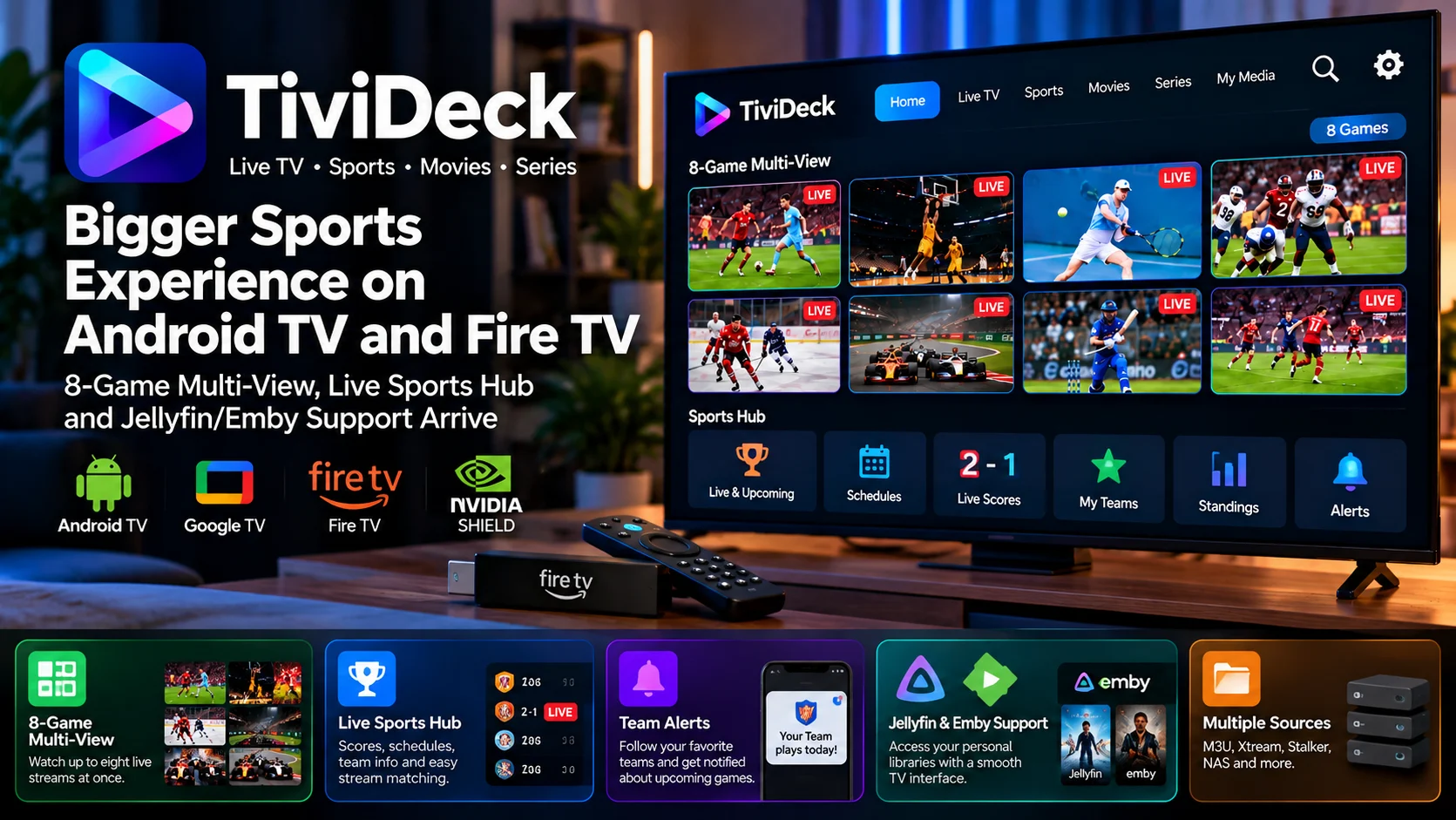
The headline feature is multi-view support for up to eight simultaneous live games or channels on a single screen. Instead of repeatedly switching between matches, viewers can build a multi-screen layout, follow several events at once, and move audio focus between active streams.
TiviDeck is also putting sports discovery at the center of the television experience through its Sports Hub. The feature combines schedules, live scores, game information, team following, and channel matching so viewers can move from checking a score to opening the available stream without manually searching through a long channel list.
Another important part of the platform is integration with Jellyfin and Emby, alongside local or network-based media libraries. That brings personal movies and series closer to live content inside one TV-focused interface.
The result is an application that aims to combine live viewing, sports tracking, multi-screen playback, and personal media management rather than treating each feature as a separate experience.
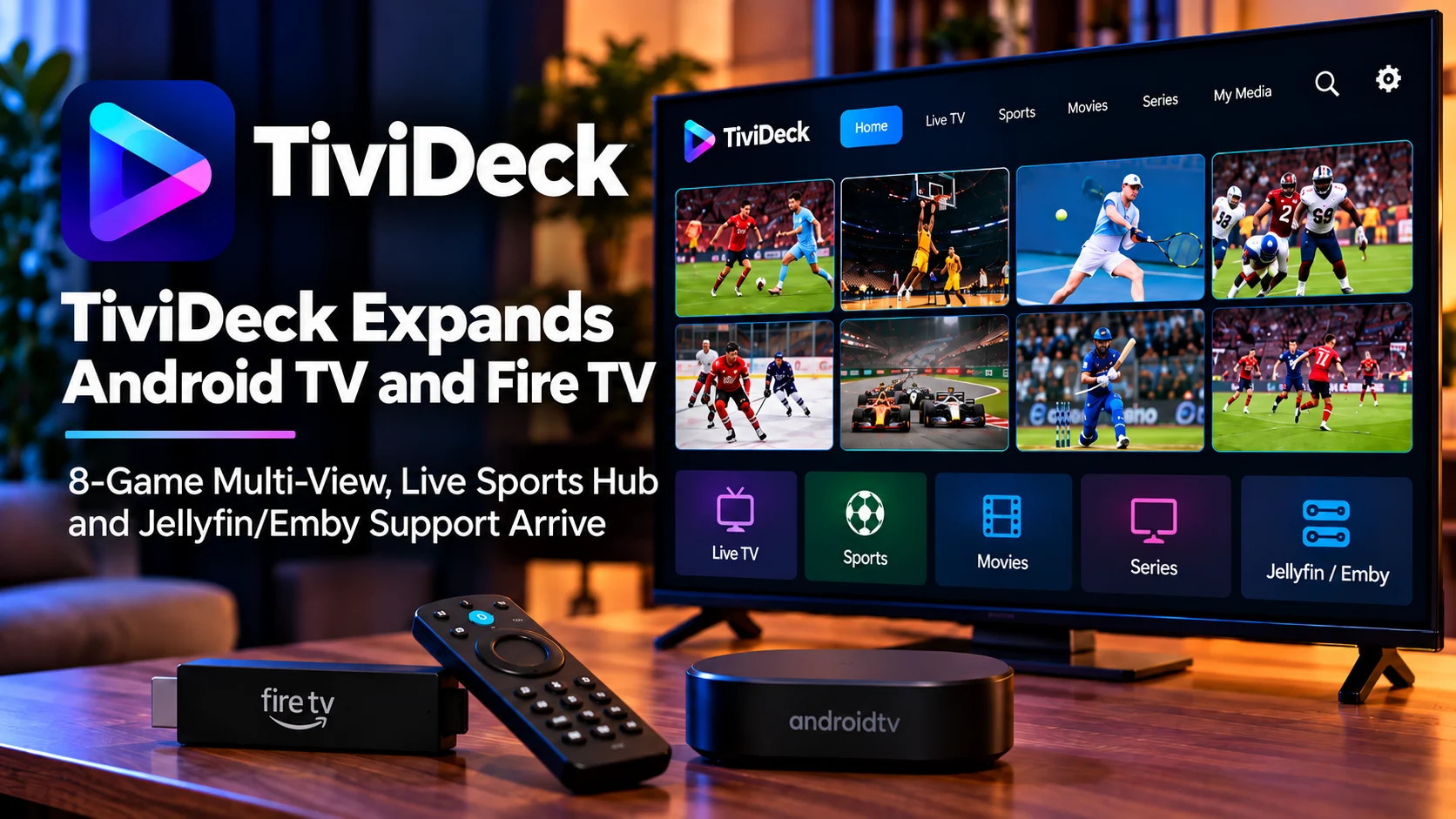
TiviDeck’s Main Features at a Glance
| Area | What TiviDeck Offers | Why It Matters |
|---|---|---|
| Multi-View | Up to eight simultaneous live streams | Follow several games or channels without constant switching |
| Sports Hub | Scores, schedules, game pages, and stream matching | Reduces the time spent searching for the right broadcast |
| Team Following | Alerts and personalized sports views | Makes important games easier to discover |
| Jellyfin Support | Personal library access and watch-state integration | Brings server-hosted movies and shows into the same interface |
| Emby Support | Movies, series and personal media integration | Reduces the need to jump between separate TV apps |
| Media Sources | M3U, Xtream Codes, Stalker, NAS and media servers | Supports different household streaming setups |
| TV Platforms | Android TV, Google TV, Fire TV and Nvidia Shield | Covers many popular living-room devices |
| Phone Integration | Shared favorites, progress, and TV controls | Extends the experience beyond the television |
8-Game Multi-View Is the Standout Feature
Multi-View has become increasingly important for sports fans.
A normal TV player is designed around one stream at a time. That works well for movies and regular television, but it becomes restrictive when several important matches are happening simultaneously.
TiviDeck addresses this with layouts supporting up to eight live streams on one display.
That could be especially useful during busy football weekends, basketball schedules, tournament rounds, motorsport sessions, or any situation where several events overlap.
Instead of choosing one game and periodically checking the others, viewers can keep several streams visible.
The application also allows the active audio source to move between screens. This is important because playing audio from every stream simultaneously would quickly become unusable.
A viewer might keep eight games visible while listening only to the most important one, then move the audio when another game becomes more interesting.
Individual streams can also be expanded when a user wants to focus on one event.
Multi-View Performance Will Depend on the Device
Showing eight streams at once is significantly more demanding than playing one video.
Every active panel may require its own decoder resources, network bandwidth, and memory.
As a result, the practical number of simultaneous streams can depend heavily on the hardware being used.
A powerful Nvidia Shield, a premium Google TV device, or a higher-performance Fire TV model may be more comfortable with several streams than an older entry-level stick.
Stream resolution and bitrate will matter as well.
Eight lightweight streams create a very different workload from eight high-bitrate 1080p feeds.
Users should therefore treat eight screens as the maximum layout capability rather than assuming every device and every stream combination will behave identically.
Even two-screen or four-screen layouts can provide a major improvement for sports viewing while putting substantially less pressure on the hardware.
Sports Hub Turns Scores Into a TV Navigation Tool
TiviDeck’s Sports Hub goes beyond presenting a basic row of sports channels.
Its goal is to organize the viewing experience around the games themselves.
Instead of starting with a channel list and asking, “Which one is showing my game?”, viewers can begin with the game and allow TiviDeck to identify an appropriate channel from the sources already configured in the application.
This reverses the traditional workflow.
A sports fan generally cares more about the team or match than the channel name.
If several channels are available, manually searching through a large guide can become frustrating, especially when event names do not perfectly match channel names.
TiviDeck attempts to connect sports information with the household’s available streams so the route from a game card to playback becomes much shorter.
Live Scores and Game Information Add Context
The Sports Hub also works as an information layer.
Users can see live games, schedules, scores, and additional game details without leaving the television interface.
Depending on the sport and available information, TiviDeck can present statistics, standings, players, and other live game data.
The developer has also described visual game representations for supported sports.
Rather than treating the TV experience as nothing more than a video window, the application can combine playback with data about what is happening in the game.
That becomes particularly useful in Multi-View.
A viewer following several events may not need the commentary from every screen. Scores and game information help provide context while audio remains focused on one primary event.
Follow Teams and Get Watch Alerts
Sports discovery becomes more useful when it is personalized.
TiviDeck allows viewers to follow teams so relevant games can be surfaced more prominently.
When a followed team is about to play or becomes available, the application can provide an alert with an option to start watching.
That reduces dependence on remembering kickoff or start times.
For households that regularly follow several teams across different sports, a personalized sports dashboard can be easier to manage than searching individual schedules.
The same idea extends to the phone experience, allowing sports information and viewing actions to become less dependent on being directly in front of the TV.
Jellyfin Integration Brings Personal Libraries Into TiviDeck
The addition of Jellyfin support gives TiviDeck a much broader role than a traditional live TV player.
Users can connect a Jellyfin server and access compatible personal media from within the TiviDeck experience.
Movies and television shows can appear with posters, artwork, and library information instead of requiring the viewer to exit and launch another application.
Continue Watching and resume information are particularly important here.
Personal media libraries often contain long movies or multi-episode television series that viewers watch across several sessions.
If the playback state can move correctly between the media server and TiviDeck, the application becomes much more useful as a general living room front end.
The Jellyfin server remains the source of the personal library, while TiviDeck acts as another way to browse and play that content.
Emby Support Offers a Similar Unified Experience
Emby users receive a similar benefit.
A household may already use the Emby server to organize movies, television episodes, and other personal media.
TiviDeck can bring that content into the same environment used for live viewing and sports.
That means a viewer could move from watching a game to continuing an Emby-hosted series without switching to an entirely separate interface.
This kind of integration is especially appealing on television devices because TV navigation should ideally involve as few steps as possible.
Remote-controlled interfaces become frustrating when users constantly need to return to the home screen, launch another app, and find the content again.
A combined experience can reduce that friction.
NAS Support Helps Users Without a Full Media Server
Not everyone wants to operate Jellyfin or Emby.
Some users simply store movies and series on network-attached storage.
TiviDeck’s support for NAS-based libraries gives those households another option.
A NAS connection can allow compatible files to be accessed directly without requiring an additional media-server layer.
That flexibility is useful because home media setups vary considerably.
One user may have a sophisticated Jellyfin server with carefully managed metadata, while another may simply have organized folders on a Synology, TrueNAS, unRAID, or similar storage system.
Supporting both styles makes the application more adaptable.
Android TV, Google TV, Fire TV, and Nvidia Shield Are Key Targets
TiviDeck is designed with remote-controlled television environments in mind.
Android TV and Google TV naturally form a major part of that audience.
Fire TV support extends the player to Amazon’s streaming-device ecosystem, while Nvidia Shield remains relevant for users who want stronger local playback hardware and more advanced home-theater setups.
The user interface therefore needs to work differently from a typical phone application.
Focus indicators need to be obvious.
Menus need to remain readable from several feet away.
Important controls should be reachable without touch input.
Multi-view selection, guide browsing, and media-library navigation all need to work smoothly with directional buttons and an OK/select button.
For a feature-heavy application, maintaining that television-first behavior is just as important as adding new functions.
Cross-Device Features Make the Phone More Useful
TiviDeck also extends beyond the TV.
The Android phone application can work alongside television devices, with household information such as favorites, providers, and viewing progress able to follow the user.
The phone can also become a convenient control surface for actions that are slower with a TV remote.
Sending content to the television is one example.
Instead of navigating through several TV menus, a viewer can find something on the phone and hand playback over to the television.
That type of second-screen integration is becoming increasingly useful as streaming applications become more complex.
Recordings, Catch-Up, and Guide Features Complete the TV Experience
Live viewing is only one part of a complete television platform.
TiviDeck also includes guide-focused features such as program information, recording support, and series recording.
Catch-up capabilities can be used when supported by the configured service.
These tools are important because they turn the application from a simple stream launcher into something closer to a full television interface.
Continue Watching performs a similar role for movies and series.
Instead of treating every playback session independently, the application can remember where content was stopped and help the viewer continue later.
TiviDeck Is Moving Toward an All-in-One TV Dashboard
The more interesting story behind TiviDeck is not any single feature.
It is the way several previously separate television tasks are being brought together.
Live channels, game schedules, scores, Multi-View, Jellyfin, Emby, network libraries, recordings and phone controls can all exist inside the same broader interface.
For power users, that could reduce app switching significantly.
For sports fans, the strongest attraction will likely remain Sports Hub and Multi-View.
For home-server users, Jellyfin and Emby integration may be equally important.
And for households with mixed media sources, the ability to combine different systems behind one TV-focused interface could become TiviDeck’s most practical advantage.
Final Thoughts
TiviDeck is developing into a particularly interesting option for Android TV and Fire TV users who want live sports and personal media in one interface.
The ability to show up to eight games simultaneously gives Multi-View a clear role during busy sports schedules, while the Sports Hub attempts to solve another common problem: finding exactly where a game is available without searching through a long guide manually.
Jellyfin and Emby integration expands the application beyond live viewing.
Personal movies and shows can sit alongside sports and television content, while NAS support gives users another path for accessing locally stored libraries.
Add team alerts, guide features, recordings, phone integration and cross-device progress, and TiviDeck begins to look less like a single-purpose player and more like a complete media dashboard for the living room.
The key test will be how smoothly these features work across hardware with very different levels of performance, particularly when Multi-View is pushed to its highest screen counts.
But the direction is clear: TiviDeck wants to make the television screen a unified place for sports, live viewing and personal media libraries rather than forcing users to move constantly between separate applications.
FAQs About TiviDeck
1) What devices does TiviDeck support?
TiviDeck targets Android TV, Google TV, Fire TV, Nvidia Shield and Android phones, giving users both big-screen and mobile access.
2) How many streams can TiviDeck Multi-View show?
Multi-View supports layouts with up to eight simultaneous live streams.
3) Will eight streams work smoothly on every Fire TV device?
Not necessarily. Multi-stream performance depends on device processing power, video codecs, stream resolution, bitrate, available memory and network performance.
4) What does the TiviDeck Sports Hub do?
Sports Hub organizes games around schedules, scores and game information and can help match events with channels already available through the user’s configured sources.
5) Can TiviDeck connect to Jellyfin?
Yes. Jellyfin can be used as a personal media source, allowing compatible movies and series to appear inside the TiviDeck experience.
6) Does TiviDeck support Emby?
Yes. Emby libraries can also be connected, allowing personal movies and television content to be accessed alongside other media sources.
7) Can TiviDeck play media stored on a NAS?
Yes. Network storage can be used as a media-library source for users who prefer direct file access rather than operating a full media server.
8) Does TiviDeck include sports channels itself?
TiviDeck functions as a player and organizer for sources the user already has configured. It is not positioned as a bundled channel service.
9) Can users follow specific teams?
Yes. Team-following features can help personalize Sports Hub and surface relevant games and alerts.
10) Does TiviDeck support recordings?
The broader TV experience includes recording and guide-related functionality, with availability depending on the configured source and setup.
Stay Updated with the Player SDK Guide Hub
Streaming platforms and media players continue to evolve quickly, with new Multi-View systems, media-server integrations, playback engines and TV-focused interfaces changing how content reaches the living room.
The Player SDK Guide Hub tracks important developments across Android TV, Google TV, Fire TV, Nvidia Shield, Jellyfin, Emby, Plex, Kodi, Roku, Apple TV and modern video-player platforms.
We cover player releases, home-media integrations, playback changes, sports-viewing features, developer tools and streaming-device updates to explain what changed, why it matters and what users should test next.
Follow the Player SDK Guide Hub for the latest streaming-device, media-server and video-player updates.
