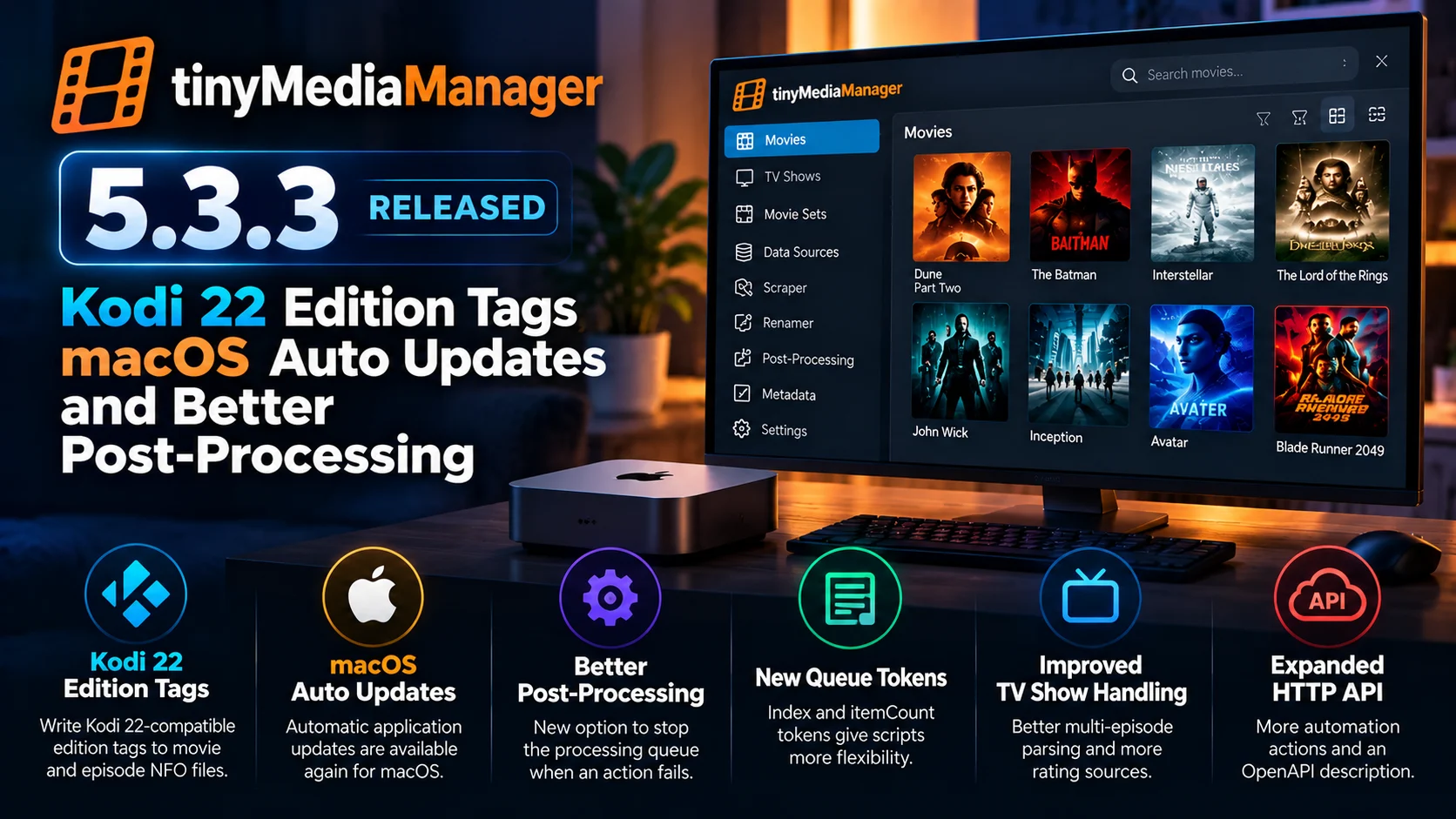
tinyMediaManager has released version 5.3.3, bringing a useful collection of library-management, Kodi compatibility, macOS, automation, and post-processing improvements.
For Kodi users, one of the biggest additions is support for writing Kodi 22-compatible edition tags into NFO files for movies and episodes. macOS users regain automatic application updates, while users running automated media-library workflows get better control over what happens when a post-processing task fails.
The update also expands tinyMediaManager's HTTP API, improves multi-episode file parsing, adds more TV show rating options, and addresses several NFO, interface, metadata, and file-handling issues.
tinyMediaManager 5.3.3 is not a major visual redesign. Instead, it concentrates on the parts of media-library management that become especially important once a collection grows: metadata consistency, Kodi compatibility, reliable renaming, external automation, and safe post-processing.
For users maintaining hundreds or thousands of movies and TV episodes, improvements like these can have a bigger long-term impact than a redesigned interface.
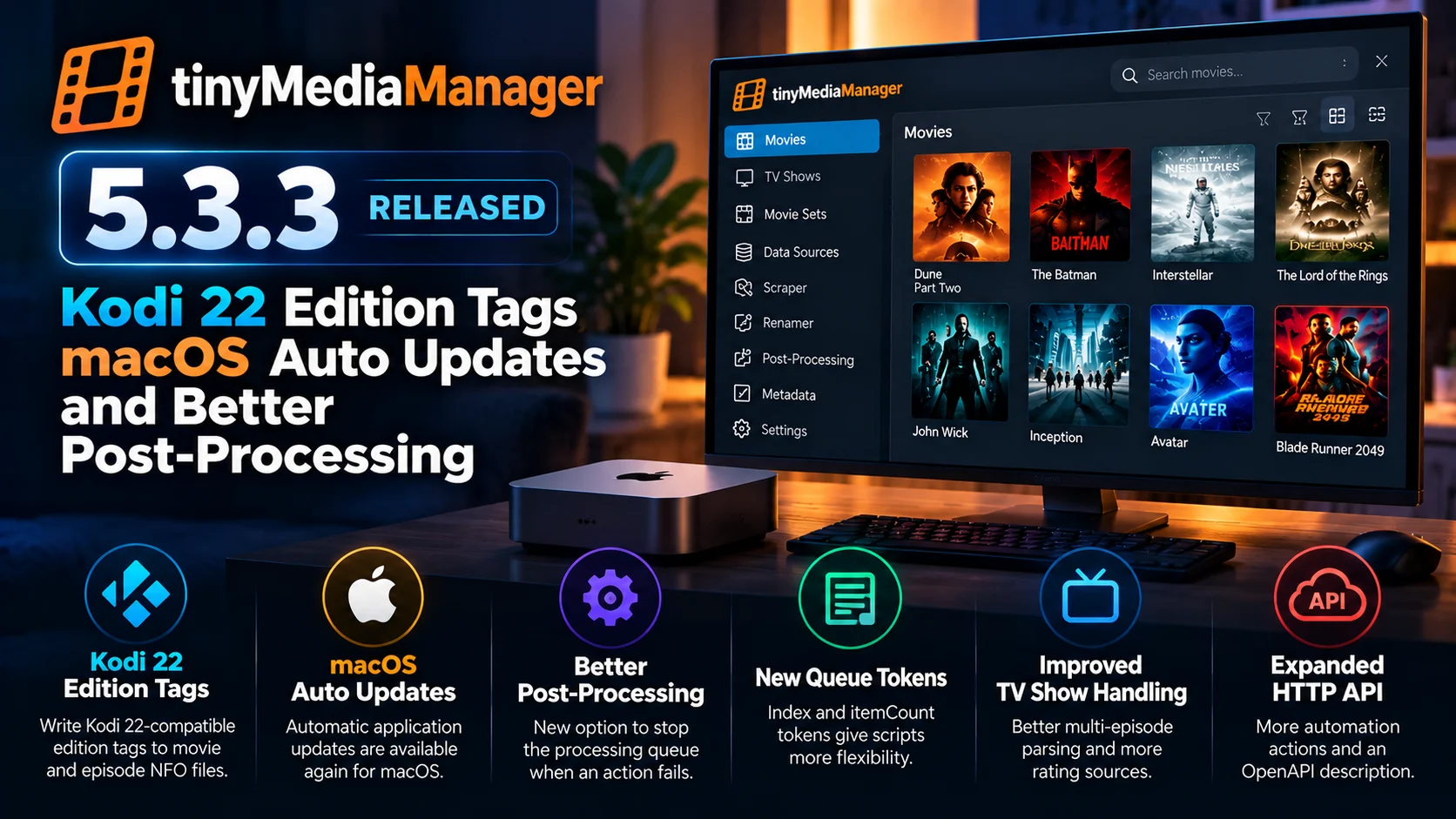
What Is New in tinyMediaManager 5.3.3?
Version 5.3.3 touches several different areas of the application.
Kodi integration receives improved edition metadata support. Post-processing gets stronger error handling and additional queue-information tokens. macOS regains automatic updates and receives fixes related to Unicode filenames.
TV show management also gets attention through additional rating sources and improved parsing of multi-episode files.
For advanced users, the release expands tinyMediaManager's HTTP API and improves its automation capabilities, making the application easier to integrate into larger media-management workflows.
The update also includes interface refinements, safeguards against using critical system folders as data sources, better file operations, and several metadata corrections.
tinyMediaManager 5.3.3 Changes at a Glance
| Area | What Changed | Why It Matters |
|---|---|---|
| Kodi 22 | Edition tags can be written into movie and episode NFO files | Better compatibility with newer Kodi metadata handling |
| macOS | Automatic application updates return | Easier application maintenance |
| Post-processing | New abort-on-failure behavior | Prevents later actions from continuing after an important failure |
| Post-processing | Added index and itemCount tokens | Gives scripts better awareness of processing queues |
| TV shows | Better multi-episode parsing and more rating options | Improved library organization and metadata |
| HTTP API | More automation actions and improved API description | Better integration with external tools and scripts |
| NFO handling | Additional metadata fixes | More dependable information for external media centers |
| File management | macOS Unicode and Windows renaming improvements | More reliable library organization across platforms |
Prevents later actions from continuing after an important failure
Kodi 22 Edition Tags Are a Major Addition
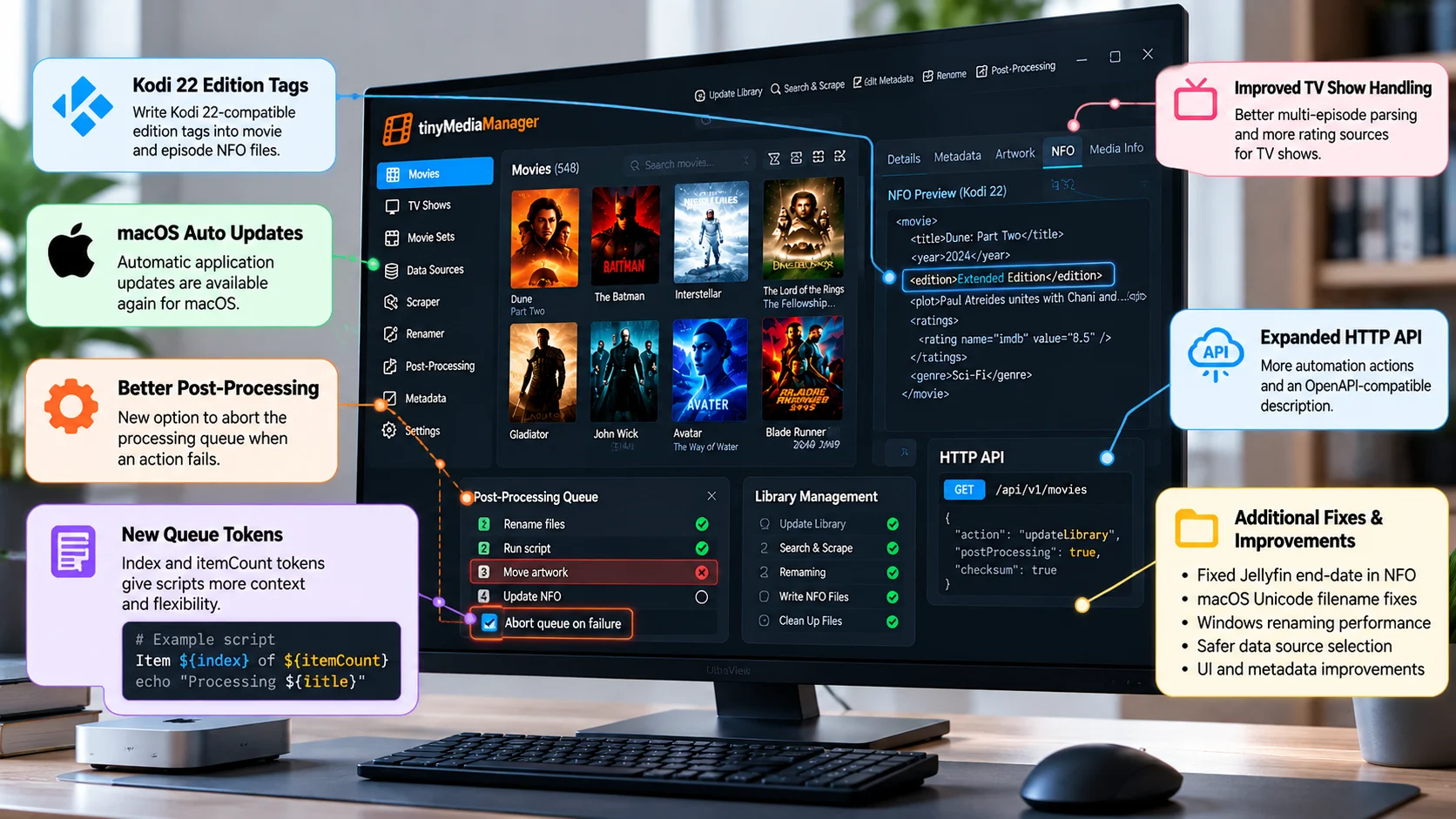
The most important change for many Kodi users is the ability for tinyMediaManager 5.3.3 to write Kodi 22-compatible edition tags into NFO files.
Edition metadata becomes useful when users keep several versions of the same movie.
A library might contain a theatrical cut, director's cut, extended version, or another special edition of the same title. Without proper edition information, a media center may have difficulty presenting those versions clearly.
tinyMediaManager helps solve that problem by preparing structured metadata before Kodi scans the library.
The new edition tag support gives users another way to preserve their carefully organized media information when moving content from TinyMediaManager into Kodi.
Episode NFO files also benefit from the newer format support, making this more than a movie-only improvement.
Why Kodi NFO Compatibility Matters
NFO files act as an important bridge between a media manager and a playback platform such as Kodi.
They can contain titles, plots, ratings, artwork references, technical media information, episode details, and other metadata.
For users who spend time correcting titles, artwork, collections, or descriptions inside tinyMediaManager, reliable NFO output helps ensure that the same information appears correctly when the library is imported into Kodi.
This becomes especially valuable when rebuilding a media center.
A fresh Kodi database can import information from local NFO files instead of forcing the user to recreate every manual adjustment.
As Kodi evolves, however, the metadata structures it understands can also change.
tinyMediaManager, therefore, needs to keep its NFO output aligned with newer Kodi behavior.
The edition-tag change in version 5.3.3 continues that compatibility work.
macOS Automatic Updates Return
Another important user-facing improvement is the return of automatic updates on macOS.
Automatic updating reduces the need for Mac users to manually download and replace tinyMediaManager whenever a newer build becomes available.
That is useful for a media-management application because updates are not always about visible features.
Metadata providers can change their APIs. Scrapers may require fixes. Media-center formats evolve. Filesystem behavior can also expose new compatibility problems.
Keeping the application updated therefore helps users receive those maintenance fixes without needing to monitor every release manually.
For users who run tinyMediaManager regularly on a Mac-based media-management system, automatic updates make the application easier to maintain over time.
macOS Filename Handling Gets More Reliable
Version 5.3.3 also improves handling of Unicode filenames and folder names on macOS.
Unicode characters can have more than one internal representation even when they appear identical on screen.
That difference can sometimes cause problems when applications compare, rename, or access files.
This becomes especially relevant in libraries containing accented characters or titles in languages that use characters outside the basic English alphabet.
Improving Unicode normalization handling should reduce cases where apparently identical filenames behave differently because their underlying character representation is not the same.
It is a highly technical fix, but one that can prevent frustrating filesystem problems.
Post-Processing Can Now Abort on Failure
tinyMediaManager's post-processing system allows users to execute external commands or scripts after working with media items.
Version 5.3.3 adds an important abort-on-failure option.
When enabled, processing can stop as soon as a configured action fails.
This is particularly useful in automated workflows.
Imagine processing a large group of movies where the first action renames files, the second runs a script, and the third reorganizes additional assets.
If an important early action fails but the queue continues, later steps may operate on files that are no longer in the expected state.
That can turn one small problem into a much larger cleanup task.
Stopping the queue after a failure helps make automation safer and easier to troubleshoot.
New index and itemCount tokens Improve Automation
Post-processing also gains the index and itemCount tokens.
These give scripts additional context about the current processing queue.
A script can understand which item it is currently handling and how many items are being processed in total.
That can be useful for progress tracking, custom logging, or conditional workflows.
For example, an automation could behave differently for the final item in a batch or create clearer log output showing the current progress through a large queue.
These are small additions for casual users, but they make tinyMediaManager more flexible for people building custom media workflows around external scripts.
HTTP API Expansion Makes tinyMediaManager More Automation-Friendly
tinyMediaManager 5.3.3 also expands the application's HTTP API.
The API allows external software or scripts to trigger actions inside tinyMediaManager without relying entirely on manual desktop interaction.
The newer capabilities cover additional media-management tasks and improve how developers can discover and use available actions.
This can make tinyMediaManager part of a larger automated pipeline.
For example, a home server could detect newly added media, trigger tinyMediaManager to update its library, refresh metadata, write NFO files, perform cleanup, and then continue with additional external tasks.
An expanded API also benefits users building dashboards, scripts, or server-side automation around their media collection.
For advanced setups, this may be one of the most important changes in version 5.3.3.
TV Show Libraries Get Better Multi-Episode Parsing
TV show management receives improvements as well.
Version 5.3.3 improves the way tinyMediaManager detects multi-episode files.
A multi-episode file contains more than one episode inside a single video.
The difficulty is that users and release groups do not always follow the same filename structure.
Some filenames use ranges. Others repeat season and episode markers or use different separators.
If the media manager interprets those names incorrectly, episodes may be assigned to the wrong files or require manual correction.
Better parsing reduces those problems and helps tinyMediaManager identify multi-episode content more reliably during library scans.
For users with large television collections, this can save considerable manual cleanup.
More TV Show Rating Options
The release also expands rating support for TV shows.
tinyMediaManager can work with metadata from different providers, and different users may prefer different ratings depending on how they organize their library.
Additional rating options provide more flexibility in deciding what information gets stored and displayed.
This is particularly useful for users who export metadata into other media-center applications.
A carefully curated library may contain several rating values rather than relying on a single universal score.
More flexible rating handling, therefore, makes tinyMediaManager better suited to users who want detailed local metadata rather than accepting whatever one scraper provides by default.
Kodi Refresh Workflows Become More Focused
Kodi integration receives improvements beyond edition tags.
tinyMediaManager can work with Kodi through remote control and library update mechanisms, allowing certain metadata changes to reach Kodi without requiring users to rebuild everything manually.
More focused refresh behavior is useful when only a specific TV show has changed.
Instead of refreshing a much larger portion of the library, a user can update the affected content.
That becomes increasingly important as media libraries grow.
Refreshing unnecessary items takes additional time and can trigger metadata work that was not required.
More targeted interaction between tinyMediaManager and Kodi therefore helps make library maintenance more efficient.
NFO Handling Gets Additional Fixes
Version 5.3.3 also fixes metadata-writing problems affecting television libraries.
NFO correctness matters because downstream applications rely on the information tinyMediaManager writes.
A small missing field may not affect playback itself, but it can change how a media center presents a show, organizes information, or determines status.
For users who treat tinyMediaManager as the authoritative source for their library metadata, NFO consistency is therefore extremely important.
The latest update continues improving those export workflows.
Library Safety Improvements Reduce Accidental Problems
tinyMediaManager 5.3.3 adds safeguards against selecting critical system folders as media data sources.
This is an important safety improvement.
A media manager can perform actions such as scanning, renaming, cleanup, and artwork management inside configured source directories.
Accidentally selecting a sensitive operating-system folder could therefore create unnecessary risk.
Blocking those locations helps prevent configuration mistakes before they become larger filesystem problems.
The release also improves confirmation behavior for certain destructive or collection-level actions.
These changes may not attract as much attention as Kodi compatibility, but they make everyday library management safer.
Interface Refinements Improve Daily Use
Version 5.3.3 also contains several user-interface refinements.
Confirmation dialogs and notification messages have been modernized, while the familiar new indicator returns.
Keyboard handling is improved for systems without a dedicated Delete key, which is particularly useful on many Mac keyboards.
The update also fixes several interface inconsistencies involving filters, ratings, media-information displays, and post-processing output.
Individually, these fixes are relatively small.
Together, they make everyday media-library maintenance more predictable and reduce unnecessary friction for regular tinyMediaManager users.
Windows Renaming Performance Improves
Large media libraries can make rename operations surprisingly demanding.
A single operation may involve the video file, subtitle files, artwork, NFO metadata, and multiple associated resources.
Version 5.3.3 improves renaming performance on Windows, particularly for TV show workflows.
That can become noticeable when reorganizing a large number of episodes at once.
Faster file handling means users spend less time waiting for library operations to complete and can process large collections more efficiently.
Better Controls for External Services
The update also provides clearer controls for enabling or disabling supported external synchronization services.
This gives users more control over which outside services participate in their media workflow.
Some users may want synchronization active across every installation, while others may use tinyMediaManager only for local metadata and library organization.
Dedicated controls make those preferences easier to manage.
They also fit with the broader direction of tinyMediaManager 5.3.3: making automation and external integrations more deliberate and predictable.
Why tinyMediaManager 5.3.3 Matters
The most important theme of tinyMediaManager 5.3.3 is interoperability and reliability.
Kodi 22 edition tags improve how metadata travels from tinyMediaManager into newer Kodi environments.
macOS automatic updates simplify maintenance.
Unicode fixes improve filesystem reliability.
Post-processing failure controls make automation safer.
The expanded HTTP API gives advanced users more ways to integrate tinyMediaManager into external systems.
Improved multi-episode parsing and rating options strengthen TV library management.
For users maintaining only a small collection, some of these improvements may feel minor.
For larger libraries using NFO files, custom naming, scripts, and multiple media-center clients, version 5.3.3 removes several potential failure points.
Final Thoughts
tinyMediaManager 5.3.3 is a strong compatibility and maintenance update for users who rely on structured media libraries.
Kodi 22-compatible edition tags are the most visible addition, especially for users who maintain multiple versions of movies or depend heavily on local NFO metadata.
But some of the most useful improvements happen behind the scenes.
macOS automatic updates simplify application maintenance. Improved Unicode handling reduces filename issues. Post-processing failure controls make automation safer, while additional tokens give custom scripts more context.
The HTTP API continues to make tinyMediaManager more useful as part of a larger automated environment.
TV show users also benefit from better multi-episode detection, improved metadata handling, and more flexible rating options.
Rather than changing what tinyMediaManager fundamentally is, version 5.3.3 strengthens the connection between media files, metadata, automation, and the playback platforms that ultimately consume the library.
For Kodi-focused libraries in particular, this is a meaningful update to the management layer behind the viewing experience.
FAQs About tinyMediaManager 5.3.3
1) What is the biggest feature in tinyMediaManager 5.3.3?
For Kodi users, the headline feature is support for writing Kodi 22-compatible edition tags into movie and episode NFO files.
2) Does tinyMediaManager 5.3.3 support macOS automatic updates?
Yes. Automatic application updates are available again for macOS users.
3) What does abort on failure do?
It allows tinyMediaManager to stop a post-processing queue when an action fails instead of continuing with the remaining items.
4) What are index and itemCount used for?
They provide scripts with information about the current item's position and the total number of items being processed.
5) Does version 5.3.3 improve Kodi integration?
Yes. In addition to edition-tag support, the update improves metadata and refresh workflows that can make maintaining Kodi libraries easier.
6) Are TV show libraries improved?
Yes. Multi-episode filename parsing is improved, rating options are expanded, and several television metadata issues are addressed.
7) Does the update improve macOS file handling?
Yes. Version 5.3.3 improves handling of Unicode filename and folder-name representations on macOS.
8) Is tinyMediaManager 5.3.3 useful for automation?
Yes. The expanded HTTP API, better post-processing controls, and new queue tokens make the application more useful in automated media-management workflows.
Stay updated with the Player SDK Guide hub
Modern playback environments depend on much more than the player visible on screen. Metadata formats, NFO compatibility, library automation, operating-system changes, and media-management tools can all influence how content appears and behaves across devices.
The Player SDK Guide Hub tracks developments across Kodi, Plex, VLC, Apple TV, Fire TV, Google TV, Android TV, Roku, Android Media3, ExoPlayer, and other media-player, library-management, and streaming-device platforms.
We follow release notes, playback updates, OS changes, hardware developments, and developer APIs to explain what changed, which devices and workflows are affected, why it matters, and what developers and streaming teams should test or watch next.
Explore the Player SDK Guide Hub for the latest media-player releases, streaming-device updates, and developer-focused playback insights.
