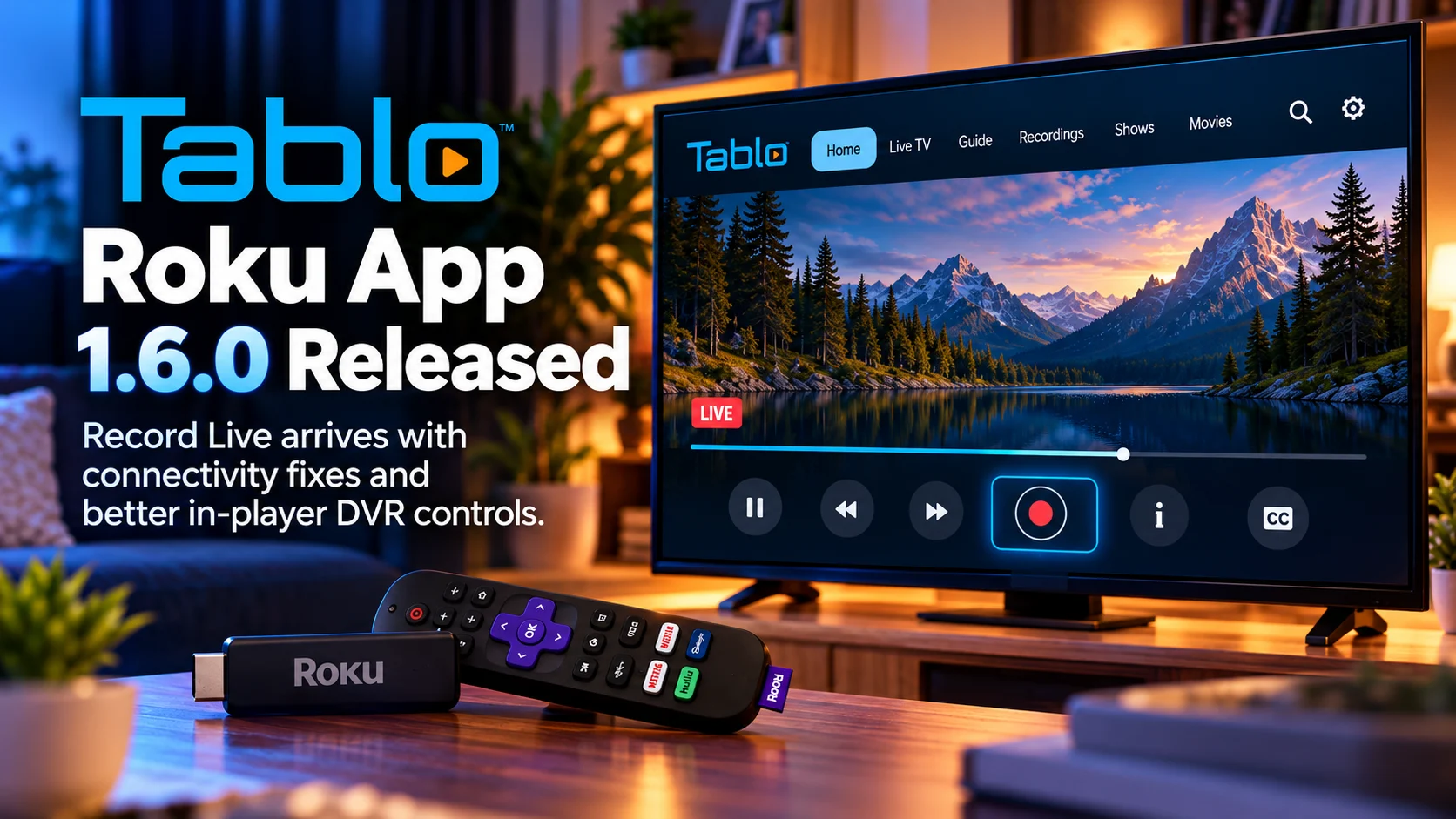
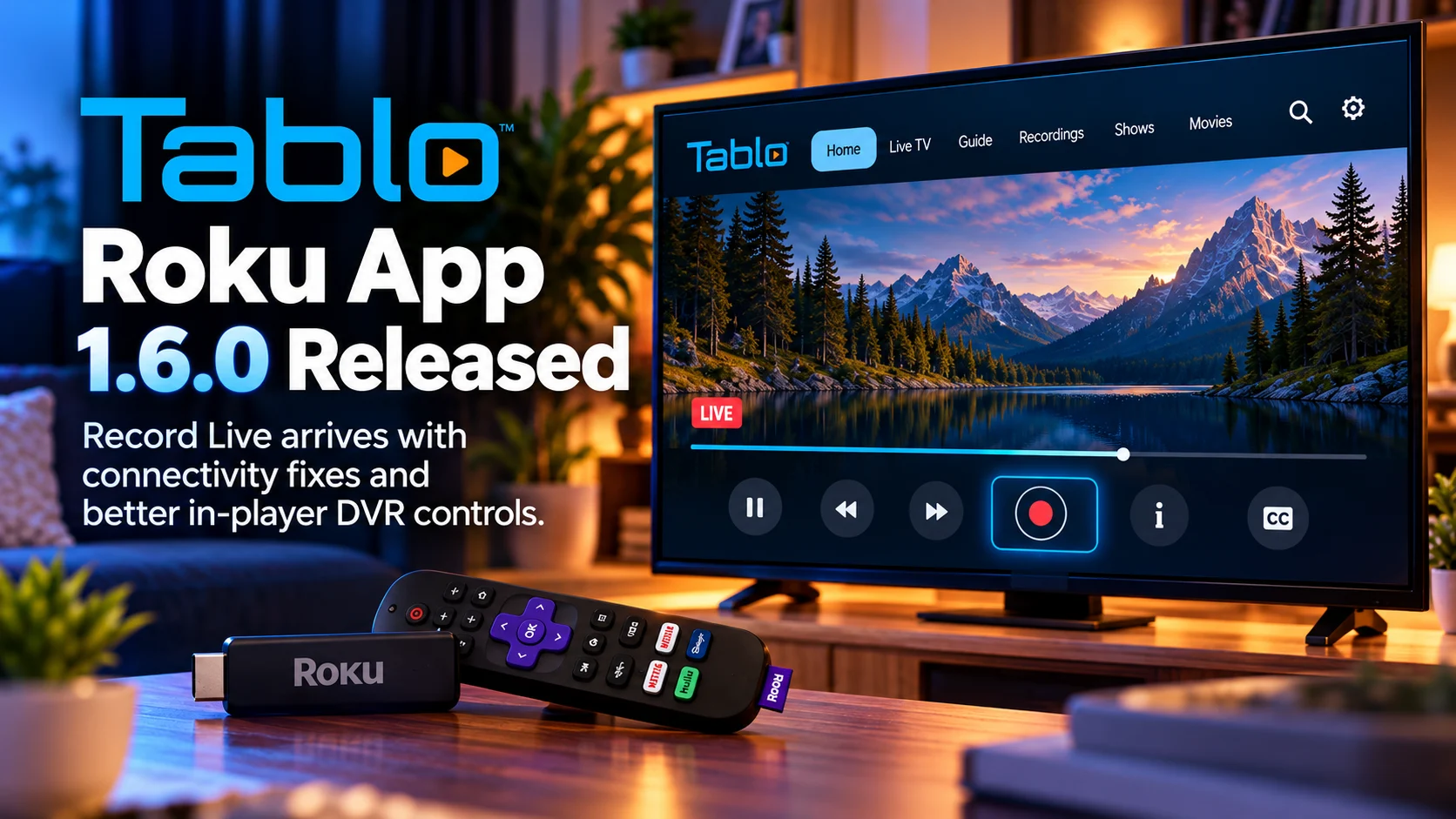
Tablo is rolling out a major rebuild of its 4th Generation apps for Samsung Tizen and LG webOS smart TVs, replacing the older web-based architecture with a newer React Native codebase designed to improve navigation, performance, and future feature development.
The upgrade goes far beyond a visual refresh.
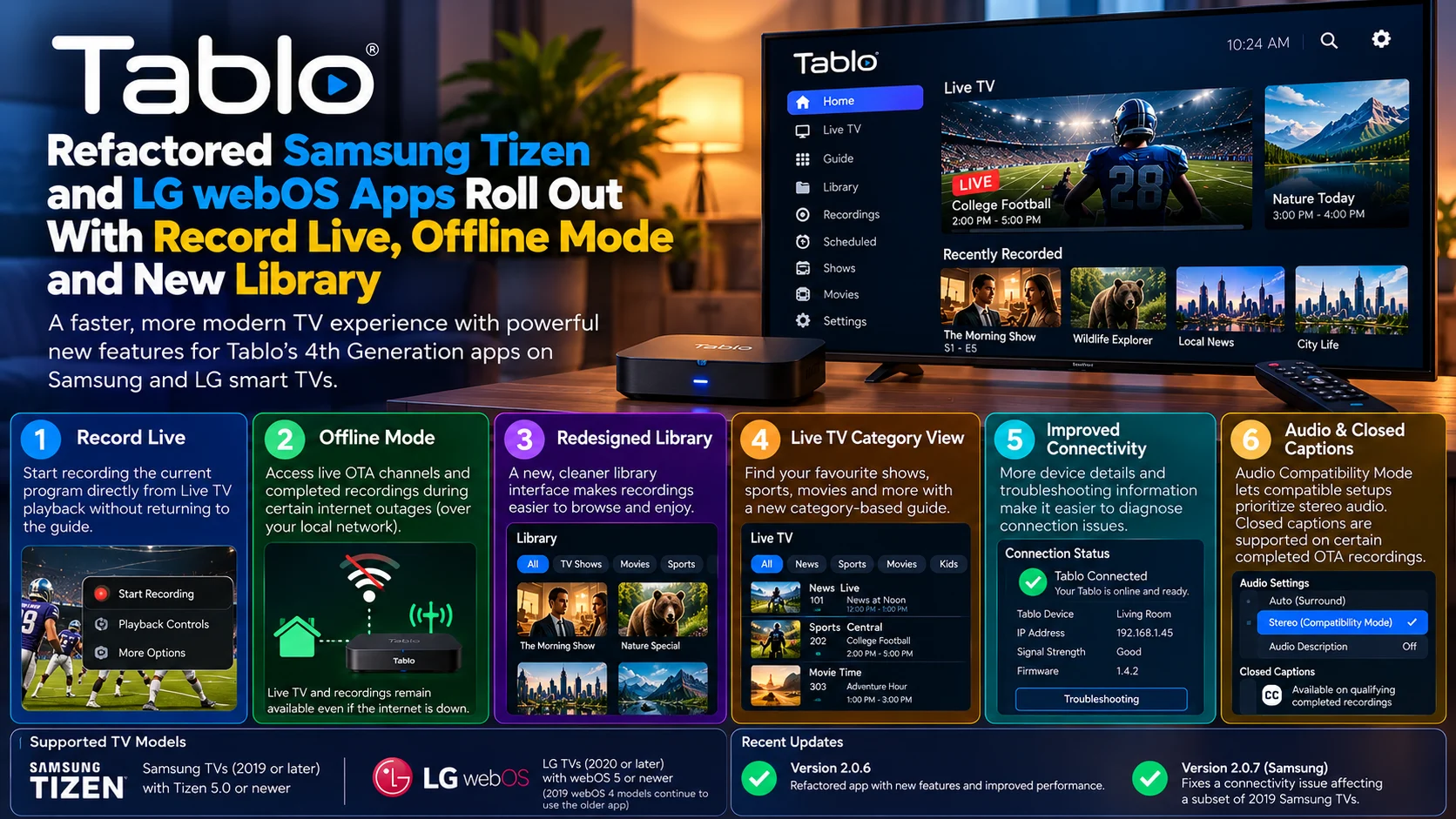
Version 2.0.6 introduces Record Live, Offline Mode, a redesigned Library, a new side-navigation system, Live TV category views, improved connectivity screens, and additional remote-control behavior. Tablo has also added Audio Compatibility Mode and support for closed captions on certain completed over-the-air recordings.
For Samsung users, Tablo has additionally released version 2.0.7 to address a connectivity problem that affected a subset of 2019 television models.
The result is a significantly more capable smart-TV experience that brings Samsung and LG implementations closer to Tablo’s newer apps on other platforms.
More importantly for developers, the move to React Native gives Tablo a common application foundation that should make it easier to maintain features across different television operating systems.
Tablo’s Refactored Smart TV Apps at a Glance
| Area | What Changed | Why It Matters |
|---|---|---|
| App architecture | Rebuilt using React Native | Faster navigation and easier cross-platform development |
| Record Live | Recording can start directly during Live TV playback | No need to return to the program guide |
| Offline Mode | OTA channels and completed recordings remain available during certain internet outages | Makes local TV viewing less dependent on cloud connectivity |
| Library | Fully redesigned interface | Easier access to recordings and DVR content |
| Live TV | New Category View and updated navigation | Faster discovery of channels and programming |
| Connectivity | More device details and troubleshooting information | Easier diagnosis of connection problems |
| Audio | Audio Compatibility Mode | Lets compatible setups prioritize stereo audio |
| Closed captions | Added for qualifying completed stereo OTA recordings | Improves accessibility on supported recordings |
| Samsung fix | Version 2.0.7 addresses connectivity on some 2019 TVs | Improves reliability on older supported Samsung models |
Tablo Has Rebuilt the Apps Instead of Simply Updating Them
The most important part of the release is what users cannot immediately see.
The previous generation of Tablo’s Samsung Tizen and LG webOS applications was based on older web technology.
That architecture allowed Tablo to bring its 4th Generation experience directly to smart TVs without requiring a separate Roku, Fire TV, Apple TV, or Android TV device.
However, older web-based applications can become difficult to maintain as interfaces grow more sophisticated.
Every new feature adds additional navigation logic, state management, playback controls, and device-specific compatibility work.
Tablo has now moved these television apps to React Native, creating a newer shared foundation for its user interface.
For viewers, that should primarily appear as faster navigation and a more responsive application.
For Tablo’s engineering team, the larger benefit is that new functionality can be developed using a codebase that is easier to adapt across multiple platforms.
That could shorten the time between a feature appearing on one Tablo platform and arriving on another.
Record Live Is One of the Biggest Improvements
The new Record Live feature addresses a very simple DVR workflow that previously required more navigation than many users expected.
Imagine watching a local news broadcast, sports event, or television program live and deciding halfway through that you want to save it.
With the updated app, the viewer does not need to exit playback and return to the Live TV Guide.
Pressing down on the directional pad while watching live TV opens Tablo’s in-player content tray.
A Record button appears alongside the playback controls.
Selecting it tells the Tablo DVR to begin recording the currently playing program.
Once recording has started, the interface changes to indicate that recording is active. Selecting the control again can stop the recording immediately instead of waiting until the scheduled program ends.
That makes Tablo behave more like a traditional DVR while keeping the modern streaming-style interface.
Record Live Can Also Help When Guide Data Is Missing
Record Live has another useful purpose.
Over-the-air television guide information is not always perfect.
A newly launched local subchannel, recently changed station lineup, or regional broadcast may occasionally appear without complete program metadata.
Without a normal guide listing, scheduling a traditional program-based recording becomes more difficult.
Record Live provides an alternative because the user can start recording the currently tuned OTA channel directly from playback.
The resulting recording may have a more generic name when detailed guide metadata is unavailable, but the actual television content can still be captured.
It is not a substitute for fixing missing guide information, but it gives viewers a practical fallback when they want to record something immediately.
Offline Mode Makes Local TV More Resilient
Offline Mode is arguably even more important from an architecture perspective.
The 4th Generation Tablo ecosystem uses internet connectivity for a number of services.
Internet access enables free streaming channels, updated program-guide information, and other online features.
But over-the-air television itself comes from the antenna connected to the Tablo device.
Previously, a loss of internet or Tablo service connectivity could prevent access to local TV even when the home network, Tablo DVR, and antenna were all still functioning.
Offline Mode changes that.
As long as the home router can maintain the local network connection between the Tablo device and compatible smart TV, users can continue accessing supported local functionality.
That includes live OTA television and completed recordings.
For households that primarily purchased Tablo to watch local antenna television, this is a meaningful reliability improvement.
Offline Mode Does Not Make Every Feature Available
Offline mode should not be confused with a completely internet-independent Tablo experience.
Many functions still require online services.
Internet-based free streaming channels will not be available without an internet connection.
Full guide information also depends on connectivity, as do several discovery and scheduling functions.
In-progress recordings have limitations, while areas such as Coming Soon and recording conflicts may also become unavailable.
Firmware updates and certain settings obviously require online access as well.
The key benefit is narrower but still valuable: a temporary internet outage no longer needs to make local antenna channels and completed DVR recordings completely inaccessible on supported apps.
This separation between cloud-dependent features and local-network functionality is useful for any home-media platform.
The Library Has Been Redesigned
Tablo has also rebuilt the Library experience.
A DVR library can become difficult to navigate surprisingly quickly.
Recording daily news broadcasts, weekly shows, sports events, and long-running series can produce hundreds of individual items.
A useful television interface therefore needs to balance visual presentation with quick remote navigation.
The redesigned library is intended to make recorded content easier to browse while bringing the Samsung and LG applications closer to the experience available across Tablo’s newer software platforms.
The update also improves the broader navigation structure with a left-side menu.
That might sound like a small change, but consistent side navigation is particularly useful on television.
Users can move between major areas without repeatedly backing out through several screens.
It also gives Tablo more room to expand the application later without making the main interface increasingly complicated.
Live TV Gets a New Category View
Live television discovery has also been updated.
The new apps introduce a Category View for the Live TV grid.
Traditional electronic program guides are excellent when users already know the channel or time they want.
They become less convenient when someone simply wants to find a movie, sports event, or news program.
Category-based discovery provides another route into live programming.
It helps Tablo combine the familiarity of an antenna-TV grid with the browsing patterns users have learned from streaming services.
That is important because Tablo now sits between two very different television experiences.
It provides traditional over-the-air broadcasts while also including internet-based streaming channels.
A stronger discovery layer makes those sources feel more like one unified television platform.
Remote Control Behavior Has Been Improved
Smart-TV applications also live or die by remote navigation.
Unlike mobile applications, they cannot depend on precise touch gestures.
Users have directional buttons, OK/Select, Back, and a limited number of hardware controls.
Tablo has updated the Samsung and LG apps so Play and OK behavior works more consistently across live airings.
These kinds of improvements may appear minor in release notes, but they can dramatically affect daily usability.
If users are never sure whether they should press Play, OK, or another key to start a channel, the interface feels unpredictable.
Television software needs every common remote action to produce a clear and consistent result.
Connectivity Screens Now Provide More Useful Information
The new build also adds device details and additional troubleshooting information to connectivity screens.
That can be especially useful for Tablo because several devices participate in the playback path.
A typical setup contains the television, home router, Tablo DVR, antenna connection, and possibly an internet service for guide and streaming features.
When playback fails, users may not immediately know which part is responsible.
Better connectivity information can help distinguish an app problem from a Tablo discovery problem or local-network issue.
That reduces unnecessary troubleshooting and gives support teams more useful information when something does go wrong.
Samsung 2019 TVs Received a Specific Connectivity Fix
The initial refactored Samsung release exposed a connectivity problem on a subset of 2019 Samsung television models.
Tablo responded with version 2.0.7, specifically listing a fix for the affected TVs.
This is a good example of why television-app migrations need broad hardware testing.
A Samsung Tizen application is not running against one standardized piece of hardware.
Different model years can use different chipsets, available memory, and platform implementations even when all of them technically support the required Tizen version.
An app architecture change can therefore work perfectly on a recent TV while exposing a problem on an older supported model.
The quick follow-up illustrates the value of maintaining real-device test coverage across the supported model range.
Which Samsung TVs Are Supported?
The refactored 4th Generation Tablo app supports compatible Samsung TVs manufactured in 2019 or later running Tizen 5.0 or newer.
The updated application has been made available across compatible Samsung models.
That means owners of supported televisions can use Tablo directly through the TV without needing to add a separate streaming box solely for DVR access.
For older Samsung hardware outside the supported requirements, availability can differ.
Users should therefore check the model year and Tizen generation when troubleshooting compatibility.
LG webOS Compatibility Is Different
For LG, the React Native application is designed for compatible TVs manufactured in 2020 or later running webOS 5 or newer.
The distinction is important because 2019 LG televisions running webOS 4 do not support the newer React Native implementation.
Those televisions can continue using the older web-based 4th Generation Tablo app.
Tablo has indicated that the older LG implementation can receive selected interface improvements, including side navigation and redesigned Guide and Library experiences, but it cannot receive every capability available in the full React Native build.
That illustrates one of the unavoidable challenges of smart-TV development.
A company may want one unified application, but platform runtime capabilities can create a hard technical boundary between model generations.
Audio Compatibility Mode Adds Another Useful Option
The update also introduces Audio Compatibility Mode on supported Samsung and LG apps.
When enabled, this setting prioritizes stereo audio instead of surround sound.
For users experiencing audio compatibility problems between the television, playback application and audio equipment, a stereo option can provide a simpler playback path.
This mode is also connected to one of the app’s closed-caption improvements.
Tablo can provide closed captions on certain completed OTA recordings created in stereo and stored on the Tablo’s onboard storage.
There are limitations based on recording state, storage location and audio format, so users should not assume captions suddenly work for every type of playback on Samsung and LG.
Still, it expands accessibility for supported recording workflows.
React Native Could Matter Beyond Samsung and LG
The architecture change has implications beyond these two smart-TV platforms.
Tablo has described the new React Native codebase as cross-platform, meaning much of the same application foundation can potentially be adapted to additional devices.
The company is already exploring compatibility with Amazon’s newer Vega OS Fire TV environment.
That connection is noteworthy.
Vega development also emphasizes React Native-based workflows, so Tablo’s decision to rebuild its television applications around newer cross-platform components could reduce the effort required to expand to future streaming hardware.
Instead of maintaining several fundamentally unrelated television front ends, Tablo can increasingly share application logic and interface concepts between platforms.
For users, the long-term benefit could be more consistent features and faster updates.
Final Thoughts
Tablo’s refactored Samsung Tizen and LG webOS applications represent a much bigger upgrade than a redesigned television interface.
Record Live makes Tablo behave more naturally as a DVR by letting viewers capture the program already on screen.
Offline Mode gives local antenna viewing greater resilience when internet access is temporarily unavailable.
The new Library, side navigation and Live TV categories improve everyday browsing, while connectivity tools, audio options and remote-control changes address smaller but important usability problems.
Underneath all of those changes is the bigger engineering story: Tablo has moved away from an older web-based implementation toward a React Native architecture designed for better performance and cross-platform development.
That foundation could ultimately matter more than any individual feature.
Smart-TV platforms evolve slowly, and television hardware remains in homes for many years. Building an application that can serve both newer TVs and older supported models while also expanding to emerging platforms is difficult.
The new Samsung and LG apps show how Tablo is trying to solve that problem with a more reusable platform architecture.
For viewers, the payoff is simple: a faster, more capable Tablo experience that feels closer to the company’s newest streaming-device applications without requiring another box connected to the television.
FAQs About Tablo’s Samsung and LG App Update
1) What is new in the Tablo Samsung Tizen and LG webOS apps?
The rebuilt apps add Record Live, Offline Mode, side navigation, a redesigned Library, Live TV categories, better connectivity screens, improved remote behavior and several audio and accessibility improvements.
2) What does Record Live do?
Record Live lets users start recording the live channel they are currently watching without returning to the program guide.
3) How do I access Record Live?
While watching Live TV, press down on the remote’s directional pad to open the in-player content tray. The Record control appears alongside the playback controls.
4) What does Tablo Offline Mode allow?
Offline Mode can provide access to live over-the-air channels and completed recordings over the local network when internet or Tablo server connectivity is unavailable.
5) Can I watch Tablo’s free streaming channels offline?
No. Internet-based streaming channels still require internet connectivity.
6) Which Samsung TVs support the refactored app?
Compatible Samsung models from 2019 onward running Tizen 5.0 or newer are supported.
7) Which LG TVs support the new app?
The React Native version targets compatible LG TVs from 2020 onward running webOS 5 or newer.
8) What is Tablo version 2.0.7?
It is a follow-up Samsung update that fixes a connectivity problem affecting a subset of 2019 Samsung TVs.
Stay Updated with the Player SDK Guide Hub
Smart-TV application updates increasingly combine platform engineering, video playback, DVR workflows and device-specific compatibility.
The Player SDK Guide Hub tracks developments across Samsung Tizen, LG webOS, Tablo, Roku, Fire TV, Vega OS, Android TV, Google TV, Apple TV, Plex, Jellyfin, Infuse, Kodi, VLC and other streaming ecosystems.
We cover player releases, smart-TV app updates, SDK changes, playback fixes and platform migrations to explain what changed, which devices are affected, why it matters and what streaming teams should test next.
Explore the Player SDK Guide Hub for the latest smart-TV, video-player and streaming-platform developments.
