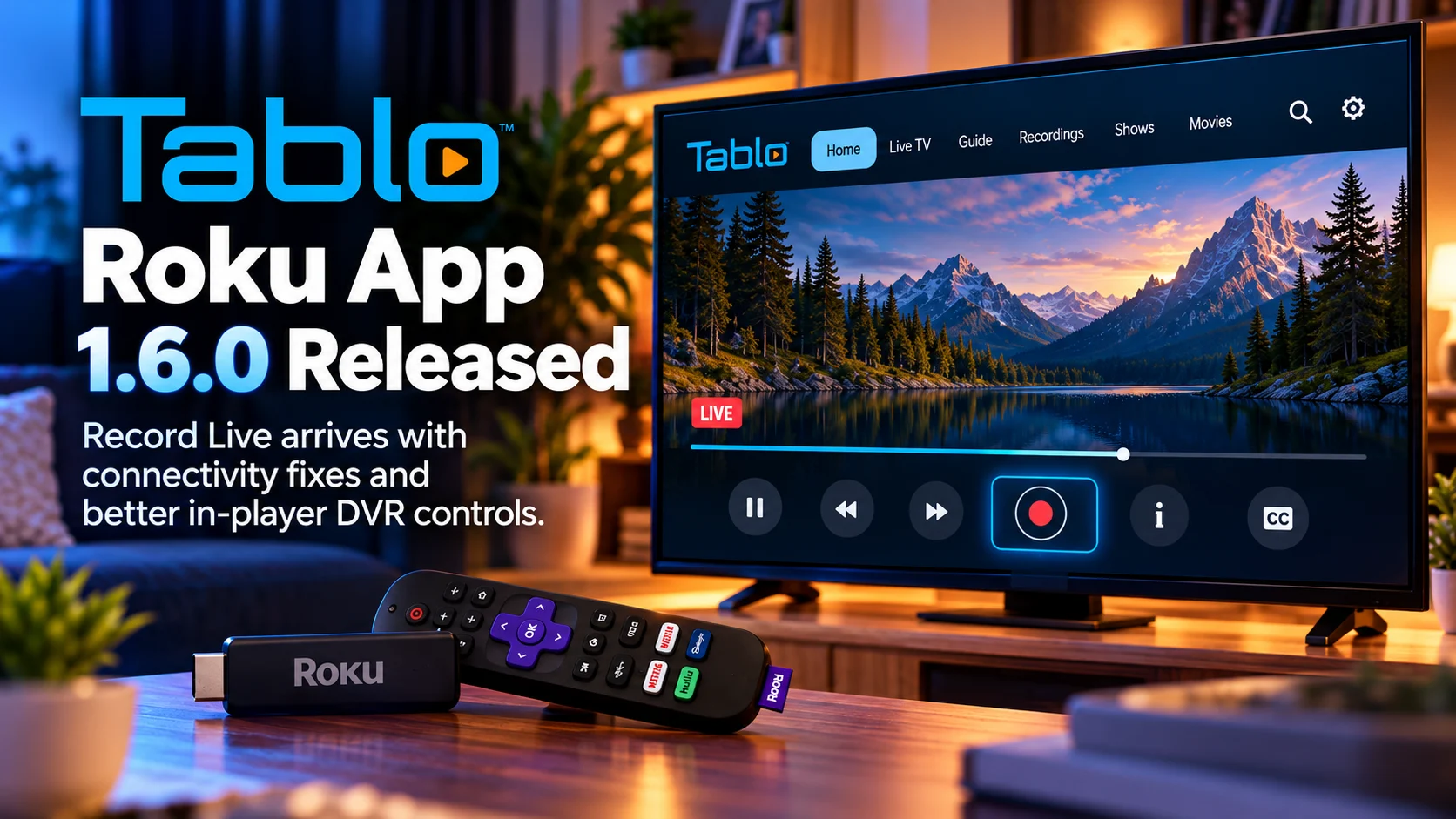
Tablo Roku App 1.6.0 is rolling out one of the more practical DVR improvements for Roku users in recent releases: Record Live directly from the video player.
The new capability lets viewers start recording the live program they are currently watching without backing out to the TV Guide, locating the same channel again, and scheduling the recording from there.
Instead, recording controls are available through the player’s Content Tray, bringing DVR management closer to the actual viewing experience.
Version 1.6.0 also addresses connectivity problems reported by some Roku users following earlier app changes. For viewers who experienced trouble connecting to their Tablo device, inconsistent app startup behavior, or interruptions while navigating the interface, those fixes may be as important as the new recording feature.
The overall direction of the update is clear: Tablo is trying to make Roku live television behave more like a polished modern streaming service while retaining the traditional DVR functionality that remains central to the product.
For households using a fourth-generation Tablo as their main over-the-air television system, version 1.6.0 is therefore a meaningful quality-of-life update rather than just another routine maintenance build.
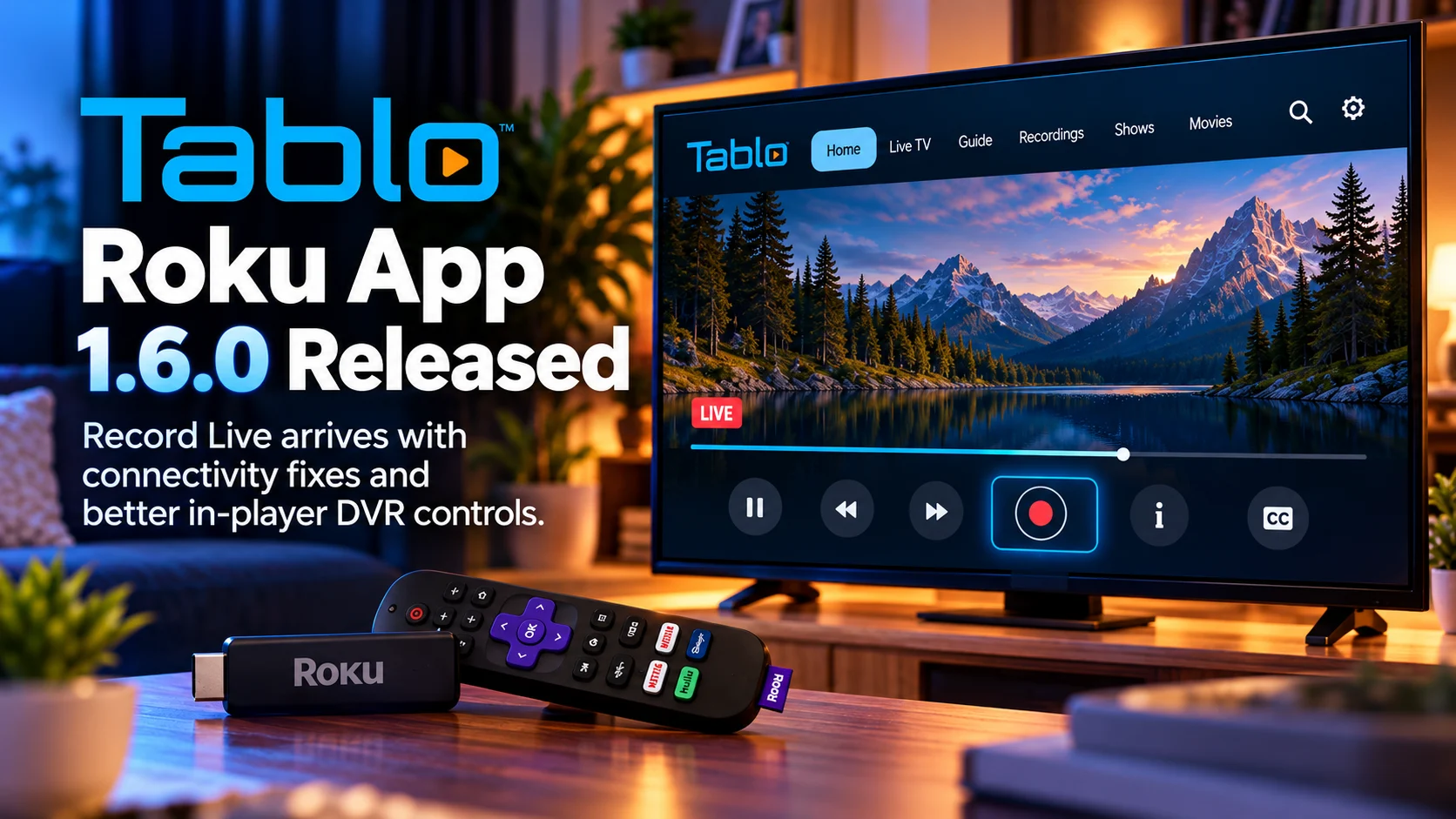
Tablo Roku App 1.6.0 at a Glance
| Area | What Changed | Why It Matters |
|---|---|---|
| Record Live | Recording can be started from the active player | No need to return to the TV Guide |
| Content Tray | DVR action added closer to playback controls | Makes recording faster and easier from the couch |
| Roku connectivity | Connection-related issues addressed | Improves reliability for affected Tablo users |
| Live TV workflow | Watching and recording are more closely integrated | Reduces navigation during live viewing |
| DVR experience | More controls available inside the playback interface | Makes Roku feel more like a complete DVR client |
| 4th Gen Tablo | Update targets the current Roku experience | Important for households using Tablo as a primary live-TV source |
Record Live Is the Main New Feature
The headline addition in the Tablo Roku App 1.6.0 is Record Live.
The concept is simple, but the workflow improvement is significant.
Imagine watching a local news broadcast and suddenly realizing there is a segment you want to preserve. Or perhaps a sporting event begins and you decide halfway through that you want the rest of it recorded.
Previously, a viewer might need to leave the player, return to the TV Guide, find the channel and program, and then select the recording option.
That process creates unnecessary friction.
With version 1.6.0, the viewer can access the Content Tray while the live channel is already playing and choose the recording action there.
The application already knows which channel and program are active, so asking the user to rediscover that information elsewhere in the interface is unnecessary.
The new design removes those extra steps.
Why In-Player Recording Matters on Roku
Remote-controlled interfaces behave differently from phones and tablets.
On a phone, opening another screen takes one tap.
On Roku, every additional screen usually means several directional-button presses, waiting for focus to move and then navigating back to the original content.
Reducing navigation has a much larger impact on television than it might seem from a feature list.
This is especially important for DVR actions because they are often time-sensitive.
A viewer may decide to record something only after it has already started.
The faster the recording action becomes available, the less likely the user is to miss the moment or abandon the process altogether.
Putting Record Live inside the player makes the action feel like a natural part of watching television.
That is exactly where it belongs.
The Content Tray Becomes More Important
Tablo’s Content Tray is becoming a central part of the Roku playback experience.
Rather than treating the video player as a simple fullscreen surface with only pause, rewind, and fast-forward controls, the Content Tray can provide contextual actions related to whatever is currently playing.
That is a smarter design for a DVR application.
The player already has information about the current channel, program, and playback state.
Contextual controls can use that information immediately.
Record Live is therefore more than one additional button.
It shows Tablo moving toward an interface where users can manage content without constantly switching between playback, guide, and library screens.
For television software, that kind of contextual design can make a major difference in how fast and intuitive the app feels.
Live TV and DVR Should Feel Like One Experience
Traditional DVR systems never treated live television and recording as completely separate products.
The user watched a channel and pressed Record.
Streaming-era TV applications sometimes complicate that straightforward behavior because guide data, player controls, and recording management live on different screens.
Tablo 1.6.0 brings those experiences closer together again.
A viewer should not have to think about whether they are currently inside the “Live TV part” or “DVR part” of the app.
They should simply be able to act on what they are watching.
That means recording from the player.
It also means accessing information and related actions without losing playback context.
The closer Tablo gets to that model, the more natural the product becomes for households replacing a traditional cable DVR.
Connectivity Fixes May Matter Even More to Some Users
The second major part of version 1.6.0 involves connectivity fixes.
Some Roku users reported connection difficulties after previous app changes.
Connection problems can take several forms.
The app may have difficulty finding the Tablo device.
It may take too long to connect.
A user might see a failure even though the Tablo is online and accessible from another client.
Or the interface might enter an unexpected state after losing and regaining network access.
Any of those problems can be extremely frustrating because they prevent the user from reaching the live television service at all.
A DVR feature can only matter after the app successfully connects to the hardware.
That is why reliability fixes are often more important than visible additions.
Why Tablo Connectivity Can Be Complicated
A Tablo setup depends on more than the Roku itself.
The Tablo device sits on the home network and communicates with the Roku application.
That means several parts of the local network need to cooperate.
The Tablo must be powered and connected.
The Roku needs network access.
The router needs to allow communication between the devices.
The app then needs to discover and maintain communication with the Tablo.
Most of this normally happens without the user thinking about it.
When something breaks, however, it can be difficult to tell whether the problem is the Roku app, Wi-Fi, router, Tablo firmware, or device discovery.
App-side connectivity fixes therefore reduce one important category of failure.
For households using Tablo every day, consistency is essential.
A television system should work immediately when someone sits down to watch it.
The Update Makes Roku a Stronger Tablo Client
Tablo is available across multiple device platforms, but the television client often becomes the most important one in the house.
Users might configure settings from a phone, but the living-room TV is where most actual viewing happens.
That gives Roku updates significant importance.
A better mobile interface is convenient.
A better Roku interface changes the main viewing experience.
Version 1.6.0 improves that main experience by reducing the distance between watching live television and managing recordings.
The connectivity work should also help users spend less time troubleshooting and more time watching.
Together, those changes strengthen Roku as a complete Tablo client rather than simply a viewer for content managed elsewhere.
Record Live Is Especially Useful for Sports
Sports is one of the strongest use cases for spontaneous recording.
Viewers do not always plan ahead.
A game may become interesting late in the first half.
An unexpected overtime period may begin.
A local event may appear on a channel the user was casually browsing.
Being able to start recording immediately from the player makes it easier to preserve the remainder of that broadcast.
The same applies to breaking news.
A viewer might start watching an important live report and decide they want to keep it.
Returning to the guide introduces unnecessary delay at exactly the moment when speed matters.
Record Live solves that by keeping the action inside the playback context.
The Feature Is Also Useful for Casual Channel Surfing
Modern streaming applications have reduced the amount of traditional channel surfing, but over-the-air television still encourages it.
Users may browse local stations without deciding in advance what they want to watch.
That creates situations where recording decisions happen after content is discovered.
For example, someone might come across a documentary already in progress.
They could decide the program is worth keeping.
With in-player recording, the user does not need to remember the channel number, exit playback, and search the guide again.
The current program remains the focus.
That is a much more television-friendly workflow.
Better DVR Controls Reduce Cognitive Load
Good user interfaces reduce the number of things the viewer has to remember.
When a program is already playing, the app knows the relevant context.
The user should not have to carry that information into another screen.
This principle is particularly important for users who are not highly technical.
A television DVR may be used by children, parents, grandparents, and visitors.
The simplest interaction is usually the best one.
Watching something and want to record it?
Open the playback controls and press Record.
Version 1.6.0 moves Tablo closer to that level of simplicity.
Roku Performance Still Matters
Adding more actions to the playback interface needs to be done carefully on Roku.
Roku devices span several hardware generations.
Some models have significantly more memory and processing power than others.
A player interface therefore needs to remain responsive while live video continues decoding in the background.
If opening a Content Tray causes visible stuttering or long delays, the convenience of contextual controls disappears.
Tablo’s recent Roku development has increasingly focused on reducing crashes, improving memory behavior and making navigation more reliable.
Record Live adds functionality, but the surrounding stability work remains just as important.
A good DVR client must handle long viewing sessions without gradually becoming unstable.
The Update Continues Tablo’s Roku Refinement
Tablo’s recent Roku releases have shown a pattern of incremental improvement rather than occasional massive redesigns.
Earlier updates have addressed favorites, playback controls, guide behavior and other parts of the everyday television workflow.
Version 1.6.0 continues that pattern.
The company is taking actions that previously required deeper navigation and moving them closer to where the viewer actually needs them.
This is often the right strategy for mature TV applications.
Once the basic features exist, the biggest gains come from reducing friction.
One fewer menu.
One fewer screen.
One fewer failure state.
Those refinements add up quickly when users perform the same actions every day.
What Tablo Users Should Test After Updating
The first thing users should try is Record Live while watching a currently airing program.
Open the player’s Content Tray and confirm that the recording action behaves as expected.
Afterward, check the library or recording area to ensure the program is being captured correctly.
Users who experienced connection problems on earlier builds should also test app startup repeatedly.
Try launching Tablo from a fresh Roku session and returning to it after using another app.
If the household has several Roku devices, testing more than one can help determine whether connectivity improvements are consistent across hardware.
Live TV users should also confirm that player controls remain responsive during long sessions.
Is This a Major Tablo Update?
Version 1.6.0 is not a complete redesign.
It is better described as an important usability release.
Record Live changes a frequently used workflow.
Connectivity fixes address a fundamental reliability issue.
Together, those changes can affect everyday use more than a large visual redesign would.
A DVR succeeds when it becomes invisible.
Users should be able to watch, pause and record without thinking about which interface screen contains the required command.
Tablo 1.6.0 takes another step toward that kind of experience.
Final Thoughts
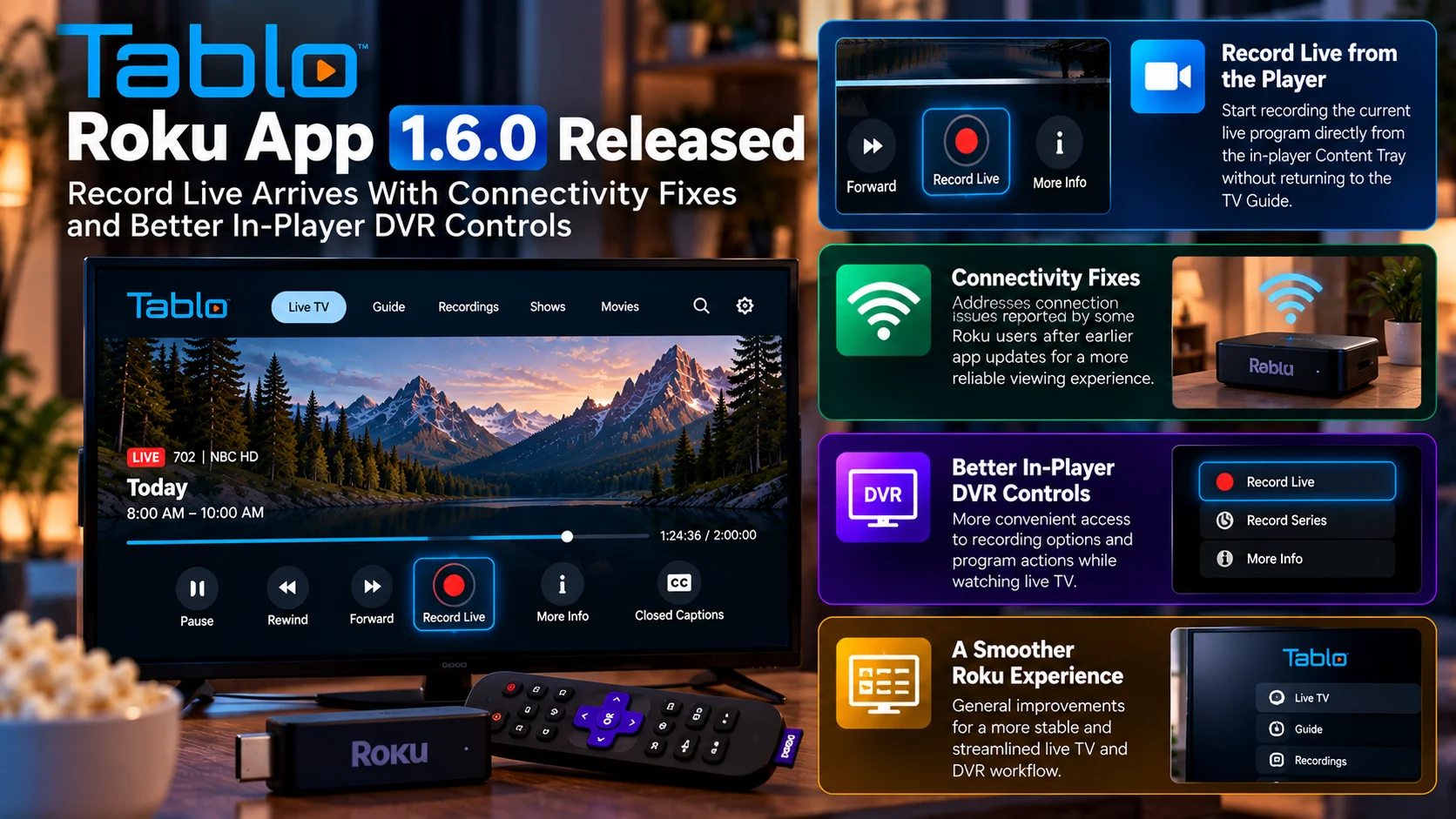
Tablo Roku App 1.6.0 improves one of the most fundamental parts of DVR viewing: recording what is already on the screen.
Adding Record Live directly to the player’s Content Tray removes unnecessary navigation and makes the Roku app behave more like the traditional DVR experience users already understand.
That is particularly valuable for sports, breaking news and programs discovered while casually browsing live television.
The connectivity fixes are equally important.
A modern DVR application can offer excellent features, but none of them matter if the client struggles to consistently reach the Tablo device.
By addressing both usability and reliability in the same release, Tablo 1.6.0 improves the parts of the Roku experience that users interact with most often.
It is not a flashy update.
It is a practical one.
And for a device intended to replace or modernize traditional over-the-air television viewing, practical improvements are often the ones that matter most.
FAQs About Tablo Roku App 1.6.0
1) What is new in Tablo Roku App 1.6.0?
The headline addition is Record Live from the in-player Content Tray. The update also includes connectivity fixes and improvements to the Roku DVR experience.
2) What does Record Live do?
It lets users begin recording the program currently playing without returning to the TV Guide.
3) Where is the Record Live option?
The recording action is available through the player’s Content Tray while watching supported live television.
4) Why is this better than recording from the guide?
It removes extra navigation. Users can act directly on the program they are already watching.
5) Does version 1.6.0 fix connectivity problems?
Yes. The release includes fixes aimed at connectivity issues experienced by some Roku users.
6) Is this update for 4th Gen Tablo?
The update applies to Tablo’s current fourth-generation Roku app experience.
7) Is Record Live useful for sports?
Yes. It is particularly useful when a viewer decides during an event that they want to record the remainder of the broadcast.
8) Do I still need the TV Guide?
Yes. The TV Guide remains important for browsing and scheduling programs in advance. Record Live simply provides a faster option for the program already being watched.
Stay Updated with the Player SDK Guide Hub
Live-TV applications depend on more than a video player. DVR actions, guide navigation, device connectivity, remote focus and playback controls all shape the final television experience.
The Player SDK Guide Hub tracks developments across Tablo, Roku, Fire TV, Android TV, Google TV, Apple TV, Plex, Jellyfin, IPTV players and other streaming ecosystems.
We cover app releases, DVR improvements, player updates, streaming-device changes and playback regressions to explain what changed, why it matters and what users and development teams should test next.
Explore the Player SDK Guide Hub for the latest Roku, Tablo and live-TV streaming updates.
