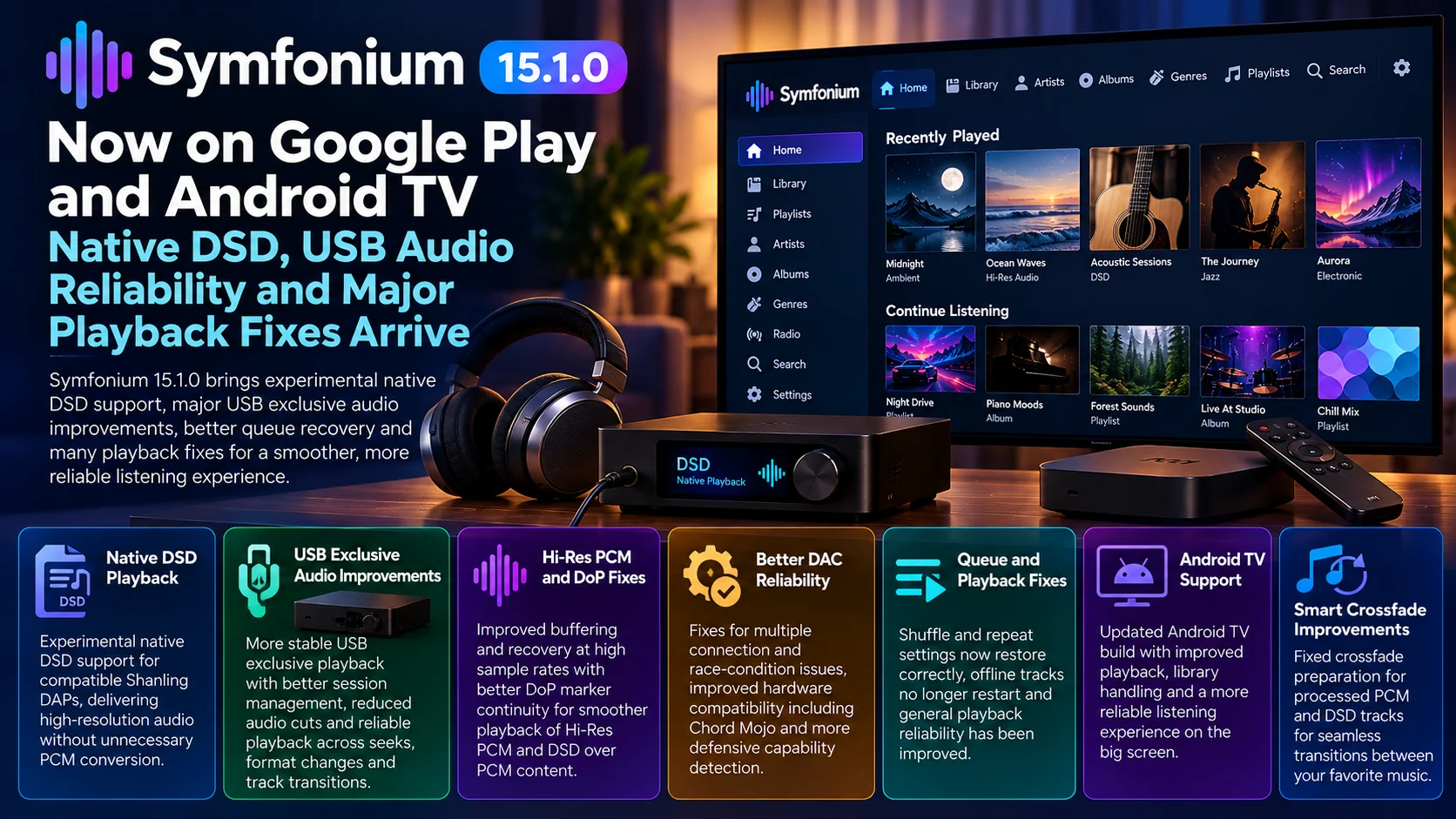
Symfonium 15.1.0 has reached Google Play with one of the app’s most technically focused audio updates, continuing the major playback-engine work introduced in the previous generation.
The release concentrates heavily on USB-exclusive audio, native DSD playback, high-resolution PCM, DoP reliability, and recovery when external DACs change state. It also addresses more conventional playback problems involving queues, offline files, media-provider reconnects, crossfade preparation, playback speed, and local files.
For users who treat Android as a serious music-playback platform rather than simply a Bluetooth source, the changes are significant.
Symfonium has increasingly positioned itself as an advanced front end for personal music libraries connected through services such as Jellyfin, Plex, Emby, Subsonic-compatible servers, and local files. At the same time, its audio engine has expanded into territory normally associated with dedicated audiophile players: external USB DACs, bit-perfect output, Hi-Res PCM, DSD, and device-specific audio routing.
Version 15.1.0 is mainly about making that ambitious playback pipeline more dependable.
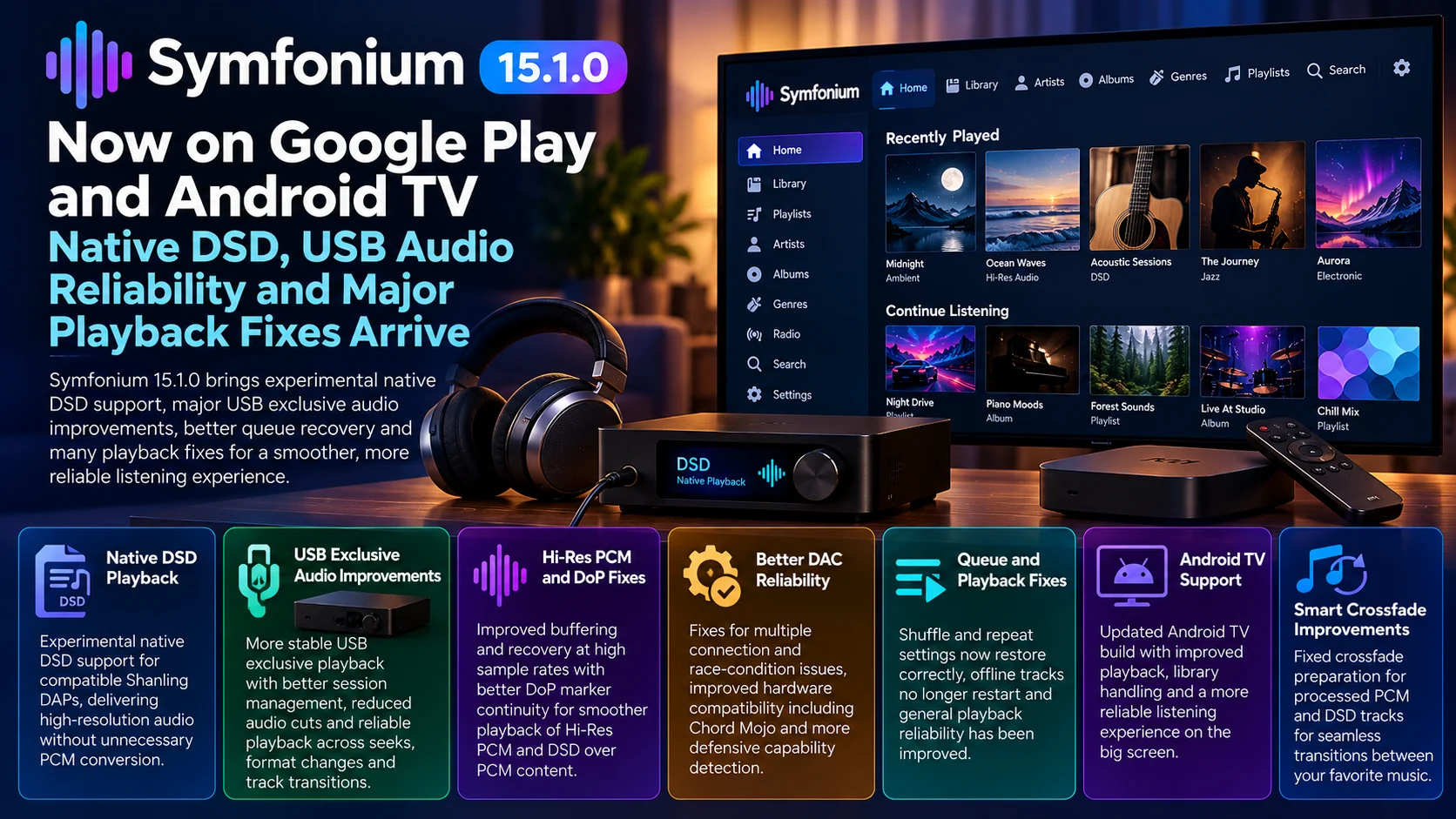
Symfonium 15.1.0 at a Glance
| Area | What Changed | Why It Matters |
|---|---|---|
| Native DSD | Experimental native DSD playback added for compatible Shanling DAPs | Avoids unnecessary PCM conversion on supported hardware |
| USB Exclusive | Sessions remain active across seeks and format changes | Smoother transitions between PCM, DoP and native DSD |
| Hi-Res Audio | Improved buffering and recovery at high sample rates | Reduces stalls and startup failures |
| USB DACs | Multiple connection, race-condition and recovery fixes | More reliable external DAC playback |
| DoP | Marker continuity improved | Helps DSD-over-PCM survive seeks and track changes correctly |
| Crossfade | DSD and processed PCM preparation corrected | Makes Smart Crossfade more dependable |
| Queue Recovery | Shuffle, repeat and saved queues restore correctly | Better session continuity after app or device restarts |
| Provider Recovery | Playback no longer fails as easily while a server reconnects | Useful for network music libraries |
| Android TV | Supported builds benefit from broader playback and library fixes | More consistent living-room playback |
| Local Playback | Source sample-rate family is better preserved | Reduces unnecessary sample-rate changes |
Symfonium describes 15.1.0 as a continuation of its USB-exclusive work, with native DSD on compatible Shanling players still marked experimental and a large set of fixes aimed at USB DAC reliability.
Native DSD Playback Expands
One of the headline additions is native DSD playback on compatible Shanling digital audio players.
DSD, or Direct Stream Digital, uses a different representation from conventional PCM audio. Most Android applications ultimately convert unusual formats into PCM before sending them through the operating system’s normal audio stack.
For casual listening, that is often perfectly acceptable.
Audiophile users, however, may specifically want the original DSD signal delivered directly to compatible hardware.
Native DSD allows a supported DAC or digital audio player to receive that format without first converting it into ordinary PCM.
There is an important limitation: this does not mean every Android phone, Android TV, or USB DAC suddenly supports native DSD.
Symfonium identifies the new Shanling support as experimental, and actual behavior still depends on the hardware and output route.
That distinction matters because “DSD support” can refer to several different playback methods.
USB Exclusive Playback Is the Real Focus of 15.1.0
Although native DSD attracts attention, USB-exclusive playback reliability is arguably the bigger story.
USB exclusive mode gives Symfonium more direct control over a connected DAC instead of relying entirely on Android’s shared system mixer.
For high-resolution playback, this can be useful because Android’s normal audio pipeline may resample audio according to system output settings.
Exclusive playback can instead allow the player to negotiate a more appropriate output format directly with the USB hardware.
That also creates additional engineering challenges.
The player needs to handle the DAC connecting and disconnecting, sample-rate changes, pauses, seeks, track transitions, app interruptions, and audio-focus events.
Symfonium 15.1.0 contains fixes throughout that entire lifecycle.
PCM, DoP, and Native DSD Transitions Are Smoother
One notable change is that compatible USB-exclusive sessions can remain active while playback moves between PCM, DoP, and native DSD formats.
Previously, major output-format changes could require more disruptive reinitialization.
Maintaining a compatible session can make track transitions faster and reduce opportunities for audio hardware to get into an unexpected state.
Consider an album queue containing a normal 24-bit PCM track followed by DSD content.
The player may need to change both sample format and DAC operating mode.
That transition sounds simple from the listener’s perspective, but underneath it can involve closing streams, reopening endpoints, and negotiating new hardware parameters.
The new behavior is designed to make these transitions more seamless.
High Sample Rates Get Better Buffering and Recovery
Symfonium also improves USB-exclusive buffering at high sample rates.
Hi-Res audio increases the amount of data that must move through the playback pipeline.
A stereo 44.1 kHz file is relatively lightweight compared with very high-rate PCM.
When DSD and external USB hardware are added, timing becomes even more sensitive.
Version 15.1.0 addresses cases where USB playback could suffer from audio cuts, stalls, deadlocks, or startup failures, particularly with high-rate PCM, DoP, and native DSD playback.
The update also improves recovery rather than assuming every temporary transport issue requires playback to fail completely.
That is important because reliability matters more than theoretical format support.
A player supporting extremely high sample rates is not useful if switching albums regularly causes the DAC session to stop responding.
Pause, Resume, and Seek Important Fixes
External DAC playback can expose problems that ordinary Android audio hides.
When a user presses Pause, the player must decide what happens to the exclusive USB session.
Seeking introduces another complication because the decoder suddenly jumps to a different point in the file while the hardware output still expects a continuous stream.
Symfonium 15.1.0 fixes USB-exclusive playback after pause, resume, seeking, timeout, and track replacement.
That should make everyday control of Hi-Res playback feel less fragile.
Users should be able to seek through a long track without wondering whether the USB DAC will continue producing audio afterward.
DoP Marker Continuity Has Been Fixed
The update also addresses DoP marker continuity.
DoP relies on specific marker patterns that allow a compatible DAC to recognize that the incoming PCM-looking stream actually contains DSD data.
If those markers become inconsistent during startup, seeking, recovery, or track transitions, the DAC can misinterpret the stream.
The result may be silence, noise, or a failed playback transition.
Symfonium 15.1.0 improves marker continuity across these situations.
It is a technical change that most users will never directly see, which is exactly the point: the audio should simply continue playing correctly.
USB DAC Compatibility Gets Broader Reliability Work
The update also fixes hardware-specific and capability-detection problems.
Symfonium addresses USB-exclusive playback with Chord Mojo devices and corrects behavior with DACs that report sample rates they cannot actually use reliably.
The latter is especially interesting.
A USB audio device can advertise a set of supported formats to the host. The player then uses that information to determine what output configuration should be possible.
If a device incorrectly reports support for a format or sample rate, a player that blindly trusts it may select an unusable output mode.
Symfonium now handles some of these inaccurate capability reports more defensively.
The release also addresses race conditions that could occur while starting, stopping, controlling, or disconnecting a DAC.
Smart Crossfade Now Handles Advanced Formats Better
Symfonium’s Smart Crossfade system also receives fixes involving processed PCM and DSD tracks.
Crossfading sounds simple because the user hears one song fade into another.
Technically, the application needs two playback streams available simultaneously.
It must prepare the next track early enough, decode both sources, adjust their volume curves, and combine them during the transition.
That becomes more complicated when the tracks involve formats such as DSD that may require a different decoding or output route.
Version 15.1.0 improves preparation for these situations so advanced audio formats interact more reliably with Symfonium’s playback features.
Queue Restoration Is More Reliable
Not every fix targets audiophile hardware.
Symfonium also addresses an issue where shuffle and repeat settings could reset when restoring the playback queue.
This is a small change with a large usability impact.
If someone intentionally builds a long queue, turns on shuffle, and closes the application, restoring that session should return the listener to the same playback logic.
Changing the mode without warning makes the restored queue behave differently from the session the user created.
Saved queues containing local files selected through Android’s document picker also receive a restoration fix.
That strengthens Symfonium’s role as both a network player and a local music application.
Network Library Playback Gets Better Recovery
Symfonium is often used with remote media providers rather than only local storage.
That means playback reliability depends on more than the audio engine.
A Jellyfin, Plex, Emby, or Subsonic-compatible server can temporarily disconnect while the app is running.
Version 15.1.0 fixes a situation where playback could fail while the media provider was still reconnecting.
Offline-cached tracks also receive a correction so they do not unexpectedly restart when network or provider connectivity returns.
These changes matter for mobile users moving between Wi-Fi and cellular connections, but they can also help Android TV installations where a media server is temporarily unavailable during a network interruption.
Android TV Remains Part of Symfonium’s Broader Platform Strategy
Symfonium’s official alternative distribution and beta channels include Android TV builds, and the app’s broader playback and library fixes benefit that environment even though the USB-exclusive features are most relevant to phones, DAPs and devices connected directly to compatible DACs.
That distinction is worth emphasizing.
A television installation should not be expected to provide the same native DSD and USB behavior as a dedicated Shanling DAP.
Android TV hardware varies considerably in its USB implementation, audio capabilities and output routing.
What television users do benefit from are fixes involving playback recovery, queues, library providers, local content and general audio-engine stability.
Symfonium therefore remains interesting as a living-room music interface even when its most advanced audiophile functionality is used elsewhere.
Source Sample Rates Are Better Preserved
Standard local playback also receives a technical improvement.
When users configure a maximum output sample rate, Symfonium now better preserves the source sample-rate family.
Audio sample rates commonly fall into families based around 44.1 kHz or 48 kHz.
For example, 44.1, 88.2 and 176.4 kHz belong naturally together, while 48, 96 and 192 kHz form another common family.
Preserving these relationships when reducing the output rate can avoid unnecessary conversions between unrelated clock families.
Most listeners will not interact with this directly, but it reflects the audio-engine philosophy behind the current Symfonium releases.
Symfonium 15.1.0 Is More About Reliability Than New UI
There is no giant interface redesign driving this release.
That is probably a good thing.
The previous major version significantly expanded Symfonium’s playback engine with USB DAC, bit-perfect, DSD, DoP and Hi-Res capabilities. Version 15.1.0 is the follow-up that addresses the edge cases exposed when those features meet real-world hardware.
External audio hardware is unusually diverse.
Different manufacturers interpret USB specifications differently, advertise different capabilities and react differently to seeks or stream reinitialization.
A mature Hi-Res player therefore needs months of compatibility work beyond simply proving that audio can reach a DAC.
Symfonium 15.1.0 represents exactly that kind of refinement.
Final Thoughts
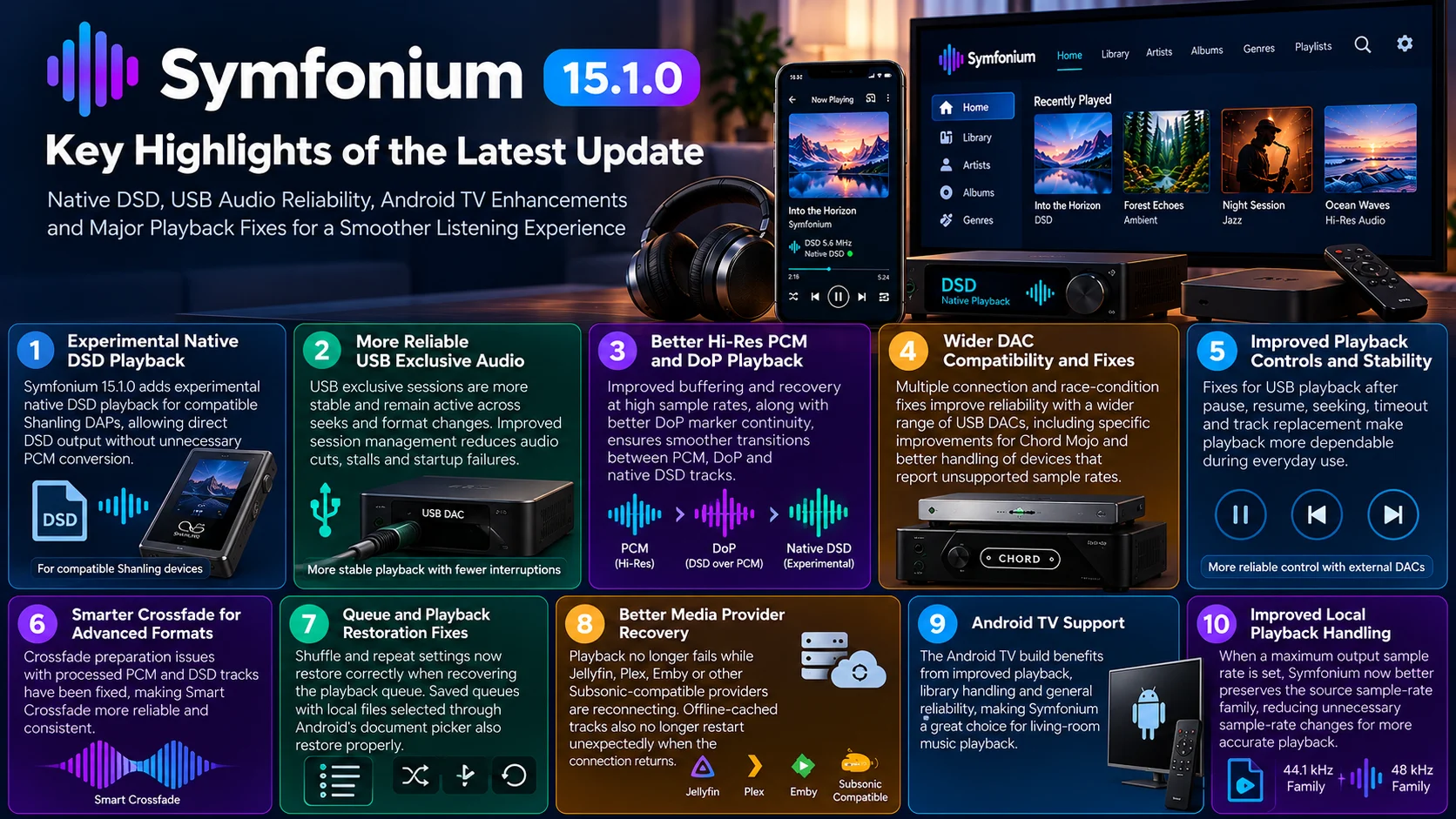
Symfonium 15.1.0 is primarily a reliability release for an increasingly sophisticated Android audio engine.
Native DSD on compatible Shanling devices expands the app’s audiophile capabilities, but the more important improvement may be the large amount of engineering work surrounding USB exclusive playback.
High-resolution audio is useful only when it behaves predictably.
A DAC connection should survive a seek.
Moving from PCM to DoP should not result in silence.
Pausing and resuming should not break the USB session.
Network recovery should not restart an offline track.
And a restored queue should remember whether the listener selected shuffle or repeat.
Symfonium 15.1.0 addresses all of these areas while continuing the broader audio-engine transformation started in the previous major release.
For Android TV users, the update also demonstrates that Symfonium is becoming more than a phone-focused audiophile application. Its combination of network libraries, local playback and TV support makes it increasingly relevant as a living-room music interface.
For dedicated headphone and USB DAC users, however, the most important story remains the same: Symfonium is pushing Android deeper into serious Hi-Res, DSD and external-DAC playback while steadily fixing the reliability problems that come with that complexity.
FAQs About Symfonium 15.1.0
1) What is new in Symfonium 15.1.0?
The update adds experimental native DSD support for compatible Shanling DAPs and introduces a large number of fixes for USB-exclusive playback, DoP, high-rate PCM, external DACs, queue restoration, crossfade and media-provider recovery.
2) Does Symfonium support native DSD?
Yes, but support depends on the playback device and hardware path. The new Shanling implementation is specifically described as experimental.
3) What is USB exclusive playback?
USB exclusive playback allows Symfonium to communicate more directly with a compatible USB DAC instead of sending audio through Android’s normal shared output path.
4) Does Symfonium support DoP?
Yes. DoP allows DSD data to be transported through a PCM-compatible stream to a supported DAC.
5) Did USB reliability improve?
Yes. The release addresses stalls, audio cuts, startup failures, deadlocks, seeking problems, track-transition problems and several DAC-specific cases.
6) Does the update help Android TV users?
Yes, especially through general playback, queue and media-provider reliability improvements. However, advanced native DSD and USB-exclusive behavior depends heavily on the specific hardware.
7) Does Smart Crossfade work with DSD?
The update fixes Smart Crossfade preparation involving processed PCM and DSD tracks, improving compatibility between advanced formats and crossfading.
8) Does Symfonium work only with local music?
No. Symfonium can function as a music client for several media-server ecosystems while also supporting local and offline content.
Stay Updated with the Player SDK Guide Hub
Modern playback software increasingly depends on hardware routing, high-resolution codecs, USB interfaces, media-server APIs and device-specific audio behavior.
The Player SDK Guide Hub tracks developments across Symfonium, Android TV, Google TV, Plex, Jellyfin, Emby, Infuse, Kodi, VLC, Media3 and other media-player platforms.
We cover player releases, audio-engine changes, streaming-device updates, playback regressions and SDK developments to explain what changed, which users are affected, why it matters and what developers and media enthusiasts should test next.
Explore the Player SDK Guide Hub for the latest Android TV, audio-player and streaming-platform updates.
