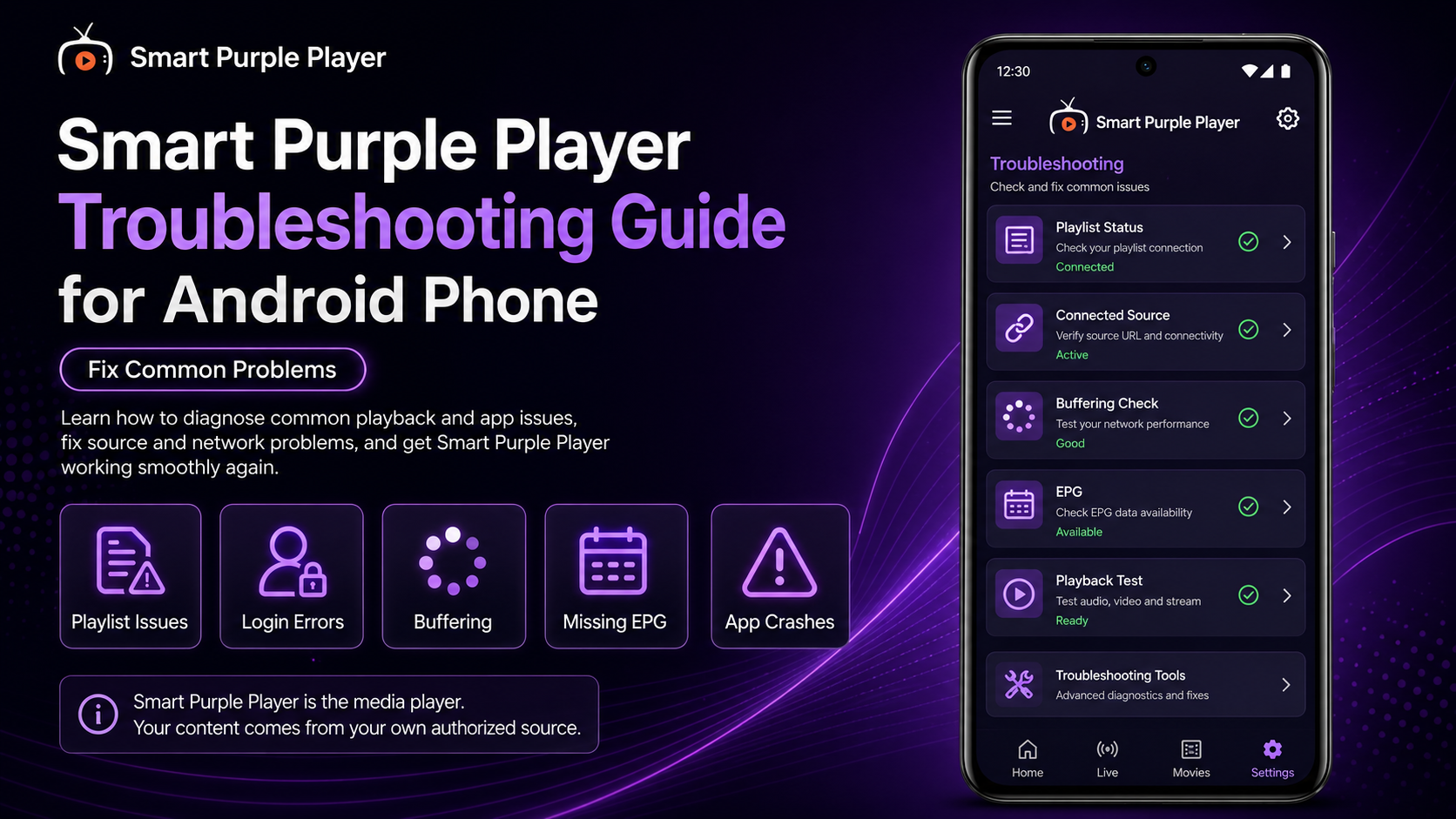
Smart Purple Player can make it convenient to watch compatible live TV, movies, series, and other media on an Android phone. However, streaming depends on several components working together, which means occasional problems such as buffering, playlists not loading, missing EPG information, failed channels, login errors, or app crashes can occur.The important thing is knowing where the problem originates.The Smart Purple Player acts as the media player, while your M3U playlist or Xtream account supplies the content. Your Android phone and internet connection also affect performance. A problem with any one of these components can interrupt playback even when the others are working normally.This complete Smart Purple Player Troubleshooting Guide for Android Phone explains how to diagnose common problems systematically and get your player working again without unnecessarily deleting playlists, changing settings, or reinstalling the app
Why Smart Purple Player Troubleshooting Matters
When a channel stops working, reinstalling the player is rarely the best first step.Consider a situation where your playlist loads normally and 20 channels play correctly, but one channel refuses to start. Purple Player is clearly capable of connecting to your source and playing media, so the individual stream is more likely to be the problem.The same logic applies to other situations.If the application opens but your entire playlist is missing, investigate the source. If every stream buffers, investigate the network. If Purple Player crashes before displaying its interface, investigate the application or Android device.Using this approach makes troubleshooting considerably faster.
Common Smart Purple Player Problems
| Problem | Best First Check | |
|---|---|---|
| Playlist won't load | Verify M3U/Xtream details | |
| Xtream login fails | Check server, username, and password | |
| One channel won't play | Test several other channels | |
| All streams fail | Check internet and source | |
| Constant buffering | Test network quality | |
| EPG is missing | Check source-provided EPG data | |
| No sound | Check Android volume/audio output | |
| App keeps crashing | Restart app and Android phone | |
| 4K stream freezes | Test HD and network performance |
Problem 1: M3U Playlist Won't Load
If your M3U playlist isn't loading in the Smart Purple Player, start by checking the URL.M3U addresses can be long and complicated, making them easy to enter incorrectly.Whenever possible, copy and paste the original URL supplied by your authorized service rather than manually typing it.Look for accidental spaces before or after the address and confirm that the entire URL was copied.Next, check your internet connection.If Purple Player can access the internet but the M3U source still doesn't load, confirm that the playlist or service is currently active.Avoid repeatedly deleting and re-adding the source before verifying these basics.
Problem 2: Xtream Login Details Don't Work
Stream-based configuration usually depends on several pieces of information being correct.If Purple Player rejects your login, review the server address, username, and password carefully.Even a small typing mistake can prevent authentication.Pay attention to uppercase and lowercase characters, numbers, symbols, and unnecessary spaces.If the credentials previously worked but suddenly stopped, confirm whether your account is still active and whether the service has changed any connection information.If Purple Player itself opens normally, reinstalling the application won't fix incorrect or inactive Xtream credentials.
Problem 3: One Channel Won't Play
This is one of the easiest problems to diagnose.Simply test several other channels.If they play normally, your overall Smart Purple Player setup is probably still working.The failed channel may be temporarily unavailable or experiencing a source-side problem.Avoid deleting your complete playlist because of a single unavailable stream.Wait and test that channel again later if necessary.If many channels from the same source suddenly stop working, then investigate the source or network more broadly.
Problem 4: No Channels Are Playing
If your playlist loads but every channel fails to play, begin with your internet connection.Open another internet-based app and verify that your Android phone is actually online.Next, test whether your source is active.If you have multiple authorized playlists configured, switching to another working source can be a useful diagnostic test. If the second source plays normally, the first source is more likely to be responsible.If nothing works across multiple sources, restart Purple Player and your Android phone before making major changes.
Problem 5: Smart Purple Player Keeps Buffering
Buffering can have several causes.Your Wi-Fi connection may be weak, other devices may be consuming bandwidth, the stream bitrate may be too demanding, or the server may be struggling to deliver the stream consistently.Start by moving closer to your Wi-Fi router.Then test several channels.If everything buffers, investigate your network. If one channel buffers while others play smoothly, the individual stream may be responsible.Don't immediately change numerous Purple Player settings.Network and source testing should come first.
Problem 6: HD Works but 4K Keeps Freezing
Smart Purple Player's built-in player supports SD, HD, and compatible 4K media, but 4K playback places greater demands on the overall streaming setup.The stream must actually be delivered properly, your Android phone must be capable of handling it, and your internet connection needs enough stable bandwidth.If 4K freezes but HD works perfectly, test another high-quality stream.You may find that using HD provides a smoother experience on your current network.The highest resolution isn't automatically the best viewing option if playback constantly stops to buffer.
Problem 7: EPG Information Is Missing
The Electronic Program Guide (EPG) helps display program information for compatible live TV channels.If channels work normally but EPG information is missing, the problem may not involve video playback at all.Purple Player can only display compatible program-guide information available from your source.If the source doesn't provide the required EPG data, or if the guide information isn't correctly associated with certain channels, those entries may remain blank.Give the guide time to load and confirm your source is connected before making player changes.
Problem 8: EPG Information Looks Incorrect
Sometimes an EPG appears but shows incorrect or outdated information.Again, remember that the guide data can originate from your source.Refreshing or reopening the relevant library may help if updated information is available.If the problem affects only specific channels while other EPG entries are accurate, it may be associated with how those particular channels are mapped by the source.Don't reinstall the complete player solely because one channel has incorrect program information.
Problem 9: Video Plays but There Is No Sound
If you can see the picture but cannot hear audio, check your Android phone's media volume first.Increase the volume while the stream is actively playing.Also check whether sound is being sent to a Bluetooth device such as headphones, earbuds, a speaker, or another connected accessory.Disconnect external audio devices temporarily and test again.Then try another stream.If audio works elsewhere, the original channel or media item may have an audio-specific issue.Restarting playback can also resolve temporary problems.
Problem 10: Purple Player Is Slow or Freezing
If the application interface itself becomes sluggish, close Smart Purple Player completely and reopen it.If the issue continues, restart your Android phone.Check available storage as well. A device with very little free storage can experience general performance problems.Large libraries may also take time to populate, particularly during initial loading.Give the player enough time before assuming it has frozen.Avoid repeatedly force-closing the application while a large playlist is still loading.
Problem 11: Smart Purple Player Keeps Crashing
Repeated crashes require a slightly different troubleshooting process.Start by restarting the application and phone.Next, check whether a newer version of Smart Purple Player is available through your trusted app source. Also install supported Android updates when appropriate.If the crash happens only when opening one particular media item, test several others.A problem associated with one stream is different from an application that crashes immediately at launch.If the app continues crashing across normal usage, reinstallation can eventually be considered—but only after simpler fixes have failed.
Problem 12: Favorites Have Disappeared
If previously saved favorites no longer appear, first check whether you're viewing the correct playlist.This is particularly important if you manage multiple M3U or Xtream sources.A favorite associated with one source may not necessarily appear while you're browsing another.Also consider whether the playlist was recently removed, re-added, refreshed, or substantially changed.Avoid deleting your source as an initial fix because doing so can complicate the situation further.
Problem 13: Search Doesn't Find a Channel or Movie
Purple Player's search functionality depends on the information contained in your connected library.Try using a shorter or simpler search term.For example, searching only the most distinctive part of a title can sometimes be more effective than entering a long phrase.If the content still doesn't appear, browse the relevant category manually.If it isn't present there either, your source may simply not be supplying that item.The player cannot search content that doesn't exist in the connected library.
Problem 14: Parental Control Isn't Working as Expected
If you've configured parental controls, first verify that the restriction is still enabled in the current Purple Player configuration.Make sure you're testing content or categories that are actually covered by the restriction.If you use multiple playlists, remember that organization can differ between sources.Review the parental-control configuration carefully rather than repeatedly changing the PIN.For shared Android devices, combine player-level restrictions with appropriate Android security or family controls when needed.
Problem 15: Purple Player Works on Wi-Fi but Not Mobile Data
If Smart Purple Player works normally on Wi-Fi but fails over cellular data, check your Android phone's mobile-data settings.Make sure the application is allowed to use mobile data and that Data Saver or manufacturer-specific restrictions aren't blocking it.Also verify that you have a stable mobile signal.Streaming HD or 4K video can consume substantial data, so consider your mobile plan before using extensively over cellular networks.For longer viewing sessions, stable Wi-Fi is generally preferable.
Problem 16: Playback Stops When the Network Changes
Switching between Wi-Fi and cellular data during an active stream can interrupt the connection.If this happens, wait until Android has fully established the new network.Then reopen or restart the affected stream.For more reliable playback, connect to your preferred network before beginning a longer viewing session.Frequent network switching can create interruptions even when Purple Player and the source are otherwise functioning correctly.
Problem 17: A Large Playlist Takes Too Long to Load
Large M3U or Xtream libraries naturally require more processing than small playlists.If your source includes extensive live TV, movie, series, and EPG information, allow Purple Player time to retrieve and organize it.Use a stable network during loading.Repeatedly closing the application may simply restart or interrupt the process.If the library eventually appears and works normally, the longer load time isn't necessarily a malfunction.
Problem 18: Multiple Playlists Aren't Behaving the Same
Different sources can behave differently inside the same player.One playlist may load quickly while another takes longer. One may provide complete EPG information while another has very little. Channel availability and media organization can also vary.This is expected because Purple Player isn't creating all of that information itself.If one playlist works and another doesn't, compare the sources before modifying the complete application.A working second playlist is useful evidence that Purple Player and your Android connection are functioning.
When Should You Reinstall the Smart Purple Player?
Reinstallation should usually be a later troubleshooting step rather than your first reaction.Consider it after you've confirmed that your network works, restarted the app and phone, checked for updates, verified your source information, and tested multiple streams.Remember that uninstalling the application may remove locally stored configuration or require you to add your M3U/Xtream information again.Make sure you securely retain any legitimate connection details you need before reinstalling.A reinstall won't fix an inactive subscription, incorrect credentials, unavailable channel, or overloaded external server.
Best Practices to Prevent Purple Player Problems
Keep your configuration simple and avoid changing multiple settings simultaneously. Maintain a reliable network and keep both Purple Player and your Android software current.Protect your M3U and Xtream credentials and avoid unnecessary removal of working playlists.When playback fails, test several channels. When the library fails, check the source. When everything buffers, investigate the network.This simple troubleshooting logic solves or identifies many everyday problems without drastic changes.
What's Next?
Once you know how to solve common Smart Purple Player problems, you can begin exploring capabilities that aren't always obvious during everyday viewing.Continue with the:Smart Purple Player Hidden Features Guide for Android PhoneYou'll learn about useful player capabilities, playlist-management possibilities, EPG functionality, Favorites, Search, parental controls, and other features worth exploring more closely.
Final Thoughts
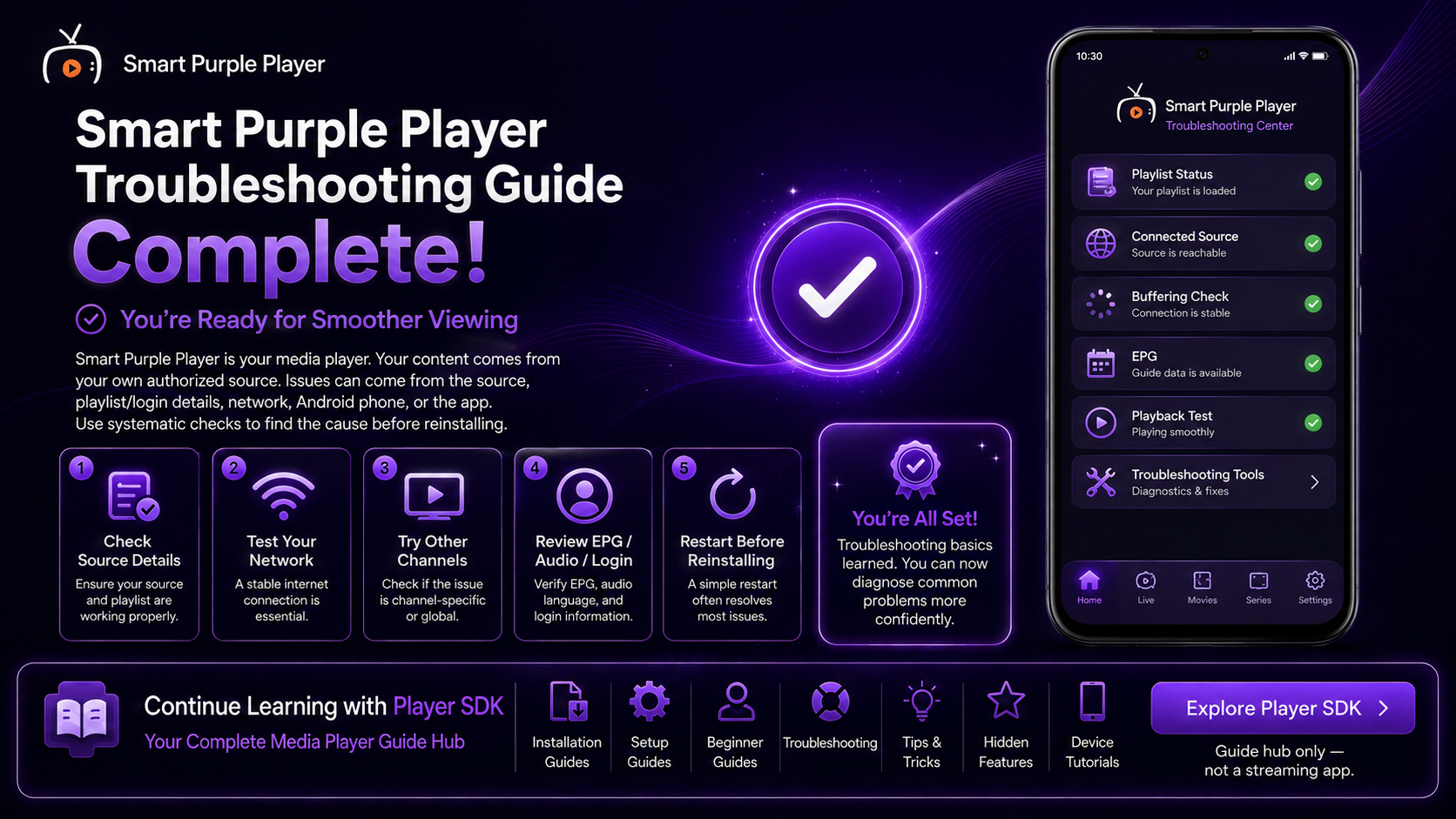
Troubleshooting the Smart Purple Player on an Android Phone becomes much easier when you separate the player from the other parts of your setup.Purple Player provides the playback interface. Your M3U or Xtream source provides the media and related information. Your internet connection delivers that media, while your Android phone handles the application and playback.Start with the simplest checks before making major changes.Test several streams, verify your internet connection, review your M3U or Xtream information, restart the player, and check whether your source is active.Avoid reinstalling the application because of one unavailable channel or missing EPG entry.A logical troubleshooting process saves time, protects a working configuration, and helps you get back to smooth playback faster.
Frequently Asked Questions (FAQs)
1) Why is my M3U playlist not loading in the Smart Purple Player?
Check the entire M3U URL for errors, confirm your internet connection works, and verify that the source is still active. Copying the original URL is generally safer than typing it manually.
2) Why are my Xtream details not working?
Verify the server address, username, and password exactly as supplied by your authorized service. Also check whether the account is currently active.
3) Why does the Smart Purple Player keep buffering?
Buffering can result from weak Wi-Fi, network congestion, high stream bitrate, or source-server performance. Test multiple channels and your internet connection to narrow down the cause.
4) Why is the EPG missing?
Purple Player relies on compatible EPG information associated with your source. If channels work but program information is missing, the guide data may not be available or properly associated.
5) Why does one channel not work while everything else does?
A single channel can become unavailable independently. If other channels play normally, your complete Purple Player configuration probably doesn't need to be changed.
6) Should I reinstall the Smart Purple Player when it stops working?
Not immediately. Restart the application and Android phone, check your network, verify your playlist or Xtream source, test multiple streams, and install available updates first.
7) What should I read after this troubleshooting guide?
Continue with the Smart Purple Player Hidden Features Guide for Android Phones to explore additional capabilities and learn more about getting the most from the player.
Continue Learning with Player SDK
Continue improving your Smart Purple Player experience with Player SDK, your resource for installation guides, setup guides, beginner guides, troubleshooting, tips & tricks, hidden features, and device-specific media player tutorials.Now that you know how to diagnose common Purple Player problems, continue with the Smart Purple Player Hidden Features Guide for Android Phone to explore additional tools and capabilities that can make your everyday experience even more convenient.
