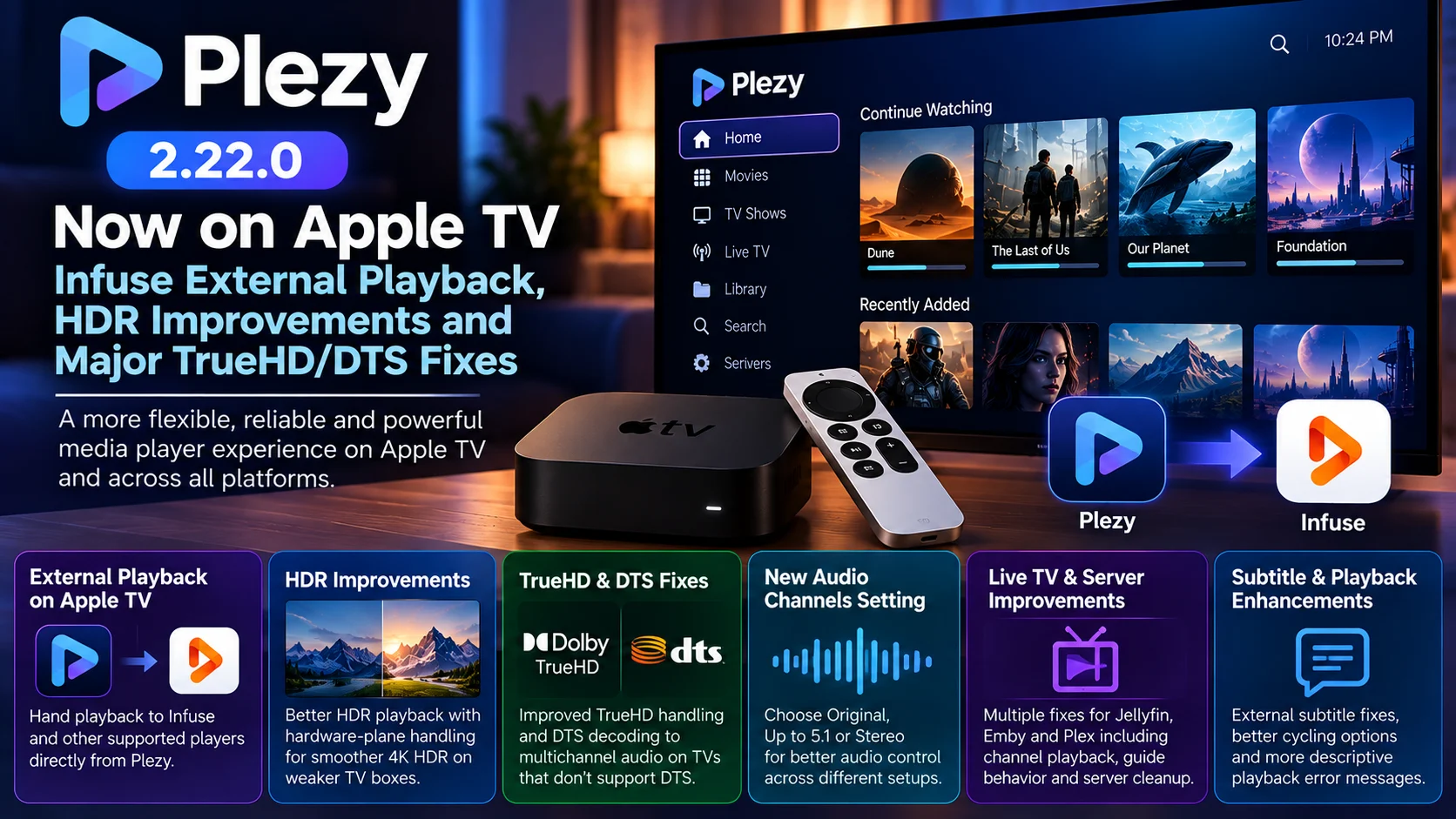
Plezy 2.22.0 is one of the player’s more substantial recent updates, bringing changes across Apple TV, Android TV, mobile, desktop, Live TV, and media-server integrations.
For Apple TV users, the headline addition is the ability to hand playback to an external player such as Infuse. This gives users another option when they prefer Infuse’s playback pipeline for a particular media file while continuing to use Plezy for browsing and server access.
The update also contains major playback work elsewhere in the Plezy ecosystem. HDR handling has been improved on Android devices, TrueHD routing is more flexible, DTS can now fall back to multichannel decoding on TVs that do not support DTS directly, and several playback errors now provide clearer explanations instead of generic failure messages.
That combination makes Plezy 2.22.0 less about one isolated feature and more about strengthening the complete playback chain.
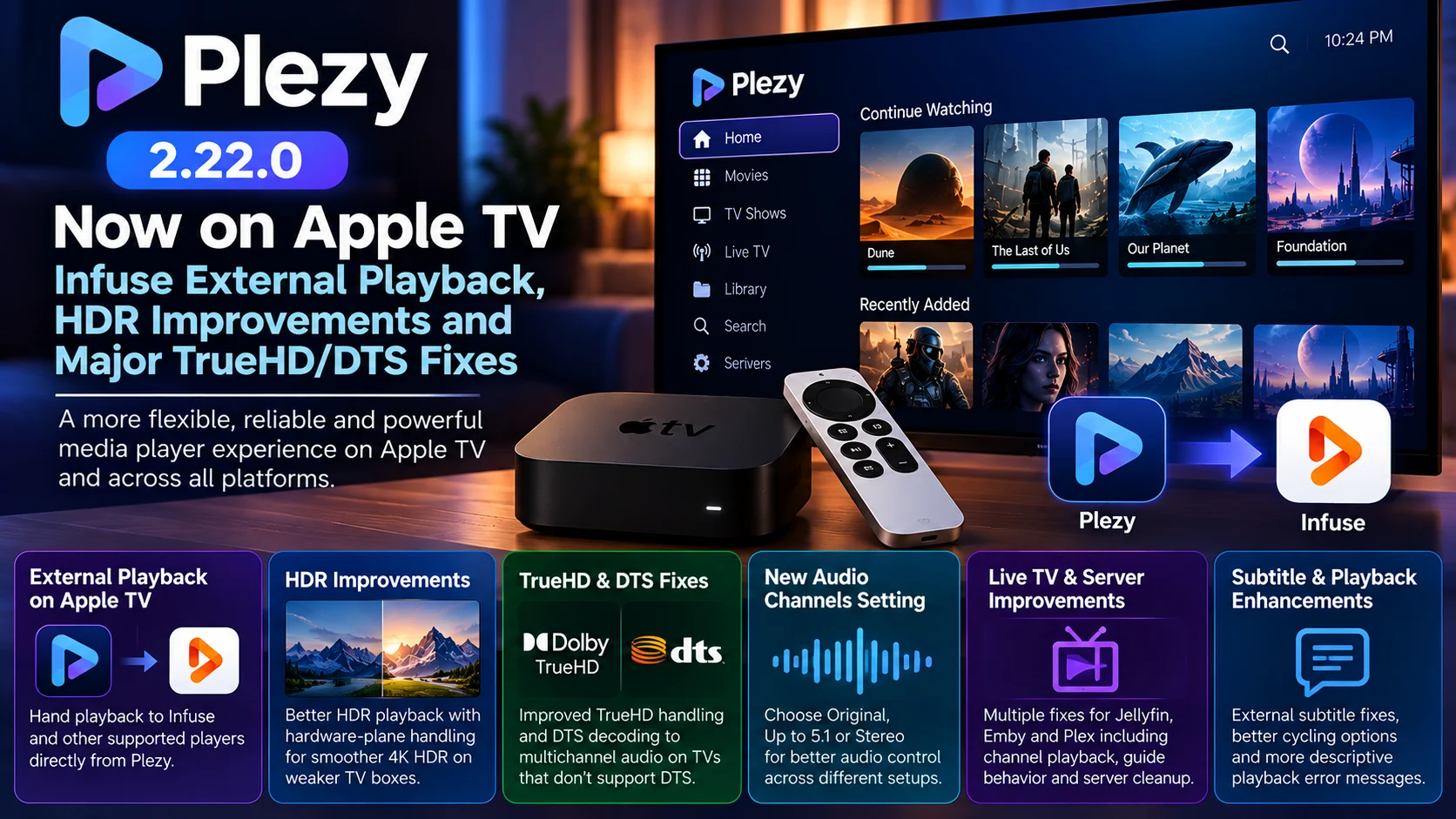
Plezy 2.22.0 at a Glance
| Area | What Changed | Why It Matters |
|---|---|---|
| Apple TV | External player handoff to apps such as Infuse | Gives users another playback path for difficult or preferred formats |
| HDR | Improved hardware-plane handling on Android | Helps 4K HDR remain smooth on less powerful TV devices |
| TrueHD | Better handling on Android audio routes supporting raw TrueHD | Improves high-end audio compatibility |
| DTS | Falls back to multichannel decoding when TV lacks DTS support | Prevents silent playback on unsupported displays |
| Audio settings | New Audio Channels setting | Replaces simple stereo-downmix control with Original, Up to 5.1 or Stereo options |
| Playback errors | More descriptive failure messages | Makes troubleshooting easier |
| Live TV | Multiple Jellyfin, Emby and Plex fixes | Improves channel playback, guide behavior and server cleanup |
| Subtitles | Multiple external subtitle and cycling fixes | More predictable subtitle behavior |
| Android TV | Low-memory and playback improvements | Better reliability on weaker streaming devices |
Low-memory and playback improvements
Improves channel playback, guide behavior and server cleanup
Apple TV Can Now Hand Playback to Infuse
The most interesting change for Apple TV users is external player support.
Plezy can now pass a playback session to another compatible player, with Infuse specifically listed as an example.
This creates a useful separation between the media-library interface and the video engine actually playing the file.
A user may prefer Plezy for searching Plex, Jellyfin, or Emby, browsing libraries, managing Live TV, or working with profiles but still prefer Infuse for a particular playback scenario.
Instead of choosing one application for the entire media workflow, Plezy 2.22.0 allows Apple TV users to combine them.
That can be especially useful for home-media enthusiasts with complex libraries containing different audio formats, HDR variants, subtitles, and unusual containers.
The feature does not mean Plezy is abandoning its own player.
It simply adds another playback route when the user wants it.
Why External Playback Matters on Apple TV
Apple TV is capable of streaming hardware, but media-server users frequently encounter files that stretch beyond the simple streaming-app use case.
A personal library may include remuxes, high-bitrate 4K titles, multiple audio tracks, Dolby Vision variants, image-based subtitles, or files originally created for different playback devices.
Different players can make different decisions about these files.
One might Direct Play a file while another requests server transcoding.
One may expose a particular subtitle option more cleanly.
Another may offer a playback behavior that the user already prefers.
External playback therefore gives Apple TV users more flexibility without requiring them to manually search for the same movie again in another application.
The ideal implementation is straightforward: discover the title in Plezy, choose the desired external player, and continue playback through that app.
Plezy 2.22.0 Improves HDR Playback
HDR receives significant attention in the latest release.
On Android 9 and later, Plezy now keeps HDR content on the hardware video plane even when connected to an SDR display.
This is primarily a performance improvement.
High-resolution HDR video can be demanding, particularly on lower-powered Android TV boxes.
Moving playback through a less efficient rendering path can add unnecessary GPU work, frame drops, or stutter.
Keeping video on the hardware playback path allows supported devices to make better use of their dedicated decoding capabilities.
Plezy specifically describes the change as helping 4K HDR play more smoothly on weaker TV boxes.
For users with inexpensive Android TV hardware, that can matter more than adding another visible interface feature.
Playback quality depends heavily on maintaining stable frame delivery.
Dolby Vision Profile 5 Also Gets Attention
The HDR improvements extend to Dolby Vision.
Plezy 2.22.0 fixes Dolby Vision Profile 5 rendering when software decoding is being used on Android.
Dolby Vision compatibility can be complicated because different profiles are designed around different distribution and playback environments.
When the hardware decoder cannot be used and software decoding takes over, the player still needs to interpret the video correctly.
Incorrect handling can result in wrong colors, poor brightness, or an otherwise visibly incorrect image.
Fixing Profile 5 on the software-decoding path therefore improves Plezy’s fallback behavior rather than only optimizing the ideal hardware-decoding case.
TrueHD Handling Becomes More Flexible
Lossless home-theater audio is another major theme in Plezy 2.22.0.
The update improves TrueHD bitstreaming on Android routes that accept raw TrueHD but do not accept the MAT carrier.
That distinction is important because an audio device supporting a codec does not always mean every transport method for that codec is supported.
A playback application needs to understand both the media format and the capabilities of the active HDMI or audio route.
If those capabilities are interpreted incorrectly, the result may be silence, unnecessary conversion, or a playback failure.
Plezy’s new handling is intended to make TrueHD output work across more compatible hardware combinations.
The change is primarily relevant to Android-based home-theater systems rather than being an Apple TV TrueHD passthrough announcement.
That platform distinction matters when evaluating the release.
DTS No Longer Has to Mean Silence
The DTS fix may be even more noticeable to ordinary users.
Plezy 2.22.0 can now decode DTS to multichannel audio when a television does not support DTS directly.
Previously, an unsupported DTS path could result in silence.
That is one of the worst possible playback failures because the video itself can appear completely normal while the viewer receives no sound.
The new fallback gives Plezy another option.
Instead of requiring the display or audio chain to decode DTS, Plezy can decode the audio and output a compatible multichannel format.
For users with TVs that have dropped native DTS support, this significantly improves the likelihood that older Blu-ray-derived media libraries will play correctly.
The New Audio Channels Setting Gives Users More Control
Plezy has also replaced its previous Downmix to Stereo setting with a more flexible Audio Channels control.
Users can choose between:
Original, up to 5.1, or stereo.
This is a more useful model than a simple on/off stereo toggle.
A living-room setup using a full surround receiver may want the original channel layout.
Another room may have equipment that works reliably with 5.1 but not larger channel configurations.
A television using its built-in speakers may be better served by stereo.
Giving the user an explicit channel ceiling makes Plezy easier to configure across different playback environments.
Playback on Android Gets Smoother
Plezy 2.22.0 contains several improvements for its MPV-based Android playback path.
The release notes call out smoother handling for 1080i recordings, 24p playback on Fire TV, 59.94 Hz devices, and TrueHD playback under load.
These are exactly the kinds of issues that can be difficult to reproduce consistently.
A player may behave perfectly with a normal 1080p movie but struggle with interlaced television recordings or fractional refresh rates.
The 59.94 Hz case is particularly common in North American broadcast and television workflows.
Correct frame pacing matters because even small mismatches between the video and display can produce visible judder.
Improving these scenarios makes Plezy more useful as an all-purpose player rather than one tuned only for conventional movie files.
Low-RAM Android Devices Get More Attention
Plezy also fixes audio dropouts on low-memory Android devices and introduces memory limits intended specifically for low-RAM hardware.
This matters in the television market because Android TV devices vary dramatically in hardware capability.
Premium boxes may have enough memory and processing headroom for heavy applications.
Budget televisions and streaming sticks can be far more constrained.
A media application that caches too much data, holds unnecessary artwork, or allows playback buffers to grow excessively can become unstable on those devices.
Plezy’s memory work therefore complements its HDR-performance changes.
Both focus on making playback behave better on hardware that does not have unlimited resources.
Better Error Messages Should Make Troubleshooting Easier
Plezy 2.22.0 also changes how playback failures are presented.
If a server refuses playback with an HTTP 403 response, Plezy can now show the actual reason rather than presenting a raw technical error or incorrectly suggesting that the user sign in again.
Similarly, failed playback startup can report a more useful reason instead of a generic “loading failed” message.
This is a valuable improvement for users running Plex, Jellyfin, or Emby servers.
Playback can fail for many reasons: permissions, server configuration, unavailable media, transcoding errors, network problems, or player compatibility.
A generic message provides little help.
Better error reporting makes it easier to decide whether the problem belongs to Plezy, the media server, the network, or the file itself.
Subtitle Handling Gets Several Fixes
Subtitle users also receive a collection of improvements.
An offset selected with “Don’t save” no longer carries into the next episode.
That prevents a temporary sync correction from accidentally affecting unrelated content.
The subtitle-cycle shortcut can now completely disable subtitles rather than only rotating between available tracks.
External subtitle paths containing a backslash are also handled correctly on the MPV playback path.
On Android, external players receive the media item’s external subtitle information when playback is handed off.
And if the subtitle search fails, Plezy now provides a readable reason instead of leaving the user with an unclear failure.
These are individually small changes, but subtitle workflows are often where home-media players encounter the largest variety of unusual files and configurations.
Live TV Gets a Large Reliability Pass
Plezy 2.22.0 also includes substantial Live TV work.
Emby can now play HDHomeRun channels through Plezy, while abandoned Jellyfin live streams are released correctly on the server.
That cleanup is important because a failed or abandoned channel session should not continue unnecessarily consuming server resources.
Plezy also keeps Live TV available when a server-health check times out rather than treating the timeout as proof that the television service is unavailable.
Other fixes address Plex favorites across multiple accounts, Emby recording scheduling, guide behavior around daylight-saving changes and remote-control focus.
For users who rely on Plezy as both a personal-media player and Live TV client, these improvements make the release considerably broader than the Apple TV headline alone.
Search Now Finds Actors and Directors
Plezy 2.22.0 also expands search across Plex, Jellyfin and Emby.
Users can now find actors and directors rather than being limited to searching primarily for media titles.
That makes a library feel more like a complete media database.
Instead of remembering a movie name, a user can search for a performer and browse relevant content.
For large personal libraries, this can be especially helpful because discovery becomes less dependent on folders and manually created collections.
Plezy 2.22.0 Is a Cross-Platform Release
It is important not to describe every change as an Apple TV improvement.
The Apple TV headline feature is external-player handoff, while many of the HDR, TrueHD, DTS and low-memory improvements target Android or Android TV hardware.
Windows receives display-matching improvements.
iOS gets Picture-in-Picture fixes.
Desktop platforms receive their own playback and integration changes.
That cross-platform scope is one of the reasons the update is notable.
Plezy is trying to provide a consistent media-library experience while still addressing the technical differences between tvOS, Android, Windows, Linux and other environments.
A single playback strategy cannot always be applied to all of them.
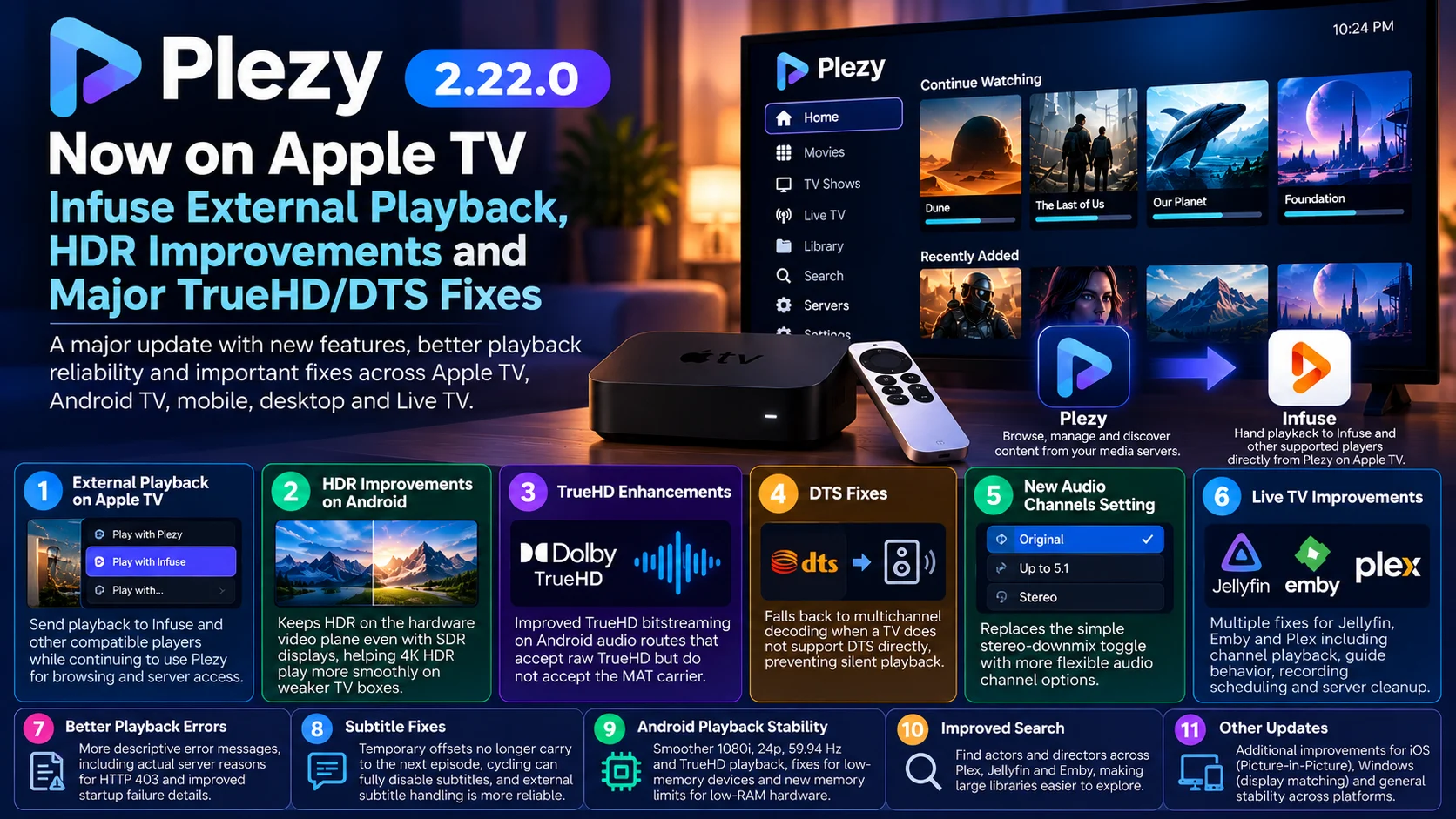
Final Thoughts
Plezy 2.22.0 stands out because it improves both user choice and playback resilience.
For Apple TV owners, external playback through apps such as Infuse provides a useful new option without forcing users to abandon Plezy’s media-library interface.
Across Android and TV hardware, the update tackles some of the more difficult parts of real-world media playback: HDR rendering, Dolby Vision fallback, TrueHD routing, DTS compatibility, fractional refresh rates, low-memory hardware and complex Live TV sessions.
The DTS change is particularly practical. A television lacking DTS support should no longer automatically translate into silent video.
The TrueHD changes show Plezy becoming more aware of how different audio routes advertise their capabilities.
And the HDR work demonstrates continued attention to performance on inexpensive streaming hardware rather than only flagship devices.
Plezy 2.22.0 therefore looks less like a feature-only release and more like a substantial playback-engine refinement.
For users running Plex, Jellyfin or Emby across several types of devices, those reliability improvements can be more important than a dramatic interface redesign.
FAQs About Plezy 2.22.0
1) What is new in Plezy 2.22.0?
The release adds Apple TV external-player support, expanded server search, new audio-channel controls, HDR improvements, TrueHD and DTS fixes, better Android playback, subtitle fixes, Live TV improvements and clearer playback error reporting.
2) Can Plezy now open videos in Infuse on Apple TV?
Yes. Plezy 2.22.0 adds external player handoff on Apple TV, and Infuse is specifically listed as an example.
3) Does Plezy 2.22.0 add TrueHD passthrough to Apple TV?
The headline TrueHD change in this release applies to Android audio routes that support raw TrueHD under specific conditions. It should not be interpreted as a universal Apple TV TrueHD passthrough announcement.
4) What changed with DTS?
On TVs without native DTS support, Plezy can now decode DTS into multichannel audio instead of producing silence.
5) What changed with HDR?
The update improves HDR use of the hardware video plane on Android and fixes Dolby Vision Profile 5 rendering in software-decoding scenarios.
6) What is the new Audio Channels option?
It replaces the old Downmix to Stereo setting and lets users choose Original, Up to 5.1 or Stereo output.
7) Does Plezy 2.22.0 improve Live TV?
Yes. It includes fixes involving Emby HDHomeRun playback, Jellyfin live-stream cleanup, Plex favorites, recording scheduling and guide behavior.
8) Is the release only for Apple TV?
No. Plezy 2.22.0 includes platform-specific changes across Apple TV, Android, Android TV, Fire TV, iOS, Windows and desktop environments.
Stay Updated with the Player SDK Guide Hub
Video-player updates increasingly depend on much more than basic codec support. HDR pipelines, audio routing, external-player handoff, media-server APIs, Live TV sessions, subtitles and device memory can all determine whether a file actually plays correctly.
The Player SDK Guide Hub tracks developments across Plezy, Infuse, Plex, Jellyfin, Emby, Apple TV, Fire TV, Android TV, Google TV, Roku, Kodi, VLC, Android Media3 and other streaming platforms.
We cover player releases, playback fixes, SDK changes, operating-system updates and device-specific regressions to explain what changed, which users are affected, why it matters and what streaming teams should test next.
Explore the Player SDK Guide Hub for the latest Apple TV, media-player and streaming-device updates.
