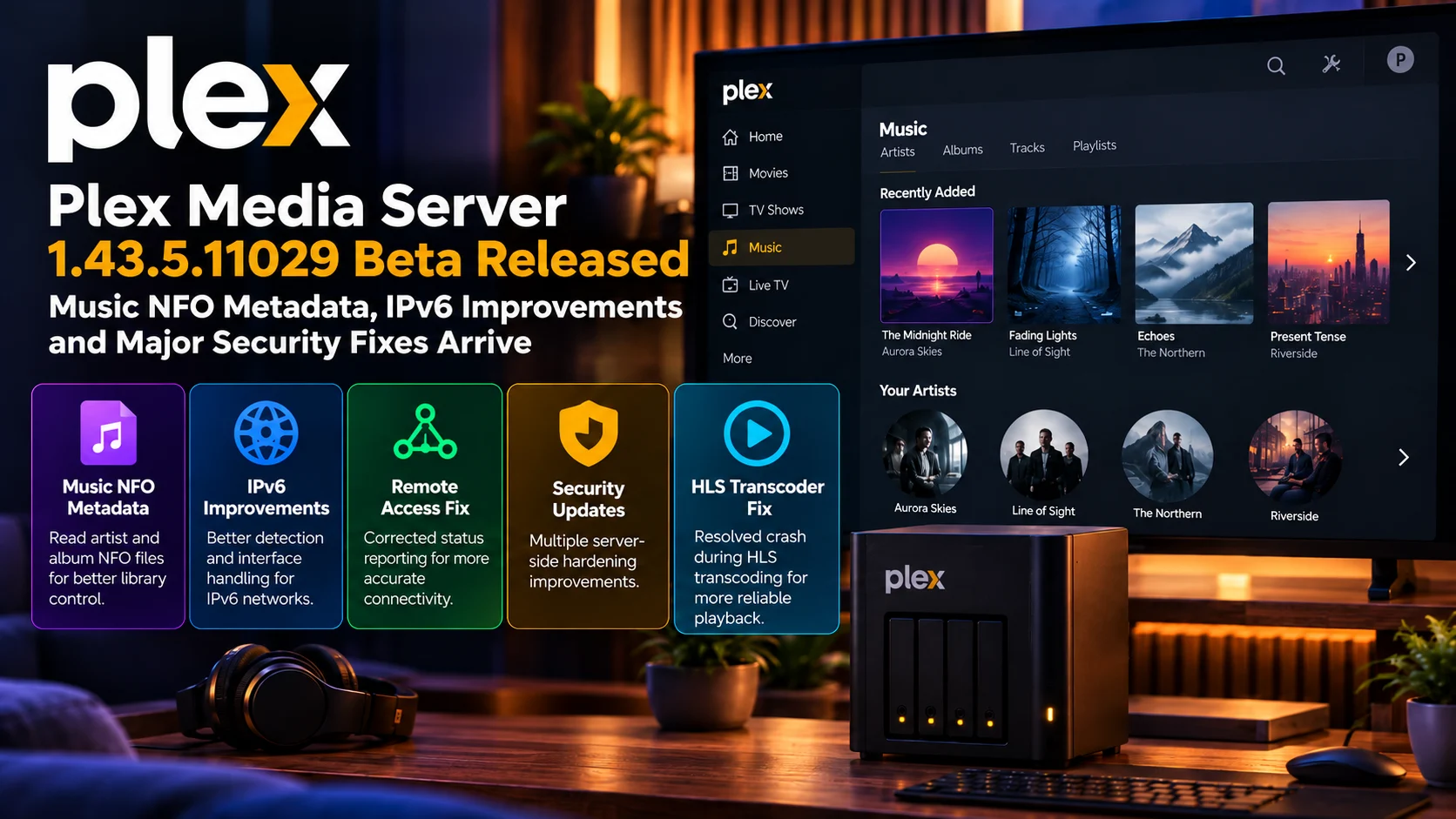
Plex Media Server 1.43.5.11029 Beta is now available to Plex Pass testers with an unusually broad collection of improvements spanning music metadata, IPv6 networking, remote access, transcoding stability, and server security.
For music-library users, the standout feature is new support for reading NFO metadata for artists and albums. This brings another level of local metadata control to users who maintain carefully organized music collections and prefer their own information over depending entirely on online matching.
Networking receives equally important attention. Plex is improving IPv6 detection, adding better support for preferred network interfaces with IPv6 addresses, and correcting Remote Access status reporting in situations where the server could misinterpret its real connectivity state.
There are also multiple security hardening changes and a fix for an HLS transcoder crash, making this beta relevant even to server owners who have little interest in Music NFO files.
Because this is a beta build, it's an early look at functionality being prepared for broader release, not an update every production server needs to install immediately.
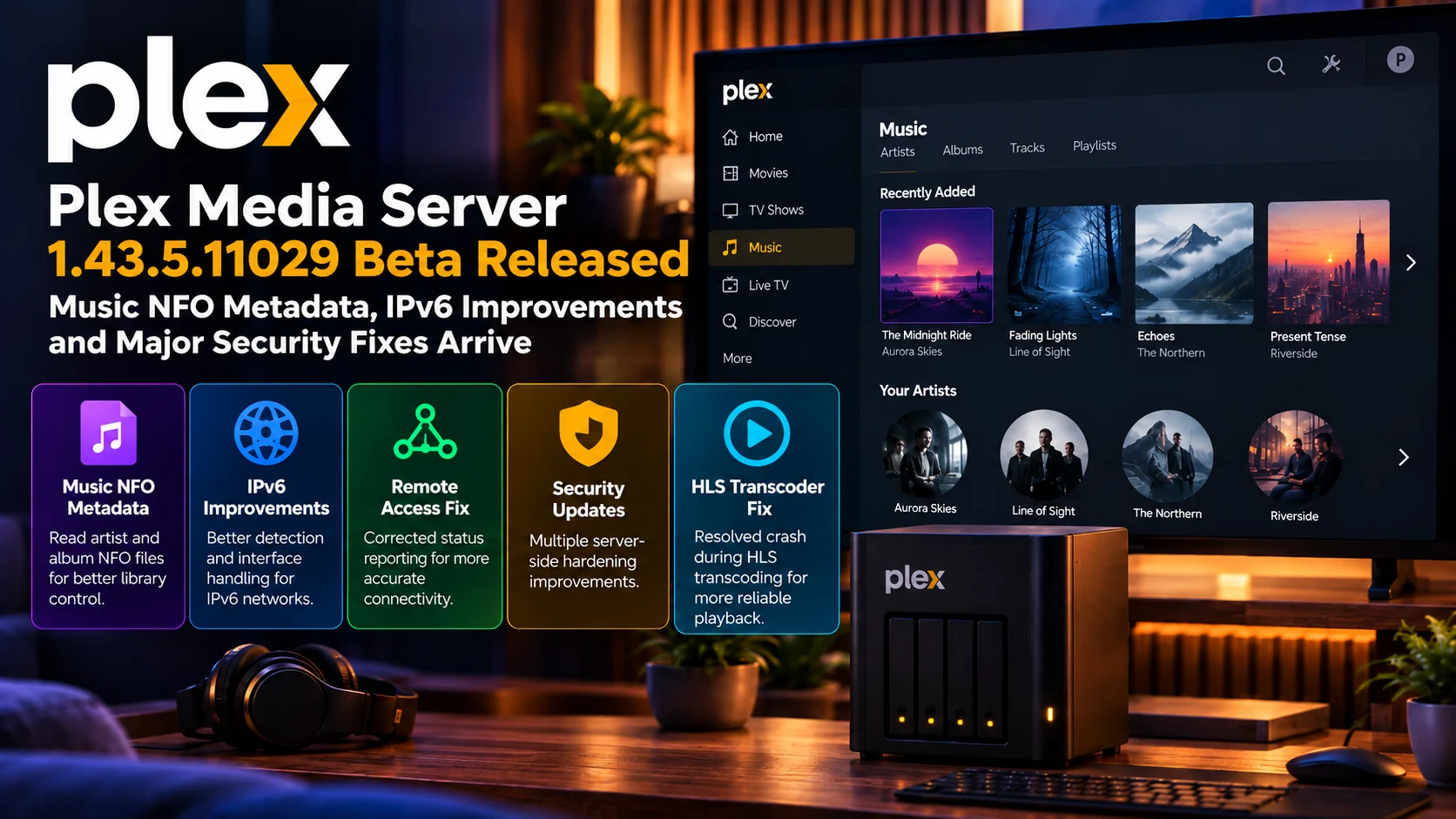
Plex Media Server 1.43.5.11029 Beta at a Glance
| Area | What Changed | Why It Matters |
|---|---|---|
| Music metadata | Artist and album NFO reading added | Gives library owners more local metadata control |
| IPv6 | Detection and interface handling improved | Helps modern dual-stack and IPv6 networks |
| Preferred interface | Better IPv6 support when choosing a network interface | Music metadata Artist and album NFO reading added Gives library owners more local metadata control IPv6 Detection and interface handling improved Helps modern dual-stack and IPv6 networks Preferred interface Better IPv6 support when choosing a network interface Useful for multi-NIC servers and advanced setups Remote Access Status reporting corrected Reduces misleading connectivity information Security Multiple server-side hardening changes Improves resilience against malformed or unsafe requests HLS transcoding Transcoder crash fixed Improves playback reliability when HLS conversion is required Music libraries Better compatibility with curated local metadata Useful for collectors migrating from other media tools Release channel Plex Pass Beta Allows early testing before wider stable rollout |
| Remote Access | Status reporting corrected | Reduces misleading connectivity information |
| Security | Multiple server-side hardening changes | Improves resilience against malformed or unsafe requests |
| HLS transcoding | Transcoder crash fixed | Improves playback reliability when HLS conversion is required |
| Music libraries | Better compatibility with curated local metadata | Useful for collectors migrating from other media tools |
| Release channel | Plex Pass Beta | Allows early testing before wider stable rollout |
Transcoder crash fixed
Reduces misleading connectivity information
Music NFO Metadata Is the Headline Library Change
The biggest new library-management feature is support for Music NFO metadata.
NFO files are small text-based metadata files commonly stored alongside media.
They can contain information such as artist names, album titles, release information, and other descriptive data that media-management applications can read during library scanning.
For movies and television libraries, local metadata files have long been familiar to users running highly curated media servers.
Music libraries can be even more complicated.
One album may have multiple releases. Artist names may vary between databases. Compilation albums can produce inconsistent matching.
Special editions, bootlegs, remasters, and regional versions may not match external metadata exactly.
Allowing Plex to read local NFO information gives users another way to control how their personal music collection is represented.
Why Local Music Metadata Matters
Automatic metadata matching works well for mainstream music, but enthusiasts often maintain libraries that go beyond normal commercial releases.
A collector may have a remastered album with different artwork.
Another may have a concert recording that does not exist in the metadata service Plex normally queries.
Classical music collections can be particularly difficult because composer, conductor, performer, and release naming conventions are not always consistent.
With local metadata, the library owner can prepare information that reflects the organization they actually want.
The media server then has an additional source of truth when scanning the collection.
This is particularly attractive for users migrating to Plex from media-management systems that already generate NFO files.
Instead of rebuilding every album’s metadata from scratch, existing local information can potentially become part of the Plex library workflow.
Artist and Album NFO Support Is the Important Detail
The new implementation specifically focuses on artist and album metadata.
That distinction matters because “NFO support” can sound broader than the actual capability.
Music metadata can exist at multiple levels.
There may be information about the artist as a whole, an album release, an individual disc, or a specific track.
The current beta’s emphasis on artist and album NFO data makes it especially useful for the top-level organization of a music library.
Users should therefore test their existing metadata structure rather than assuming every field from every NFO format will automatically be interpreted exactly as another application would interpret it.
Local metadata standards are not always completely uniform.
Different media managers can write slightly different structures, naming conventions, and tags.
For that reason, anyone with a very large curated music collection should test a smaller library first before relying on the beta for a full migration.
IPv6 Improvements Become More Important Every Year
Networking is the other major theme in Plex Media Server 1.43.5.11029 Beta.
Plex is improving how the server detects and handles IPv6 connectivity.
For many home servers, IPv4 remains the most visible part of networking.
However, modern ISPs, routers and operating systems increasingly run dual-stack networks where IPv4 and IPv6 exist simultaneously.
Some networks may even depend heavily on IPv6 because of carrier-grade NAT or limitations on traditional public IPv4 addresses.
A media server needs to understand which addresses belong to the local machine, which interface should be used and whether a connection is reachable externally.
Incorrect detection can affect remote access, local-client discovery, and how Plex reports its networking state.
The latest beta improves those decisions.
Preferred Network Interfaces Get Better IPv6 Handling
Plex servers with more than one network interface can be especially complicated.
A machine might have Ethernet and Wi-Fi enabled simultaneously.
A NAS may expose several physical interfaces.
Advanced users may have VLANs, VPN adapters, virtual-network interfaces, or multiple subnets.
Plex allows administrators to select a preferred network interface in certain configurations.
The new beta improves IPv6 support when that preferred interface is involved.
This can help prevent situations where Plex identifies the wrong address or advertises an interface that is technically active but not the one intended for media traffic.
For a simple single-router home network, users may never notice the difference.
For server owners running more advanced network infrastructure, it can be an important reliability improvement.
Remote Access Reporting Gets Fixed
Plex Remote Access is another area receiving attention.
Remote Access allows clients outside the home network to connect back to a Plex Media Server.
The server therefore needs to determine whether it is genuinely reachable from the internet.
That is more complicated than checking whether the machine has a network connection.
Routers, port forwarding, NAT, firewalls, IPv6, VPNs, and ISP-level restrictions can all influence whether an outside client can successfully establish the required connection.
In some cases, Plex could report the wrong Remote Access state.
A server might appear reachable when the actual route was not functioning as expected, or the interface could display misleading status information.
The new beta corrects part of that reporting behavior.
For users troubleshooting remote playback, accurate status information is extremely valuable.
A misleading green indicator can send someone searching for a transcoding or app problem when the real issue is network reachability.
IPv6 and Remote Access Are Closely Connected
The IPv6 improvements and Remote Access fix should not be viewed as completely separate changes.
Modern network environments increasingly require Plex to reason about several possible routes at once.
A server may have a private IPv4 address, one or more IPv6 addresses, and potentially a public or translated path through the router.
Plex then has to decide how local clients should find the server and how remote clients should connect.
A mistake in interface selection or address detection can influence Remote Access reporting.
Improving these layers together should make Plex more dependable in households where networking is more complicated than a single IPv4 LAN.
Security Hardening Is Another Major Part of the Beta
Plex Media Server 1.43.5.11029 Beta also includes multiple security-related improvements.
Server security is especially important for Plex because many installations are intentionally reachable beyond the local network.
A Plex server can expose library information, account-related functionality, media endpoints, and remote playback services.
That makes input validation and secure request handling critical.
Security hardening does not always correspond to a dramatic vulnerability announcement.
Many improvements involve tightening parsers, validating unexpected input, restricting behavior that should never have been accepted, or reducing the amount of information exposed in unusual failure conditions.
These types of changes are easy to overlook because they may not introduce any visible feature.
For long-running server software, however, they are among the most important reasons to keep the installation reasonably current.
Server Owners Should Treat Security Updates Differently From UI Features
A new UI feature can often be ignored if it is not useful.
Security changes are different.
A home-media server may run continuously for months or years.
It may be accessible by family members outside the house.
Some servers also run on the same NAS or computer that stores important personal files.
That means server administrators should take security releases seriously even when the visible Plex experience appears unchanged.
At the same time, because this specific build is a beta, administrators running mission-critical setups should balance the value of early security testing against the possibility of beta regressions.
The stable release channel remains the safer option for users who prioritize predictability above early access.
HLS Transcoder Crash Gets Fixed
Playback stability also improves through a fix for an HLS transcoder crash.
HLS, or HTTP Live Streaming, is one of the delivery methods. Plex can be used when a client cannot simply directly play the source media.
The server may convert the original video or audio into a compatible stream and divide the output into smaller segments.
The client requests those segments progressively during playback.
If the transcoder crashes in the middle of that process, the viewer can experience buffering, playback failure, or a stream that never starts.
Because transcoding may only occur under particular conditions, these failures can be difficult to reproduce.
The same movie might Direct Play perfectly on a television inside the house but fail when watched remotely on a phone at a reduced bitrate.
Fixing the HLS crash should improve reliability in scenarios where Plex must adapt media for the receiving client.
The Fix Matters Most for Remote and Compatibility Playback
Direct Play remains the ideal scenario for many Plex users.
The client receives the original video and audio without the server converting them.
But transcoding becomes necessary when the client lacks codec support, the bandwidth is limited or the user selects a lower quality.
That makes the HLS fix especially relevant to remote streaming.
A server may be asked to turn a high-bitrate 4K or 1080p source into something suitable for a slower mobile connection.
Transcoding stability determines whether that experience succeeds.
The fix also matters for older streaming devices that cannot decode all formats stored in the Plex library.
This Beta Is More Important to Server Administrators Than Casual Viewers
Many Plex application releases focus on visible television or mobile features.
This one is different.
Plex Media Server 1.43.5.11029 Beta is primarily about the backend.
Music-library administrators gain more metadata control.
Advanced network users get better IPv6 behavior.
Remote users benefit from more accurate accessibility reporting.
Security hardening protects the server layer.
Transcoding receives a crash fix.
For someone who only opens Plex on a television and never manages the server, many of these changes may be invisible.
For the person maintaining the Plex installation, they can be much more significant.
Who Should Test the Beta?
The beta is most interesting for several groups.
Users with large curated music libraries should test the new NFO workflow.
Server administrators using IPv6 or multiple interfaces have a clear reason to evaluate the networking changes.
People who have experienced incorrect Remote Access reporting may want to see whether the new build improves their setup.
And anyone able to reproduce HLS transcoder instability can provide particularly valuable feedback.
Production servers that are working perfectly and serve a household every day may be better left on the stable channel until the changes complete beta testing.
Final Thoughts
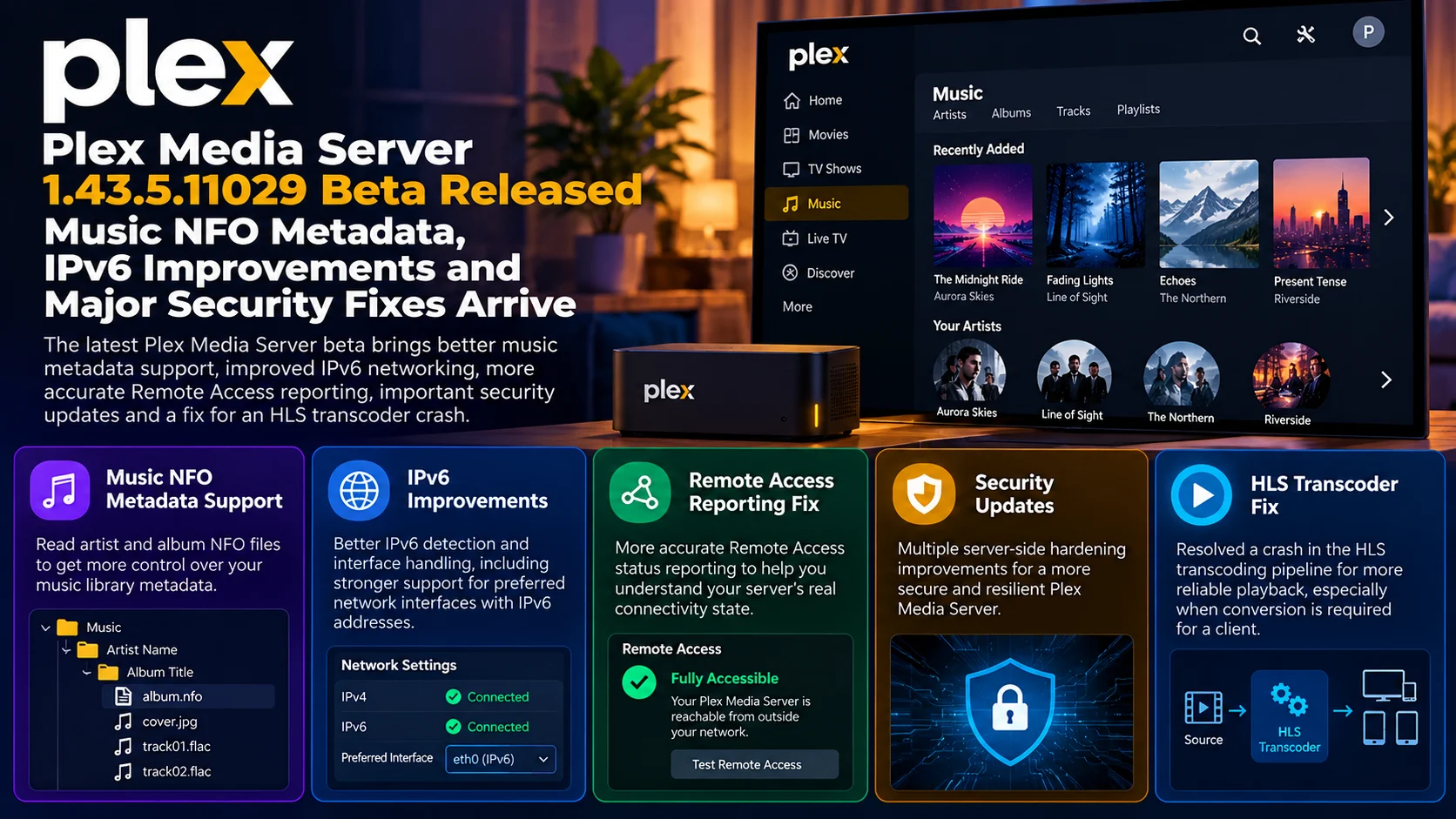
Plex Media Server 1.43.5.11029 Beta is a backend-focused update with several changes that could have a meaningful impact on serious Plex installations.
Music NFO metadata gives collectors more control over artist and album information.
IPv6 improvements make Plex better suited to modern networks, especially systems with multiple interfaces or more complicated routing.
More accurate Remote Access reporting should make connectivity problems easier to diagnose.
The HLS transcoder crash fix improves reliability in situations where Direct Play is not possible.
And the security changes reinforce one of the most important aspects of maintaining any internet-accessible home server: keeping its network-facing components hardened and current.
For ordinary viewers, much of this release will happen invisibly.
For server administrators, that is exactly why it matters.
The best server update is often one that makes metadata, networking, security and playback work more reliably without requiring the viewer to think about any of them.
FAQs About Plex Media Server 1.43.5.11029 Beta
1) What is Plex Media Server 1.43.5.11029?
It is a Plex Pass beta release of Plex Media Server containing new music metadata support, IPv6 improvements, security changes and playback-related fixes.
2) What is Music NFO support?
It allows Plex to read supported metadata stored in local NFO files associated with music artists and albums.
3) Why would I use NFO files for music?
NFO files give users more control over metadata for unusual releases, custom libraries, remasters and collections that automatic online matching may not represent correctly.
4) Does the update improve IPv6?
Yes. It improves IPv6 detection and handling, including configurations involving a preferred network interface.
5) What changed with Plex Remote Access?
The beta fixes Remote Access status reporting so Plex can more accurately represent whether the server is reachable.
6) Are there security fixes?
Yes. The release includes several server-side security hardening improvements.
7) What is the HLS transcoder fix?
Plex fixes a crash that could occur in the HLS transcoding pipeline, improving reliability when media has to be converted for a client.
8) Should everyone install this build?
Not necessarily. It is a beta release intended primarily for Plex Pass users who want to test upcoming changes. Users prioritizing maximum server stability may prefer the stable channel.
Stay Updated with the Player SDK Guide Hub
Media-server development affects every part of the streaming chain, from metadata and networking to transcoding and client playback.
The Player SDK Guide Hub tracks developments across Plex, Jellyfin, Emby, Android TV, Google TV, Fire TV, Roku, Apple TV, LG webOS, Samsung Tizen, Infuse, Kodi, VLC and other media platforms.
We cover server releases, player updates, playback regressions, SDK changes and streaming-device developments to explain what changed, why it matters and what media-server administrators and development teams should test next.
Explore the Player SDK Guide Hub for the latest Plex, media-server and video-player updates.
