Plex is changing course on one of the most controversial parts of its redesigned television experience.
After months of feedback about the newer top-navigation system, Plex announced on August 17, 2026, that primary navigation is returning to the left side of the screen in preview builds for Apple TV and Roku and in beta for Android TV. Plex has also confirmed that the change is planned for Fire TV after the company works through feedback from the current preview rollout.
The decision is notable because Plex had previously defended the top-navigation approach. In November 2025, while testing improvements on Roku, the company explicitly said it would not be returning to the old sidebar layout, arguing that a top menu provided clarity while other refinements could restore faster access to personal libraries. Less than a year later, sustained feedback has prompted another redesign.
But this is not simply Plex restoring the exact old interface. The new implementation combines a collapsible left-side navigation panel with other changes designed to make libraries, live TV & DVR sources, and pages inside individual sources easier to reach.
So what changed, why did Plex reverse direction, and which devices are getting the updated navigation first?
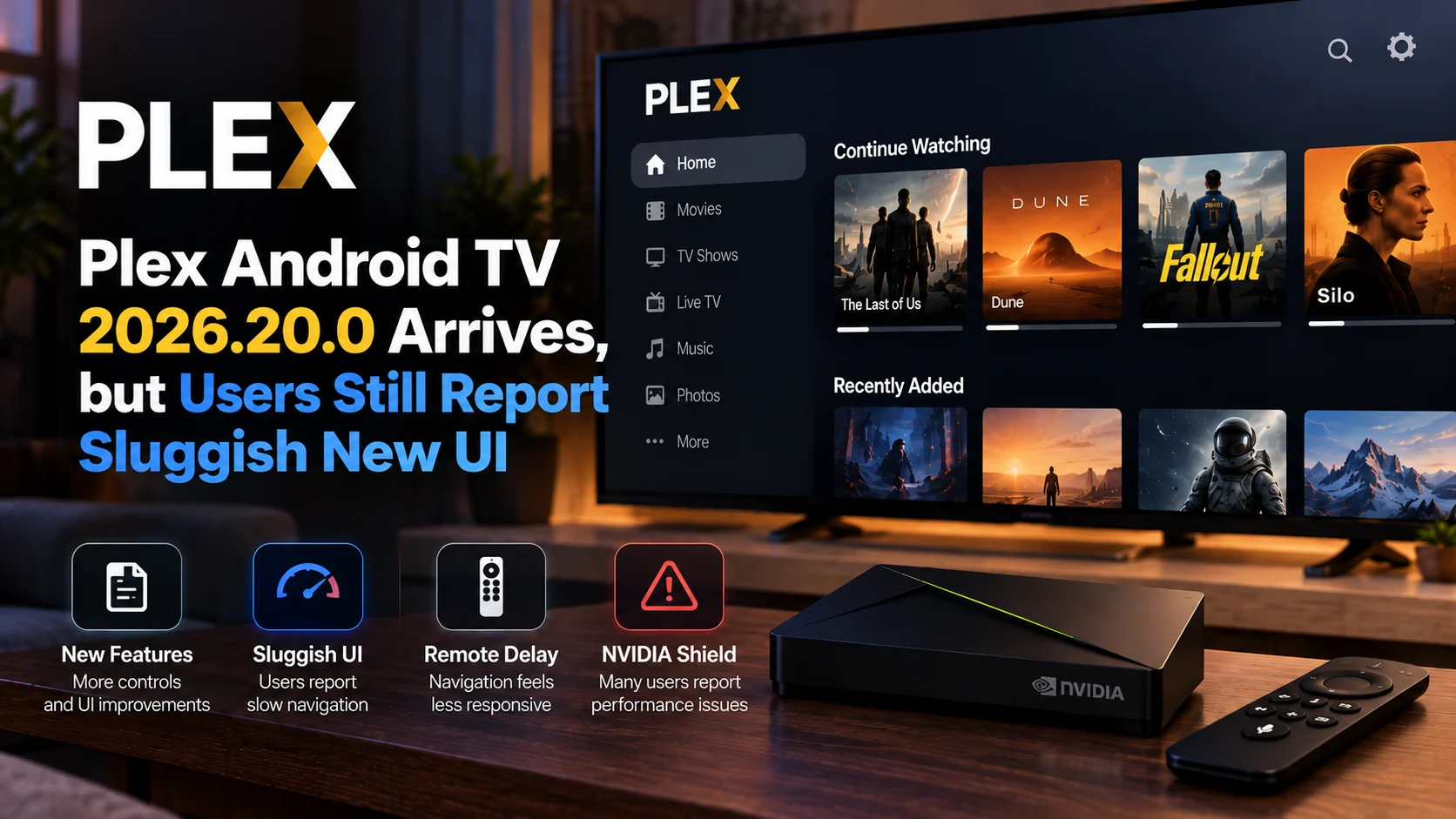
Why Did Plex Change Its Navigation Again?
Plex began previewing its broader redesigned experience in late 2024.
The company said the new interface had been under development for nearly two years and was designed to bring personal media, Plex content, discovery, Watchlist features, and streaming services together within a more unified experience. One of its most visible changes was redesigned navigation, with Plex arguing that the new structure would make the service easier to understand and help expose features that had previously been hidden in menus.
The new experience officially began rolling out on mobile in March 2025, while development continued for TV platforms. Plex acknowledged throughout the process that it was still gathering user feedback and making changes to the interface.
On television devices, however, navigation quickly became one of the most debated elements.
Many long-time users preferred Plex's traditional side-oriented navigation because personal media libraries could be reached quickly with a remote. Moving more navigation to the top of the interface changed familiar remote-control behavior and, for some users, increased the number of steps required to move between libraries and sections.
Plex says it received consistent feedback from the beginning about the navigation. The company attempted improvements during a fall update, but in its August 2026 announcement it acknowledged that those changes had not gone far enough.
Plex Is Bringing Primary Navigation Back to the Left
The biggest change is straightforward: the primary TV navigation is moving back to the left-hand side of the screen.
The new sidebar is collapsible rather than permanently occupying a large portion of the display. This allows Plex to retain much of the artwork-heavy redesigned interface while restoring a navigation pattern familiar to users of the older TV application.
The approach attempts to combine elements of both generations of Plex.
Users still get the modern visual redesign, richer artwork, and updated content presentation introduced as part of the new Plex experience, but movement between major areas of the application should feel more familiar to users accustomed to controlling Plex with a television remote.
That matters because television navigation is fundamentally different from touchscreen navigation.
On a phone, moving between tabs can be a simple tap. On a television, every movement requires directional presses on a remote. Even a small change in menu placement can add several actions to something users perform repeatedly.
What Else Changed Besides the Sidebar?
The left navigation is only part of the August update.
Plex is also changing how favorite libraries are presented. Favorite libraries can now appear as top-level sources, reducing the need to open another section before reaching frequently used personal-media libraries.
Live TV & DVR sources are also becoming more flexible. Plex says these sources can now be favorited and reordered in the same way as libraries, giving users more control over where they appear.
Another improvement addresses navigation within an individual source. Users can now move between pages inside that source more easily instead of repeatedly navigating through the entire main menu.
Plex is also continuing to work on general performance, remote-focused behavior, and bugs as part of the preview.
These smaller changes may ultimately be just as important as moving the navigation bar itself because much of the criticism surrounding TV interfaces comes down to how many remote presses are required to reach commonly used content.
Plex Top Navigation vs. New Left-Side Navigation
| Area | Previous Redesigned Experience | New Left-side Preview |
|---|---|---|
| Primary navigation | Top of the TV interface | Collapsible left-side panel |
| Favorite libraries | Available but less directly surfaced | Can appear as top-level sources |
| Live TV & DVR | Separate source navigation | Can be favorited and reordered |
| Switching within a source | Could require returning through broader navigation | Easier movement between source pages |
| Visual direction | Modern artwork-focused Plex redesign | Retains modern design with familiar sidebar behavior |
| Roku | New experience/top navigation | Left-side navigation available in Preview |
| Apple TV | New experience/top navigation | Left-side navigation available in Preview |
| Android TV | New experience/top navigation | Left-side navigation available in beta |
| Fire TV | Current redesigned experience | Planned after preview feedback |
The key point is that Plex is not simply rolling the entire application back to Plex Classic.
It is taking one of the most familiar interaction patterns from the older experience and integrating it into the newer design.
Roku Is One of the First Platforms to Receive the Update
Roku users can already test the new navigation through the Plex Preview channel.
Plex released Roku preview version 9.16.15 on August 17, with the move of primary navigation to the left side listed as the main new change.
That makes Roku an important testing ground for Plex's revised navigation strategy.
The company is specifically asking users to spend time with the preview and provide feedback before the design spreads more broadly.
This feedback stage matters because even the return of the sidebar has generated mixed opinions.
Some users welcomed the return of left-side navigation and said it better fits the way they organize customized personal libraries. Others who had become comfortable with the top menu argued that moving it back feels like another unnecessary interface change.
That mixed reaction illustrates the challenge Plex faces: there is no single navigation system that every user prefers.
Apple TV Users Can Test the New Sidebar Too
Apple TV is also part of the first wave. Plex made the new navigation available to Apple TV preview users through TestFlight, with additional testing seats being opened alongside the August announcement.
Early feedback shows that the design is still very much a work in progress.
Users have reported some focus and remote-navigation inconsistencies in the tvOS preview, including occasional unexpected movement when switching libraries. Plex's announcement already notes that focus fixes and general performance improvements remain active areas of development.
That is why the distinction between preview and stable public release is important.
The existence of the new sidebar does not mean every Apple TV Plex user has already received a finished version of the redesigned navigation.
Android TV Gets the Change Through Beta
Android TV users are another early testing group.
Plex says the left-side navigation update is available through its Android TV beta program, allowing users to evaluate the revised interface before broader deployment.
Android TV is particularly significant because the ecosystem spans many types of hardware, including smart televisions, streaming boxes, and devices with very different processors and remote-control layouts.
Feedback from Android TV users has also shown that bringing the sidebar back does not automatically solve every interface concern.
Some users like the location but want the panel to feel more integrated with the redesigned interface, while others have questioned how many items should remain visible before the navigation expands.
This suggests Plex may continue refining the sidebar's appearance and behavior even after deciding that the left side is the preferred location.
What About Fire TV?
Fire TV users will need to wait a little longer. Shortly after announcing the Apple TV, Roku, and Android TV previews, Plex confirmed that the revised navigation will also come to Fire TV. However, Plex says it first wants to work through feedback generated by the current preview builds.
There is currently no precise public date in Plex's announcement for when the updated navigation will reach Fire TV. That distinction is important because reports from community members show that some Fire TV users have also experienced performance and navigation problems with the newer Plex experience.
Plex's decision to hold the Fire TV version until more preview feedback has been processed could therefore give the company an opportunity to refine both interface behavior and stability before expanding the rollout.
Is Plex Returning to the Old Interface?
Not exactly.
The headline “Plex brings back left-side navigation” can make it sound as though the company abandoned its redesign and restored the previous app.
That is not what is happening.
The redesigned Plex experience remains. The updated artwork, content presentation, discovery features, and broader structural changes introduced during the new experience continue to form the foundation of the application.
What Plex has reversed is primarily its position on where core television navigation should live.
This is especially interesting because Plex's November 2025 Roku preview announcement explicitly said the company was not planning to return to the old sidebar. At that point, Plex believed improved top navigation could provide a compromise between the new interface and the speed users wanted.
The August 2026 update shows that real-world usage changed that calculation.
Why Left-Side Navigation Can Work Better on TVs
For a media application, television navigation needs to prioritize predictability.
Users often have several personal libraries, watchlist items, live sources, and other sections. With a directional remote, getting from one library to another should ideally require very few actions.
A collapsible side menu provides a consistent starting point.
Pressing left can expose the application's main structure, while the rest of the screen remains dedicated to content.
It also allows vertically arranged libraries and sources to be scanned quickly.
That does not automatically make a sidebar superior to top navigation in every application. Several major streaming services successfully use horizontal top menus. But Plex has a particularly diverse use case because many users customize their own library structure rather than only browsing a fixed commercial catalog.
That customization helps explain why navigation changes can generate unusually strong reactions among long-time Plex users.
User Reaction Is Still Mixed
Calling the change a response to “user backlash” is broadly fair, but it is worth understanding that Plex users do not all agree on the solution.
Plex itself describes the issue as consistent feedback rather than claiming every user disliked top navigation.
Forum discussions following the new preview contain users celebrating the return of the sidebar, while others argue they had already adjusted to the top menu and now prefer it. Some like the concept of the new left menu but want Plex to refine its visual integration, submenu behavior, and remote focus handling.
The current preview is therefore better viewed as another major iteration rather than the final word on Plex navigation.
What About Plex on Mobile?
The August announcement specifically focuses on television platforms. Plex listed Apple TV, Roku, and Android TV for immediate preview or beta access and later confirmed Fire TV. It did not announce an equivalent return to left navigation for its mobile applications.
That omission has already prompted questions from users who also dislike aspects of the redesigned mobile navigation.
For now, the safest conclusion is that this particular navigation reversal is a TV-focused change.
What Does This Mean for Plex Users?
If you are using the stable Plex app and are happy with your current setup, there is no need to immediately switch to a preview build. The updated interface is still being tested.
Users who care strongly about faster library navigation or want to help shape the final design may find the Roku Preview, Apple TV TestFlight release, or Android TV beta more interesting.
Fire TV users should wait for Plex to complete the current feedback phase. The broader takeaway is encouraging for users who felt the new interface moved too far away from familiar Plex workflows: Plex has demonstrated that it is willing to reverse a major design decision when feedback persists.
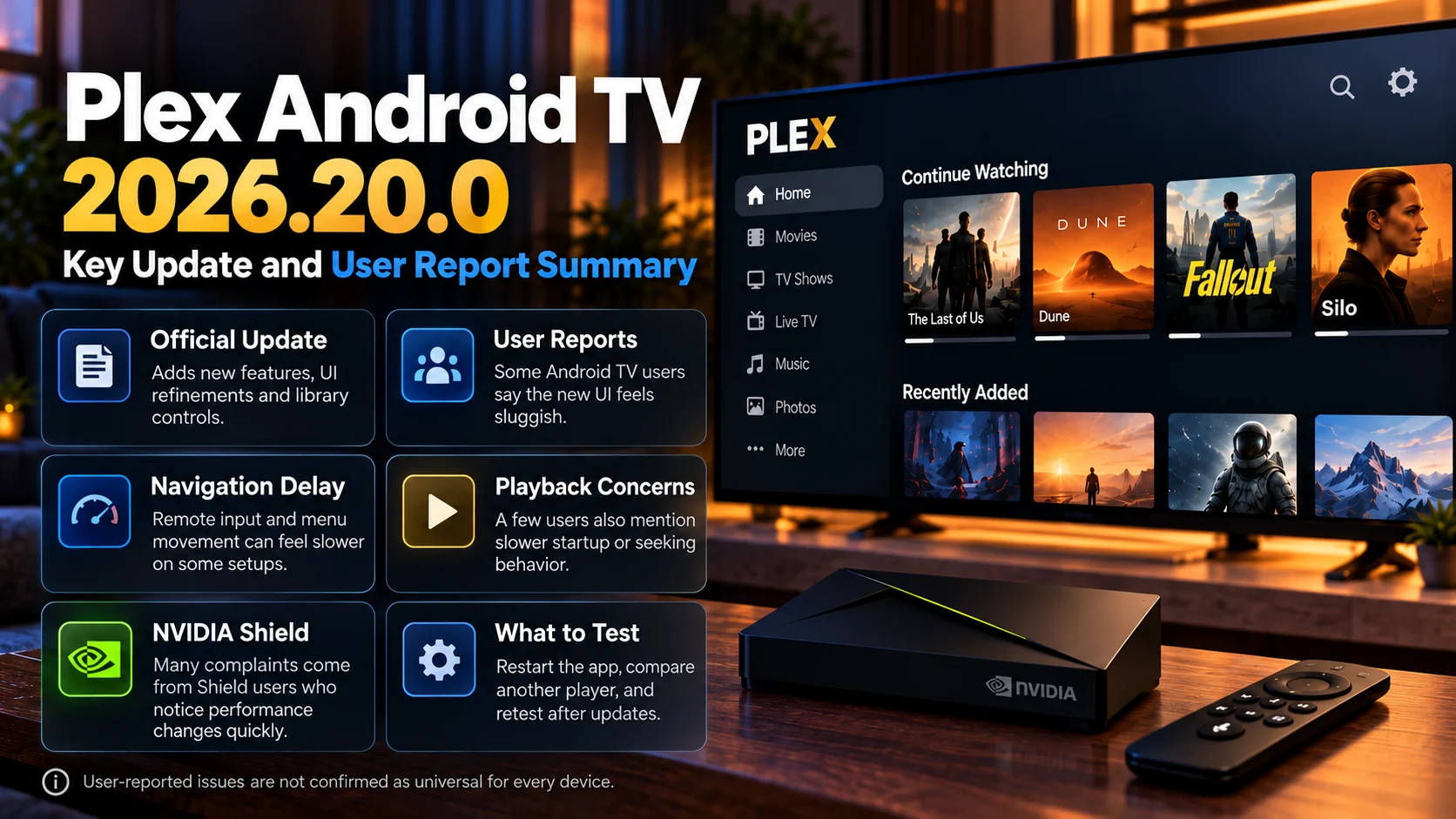
Final Thoughts
Plex's decision to bring back left-side navigation is one of the clearest examples yet of the company responding to sustained criticism of its redesigned TV experience.
What makes the change particularly notable is that Plex previously said it would not return to the old sidebar approach. After further testing and user feedback, the company has now decided that left-side primary navigation should return—although inside a redesigned, collapsible system rather than as a complete restoration of Plex Classic.
Favorite libraries becoming top-level sources, reorderable live TV & DVR entries, and easier switching between pages inside a source could make the update more meaningful than simply moving a menu.
The next phase will be critical.
Plex still has to refine the preview, address focus and performance concerns, and eventually bring the experience to Fire TV. User reaction also remains mixed, so further changes would not be surprising.
For now, however, the message from Plex is clear: the left-side navigation that many long-time TV users wanted is officially coming back.
FAQs About Plex's Left-Side Navigation
1) Is Plex bringing the sidebar back?
Yes. Plex is returning primary navigation to the left-hand side of its TV interface through a new collapsible navigation panel.
2) Which Plex devices have the new left-side navigation?
As of the current rollout, it is available to preview users on Roku and Apple TV and beta users on Android TV. Fire TV is planned to follow.
3) Is the old Plex interface completely coming back?
No. Plex is keeping its redesigned experience while restoring left-side primary navigation and adding new library and source-management improvements.
4) When will Fire TV get the new Plex navigation?
Plex has confirmed Fire TV will receive the navigation update but has not announced a specific release date. The company says it wants to work through feedback from the current preview first.
5) Can live TV & DVR sources be customized?
Yes. In the new navigation preview, Live TV & DVR sources can be favorited and reordered similarly to libraries.
6) Are favorite Plex libraries easier to access?
Yes. Plex says favorite libraries can now appear as top-level sources in the revised navigation.
7) Is the new sidebar already a stable release?
Not across all supported devices. The August update is currently being tested through Roku and Apple TV preview programs and the Android TV beta before wider rollout.
Stay Updated with the Player SDK Guide Hub
Streaming applications, media players, and connected-TV platforms can change quickly. An interface redesign, new operating-system update, or navigation change can directly affect how viewers discover content and interact with applications on their televisions. That's why we created the Player SDK Guide Hub.
The Player SDK Guide Hub covers the latest media player, Plex, Fire TV, Google TV, Android TV, Roku, Apple TV, and streaming device updates, including application redesigns, operating-system changes, new hardware, playback features, device specifications, and platform developments.
Whether Plex changes its TV experience again, Fire TV receives the new sidebar, Roku releases another platform update, or a major media player introduces new features, our Guide Hub helps explain what changed, which devices are affected, why it matters, and what developers and streaming teams should watch next.
Explore the Player SDK Guide Hub for the latest media-player news, streaming-device updates, technical guides, and platform insights. I can also keep tracking the Plex rollout and alert you when the redesigned sidebar reaches stable releases or Fire TV.
