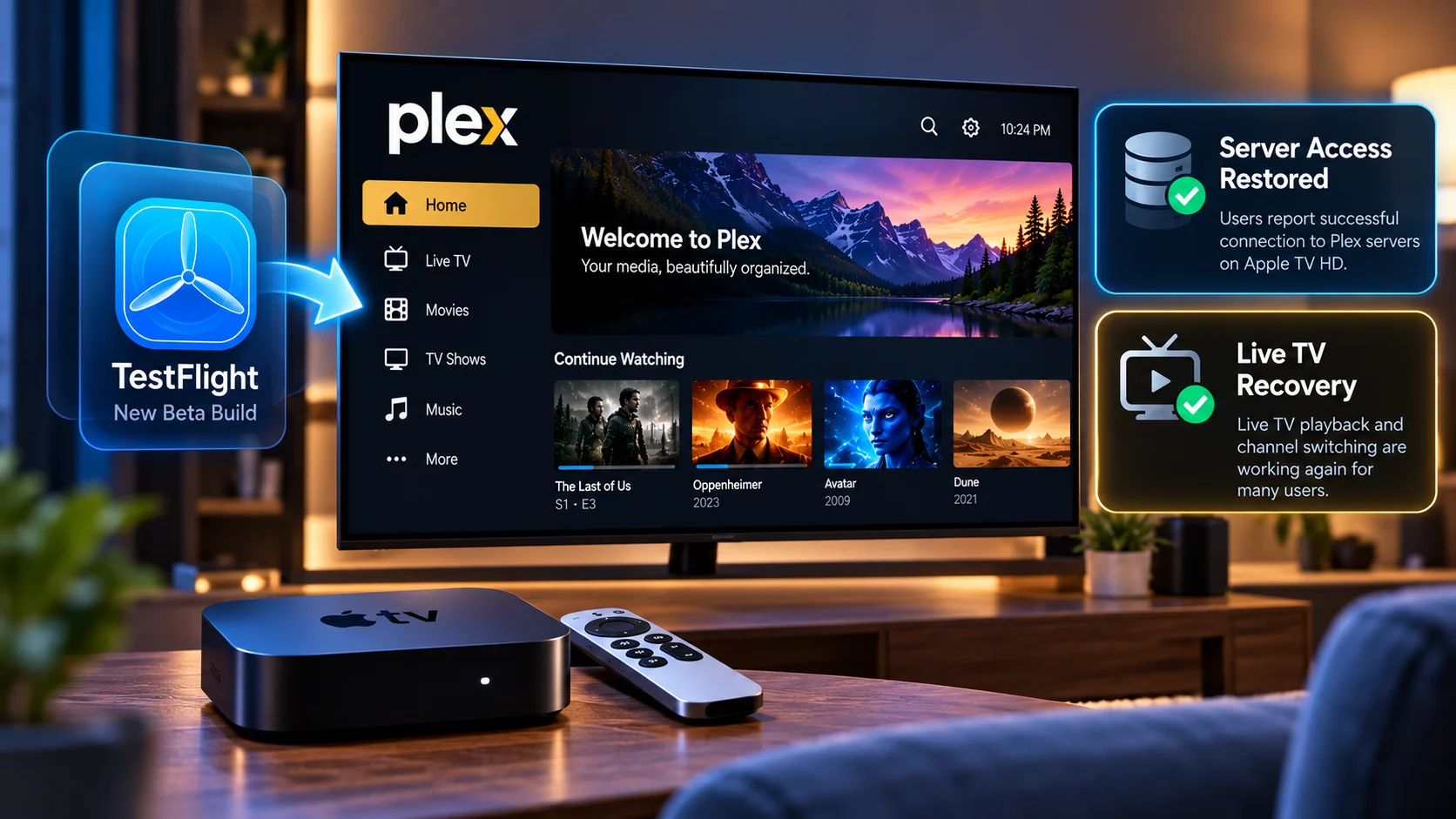
Plex Apple TV HD users may finally be seeing progress on one of the most disruptive playback problems affecting the newer tvOS client experience.
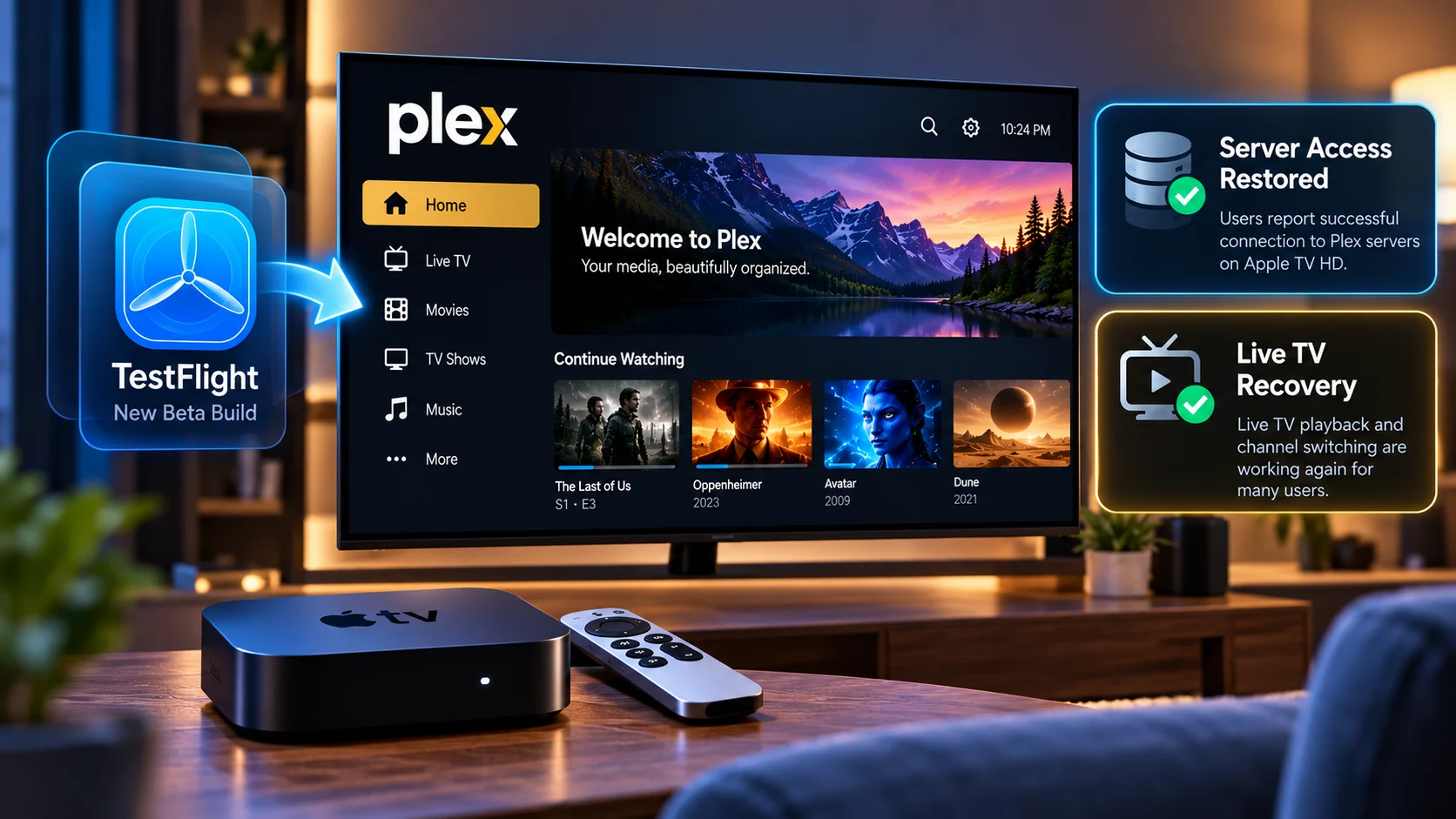
A new Plex TestFlight build for Apple TV is now being reported by users as restoring server access on affected Apple TV HD boxes, with early testing also suggesting that some Live TV functionality that had stopped working is recovering.
The development is particularly important for owners of the older Apple TV HD because the failure did not necessarily look like a normal codec or playback compatibility problem. Users could often browse their Plex libraries, see artwork, and navigate media normally, but attempting to actually start content could produce a server-access error.
That created an unusual situation: the Plex client appeared connected enough to display the library, yet playback behaved as though the Plex Media Server could not be reached.
The new TestFlight build appears to target this client-side problem, but there is an important distinction: this is currently a beta fix rather than a final App Store resolution.
Users should therefore treat the reports as encouraging evidence rather than confirmation that every Apple TV playback regression has been solved.
What Happened to Plex on Apple TV HD?
The recent Plex client transition introduced significant changes to the Apple TV application.
For many users on newer hardware, the app continued working normally. Apple TV HD users, however, began reporting more severe playback failures.
One of the clearest symptoms was an error indicating that the client could not reach the Plex server when the viewer attempted to start media.
What made the error confusing was that the server could still appear accessible elsewhere inside the app.
A user might be able to open Plex, browse a library, view posters, inspect movie details, and navigate television episodes without obvious connectivity problems.
The error would appear only when actual playback began.
That makes the wording of a server-access message potentially misleading. A playback request involves more than the library interface does, including secure connections, player initialization, stream selection, and the media URL ultimately passed to the playback engine.
A problem anywhere in that chain can look like a server connection failure even when the Plex Media Server itself is healthy.
Plex Apple TV HD Issue and TestFlight Fix at a Glance
| Area | Reported problem | TestFlight Status |
|---|---|---|
| Plex server access | Apple TV HD could browse libraries but failed when starting playback | Users report playback/server access working again |
| Stored movies and episodes | Some titles failed immediately after selecting Watch | Early reports indicate improved playback |
| Live TV | Playback or channel changes could fail | Some users report Live TV recovery |
| Apple TV HD | Older Apple TV hardware appeared particularly affected | Current beta fix is being tested on affected boxes |
| Other Plex clients | Server could continue working normally on other devices | Supports a client-specific issue rather than a total server outage |
| Distributionc | Problem exists in the regular client experience | Fix is currently being tested through TestFlight |
Why the Apple TV HD Reports Are Significant
The Apple TV HD is older than Apple's current 4K models, but it remains an important streaming device in many Plex setups.
A mature media application should ideally distinguish between hardware limitations and software regressions.
If a particular video format cannot be decoded by older hardware, Plex can normally fall back to another playback path when server transcoding is available.
The recent problem appeared different because users described broad server access or playback failures rather than one isolated unsupported codec.
That is why the TestFlight development matters.
If installing a newer client build restores playback without changing the Plex server or replacing the Apple TV, that strongly points toward client-side behavior being involved in at least some of the reported failures.
It also means users should avoid immediately assuming their server, NAS, home network, or media library has failed simply because the Apple TV client presents a connection-style error.
The Apple TV HD is older than Apple's current 4K models, but it remains an important streaming device in many Plex setups.
A mature media application should ideally distinguish between hardware limitations and software regressions.
If a particular video format cannot be decoded by older hardware, Plex can normally fall back to another playback path when server transcoding is available.
The recent problem appeared different because users described broad server access or playback failures rather than one isolated unsupported codec.
That is why the TestFlight development matters.
If installing a newer client build restores playback without changing the Plex server or replacing the Apple TV, that strongly points toward client-side behavior being involved in at least some of the reported failures.
It also means users should avoid immediately assuming their server, NAS, home network, or media library has failed simply because the Apple TV client presents a connection-style error.
Plex separates several parts of the client experience.
Loading the home screen and retrieving metadata does not necessarily follow exactly the same path as starting a video.
When browsing a library, the client primarily needs metadata, artwork, account information, and server-library responses.
Playback adds several more steps.
Plex needs to identify the media version, determine whether Direct Play, Direct Stream, or transcoding is appropriate, create the playback session, and then provide the player with access to the selected stream.
Live TV is even more complicated because it can also involve a tuner, an active channel session, guide information, buffering, and a continuously generated stream.
That means it is entirely possible for library browsing to succeed while the playback stage fails.
From the user's perspective, though, the distinction is frustrating because an error such as "can't reach server" naturally suggests that the entire server is unavailable.
Why TestFlight Matters Here
TestFlight is Apple's beta-distribution system.
Developers can use it to distribute builds before those versions become normal public App Store releases.
For Plex, this provides an important testing stage.
A playback fix may work correctly on one Apple TV configuration but behave differently with another server, router, NAS, tuner or media format.
Releasing the change through TestFlight allows those combinations to be tested before a broader rollout.
For Apple TV HD owners affected by the recent problem, the beta is particularly useful because it offers an early indication that Plex is actively changing the client behavior rather than requiring users to replace their hardware immediately.
However, beta software always comes with another consideration: fixing one regression does not guarantee that every other playback problem has also been resolved.
Users Report Server Access Returning
The most encouraging early feedback is that affected Apple TV HD users are reporting server access and playback recovery after moving to the newer TestFlight client.
This is an important distinction from temporary troubleshooting workarounds.
A workaround might require users to modify network settings or change how the Plex server is reached.
A client update that resolves the same failure would address the issue much closer to its actual source.
For Plex teams investigating this type of regression, that is the preferred outcome because users should not normally need to reconfigure otherwise functional home networks simply because an application update changes.
Still, different users may be encountering different underlying problems even when Plex displays similar error wording.
One successful TestFlight report therefore should not be interpreted as proof that every "server unavailable" error on Apple TV has the same cause.
Live TV Recovery Makes the Beta More Interesting
The TestFlight reports become more notable because some users are also seeing Live TV recover on affected Apple TV HD systems.
Live TV is more demanding than playing a normal stored video file.
The client needs to request the channel, establish a television session, receive a playable stream, maintain buffering, and interact correctly with the Plex Media Server while the program continues.
Channel switching adds even more state changes.
The player must leave one active stream, request another, and move cleanly between sessions without leaving stale playback information behind.
A failure in that process can surface as a loading error, a server-access error, or a channel that simply refuses to start.
If the same TestFlight build improves both ordinary server playback and Live TV behavior, the update may contain changes to shared parts of Plex's tvOS playback or connection handling.
Live TV Still Needs Broader Testing
Early recovery reports are promising, but Live TV deserves more testing before the problem can be considered fully solved.
Different Plex DVR setups can use very different hardware and configurations.
Some users rely on network television tuners. Others have different channel mappings, transcoding behavior, audio formats, or local broadcast standards.
A fix that restores one Live TV configuration may still expose another issue elsewhere.
Testing should therefore go beyond simply opening one channel.
Users should try starting Live TV from the guide, changing channels, leaving and reopening a stream, returning to the guide, and watching for a longer period.
The playback session should remain stable rather than only working on the first channel selected.
Apple TV HD and Apple TV 4K Should Be Tested Separately
One important lesson from the current problem is that Apple TV models should not automatically be treated as identical Plex clients.
Apple TV HD and Apple TV 4K hardware generations differ significantly.
Their decoding capabilities, processors, and media pipelines are not the same.
A Plex client change can therefore behave correctly on an Apple TV 4K while exposing a problem on the older Apple TV HD.
For streaming teams, this is an important QA consideration.
Testing only the newest Apple TV hardware can miss regressions that affect devices still actively used by customers.
A good playback test matrix should therefore include older supported devices whenever an application still officially targets them.
Test Direct Play Separately from Transcoding
Another useful test involves comparing direct play and transcoded playback.
When Plex Direct Plays a file, the server can deliver the media without converting the main video stream.
Transcoding requires the server to create a different output format while the viewer watches.
These pathways exercise different parts of the client and server.
If Direct Play fails but transcoding succeeds, the problem may involve the format delivered to the Apple TV player.
If both fail in the same way, the issue may sit earlier in the session setup.
Users with older or low-powered Plex servers should pay special attention here because they may rely heavily on Direct Play.
A client regression that unexpectedly requires transcoding can turn a previously usable setup into one that suddenly buffers or fails.
The Error Message Does Not Always Identify the Real Failure
The Apple TV HD situation also highlights a broader problem in media-player diagnostics.
User-facing errors often summarize several possible failures with one generic message.
"Can't reach server" may sound precise, but the application might have successfully reached the server earlier in the same session.
The actual problem may instead involve the playback URL, secure connection, stream session or player setup.
Better error reporting would make troubleshooting considerably easier.
A message that distinguishes between "server unavailable," "playback session failed," "media format unsupported" and "stream could not start" gives both users and support teams a much clearer starting point.
For developers building streaming applications, this is an important reminder that playback error design is part of the player experience.
Should Apple TV HD Users Install the TestFlight Build?
Users experiencing the specific Apple TV HD problem may find the beta useful for testing whether the client fix resolves their setup.
However, TestFlight remains a beta environment.
Users whose regular Plex client is currently working normally may prefer to wait for the correction to reach the stable App Store version.
The choice depends on the role of the device.
An Apple TV used as a secondary test box is well suited to beta testing.
A television that serves as the household's primary playback device may benefit from waiting until the changes receive broader validation.
The important point is that the TestFlight reports provide evidence of progress, not a requirement for every Plex user to move immediately to beta software.
What Plex Users Should Test After the Fix
The most useful validation is to reproduce the exact scenario that failed before.
Start with a movie or episode that previously produced the server error. Confirm whether it begins normally and whether playback remains stable.
Then test different media formats and audio combinations.
Live TV users should start multiple channels and switch between them.
Users should also leave playback, return to Home and start another title to make sure the client is not leaving stale session state behind.
Testing both local and remote server access can also reveal whether the fix behaves consistently across network paths.
This Does Not Mean Every Apple TV Problem Is Fixed
Plex's newer Apple TV experience has produced several different user-reported playback complaints.
They should not all be merged into one issue.
A server-access failure on Apple TV HD can be different from an HEVC Direct Play problem, subtitle problem, audio-format regression, Live TV guide issue or general buffering problem.
A TestFlight fix for one player path therefore does not automatically confirm fixes for the others.
That distinction is especially important when reading community reports.
Two users can receive similar-looking error messages even though their underlying failures are completely different.
The safest way to evaluate the new beta is to test the exact failure that affected a particular device.
Final Thoughts
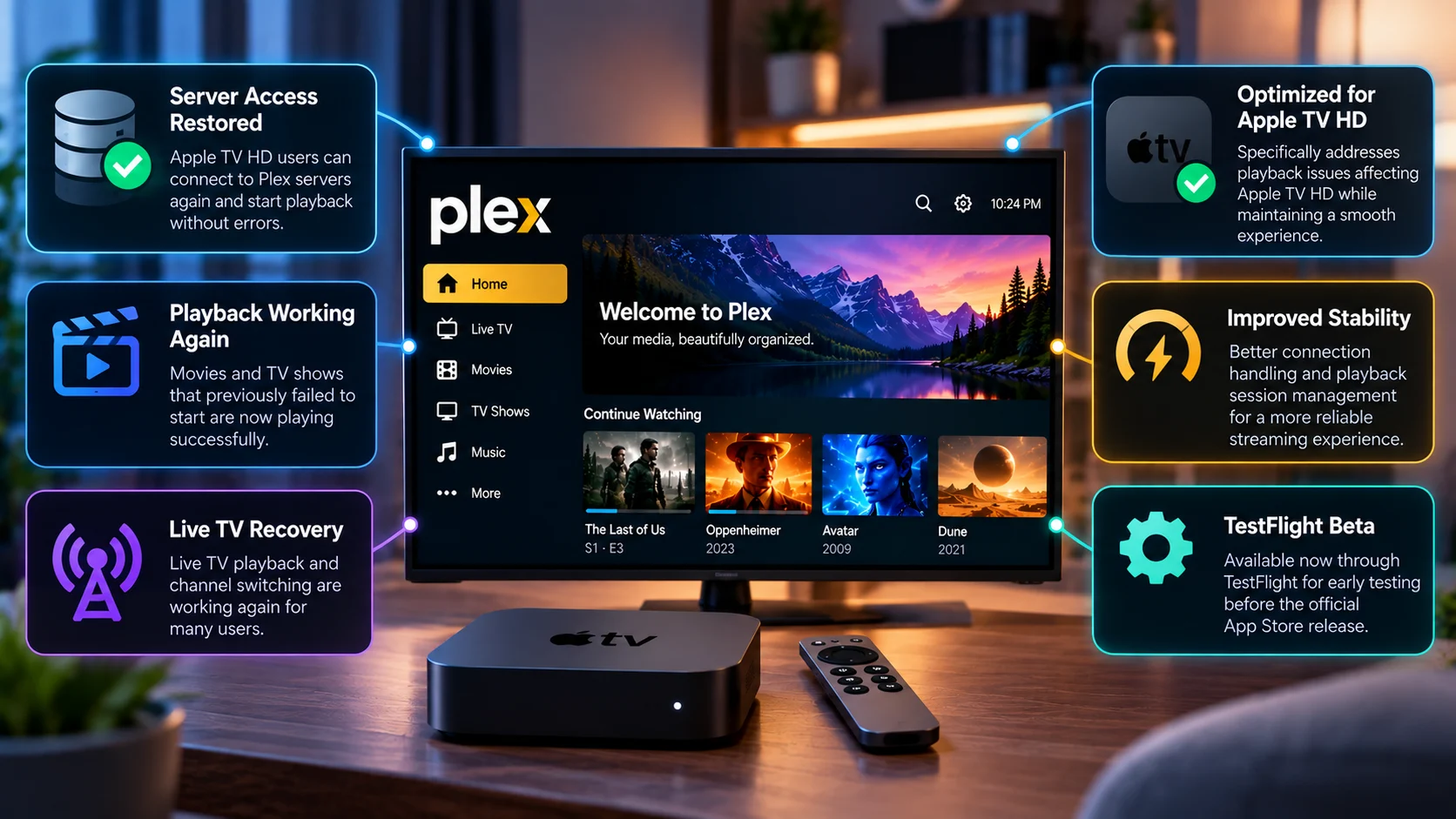
The Plex Apple TV HD TestFlight fix is an encouraging development for users affected by server-access and playback failures, particularly because early reports indicate that ordinary media access and some Live TV functionality can recover without replacing the Plex server or the Apple TV itself.
That makes the client software an important part of the investigation.
The situation also demonstrates why streaming-player problems are often more complicated than the error shown on screen.
A client may successfully browse a server while failing later during stream creation. Live TV may expose problems that ordinary library playback does not. Older Apple TV hardware may behave differently from newer 4K devices even when both run the same Plex interface.
The current TestFlight build should therefore be viewed as a beta fix under validation, not a universal confirmation that every recent Plex tvOS regression has disappeared.
Still, for Apple TV HD users who had effectively lost reliable access to their Plex server, reports of restored playback and Live TV are a meaningful step forward.
The next important milestone will be seeing the fixes move from beta testing into the stable Apple TV client while continuing to behave correctly across different servers, network configurations, media formats and Live TV setups.
FAQs About the Plex Apple TV HD TestFlight Fix
1) What is the new Plex Apple TV HD fix?
A newer Plex TestFlight client is being tested on Apple TV, and affected users report that it restores server access and playback on Apple TV HD devices that had been failing with the newer client experience.
2) Is the fix available in the normal App Store version?
The development being discussed is currently associated with TestFlight testing. Users should not assume the same fix has already reached every stable Apple TV installation.
3) Does the TestFlight fix restore Live TV?
Some users report Live TV recovery on Apple TV HD after moving to the newer beta build. That is encouraging, but broader hardware and tuner testing is still needed.
4) Why could Plex show the library but say it could not reach the server?
Browsing metadata and starting playback use different parts of the Plex client/server workflow. A failure during playback-session creation can therefore occur even when the library itself remains visible.
5) Is this problem limited to Apple TV HD?
The server-access issue discussed here has been particularly associated with Apple TV HD. Other Apple TV models can experience separate playback problems, but they should not automatically be considered the same regression.
6) Should Plex users replace their Apple TV HD?
The TestFlight recovery reports suggest that at least some of the recent failures can be corrected in software, so the issue alone does not demonstrate that hardware replacement is required.
7) Should developers test Apple TV HD separately from Apple TV 4K?
Yes. The devices use different hardware generations and media capabilities, so playback behavior should be validated independently.
8) Is TestFlight safe for everyday use?
TestFlight is intended for beta software. It can provide early fixes but may also contain unfinished changes or new regressions. Users should decide based on how critical the Apple TV is to their daily viewing setup.
Stay Updated with the Player SDK Guide Hub
Streaming-device playback problems increasingly involve much more than video codecs. Client/server communication, secure connections, player initialization, Direct Play decisions, Live TV sessions and hardware-specific behavior can all affect whether a stream actually starts.
The Player SDK Guide Hub tracks developments across Plex, Apple TV, Fire TV, Google TV, Android TV, Roku, Kodi, VLC, Android Media3, ExoPlayer and other media-player and streaming-device platforms.
We cover release notes, beta fixes, player regressions, operating-system updates, hardware changes and developer APIs to explain what changed, which devices and workflows are affected, why it matters, and what developers and streaming teams should test or watch next.
Explore the Player SDK Guide Hub for the latest Apple TV updates, Plex playback developments, video-player releases and developer-focused streaming insights.
