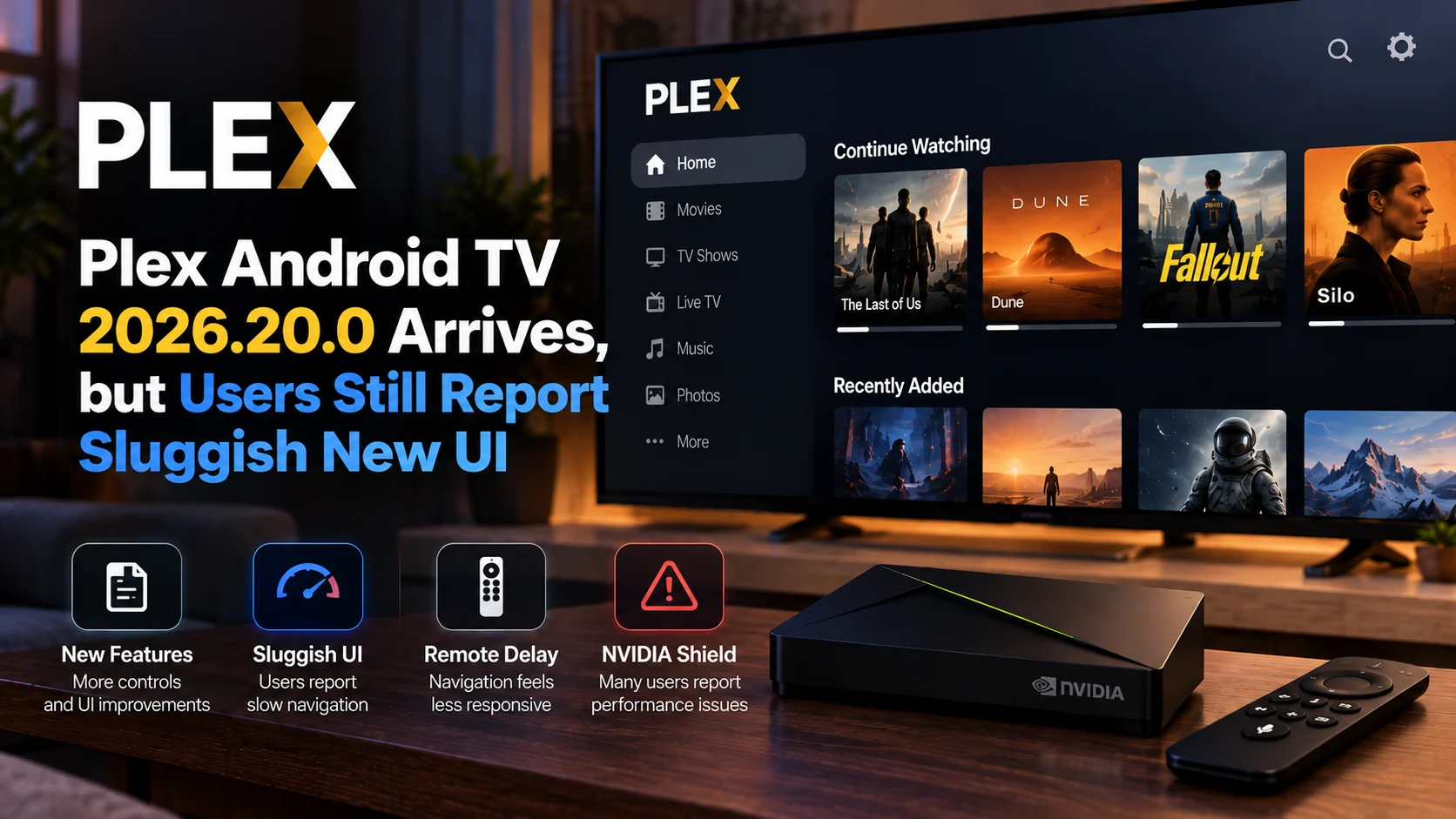
Plex Android TV 2026.20.0 is rolling out with several new features and interface changes, but discussion around Plex's redesigned television experience is far from over.
The official release adds new Android TV functions, including alternative app icons, remote-button playback from search results, improved library actions, theme music on movie and collection pages, and additional interface refinements.
At the same time, some Android TV users—particularly people running Plex on NVIDIA Shield hardware—continue to report that the redesigned interface feels slower and requires more navigation than the older client.
Complaints include delayed response after pressing remote buttons, slower library browsing, longer playback startup, and changed back-button behavior and workflows that now require additional steps.
One recent NVIDIA Shield report specifically identifies player version 2026.20.0 while describing navigation behavior that the user considers significantly worse than the previous interface. This does not mean every Plex Android TV installation is affected.
It does mean the new release arrives while Plex is still receiving substantial feedback about the usability and responsiveness of its redesigned television client.
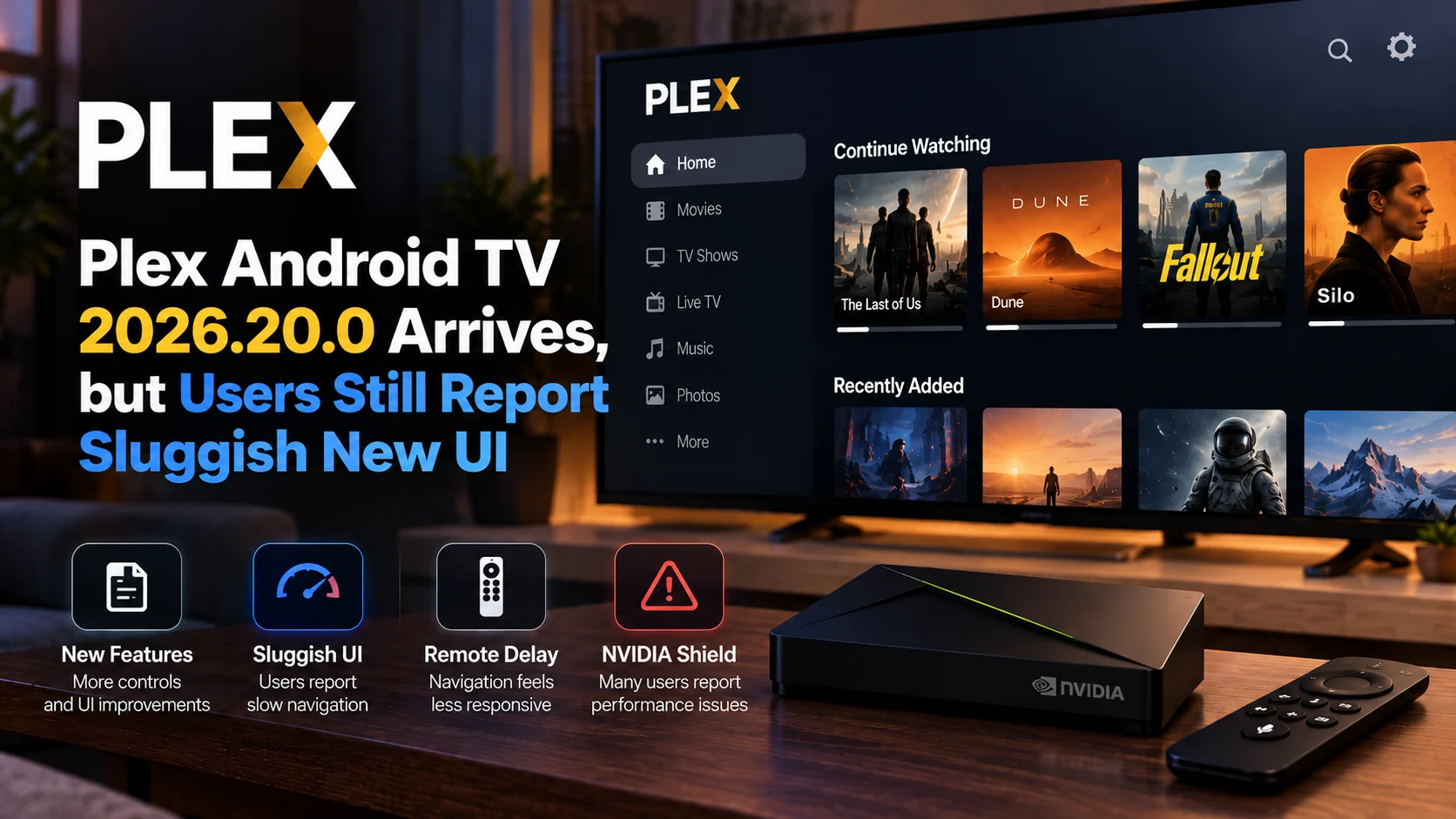
Is Plex Android TV 2026.20.0 Slower?
There is no evidence that Plex Android TV 2026.20.0 is universally slow across every Android TV device.
Plex's official release notes do not identify a general performance regression.
However, multiple Android TV and NVIDIA Shield users have independently reported sluggish navigation, remote-input delay, slower media startup, and more complicated interface workflows around the redesigned Plex experience.
That makes the most accurate answer:
Some users are experiencing noticeable performance and navigation problems, but the behavior appears dependent on device, workflow, and individual setup rather than being a confirmed universal Plex bug.
What Changed in Plex Android TV 2026.20.0?
Plex's official release notes show that version 2026.20.0 is not simply a maintenance build.
Several interface and usability features have been added across Android TV and other Plex platforms.
Android TV users can now choose a different app icon through the experience settings. Search results can be launched using the play button on compatible remotes. Libraries can be long-pressed in the sidebar to open actions, while library scans are available through the More menu.
Theme music can also play on movie and collection detail pages.
Plex additionally lists interface fixes and broader application improvements across the release.
The important point is that 2026.20.0 contains genuine improvements.
The criticism surrounding the application is mainly about how the broader redesigned TV experience behaves compared with the older Plex interface.
Plex 2026.20.0: Official Changes vs User Reports
| Area | Official Plex Changes | What Some User Report |
|---|---|---|
| Area | Official Plex Changes | What Some Users Report |
| Navigation | Additional library actions and remote shortcuts | More steps for some familiar tasks |
| Interface | New visual behavior and app customization | UI can feel slower or less compact |
| Remote Control | Search results can launch with Play button | Delayed response reported on some devices |
| Library Management | Long-press actions and scan controls | Some workflows feel harder to reach |
| Artwork | Fade and crossfade behavior | Posters and metadata may feel slow to load on some setups |
| Playback | General fixes continue across releases | Delayed playback or seeking reported by some users |
| Device Reports | Android TV supported | Several complaints involve NVIDIA Shield |
Why Are NVIDIA Shield Users Mentioning the New UI So Often?
The NVIDIA Shield remains a popular Android TV platform for Plex because of its capable hardware, broad codec support, and strong home-theater use case.
That also means Shield users tend to notice changes in Plex very quickly.
A system that previously felt highly responsive can make even a small input delay obvious.
One Android TV user described approximately half a second between pressing a remote button and seeing the expected response after receiving the redesigned client. The same report also pointed to missing or changed functionality and seeking problems.
Another Shield user reported that common actions now take longer and asked for a way to return to the older interface.
A separate report tied directly to Plex 2026.20.0 describes changed back-navigation behavior after opening an actor page from a movie.
Instead of returning to the previous movie detail page, the user reports being taken into a library view filtered around that actor.
These examples illustrate why the debate is not only about animation speed.
For some users, navigation logic itself has changed.
Is This Just Resistance to a Redesigned Interface?
Not entirely.
Major interface changes almost always create an adjustment period.
Buttons move.
Menus change.
Familiar workflows need to be relearned.
That alone does not prove the new design is technically worse.
But some complaints describe measurable behavior rather than simple preference.
Users have reported delayed remote response, slow poster loading, slow library scrolling, and longer waits before video playback begins.
One Android TV report says media that previously started almost immediately can now take several seconds to begin playing.
The same user describes rewind operations taking noticeably longer after the redesigned application arrived.
Those are performance observations rather than purely visual opinions.
At the same time, individual reports do not establish that every Android TV user will experience the same behavior.
Why Can a New Interface Feel Slower Even on Powerful Hardware?
Television applications behave differently from phone and desktop apps.
A TV interface must continuously load artwork, metadata, library rows, recommendations, and focus states while responding instantly to a directional remote.
Even small delays become noticeable because television navigation is sequential.
A user presses right, waits for focus to move, presses right again, opens a title, returns, and repeats the process.
If every interaction gains a small delay, the whole application begins to feel slow.
Large artwork, animated transitions, crossfades, background processing, and richer metadata can also increase rendering work.
This does not mean any single new Plex feature is responsible.
The perceived slowdown may come from a combination of interface rendering, network requests, local caching, device performance, and application state.
Are Library Navigation Problems Part of the Complaints?
Yes.
Several reports focus specifically on library browsing.
One user reported that long titles are now truncated without the previous scrolling behavior and that manual library scanning requires more steps than before.
Another described slow loading of thumbnails and metadata while navigating Plex libraries.
That user also considered the newer season-navigation layout less efficient because more scrolling was required.
Plex appears to be responding to at least some navigation feedback.
Version 2026.20.0 includes easier library actions through sidebar long-press behavior and access to Scan Library Files from the browse screen's More menu.
That is important context.
The redesigned client is not static.
Plex is continuing to adjust workflows as the new interface develops.
Are Playback Problems Also Being Reported?
Some users are reporting playback-related problems alongside interface complaints.
One report involving Plex Android 2026.20.0 on an NVIDIA Shield Pro describes audio and video synchronization problems with certain DTS-HD and TrueHD content.
The user says the same file remains synchronized when played through another Android video player.
Another Android TV discussion mentions problems with Live TV playback, including skipping and stuttering during recorded programming.
These should not automatically be grouped into one single Plex bug.
Audio synchronization, navigation lag, and UI responsiveness can involve completely different parts of the application.
But they demonstrate why users troubleshooting Plex video playback should test each problem independently.
PlayerSDK's Plex HEVC Direct Play behavior coverage provides a useful example of how a client update can affect playback decisions even when the original media remains unchanged.c
Is Plex Fixing the New Interface?
The official release history suggests active development is continuing.
The beta builds leading into 2026.20.0 contained interface fixes, layout corrections, and broader bug and performance improvements.
One beta specifically addressed items overlapping, leaving unexpected gaps or being cut off on Android TV and other TV platforms.
Another beta was described simply as containing bug fixes and performance improvements.
Plex has also modified navigation behavior following community feedback.
That does not mean every complaint has been resolved.
It does show that the redesigned television application continues to evolve rather than representing a finished interface that will never change.
How Can You Tell Whether Plex Is Actually Slow on Your Device?
Avoid judging performance from one loading screen.
Test repeatable actions.
Open the same library several times.
Move quickly through several poster rows.
Open a movie detail page and return.
Start the same video more than once.
Try seeking backward and forward.
Then restart Plex and perform the same actions again.
If possible, compare the device with another Android TV media application.
This can help separate Plex Android TV performance from broader device problems.
If multiple media apps are sluggish, storage pressure, background activity, or the streaming device itself may be contributing.
PlayerSDK's streaming device comparison can also help compare hardware resources and playback capabilities across common television devices.
Should You Clear Plex Cache?
It can be a useful troubleshooting step, particularly if performance has gradually become worse.
Cached application data can occasionally contribute to unusual interface behavior.
However, cache clearing should not be presented as a guaranteed fix for the redesigned Plex UI.
If the underlying issue is application rendering or navigation logic, clearing temporary data will not redesign the interface.
Restart Plex first.
Then restart the device.
If the problem remains, testing after clearing application cache may help determine whether local application data is involved.
For playback comparison, users can also test media through another Android player and use PlayerSDK's media player comparison to understand differences in codec and playback capabilities.
Should Users Roll Back to an Older Plex Version?
Some community members have chosen to stay on older versions because they prefer the previous interface.
There are forum discussions describing older builds being used specifically to retain the classic Android TV experience.
That does not make rollback the best general recommendation.
Older application versions can eventually lose compatibility, miss bug fixes or stop receiving important improvements.
For most users, the safer approach is to remain on a supported version and watch how Plex continues refining the redesigned application.
Advanced users who intentionally test older versions should understand the trade-off between interface preference and current software support.
Does Faster Hardware Solve the Problem?
Not necessarily.
The NVIDIA Shield is itself evidence of that.
Many complaints involve hardware that is already more capable than entry-level television processors.
A faster streaming box can reduce delays caused by CPU, GPU, memory or storage limitations.
It cannot automatically fix inefficient navigation logic or application-level behavior.
That distinction is important when choosing a streaming device for Plex.
Hardware performance matters.
Codec support matters.
Network performance matters.
But the quality of the client application matters too.
PlayerSDK's streaming device comparison is useful for evaluating hardware, while actual Plex client behavior still needs to be considered separately.
The Bigger Issue Is Consistency
The strongest criticism of the new Plex interface is not one specific missing button.
It is consistency.
Long-time Plex users developed familiar workflows around the previous television client.
They knew where libraries were located, how the back button behaved, where playback information appeared and how quickly common actions responded.
Changing several of those behaviors at once creates friction.
PlayerSDK has already documented similar interface disruption on Apple TV, where the redesigned Plex player removed the familiar swipe-down information panel used during playback.
That is a useful comparison because it shows the redesign affects more than Android TV.
Plex is changing its television experience across platforms.
The challenge is preserving efficient media-player workflows while introducing a more unified design.
Final Verdict
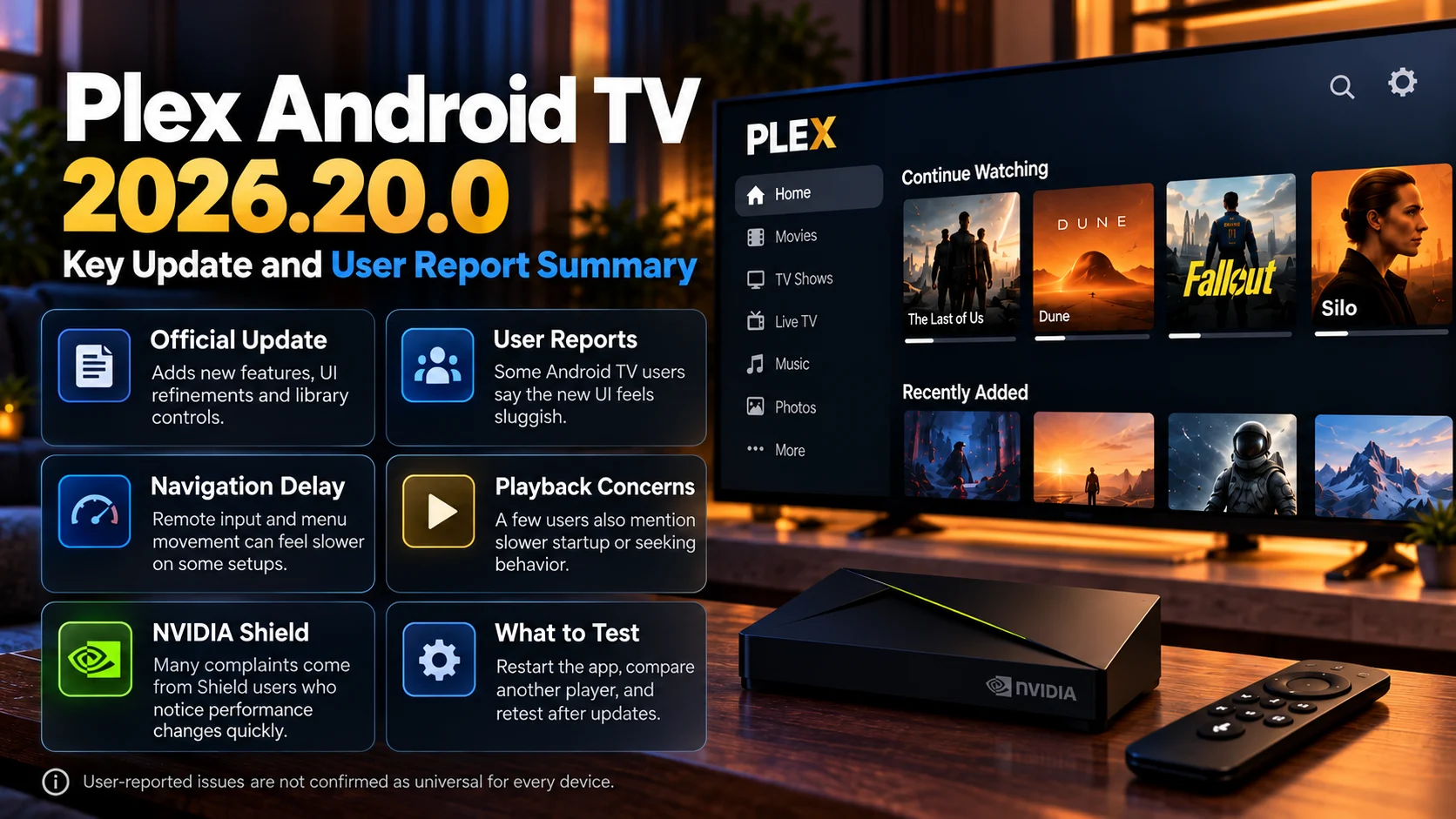
Plex Android TV 2026.20.0 brings real improvements and shows that Plex is continuing to refine its redesigned television client.
The official update adds new library actions, search controls, customization options, theme music and multiple interface improvements.
But user feedback shows that the transition is still uncomfortable for some Android TV owners.
NVIDIA Shield users in particular continue to report sluggish UI response, slower navigation, changed back-button behavior, longer media startup and workflows that feel less efficient than the older client.
The evidence does not support calling 2026.20.0 universally broken.
It does support saying that Plex's redesigned Android TV experience is still generating meaningful usability and performance complaints.
For users experiencing problems, the most useful approach is controlled testing.
Check whether the delay affects interface navigation, actual video playback or both.
Restart the client and device.
Compare another media application.
And continue testing after Plex releases additional updates.
The new Plex interface may eventually become more polished than the version it replaced.
For some Android TV users, it is clearly not there yet.
Frequently Asked Questions
1) What is Plex Android TV 2026.20.0?
Plex Android TV 2026.20.0 is a Plex client release that introduces new interface features, library actions, remote shortcuts, theme music support and additional fixes across Android and television platforms.
2) Is Plex 2026.20.0 slow on NVIDIA Shield?
Some NVIDIA Shield users report slow navigation, remote-input delays and changed workflows. These are community reports and do not establish that every Shield device is affected.
3) Why does the new Plex UI feel slower?
Possible factors include richer interface rendering, artwork loading, metadata requests, caching, device resources and application behavior. Plex has not publicly identified one universal cause for all performance complaints.
4) Does Plex 2026.20.0 include performance fixes?
The beta cycle leading into the release included bug fixes, interface corrections and performance improvements.
5) Are Plex playback problems part of the new UI complaints?
Some users have reported playback delays, seeking problems, audio synchronization issues and Live TV problems. These may involve different causes and should be troubleshooted separately from UI navigation.
6) Can clearing the Plex cache fix slow navigation?
It may help if cached application data is contributing to the problem, but it is not a guaranteed fix for interface-level performance issues.
7) Should I downgrade Plex to get the old interface?
Some users have chosen older versions to retain the previous interface, but older software can miss current fixes and compatibility improvements. Remaining on a supported build is generally the safer long-term option.
8) Does Plex still support Direct Play on Android TV?
Direct Play remains part of Plex's playback system. Whether a particular file Direct Plays depends on the media format, audio, subtitles and client capabilities reported to Plex Media Server.
9) Is the new Plex interface still being improved?
Yes. Plex continues publishing fixes and interface changes, and the 2026.20.0 development cycle itself included multiple revisions addressing UI and performance behavior.
10) Is Android TV 2026.20.0 worth installing?
For most users, staying on a supported Plex release provides access to current fixes and features. Users experiencing performance problems should test their specific device and workflow rather than assuming every Android TV installation will behave the same way.
Experiencing slow navigation or playback problems with Plex Android TV?
Explore PlayerSDK's Plex HEVC Direct Play behavior, Plex Apple TV interface changes, media player comparison, and streaming device comparison resources to determine whether your issue is related to the Plex client, playback path, media format or streaming hardware.
