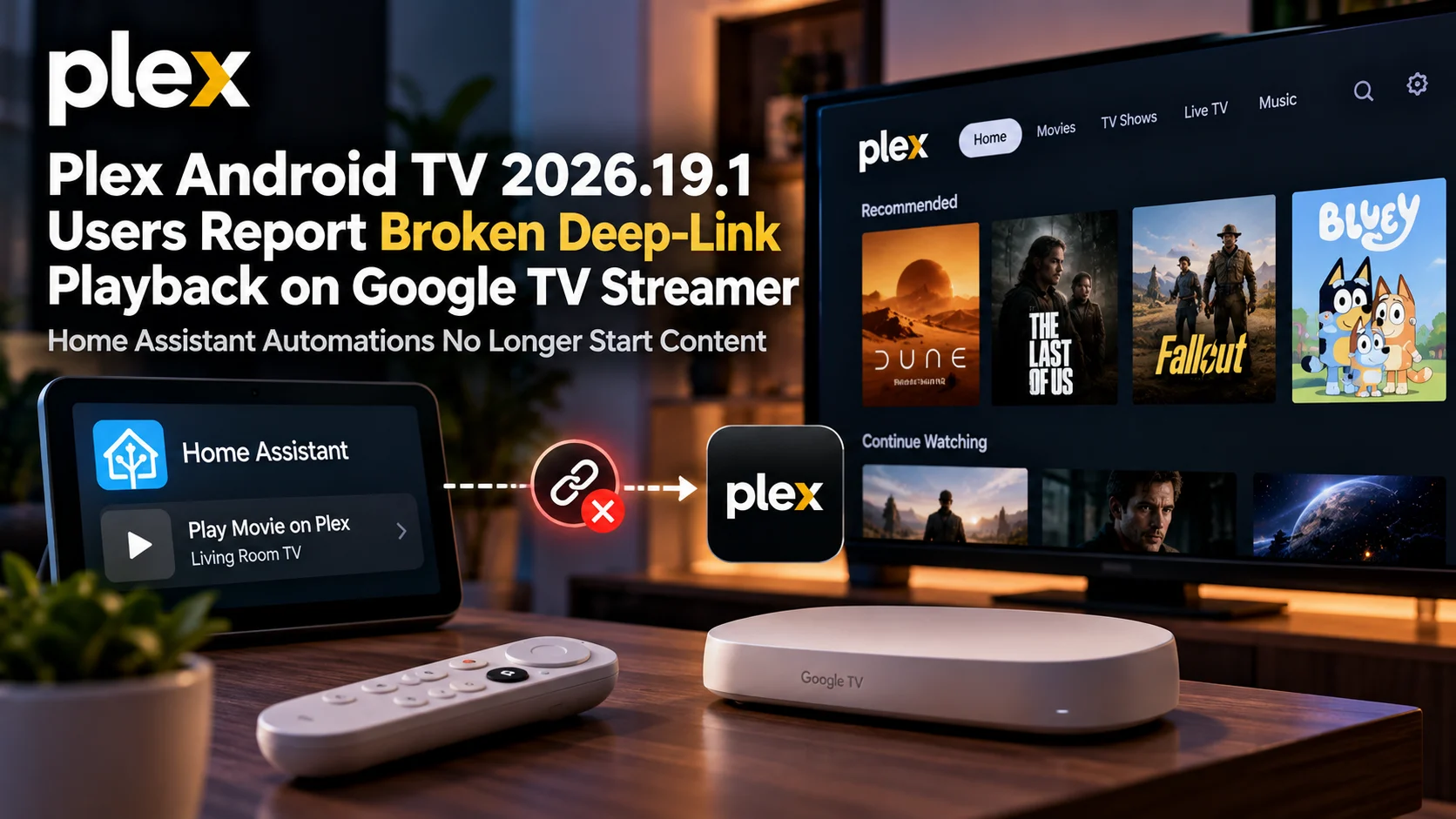
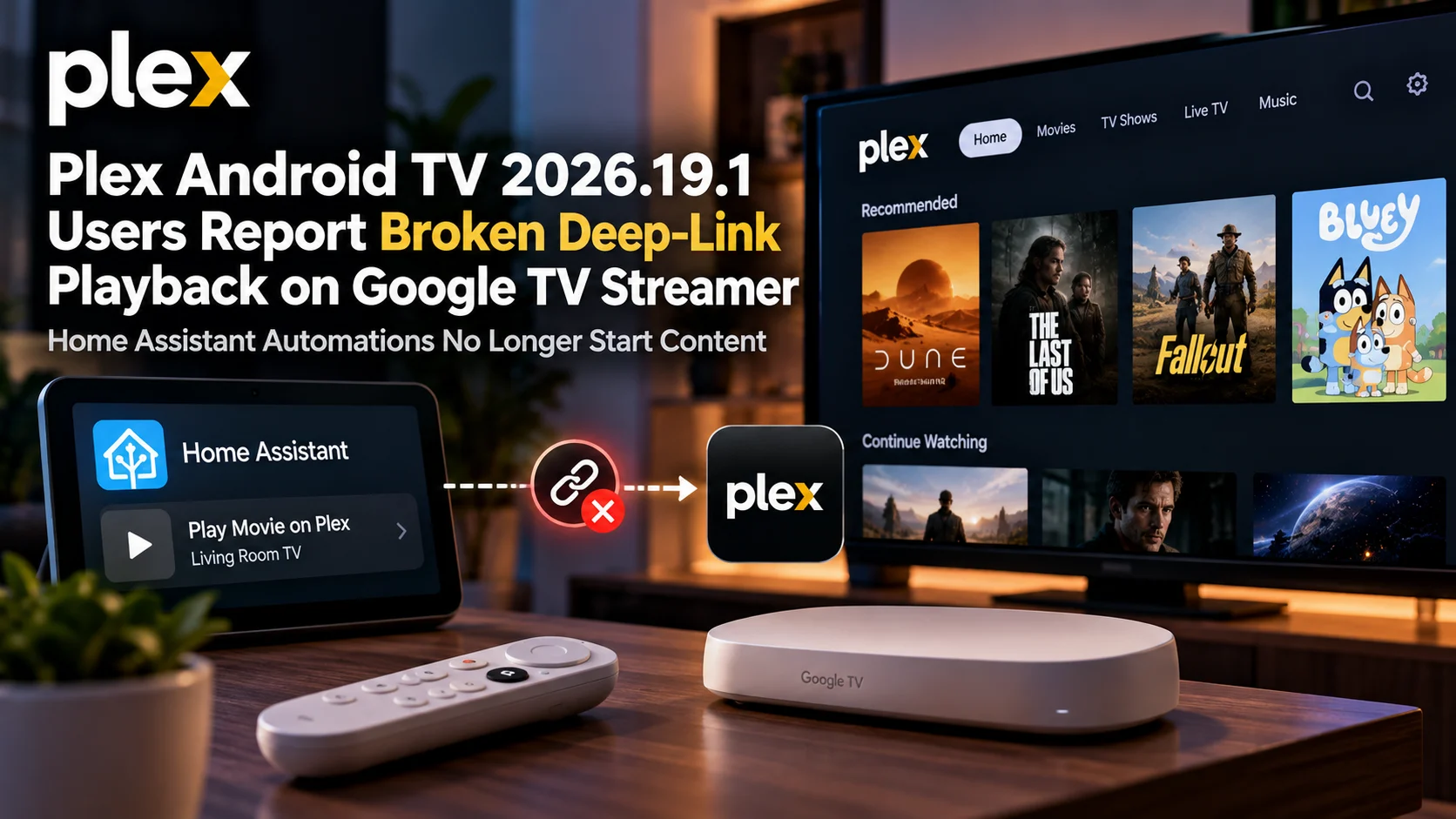
Plex Android TV 2026.19.1 is facing another user-reported regression, this time involving content-specific deep links on Google TV Streamer devices.
Users relying on Plex integrations with Home Assistant, NFC shortcuts, and other smart-home automations report that links designed to open Plex and immediately start a specific movie, episode, or media item no longer behave as expected.
Instead of launching the requested content, the latest Plex Android TV client may open the Plex application to its home screen. In some cases, the deep-link action reportedly appears to do nothing beyond bringing the app into the foreground.
That creates a very different problem from traditional playback bugs.
The video codec can be supported.
The Plex server can be online.
The media file can play normally when opened manually.
Yet an automation that previously went directly from a smart-home command to actual playback can fail because the Plex client no longer processes the content-specific URI correctly.
For users who have built living-room automations around Plex, this is not a small interface inconvenience. It can break routines that were designed specifically to remove manual navigation.
Plex Deep-Link Regression at a Glance
| Area | Reported Behaviour | Why It Matters |
|---|---|---|
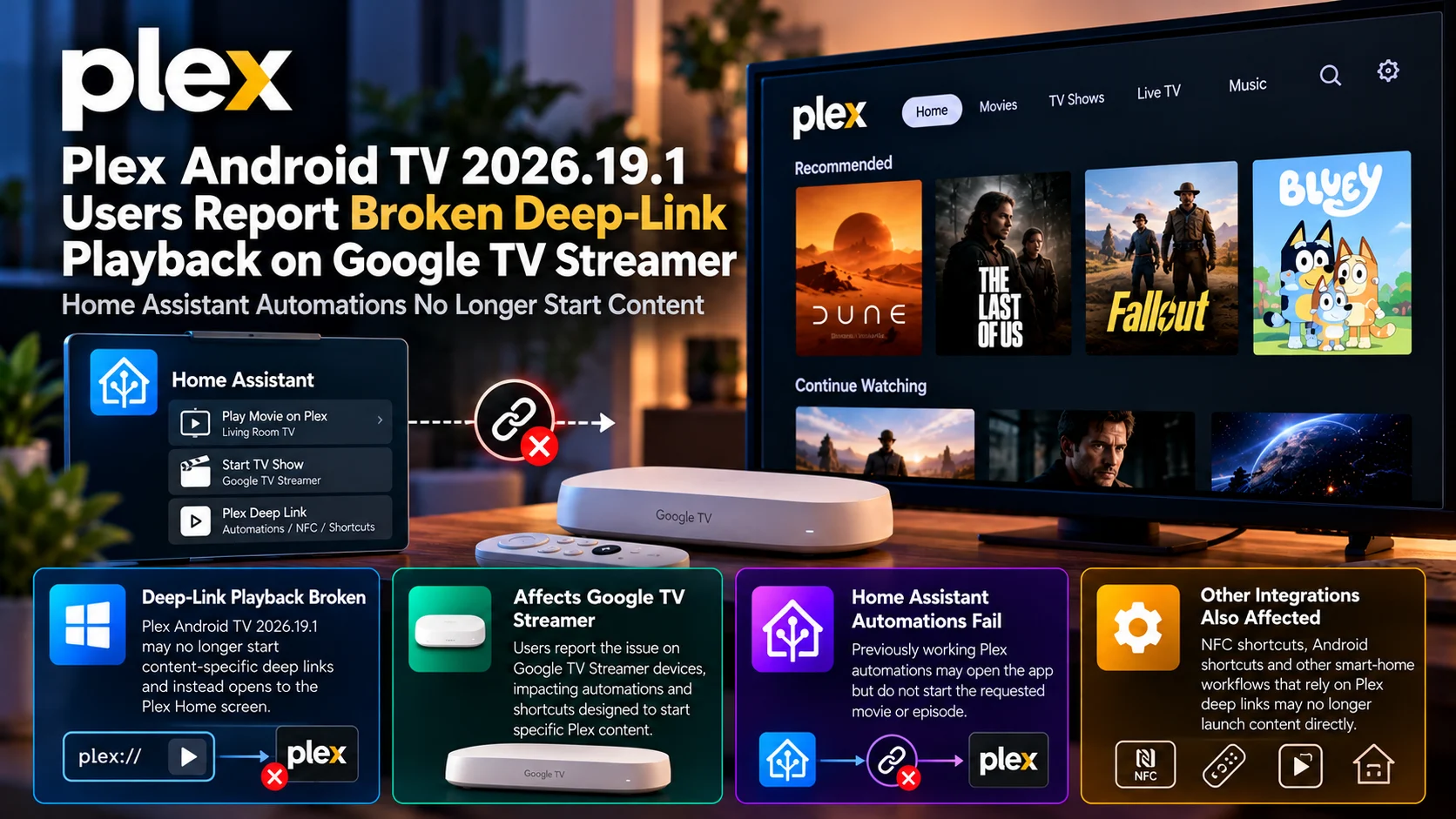
| Plex Android TV 2026.19.1 | Content-specific deep links may no longer start playback | Previously working automation flows can break |
| Google TV Streamer | Device is specifically mentioned in user reports | Affects a current Google TV playback platform |
| Home Assistant | Plex launch automations can open the app without starting content | Plex Android TV 2026.19.1 Content-specific deep links may no longer start playback Previously working automation flows can break Google TV Streamer Device is specifically mentioned in user reports Affects a current Google TV playback platform Home Assistant Plex launch automations can open the app without starting content Smart-home media routines lose their main function plex:// links Media-specific URI handling appears affected Plex may receive the launch request but ignore the content target Manual playback Media can still be opened from Plex normally Suggests the problem is in navigation/deep-link handling NFC and shortcuts Automated content-launch workflows may fail Extends impact beyond Home Assistant Current status User-reported regression Should not yet be treated as a universal Android TV failure |
| plex:// links | Media-specific URI handling appears affected | Plex may receive the launch request but ignore the content target |
| Manual playback | Media can still be opened from Plex normally | Suggests the problem is in navigation/deep-link handling |
| NFC and shortcuts | Automated content-launch workflows may fail | Extends impact beyond Home Assistant |
| Current status | User-reported regression | Should not yet be treated as a universal Android TV failure |
What Is Deep-Link Playback in Plex?
Deep linking allows an external application or automation system to send Plex directly to a particular destination.
A normal app launch simply opens Plex.
A deep link can include enough information to tell Plex what should happen after it opens.
Depending on the integration, that could mean navigating directly to a media item or immediately beginning playback.
This is extremely useful on television devices because remote navigation is slower than tapping through a phone interface.
If a Home Assistant dashboard contains a button for a specific movie, the ideal flow is simple:
Press the button, wake the television, open Plex, and start the movie.
The user should not need to pick up the remote, find the movie again, and manually press Play.
That is exactly what deep linking is meant to eliminate.
What Users Say Changed in Plex 2026.19.1
The reported regression appears after moving to Plex Android TV 2026.19.1.
Automations that previously sent a content-specific Plex link to the Google TV Streamer reportedly no longer complete the full playback action.
Plex itself may still open.
That detail is important.
If the application launches successfully, Android or Google TV is clearly receiving at least part of the intent.
The failure appears later in the chain.
Instead of interpreting the media-specific part of the request, Plex may fall back to its default startup destination.
The result is the Plex Home screen rather than the requested content.
For a normal viewer, that might look like the automation almost worked.
For an automation platform, however, “open Plex” and “start this exact item” are completely different outcomes.
Why Home Assistant Users Notice the Problem Immediately
Home Assistant users often build highly customized entertainment workflows.
A routine can do much more than launch a television application.
It might turn on the TV, switch the AVR input, adjust the lights, set the volume, and send a Plex deep link to the streaming device.
When the final playback command fails, everything else may still happen correctly.
The room changes into movie mode.
The TV wakes.
The receiver switches.
Plex appears.
But the viewer is left sitting on the Plex Home screen.
That makes the deep-link regression particularly visible because the rest of the automation proves the smart-home workflow itself is functioning.
The broken step is specifically the handoff into Plex content playback.
Google TV Streamer Makes This Regression More Relevant
The Google TV Streamer represents an important modern Android TV-class device.
Users choosing it for Plex expect tight integration with the Android ecosystem, including intent handling and automation support.
Smart-home enthusiasts are also more likely than average users to combine Google TV hardware with systems such as Home Assistant.
That makes deep-link behavior more important than it might appear from a normal streaming-app perspective.
A user who only launches Plex with the remote may never encounter the bug.
A user who has created dozens of automated media scenes may see several workflows fail at once.
The underlying application is the same.
The difference is how deeply Plex is integrated into the rest of the home.
Why the Media Itself May Not Be the Problem
This regression is very different from a codec, transcoding, or network problem.
If the movie plays normally when selected manually from inside Plex, then the server and playback engine may be functioning perfectly.
The failure happens before the media pipeline even starts.
The client first needs to interpret the incoming URI or Android intent.
Then it needs to identify the target media item.
Only after that does it hand the item to Plex’s playback system.
A broken deep-link handler can therefore prevent playback without producing any traditional playback error.
The video never reaches the point where codec compatibility matters.
How Android TV Deep Links Generally Work
Android applications can register themselves to respond to particular URI patterns or intents.
When another application sends one of those requests, Android identifies the app capable of handling it and forwards the attached information.
For Plex, a media-oriented request needs more than the instruction to open the app.
It also needs a target that Plex can resolve.
That target may reference a library item, content identifier, or navigation route.
The Plex client then needs to preserve that information during startup.
If something in the startup flow resets the destination, the application can successfully launch but discard the requested media.
That behavior would closely match the reports of Plex opening only to its home screen.
App Startup Changes Can Accidentally Break Deep Links
Deep-link regressions frequently appear after interface or navigation changes.
An application may introduce a redesigned startup flow.
It may restore the previous navigation state differently.
The Home screen may initialize earlier.
Account or server selection logic may change.
Any of these modifications can unintentionally interfere with external launch requests.
For example, Plex might correctly receive the requested media destination and then overwrite it when its Home navigation container finishes loading.
To the user, the result looks simple: “the movie did not start.”
Internally, however, the issue can involve application lifecycle timing rather than the actual deep-link parser.
This Matters Beyond Home Assistant
Home Assistant is one prominent example, but the impact can extend further.
Some users create NFC tags that launch particular entertainment actions.
Others rely on Android shortcuts, automation utilities, universal remotes, or custom dashboards.
Advanced smart-home setups may expose favorite Plex movies or shows as dedicated buttons.
A family might even have a “Kids Movie” button that automatically opens a particular Plex library item.
If content-specific Plex URI handling stops working, all of those integrations can fail in the same basic way.
That is why deep-link support should be treated as part of a media application’s external integration surface rather than an obscure power-user feature.
Plex’s Newer Android TV Experience Has Faced Other Reports
The deep-link complaint also arrives during a period when users have been scrutinizing the newer Plex Android TV experience more closely.
Separate user reports have discussed Direct Play changes, remote-control behavior, interface responsiveness, and other playback or navigation regressions.
These issues do not necessarily share one technical cause.
A broken deep link is not the same problem as an incorrectly transcoded TrueHD stream.
Still, they highlight the challenge Plex faces while evolving a mature television application used across many Android TV devices and integrations.
A UI redesign can touch navigation.
Player changes can touch codec detection.
Startup changes can touch deep links.
Television software has a large number of interconnected paths that need regression testing.
Why Deep Links Deserve Dedicated Testing
A developer can manually open Plex hundreds of times without discovering this problem.
That is why automation workflows need their own test coverage.
A complete Android TV regression suite should not only verify that the home screen loads and a movie plays.
It should also test application launches coming from outside the Plex interface.
That includes cold-start deep links, warm-start deep links, and cases where Plex is already running in the background.
The same request may behave differently depending on application state.
Cold start is especially important because the full initialization path is involved.
If deep links fail only when Plex is fully closed, the issue may be connected to startup sequencing.
If they fail even when Plex is already open, the problem may sit closer to URI routing or navigation.
Why Home Assistant Automations Are Sensitive to Small Changes
Automations depend on predictable interfaces.
A human can adapt when an application changes.
If Plex opens one screen earlier than expected, the user can press the remote a few more times.
Automation cannot improvise unless it was specifically programmed to do so.
It sends the intended command and expects a defined result.
That makes apparently small application changes much more disruptive to smart-home systems.
For this reason, maintaining deep-link compatibility is similar to maintaining an API.
The feature may be invisible to most viewers, but users who depend on it build other systems around its behavior.
What Affected Users Can Check
Users experiencing the regression should first confirm whether Plex itself is still receiving the app-launch command.
If Plex opens but content does not start, that is different from a situation where Android refuses to launch Plex at all.
Testing manual playback of the same item is also useful.
If the movie or episode plays normally after navigating to it manually, the problem is likely separate from server availability or media compatibility.
Users can also compare a simple “open Plex” automation with a content-specific deep link.
The difference between those two results helps identify whether the application-launch portion remains functional.
Where practical, comparing behavior with an earlier Plex client build can provide further evidence that the problem is version-related.
Workarounds May Be Limited
Unlike a transcoding problem, there is no universal server setting that can restore a broken client deep-link handler.
Changing the video codec will not help.
Adjusting subtitle settings will not help.
Restarting Plex may temporarily change startup behavior but does not address the underlying compatibility issue.
Some advanced Home Assistant users may be able to build alternative remote-navigation sequences or Android intent workflows, but those are less reliable than a proper Plex deep link.
They can also break when the interface changes again.
The ideal solution is for content-specific deep-link handling to work correctly inside the Plex client.
Why This Is Important for Plex’s Smart-Home Audience
Plex increasingly exists inside wider entertainment systems.
It may be connected to a NAS, receiver, smart television, lighting system, voice assistant and automation platform.
For these users, Plex is not just an app icon.
It is one component in a larger living-room workflow.
Deep links provide the bridge between those systems and Plex’s media catalogue.
Breaking that bridge reduces what users can automate even if every individual movie continues to play perfectly.
As streaming applications become more integrated with smart homes, launch behavior deserves the same reliability expectations as remote navigation or playback controls.
Is This a Confirmed Plex-Wide Bug?
The safest description remains user-reported regression.
A report on one Google TV Streamer configuration does not prove that every Android TV device running Plex 2026.19.1 behaves identically.
Different Android versions, device firmware, Plex servers and automation methods may produce different results.
The issue also needs to be distinguished from ordinary malformed deep links or unsupported external integrations.
However, when an existing automation works before a Plex client update and stops working afterward without other changes, the client version becomes an obvious variable to investigate.
That makes the reports worth tracking even before a broader confirmation exists.
Final Thoughts
The reported Plex Android TV 2026.19.1 deep-link regression on Google TV Streamer is a good example of how a media-player update can break functionality far outside traditional video playback.
Movies may still play.
The Plex server may remain healthy.
The network may be working normally.
Yet a carefully built Home Assistant routine can suddenly stop at the Plex Home screen because the client no longer follows the requested content destination.
For most viewers, deep links are invisible.
For smart-home users, they can be fundamental.
They turn Plex from an application that needs manual navigation into a service that can participate in automated living-room experiences.
That is why content-specific launch behavior deserves serious regression testing.
Plex does not need to change the video decoder to fix this kind of problem. It needs to preserve the connection between external launch requests and its own navigation/playback system.
Until that happens, Google TV Streamer owners using Home Assistant should treat Plex 2026.19.1 carefully if direct content-launch automations are an important part of their setup.
FAQs About Plex Android TV 2026.19.1 Deep-Link Playback
1) What problem are users reporting?
Some Google TV Streamer users report that Plex content-specific deep links no longer start the requested movie or episode after moving to Plex Android TV 2026.19.1.
2) Does Plex still open?
In reported cases, Plex may open successfully but land on the Home screen instead of navigating to or playing the requested content.
3) Is Home Assistant broken?
The reports point to Plex deep-link handling rather than Home Assistant itself. Other parts of the automation may continue working correctly.
4) What is a Plex deep link?
A deep link is an external URI or intent designed to open Plex at a specific destination instead of simply launching the application.
5) Can this affect NFC automations?
Potentially yes. Any workflow that depends on content-specific Plex links could be affected if the client no longer processes those targets correctly.
6) Does this mean Plex playback itself is broken?
Not necessarily. Users may still be able to manually select and play the same content normally from inside Plex.
7) Is Google TV Streamer the only affected device?
The current reports specifically mention Google TV Streamer, so the issue should not automatically be described as universal across every Android TV device.
8) Can changing Plex server settings fix it?
Probably not if the problem is specifically the Android TV client’s URI handling. The media server may never receive a playback request because the client fails to resolve the deep link first.
Stay Updated with the Player SDK Guide Hub
Modern TV applications depend on more than codecs and playback engines. Deep links, Android intents, remote navigation, smart-home integrations and application lifecycle behavior can all determine whether the final experience works reliably.
The Player SDK Guide Hub tracks developments across Plex, Google TV, Android TV, Home Assistant integrations, Nvidia Shield, Fire TV, Roku, Apple TV, Jellyfin, Kodi, VLC and other media-player ecosystems.
We cover player releases, integration regressions, playback problems, streaming-device updates and developer-platform changes to explain what changed, why it matters and what users and streaming teams should test next.
Explore the Player SDK Guide Hub for the latest Plex, Google TV and smart-home media updates.
