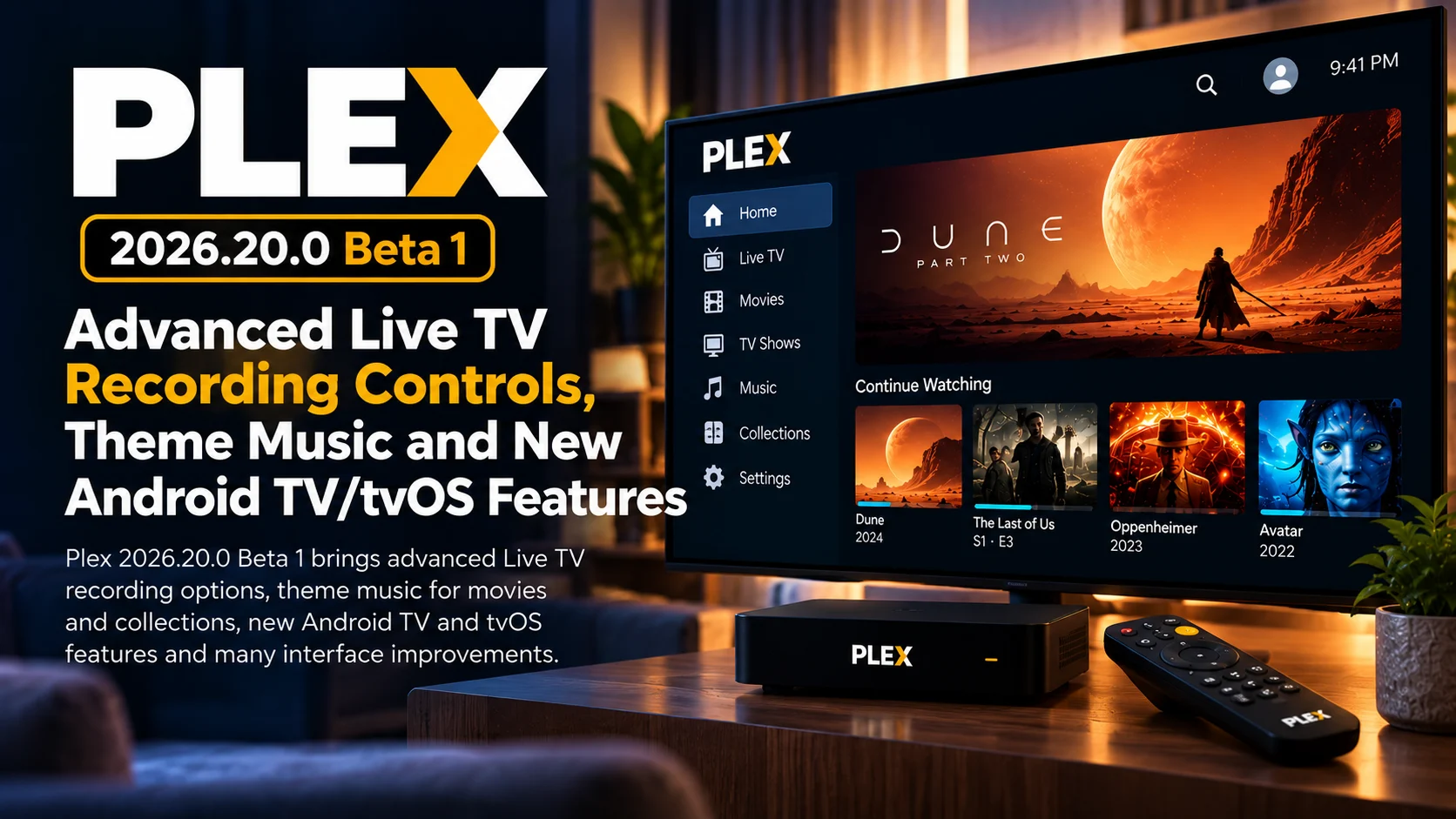
Plex 2026.20.0 Beta 1 is rolling out to testers with a surprisingly large collection of features across live TV and DVR, Android TV, Apple TV, mobile apps, and Plex’s newer social and discovery interfaces.
The most practical addition for DVR users is a new set of advanced recording options that allows a scheduled Live TV recording to start early or end late. That addresses a common problem with live sports, awards shows, and other programming that does not always follow its published schedule exactly.
Android TV and tvOS receive several television-specific improvements of their own. Users can select alternative Plex app icons, launch search results using the Play button on the remote, open library actions directly from the sidebar, and manually request a library scan without navigating through another device.
Plex is also expanding the atmosphere of movie and collection detail pages by adding theme music, bringing a feature already familiar from television-show browsing into additional parts of the Plex experience.
This is still a beta release, so the new features should be treated as upcoming functionality under testing rather than guaranteed behavior in the current stable version.
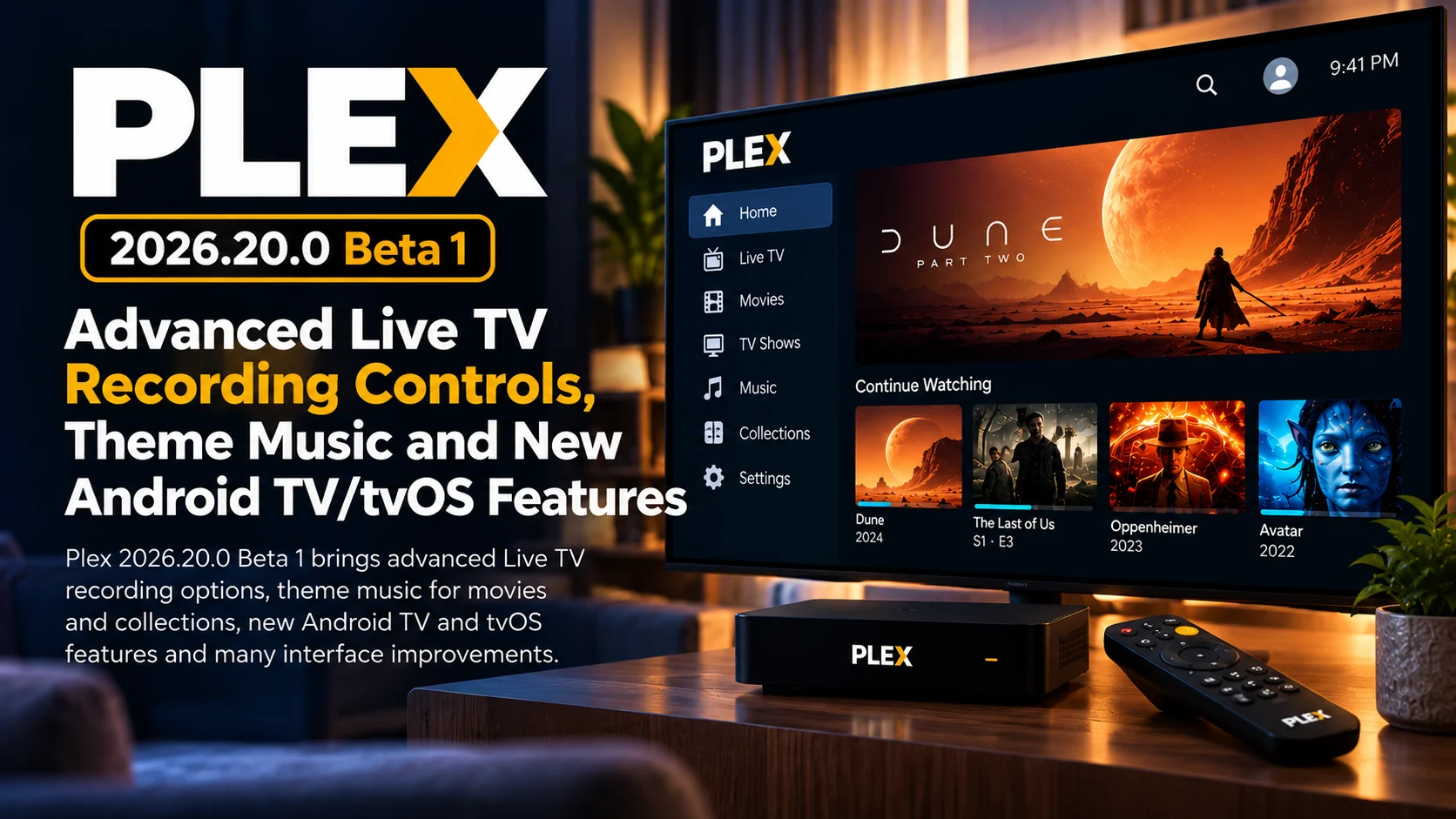
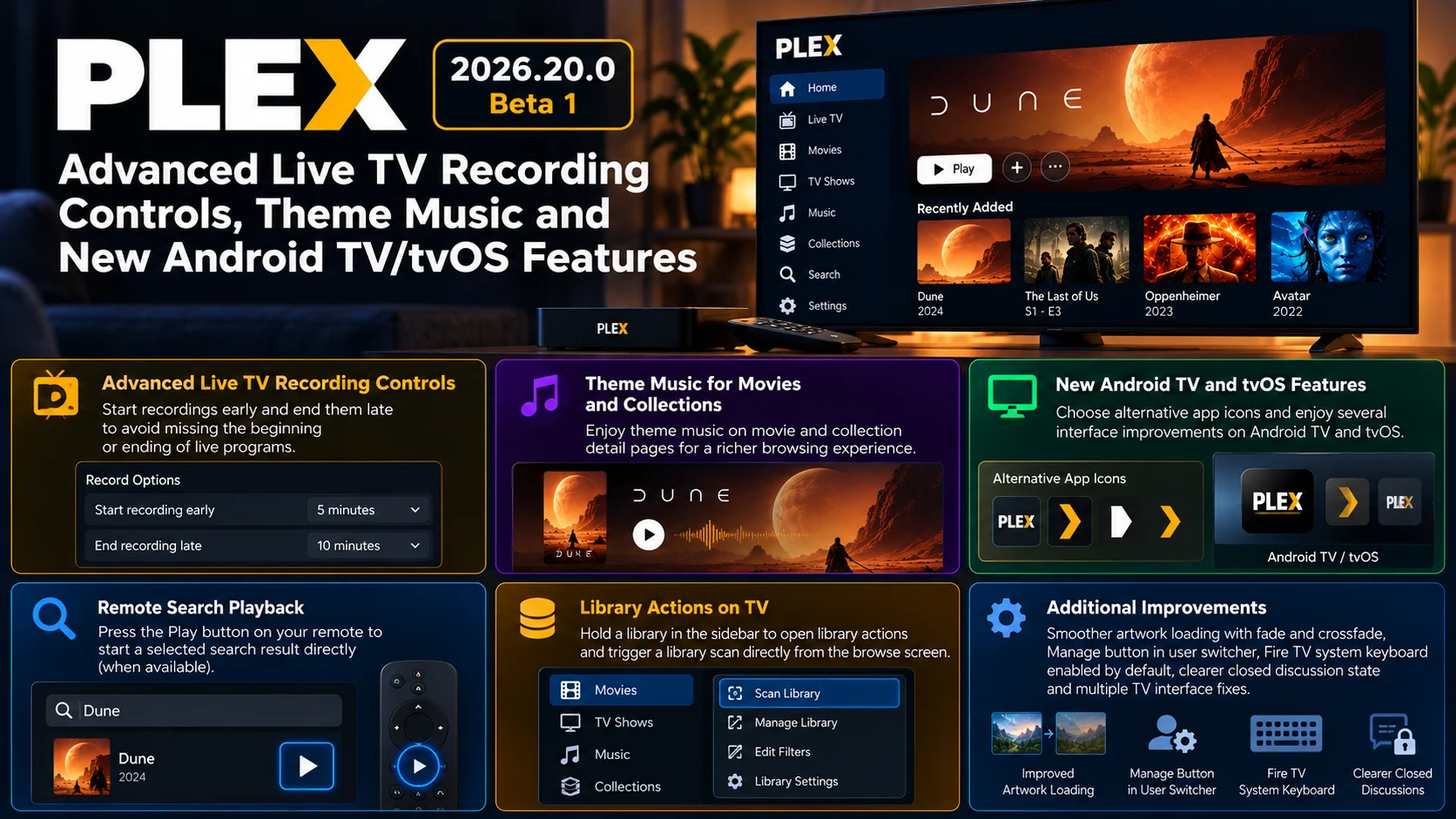
Plex 2026.20.0 Beta 1 at a Glance
| Area | What's New | Why It Matters |
|---|---|---|
| Live TV & DVR | Start recordings early and end them late | Helps prevent missing the beginning or ending of live programs |
| Movies & Collections | Theme music on detail pages | Creates a richer browsing experience |
| Android TV / tvOS | Alternative app icons | Adds personalization to TV home screens |
| TV Search | Remote Play button launches selected result | Reduces extra navigation |
| Libraries | Sidebar library actions and manual scan controls | Makes server-library management easier from the TV |
| Artwork | Fade-in and crossfade loading effects | Produces smoother screen transitions |
| Plex Home | Manage button inside user switcher | Faster access to household-user settings |
| Fire TV | System keyboard enabled by default | More consistent text entry |
| Discussions | Closed discussion state with explanations | Makes moderation status clearer |
| TV Interface | Numerous focus, loading, and preview fixes | Improves remote navigation and stability |
Live TV Recording Gets More Flexible
The biggest functional change is aimed directly at Plex DVR users.
When scheduling a live TV recording, Plex now provides advanced options to begin recording before the official program start time and continue recording after its scheduled ending.
This feature solves a problem DVR users have encountered for decades.
Electronic program guides are based on scheduled times, but real television does not always follow those schedules precisely.
A sporting event may go into overtime.
An awards show may run several minutes long.
A live news event can delay everything that follows it.
Even regular programs may begin slightly early depending on the broadcaster.
If a DVR records only the exact guide window, users can miss the opening moments or the final scene.
The new recording controls provide a buffer around that schedule.
Instead of relying entirely on guide accuracy, viewers can deliberately capture additional time before or after the program.
Sports Fans Could Benefit the Most
The end-late setting is particularly valuable for sports.
A football, baseball, hockey, or basketball game cannot guarantee that it will finish at the exact time shown in an electronic guide.
Overtime, penalties, delays, and post-game coverage can all extend the broadcast.
For Plex users running an antenna and compatible tuner through Plex DVR, this means they can create a more reliable recording without manually scheduling a separate program afterward.
The same concept applies to live concerts, political coverage, award ceremonies, and special events.
The improvement may look small on a feature list, but it directly addresses one of the most frustrating ways a DVR recording can fail.
Theme Music Expands Beyond TV Shows
Another noticeable addition is theme music on movie and collection detail pages.
Plex has long used rich metadata to make a personal library feel more like a premium streaming service.
Artwork, backgrounds, cast information, trailers, and related content all contribute to that experience.
Music adds another layer.
Opening a movie or collection page can now trigger associated theme audio on supported clients.
That can be especially effective for recognizable franchises.
A movie collection built around a major film series can feel substantially more immersive when its theme begins playing while the user browses the collection.
The feature is being introduced across Android, iOS, Android TV, and tvOS in this beta.
For television devices in particular, theme music makes browsing feel less like navigating file metadata and more like exploring a dedicated entertainment interface.
Android TV and tvOS Get Custom App Icons
Plex 2026.20.0 Beta 1 also adds app icon selection on Android TV and tvOS.
The setting can be found in the experience section of the app.
Alternative icons are mostly cosmetic, but they provide a small level of personalization to users who spend a lot of time inside the platform.
On Apple TV and Android TV, the application icon forms part of the main home-screen experience.
Allowing users to choose a different appearance can help Plex match different UI preferences or themes.
It is not a major playback feature, but it reflects Plex’s increasing focus on polishing its television applications rather than treating them simply as playback endpoints.
Search Results Become Faster to Play
Remote control navigation also gets a useful shortcut.
On Android TV and tvOS, users can now select a search result and press the remote’s Play button to immediately begin playback when appropriate.
Normally, searching for a movie or episode might involve opening the item’s details screen and then moving focus to the Play button.
The new shortcut removes some of those steps.
This is exactly the type of interaction that matters more on television than on mobile.
Touch interfaces make an extra tap almost invisible.
Remote-controlled interfaces require moving focus from element to element, so eliminating unnecessary steps can make the app feel noticeably faster.
Library Management Gets Better on the TV
Another strong improvement involves Plex libraries.
Users on Android TV and tvOS can now hold a library in the sidebar to open library-specific actions.
Plex also restores easier access to scanning library files through the More menu on the browse screen.
This is useful for self-hosted Plex users who frequently add media.
Imagine copying a new movie to a NAS while sitting in the living room.
Previously, the user might need to open Plex Web or another administrative interface to trigger a library scan if the server had not detected it automatically.
Bringing the command back into the TV client makes the television application more useful as a management interface rather than merely a playback client.
For users running several Plex servers or many libraries, reducing the amount of navigation required to reach these actions is particularly valuable.
Plex Home Management Is Easier
The user switcher gains a new Manage button that opens Plex Home settings.
Plex Home is commonly used by households with several users or managed profiles.
A family might maintain separate accounts for adults, children, or different viewing preferences.
Previously, changing settings could require navigating further into account management.
The new shortcut connects the user-switching interface directly to the management area.
This is another small quality-of-life improvement that reduces unnecessary navigation.
Artwork Loading Becomes More Polished
Plex continues refining how artwork behaves while screens load.
In the new beta, artwork fades in when it becomes available and crossfades when it changes.
This should reduce abrupt poster and background changes.
Plex also fixes cases where failed or slow artwork could remain completely blank rather than displaying useful fallback information.
These visual changes are particularly important on television.
Large background artwork can occupy most of the screen, meaning a sudden load or blank area is much more noticeable than it would be on a phone.
Smooth transitions make the application feel faster even when the network request itself takes the same amount of time.
Theater Movies Get Fandango Integration on TV
Android TV and tvOS users may also see a new commerce-oriented feature.
Movies currently playing in theaters can display a Fandango ticket card on their detail pages, with Fandango also appearing in Where to Watch.
The television experience does not attempt to complete the entire ticket purchase.
Instead, users receive instructions to finish purchasing tickets on their phone.
This reflects Plex’s broader attempt to turn title pages into universal entertainment destinations.
The same movie page can potentially connect users with personal-library copies, streaming availability, and theatrical showings.
For users interested only in personal Plex libraries, the feature is less important than the playback and DVR changes, but it represents the direction Plex’s discovery experience is taking.
Fire TV Gets the System Keyboard
Fire TV receives a platform-specific improvement as well.
Plex now enables the system keyboard as the default text-input method.
Text input on television is often one of the least enjoyable parts of the experience.
Users may need to search for long movie titles, enter usernames, or interact with other text fields using only directional buttons.
Using the system keyboard provides more consistent behavior with the rest of the Fire TV platform and can also benefit device-level input features.
Discussions Get a Clear Closed State
Plex’s community and social features also receive attention.
On Android TV, tvOS, and Fire TV, closed discussions now display a lock indicator and a See Why button.
Mobile clients similarly provide a clearer notice when a discussion has been closed.
This helps users distinguish between a discussion that cannot currently accept replies and an interface that is simply malfunctioning.
Plex is gradually expanding social layers around reviews, reactions, followers, and discussions, so clearer moderation states are necessary as these features become more visible.
Android TV and tvOS Get Several Important Focus Fixes
Some of the most valuable changes in this release are not new features at all.
Plex fixes numerous television-navigation problems.
The full track list could previously open without anything selected, meaning remote input appeared unresponsive until the user pressed down.
The sidebar’s bottom fade could overlap the currently focused item.
Moving down between rows could briefly position a newly focused row too high before it snapped into place.
Long comments could also lack an expand control, preventing viewers from reading the complete message.
These problems share one theme: focus management.
A TV app must always make it clear which element will respond when the viewer presses the remote.
When focus disappears, lands off screen or moves unpredictably, the application feels broken even if nothing has technically crashed.
Detail Pages Should Move Around Less While Loading
Plex also fixes an issue where TV detail screens shifted artwork and text while loading.
Layout movement can be surprisingly disruptive.
A user might move toward a button just as additional metadata loads, causing the button to shift position.
The result can be accidental clicks or confusing focus changes.
The beta aims to keep the layout more stable while content is being retrieved.
Another related fix addresses cases where opening a movie or show could place focus on Cast & Crew instead of the primary Play control.
For a streaming interface, playback should generally be the most obvious initial action.
Correcting default focus therefore improves both usability and accessibility.
Trailer Previews Now Stop More Reliably
Auto-playing trailer previews also receive a fix.
A trailer could continue playing after the user moved focus away from its tile and onto another type of card, including discussions or profile-related elements.
That creates a mismatch between what the interface appears to be focused on and what is playing in the background.
Plex now stops those previews more consistently when navigation moves elsewhere.
This should make detail and discovery screens feel less chaotic, especially for users who navigate quickly through rows.
This Is Still Beta Software
The version number is important.
Plex 2026.20.0 Beta 1 is designed for users participating in the beta program.
Features can change before stable release.
Additional bugs may also appear because beta builds are specifically where Plex tests new behavior across a much wider range of real-world devices.
For users whose Plex setup is the primary television experience for the household, waiting for the stable build may still be preferable.
Developers, enthusiasts and users affected by one of the fixed UI problems may have stronger reasons to test it early.
Final Thoughts
Plex 2026.20.0 Beta 1 is a broad update, but the strongest improvements share a common theme: making Plex more comfortable to use from the couch.
The new Live TV recording buffers solve a real DVR problem by letting viewers compensate for programs that start early or run late.
Theme music adds more atmosphere to movie and collection browsing.
Android TV and tvOS receive meaningful remote-control improvements, easier library management and greater personalization.
At the same time, Plex is fixing the less glamorous problems that often have the biggest effect on everyday television use: disappearing focus, shifting layouts, runaway trailer previews and awkward sidebar behavior.
For self-hosted Plex users, the ability to access library actions and request scans directly from the television is especially welcome.
The result is a beta release that combines new features with a substantial usability pass.
It may not fundamentally change how Plex plays video, but it makes several parts of the broader Plex experience faster, richer and easier to control.
FAQs About Plex 2026.20.0 Beta 1
1) What is the biggest new feature in Plex 2026.20.0 Beta 1?
For Plex DVR users, advanced Live TV recording controls are among the most important changes. Recordings can now be configured to start early and finish late.
2) Does Plex now support theme music for movies?
The beta adds theme music playback on movie and collection detail pages across supported Android, iOS, Android TV and tvOS clients.
3) Can I scan a Plex library from Apple TV?
The beta improves library actions on tvOS and Android TV and provides access to scanning library files from the browse screen’s More menu.
4) What changed in Plex search on TV?
Android TV and tvOS users can press the Play button on the remote to start a selected search result directly when playback is available.
5) Does the update change the Plex app icon?
Users on Android TV and tvOS can choose from available app icons through the Experience settings.
6) What changed for Fire TV?
Fire TV now uses the system keyboard by default and receives several shared TV-interface fixes involving discussions, previews, focus and loading.
7) Is Plex 2026.20.0 a stable release?
No. The version discussed here is Beta 1. Features and fixes are still being tested before wider stable distribution.
8) Does the update improve TV navigation?
Yes. Numerous fixes address remote focus, row positioning, detail-screen layout movement, track-list navigation and trailer previews.
Stay Updated with the Player SDK Guide Hub
Modern streaming applications are shaped by far more than the video player itself. DVR scheduling, remote focus, library management, playback discovery, metadata, artwork and platform-specific TV behavior all influence the final user experience.
The Player SDK Guide Hub tracks developments across Plex, Android TV, Google TV, Apple TV, tvOS, Fire TV, Roku, Jellyfin, Emby, Infuse, Kodi, VLC and other media-player ecosystems.
We cover beta releases, stable updates, playback regressions, streaming-device changes and developer features to explain what changed, why it matters and what users and streaming teams should test next.
Explore the Player SDK Guide Hub for the latest Plex, smart-TV and video-player updates.
