PLAYit is widely known as an easy-to-use video and music player for Android, but there's much more to the app than basic media playback. Beyond its familiar interface are several useful features that many users never fully explore. These capabilities can improve convenience, enhance organization, streamline playback, and help you get even more value from the app.
If you've already completed the installation, setup, beginner guide, troubleshooting, and tips & tricks, this guide is the perfect next step. Here, we'll take a closer look at PLAYit's lesser-known capabilities and explain how they can improve your everyday media experience.
In this complete PLAYit Hidden Features Guide for Android, you'll discover useful tools, playback enhancements, interface options, and productivity features that many Android users overlook.
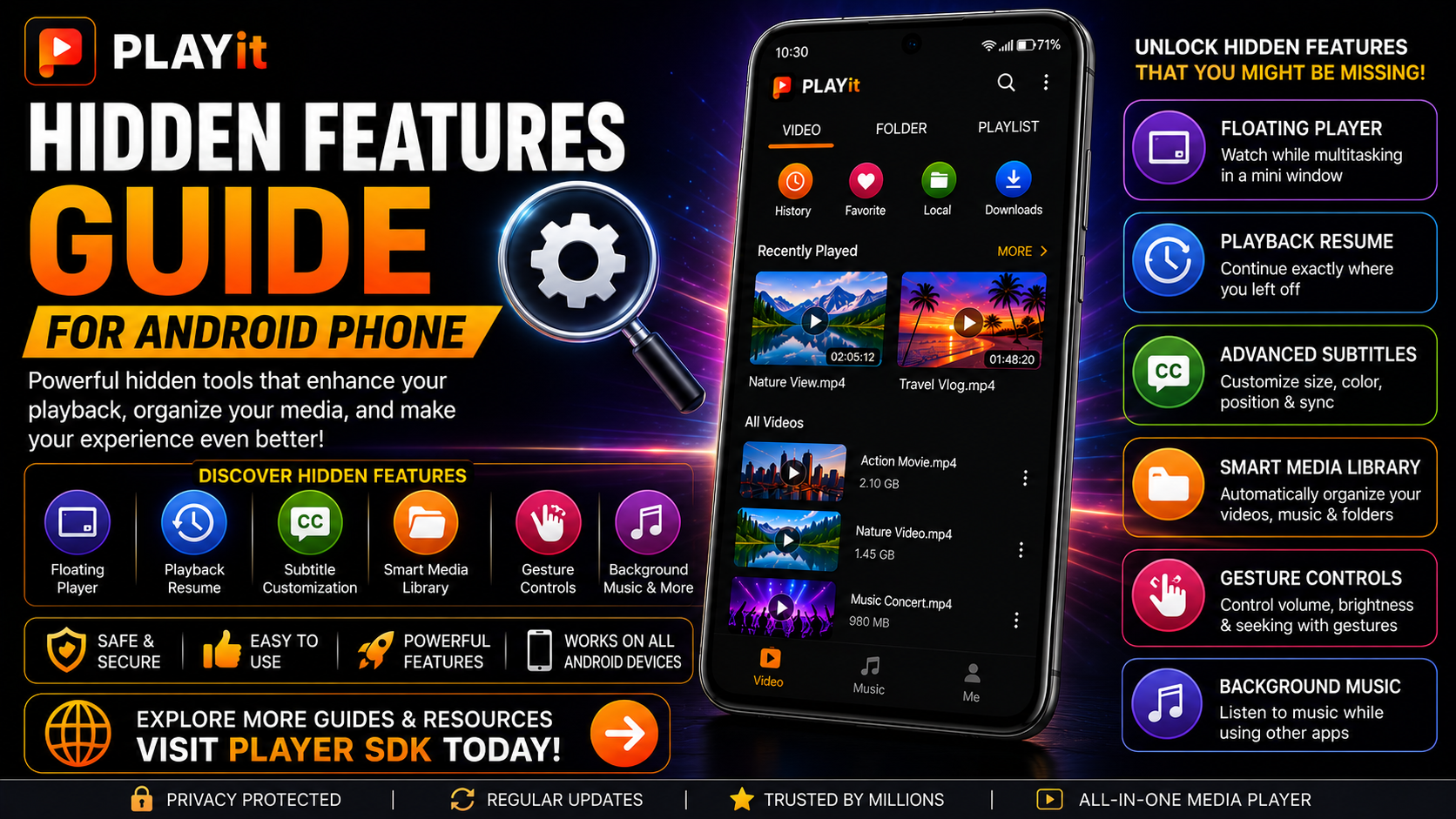
Why Explore PLAYit's Hidden Features?
Most people use PLAYit simply to play videos. However, exploring additional features helps you unlock the app's full potential.
Benefits include:
- Better media organization
- Faster navigation
- Improved multitasking
- More comfortable viewing
- Better playback control
- Enhanced customization
- Increased productivity
- A smoother overall media experience
What You'll Learn
| Feature | Purpose |
|---|---|
| Floating Player | Watch while multitasking |
| Playback Resume | Pick up where you left off |
| Subtitle Controls | Better readability |
| Built-in Organization | Keep media clean |
| Gesture Controls | Fast volume and brightness |
| Background Music | Listen while doing other things |
| Recently Played | Quickly access recent videos |
| Multi-Format Support | Play multiple media types |
Hidden Feature 1: Floating Player Mode
One of PLAYit's most useful features is its Floating Player. Instead of stopping your video when switching apps, Floating Player allows playback to continue inside a movable mini-window.
You can:
- Browse the web
- Reply to messages
- Read emails
- Use social media
- Take notes
All without interrupting your video. This feature is especially helpful for tutorials, online classes, and long videos.
Hidden Feature 2: Automatic Playback Resume
Have you ever closed a movie halfway through? PLAYit can often remember your previous playback position, making it easy to continue watching later.
Instead of searching manually, simply reopen the video and continue where you stopped. This saves time and improves convenience for longer content.
Hidden Feature 3: Advanced Subtitle Controls
Most users know PLAYit supports subtitles, but fewer users realize they can customize them.
You can adjust:
- Font size
- Text color
- Subtitle position
- Background appearance
- Synchronization
These options improve readability during long viewing sessions.
Hidden Feature 4: Built-in Media Organization
PLAYit automatically organizes your content into categories, making it easier to browse your library.
Depending on your files, you'll typically see:
- Videos
- Music
- Recently Played
- Folders
- Downloads
Instead of searching through Android storage manually, everything becomes easier to locate.
Hidden Feature 5: Gesture Controls
PLAYit includes convenient gesture controls that make playback more comfortable.
Depending on your version, gestures may allow you to:
- Adjust brightness
- Change volume
- Move forward
- Move backward
These controls reduce the need to constantly open playback menus.
Hidden Feature 6: Background Music Playback
Many users think PLAYit is only a video player. In reality, it also works well for local music playback.
You can:
- Listen to downloaded songs
- Create playlists
- Continue playback while using other apps
This makes PLAYit useful as both a video and music player.
Hidden Feature 7: Recently Played Section
Instead of searching for yesterday's movie, use the Recently Played section. It keeps track of recently opened media so you can quickly continue watching.
This feature becomes especially useful if you regularly watch long videos or tutorials.
Hidden Feature 8: Smart Folder Browsing
Instead of displaying one large list of videos, PLAYit lets you browse through organized folders.
Keeping your content arranged into categories such as Movies, TV Shows, Travel Videos, or Family Videos makes navigation much faster.
Hidden Feature 9: Smooth HD Playback
PLAYit is optimized for high-quality playback across many Android devices.
Combined with proper storage management and updated software, this results in:
- Smoother videos
- Better audio synchronization
- Improved stability
- Comfortable viewing
Hidden Feature 10: Multi-Format Compatibility
One reason PLAYit remains popular is its support for numerous media formats. Instead of installing multiple players, PLAYit can handle many common video and audio file types from one application.
This simplifies your Android media experience.
Hidden Feature 11: Organized Local Library
PLAYit automatically scans local storage and builds an organized media library. As your collection grows, this becomes increasingly valuable.
Maintaining well-organized folders further improves browsing speed.
Hidden Feature 12: Quick Navigation
The app's interface is designed to minimize unnecessary taps.
Frequently used sections such as:
- Videos
- Music
- Folders
- Recently Played
remain easily accessible from the main interface. This helps you find media much faster.
Hidden Feature 13: Easy Daily Navigation
After using PLAYit regularly, you'll notice that frequently accessed content becomes much easier to locate thanks to its organized layout and intuitive navigation.
Small design improvements make everyday use much more enjoyable.
Hidden Feature 14: Lightweight Performance
PLAYit is designed to perform efficiently on many Android phones.
Combined with:
- Regular updates
- Free storage
- Organized media
- Updated Android
The app provides a consistently smooth experience.
Hidden Feature 15: Continuous Improvements
PLAYit receives regular updates that improve performance and occasionally introduce new enhancements. Checking for updates ensures you benefit from the latest improvements and optimizations.
Hidden Features Checklist
| Feature | Advantage |
|---|---|
| Floating Player | Multitasking |
| Playback Resume | Continue watching |
| Subtitle Customization | Better readability |
| Gesture Controls | Faster navigation |
| Smart Library | Easier organization |
| Background Music | Convenient listening |
| Recently Played | Quick access |
| Multi-format Support | One player for everything |
How to Get the Most from These Features
To fully benefit from PLAYit's advanced capabilities:
- Keep the app updated.
- Organize media into folders.
- Explore settings occasionally.
- Customize subtitles.
- Use Floating Player when multitasking.
- Maintain enough free device storage.
Small adjustments lead to a noticeably better experience.
Common Mistakes to Avoid
Many users never discover PLAYit's additional capabilities because they:
- Only use Play and Pause
- Never open the settings
- Ignore subtitle customization
- Don't organize media folders
- Forget to update the application
- Never explore new features after updates
Taking a few minutes to explore the app can greatly improve your experience.
Why These Hidden Features Matter
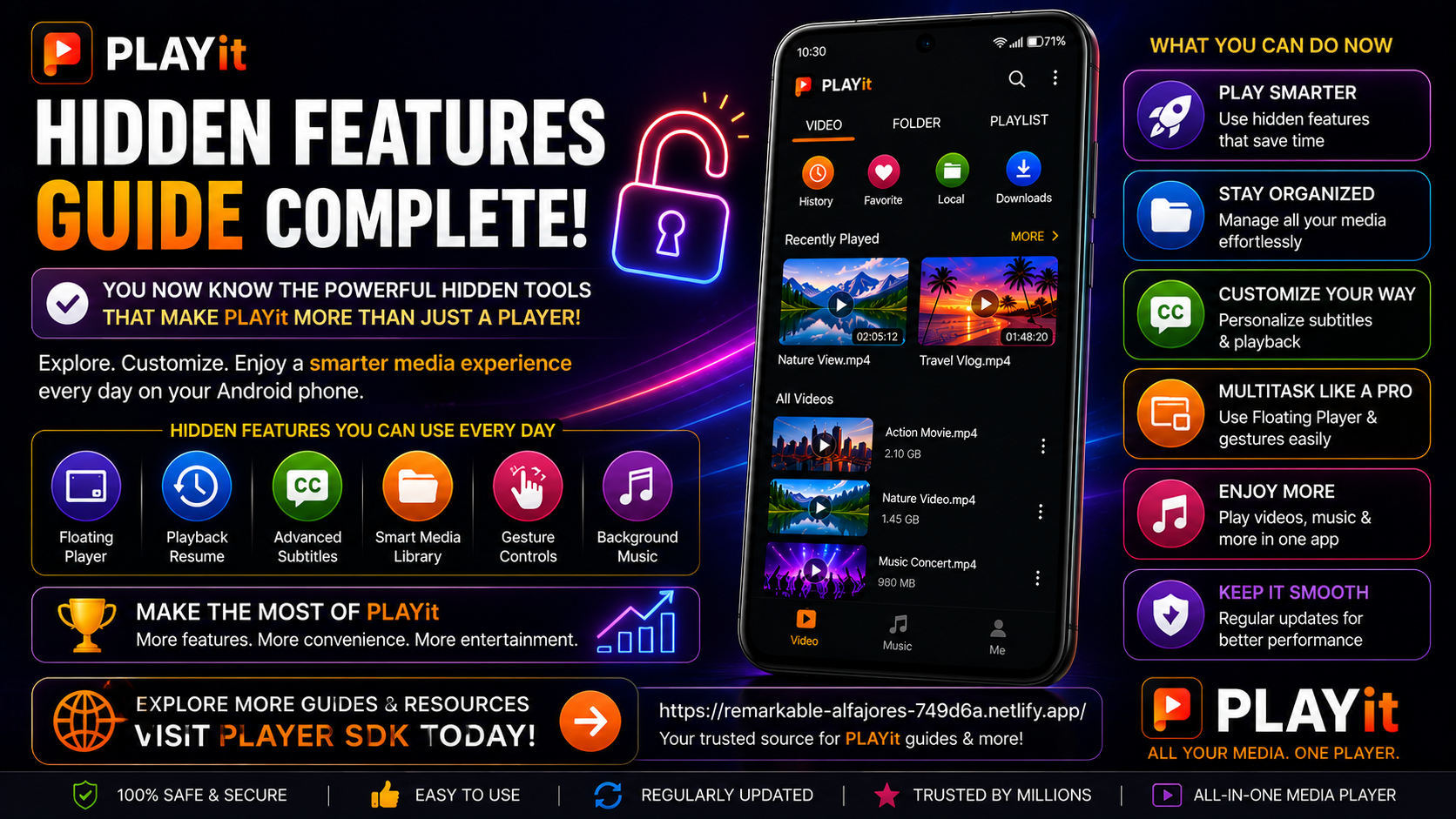
PLAYit is designed to be more than a simple media player. Features like Floating Player, playback resume, gesture controls, subtitle customization, and smart media organization transform it into a complete entertainment solution for Android users.
Learning these lesser-known capabilities allows you to work more efficiently, watch content more comfortably, and enjoy a smoother media experience every day.
Final Thoughts
Once you've mastered PLAYit's hidden features, you'll realize how much functionality the app offers beyond basic video playback. Features like Floating Player, subtitle customization, and organized folder browsing make daily media consumption much easier.
Whether you're watching movies, listening to music, or managing your personal library, taking advantage of these built-in tools ensures you get the best possible experience from PLAYit on Android.
Frequently Asked Questions (FAQs)
1) Does PLAYit have features beyond video playback?
Yes. PLAYit includes Floating Player, subtitle customization, music playback, media organization, playback resume, and several interface enhancements.
2) Is Floating Player available on Android?
Yes. Supported Android devices can use Floating Player for multitasking while watching videos.
3) Can I customize subtitles?
Absolutely. PLAYit allows you to modify subtitle size, position, color, and synchronization for a more comfortable viewing experience.
4) Does PLAYit organize my media automatically?
Yes. The app scans your local storage and organizes supported content into categories such as Videos, Music, Folders, and Recently Played.
5) Do these features improve performance?
While they don't directly increase hardware performance, they improve usability, navigation, organization, and the overall viewing experience.
6) Which guide should I read after this?
Now that you've completed the PLAYit learning series, you can explore additional Android media player guides, comparisons, and tutorials available on Player SDK.
Continue Exploring with Player SDK
Congratulations—you've completed the full PLAYit learning journey! Continue expanding your knowledge with Player SDK, your trusted destination for installation guides, setup guides, beginner guides, troubleshooting, tips & tricks, hidden features, supported device guides, and complete media player tutorials.
Whether you're exploring PLAYit or discovering other Android media players, Player SDK provides reliable, step-by-step resources to help you get the best media experience possible.
