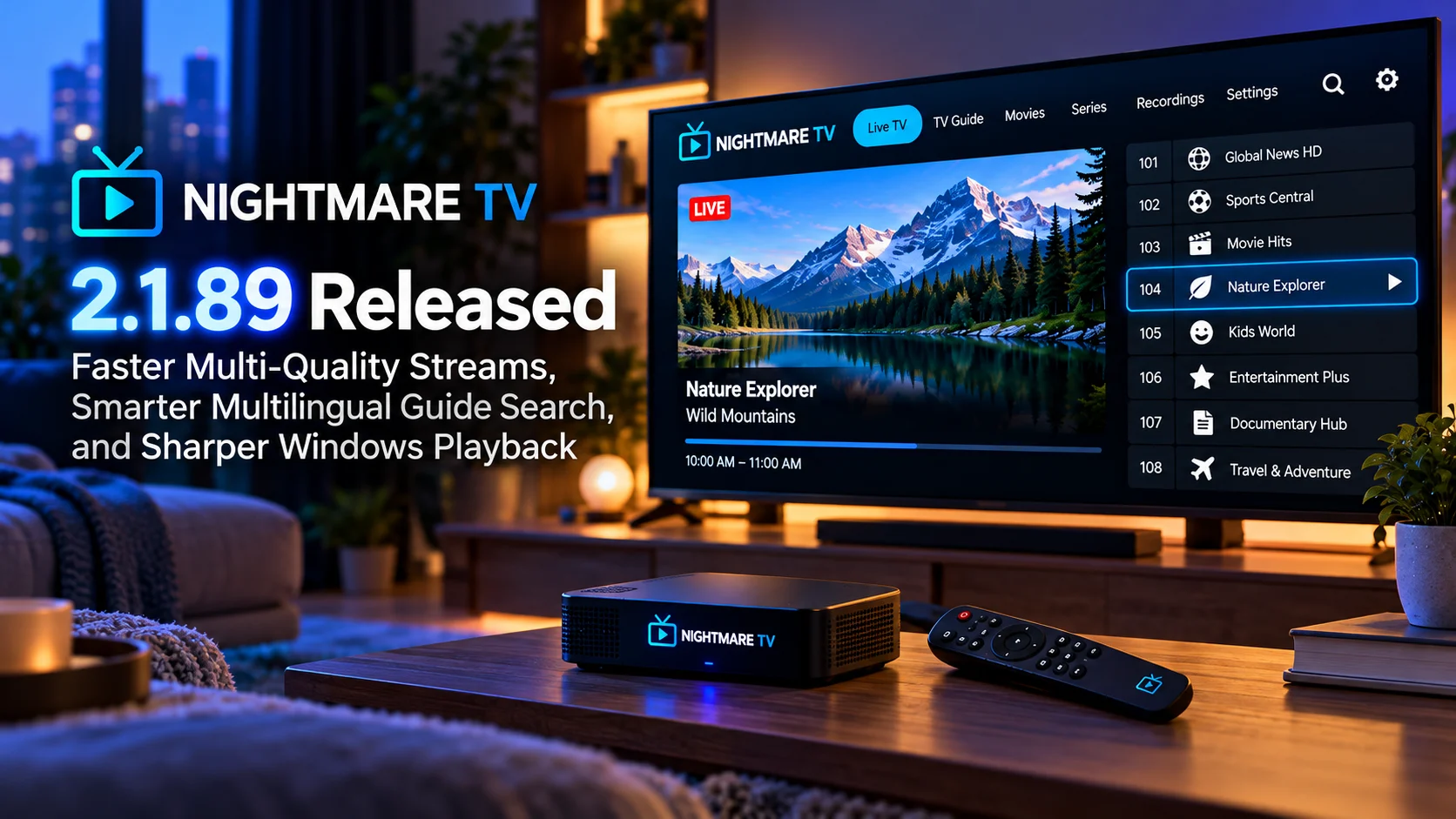
Nightmare TV 2.1.89 rolls out another substantial set of improvements focused on faster IPTV playback, smarter TV Guide discovery, easier EPG configuration, and higher-quality Windows video output.
The update arrives shortly after Nightmare TV’s previous playback-focused release and continues in the same direction: reducing the amount of manual configuration required while making live television feel faster and more dependable across different hardware.
One of the most noticeable changes involves multi-quality streams. Nightmare TV now starts these streams more quickly, reducing the delay between choosing a channel and seeing video on screen.
The TV Guide is also becoming more intelligent. Natural-language guide search now works across all 10 supported interface languages, making it easier for viewers to search schedules using ordinary queries instead of relying entirely on exact channel or program names.
For users importing M3U playlists, Nightmare TV can now automatically detect EPG information from common playlist attributes such as url-tvg and x-tvg-url. That can remove one of the more frustrating parts of configuring an IPTV player: manually finding and entering the XMLTV guide address after the playlist has already been added.
Windows users receive another important improvement. Systems with suitable dedicated GPUs can take advantage of higher-quality video upscaling, producing a sharper image when lower-resolution TV streams are displayed on larger modern monitors or televisions.
The result is an update that improves both ends of the IPTV experience: getting a channel started quickly and making it look better once playback begins.
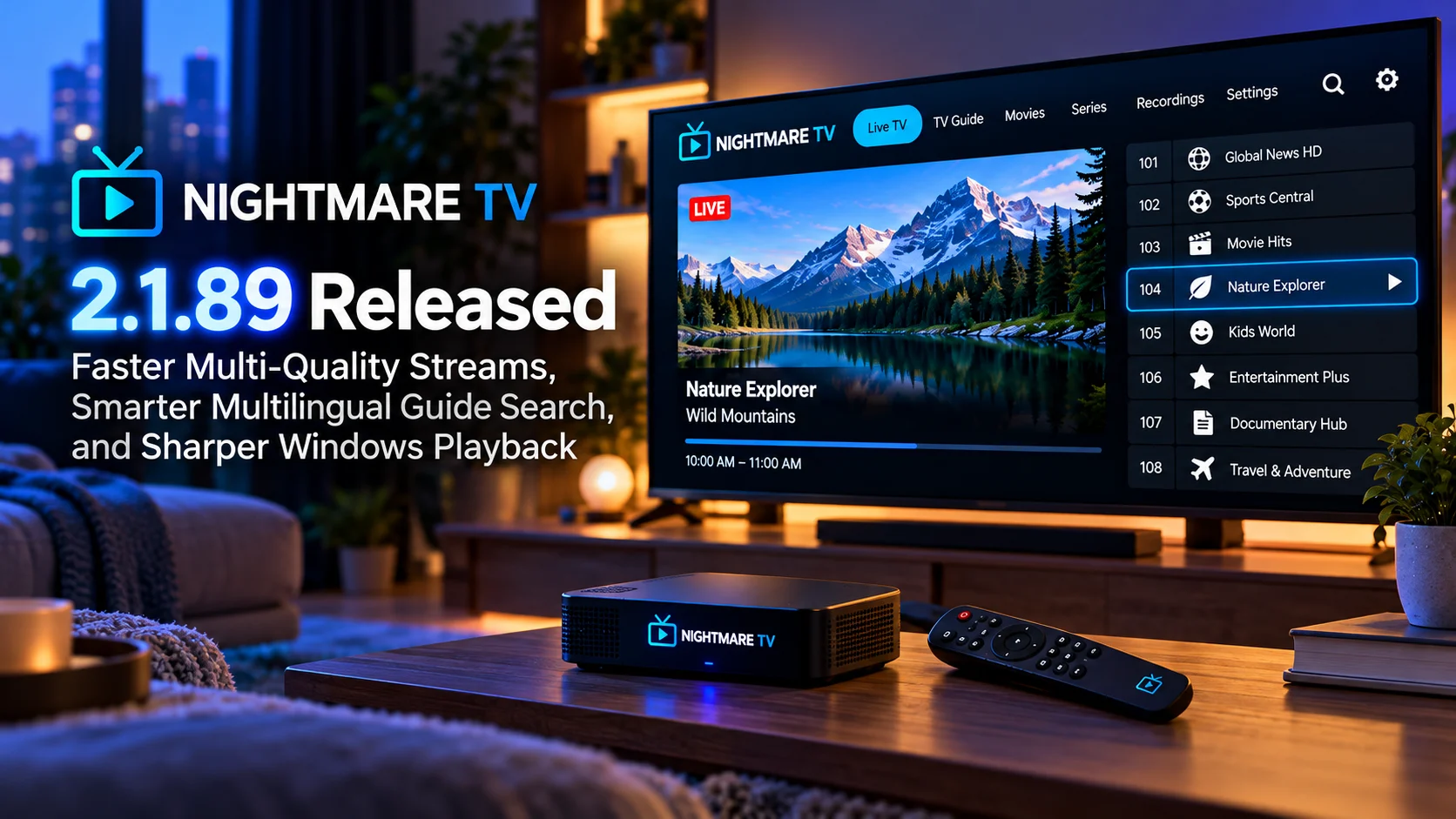
Nightmare TV 2.1.89 at a Glance
| Area | What Changed | Why It Matters |
|---|---|---|
| Multi-quality streams | Faster stream startup | Reduces waiting when opening supported channels |
| TV Guide search | Natural-language search expanded across 10 interface languages | Makes program discovery easier for multilingual users |
| M3U playlists | Automatic url-tvg and x-tvg-url EPG detection | Reduces manual XMLTV configuration |
| Windows playback | Higher-quality upscaling on supported dedicated GPUs | Makes lower-resolution TV channels look sharper |
| Remote controls | Channel-switching behavior refined | Improves couch-friendly navigation |
| Recording | LIVE-button behavior improved during recordings | Makes returning to live television more predictable |
| IPTV setup | Playlist and EPG workflows become more automated | Makes onboarding simpler |
| General usability | Playback and navigation refinements | Creates a smoother everyday live-TV experience |
Makes onboarding simpler
Faster Multi-Quality Streams Improve Channel Startup
The biggest everyday improvement in Nightmare TV 2.1.89 may be faster startup for multi-quality streams.
Some IPTV providers offer the same channel at several quality levels.
A stream might have higher and lower bitrate variants so the player can select an appropriate version according to the device, network conditions, or user preference.
This flexibility is useful, but it can make startup more complicated.
Before the video begins, the player may need to inspect the available variants, choose the correct one, initialize the decoder and fill enough of the playback buffer to start safely.
If that process takes too long, the user sees a loading indicator instead of television.
Nightmare TV 2.1.89 optimizes this path so supported multi-quality streams can begin more quickly.
For live television, even a small reduction in channel startup delay can make a major difference.
Why Channel-Change Speed Matters So Much
Streaming movies and live television create very different expectations.
When starting a two-hour movie, waiting several seconds for playback may be acceptable.
When switching between live channels, the same delay becomes frustrating immediately.
Traditional television trained viewers to expect fast channel changes.
An IPTV player therefore needs to minimize the time spent detecting the stream, initializing playback, and building buffers.
If every channel takes several seconds to appear, browsing the guide becomes slow, and users are less likely to explore.
Faster multi-quality startup brings Nightmare TV closer to the immediacy expected from a dedicated live-TV system.
It is particularly useful for sports and news viewers who frequently move between several channels.
Multi-Quality Playback Is More Complicated Than It Looks
A multi-quality source can contain several versions of the same broadcast.
The available variants may differ in resolution, bitrate, or other encoding characteristics.
The player has to understand those choices before playback begins.
That means startup performance depends on more than raw network speed.
Playlist parsing, manifest handling, decoder setup, and buffering can all contribute to the delay.
Nightmare TV’s improvement therefore targets an important part of the player pipeline rather than simply changing an animation or loading screen.
A faster startup path makes the app feel faster because the video itself becomes available sooner.
TV Guide Search Becomes Multilingual
Another important change is the expansion of natural-language TV Guide search across all 10 Nightmare TV interface languages.
Traditional television-guide searches usually expect literal text matching.
If the program title is “World Football Championship,” the user may need to search for an exact part of that title.
Natural-language search can make the process more flexible.
The viewer can search according to what they actually want rather than trying to remember the precise EPG wording.
For a multilingual IPTV application, this becomes particularly valuable.
Users may have an interface configured in one language while consuming channels and EPG information from several countries.
Extending the search experience across all supported interface languages makes the feature useful to a much broader portion of Nightmare TV’s audience.
Multilingual Search Fits IPTV Better Than Single-Language Search
IPTV libraries are often international by nature.
A single playlist can include channels from several regions.
Program information may arrive in multiple languages.
The user interface may be configured differently from the language used by the broadcaster.
That creates a discovery problem.
A guide search system designed around only one language can feel disconnected from the content actually available in the playlist.
Nightmare TV 2.1.89 reduces that mismatch.
By making natural-language guide search available across the application’s supported interface languages, viewers can interact with the TV Guide in a way that better reflects their own setup.
This is more than a localization improvement.
It improves the actual content-discovery workflow.
Automatic M3U EPG Detection Simplifies Setup
Nightmare TV 2.1.89 also improves how IPTV playlists and guide data are connected.
Many M3U playlists contain metadata pointing toward an Electronic Program Guide.
Common playlist attributes include url-tvg and x-tvg-url.
These can specify the XMLTV source the player should use for program listings.
Previously, users may have needed to separately enter or configure the guide source even when the playlist already contained the necessary information.
The new version can automatically recognize those EPG references.
That means adding an M3U playlist can become a more complete setup operation.
The player imports the channels and can identify the associated guide source without asking the user to repeat information already present in the playlist.
Why Automatic EPG Configuration Matters
The TV Guide is one of the most important features separating a basic stream player from a full television application.
Without EPG data, users may see only channel names.
With good guide information, Nightmare TV can display current programs, upcoming shows, schedules, and searchable metadata.
However, EPG setup is also one of the areas that can confuse new IPTV users.
They may receive an M3U URL and an XMLTV URL separately.
They need to understand which field belongs where.
If the provider changes the guide address, the configuration may need to be updated.
Automatic detection reduces that complexity when the provider embeds the information directly in the playlist.
The ideal IPTV setup is simple: add the source and let the application understand the relationships between channels and guide data.
Version 2.1.89 moves closer to that experience.
Better EPG Detection Also Helps TV Guide Search
The automatic EPG change and smarter guide search complement each other.
Natural-language search is only useful when the player has good schedule metadata.
If Nightmare TV can automatically find the correct EPG source, users are more likely to have complete program information available immediately.
That information can then power search and guide browsing.
This creates a cleaner chain:
Add a playlist, discover EPG, populate the guide, and search programs.
Reducing configuration at the beginning improves the usefulness of features later in the workflow.
That is a strong example of why IPTV-player improvements should not be considered in isolation.
Windows Playback Gets Sharper
Windows users receive one of the most visually noticeable upgrades in version 2.1.89.
Nightmare TV can use suitable dedicated GPUs for higher-quality video upscaling.
Upscaling becomes important whenever the original stream resolution is lower than the display resolution.
For example, a 720p television channel shown fullscreen on a 4K display has to be enlarged substantially.
Simply stretching the image can produce soft edges, reduced detail, and visible artifacts.
A better scaling algorithm attempts to reconstruct the image more intelligently.
It cannot create real detail that was never present in the original stream, but it can produce cleaner edges and a more natural-looking result.
Dedicated GPUs Can Handle Better Scaling
High-quality video scaling requires additional processing.
A dedicated graphics processor typically has far more parallel processing capability than a lightweight integrated graphics environment or low-powered TV processor.
Nightmare TV 2.1.89 can use that available GPU performance to improve scaling quality on compatible Windows systems.
This is particularly interesting for HTPC users.
A dedicated living-room PC may contain an Nvidia or AMD GPU connected directly to a large television.
In that environment, playback quality matters just as much as interface responsiveness.
A low-resolution channel displayed across a 55-inch or 65-inch 4K screen can make scaling weaknesses very obvious.
Better GPU-assisted processing can help those channels appear cleaner.
Upscaling Does Not Turn HD Into Native 4K
It is important to keep expectations realistic.
Upscaling cannot transform a poor-quality IPTV source into true 4K video.
If the source contains heavy compression, missing detail or low resolution, those limitations remain.
What higher-quality scaling can do is improve how the available image is presented.
Edges can look cleaner.
Fine patterns may be handled more naturally.
Text and broadcast graphics can appear less blurred.
The overall image can feel sharper and more stable.
For live television, where many channels are still delivered below 4K resolution, these improvements are practically useful.
Remote Channel Switching Gets Refined
Nightmare TV 2.1.89 also improves TV remote channel-switching behavior.
Remote control interactions are a critical part of any television application.
A phone user can tap the exact channel they want.
A TV viewer relies on directional buttons, channel controls and other remote actions.
Those interactions need to work quickly and consistently.
Even small problems can become frustrating when repeated dozens of times during a normal viewing session.
Refining channel-switching behavior helps Nightmare TV feel more like a native TV platform instead of a desktop-style player adapted to remote input.
The difference matters most for users who rarely interact with the app using a keyboard or touchscreen.
Recording LIVE Button Behavior Is Improved
Recording workflows receive another useful refinement.
The LIVE button behaves more predictably during recording-related playback.
This is important because recorded or time-shifted television introduces several possible playback positions.
The user may be watching from the beginning of a recording while the real broadcast continues.
They may pause for several minutes and fall behind live TV.
Or they may be reviewing recorded content while still wanting a quick way to return to the current broadcast.
A LIVE control should make that transition obvious.
Improving its behavior reduces confusion over whether the viewer is watching the current broadcast or an earlier point in the stream.
Version 2.1.89 Builds Directly on the Previous Release
Nightmare TV’s recent releases show a clear pattern.
The previous update concentrated heavily on smoother 25fps and 1080i playback, Android performance handling, Multi-View fixes and Windows GPU visibility.
Version 2.1.89 moves the focus toward startup performance, guide intelligence, configuration automation and Windows image quality.
Together, the releases improve several layers of the television experience.
The player needs to open channels quickly.
It needs to display them smoothly.
It needs to help the user find programs.
And it needs to produce the best image the device can reasonably deliver.
This incremental approach is particularly appropriate for IPTV software because reliability comes from improving many small systems rather than adding one enormous feature.
Who Should Upgrade?
The update is especially relevant to users with playlists containing multiple quality variants.
Anyone experiencing slow startup on those streams should see whether version 2.1.89 improves the experience.
Users with M3U playlists containing built-in EPG references have another strong reason to update because setup may become significantly easier.
Multilingual households should test the expanded guide search.
Windows HTPC users with dedicated GPUs may benefit most visibly from the higher-quality scaling improvements.
And users who frequently switch channels or use live-recording workflows should notice the remote and LIVE-button refinements.
Final Thoughts
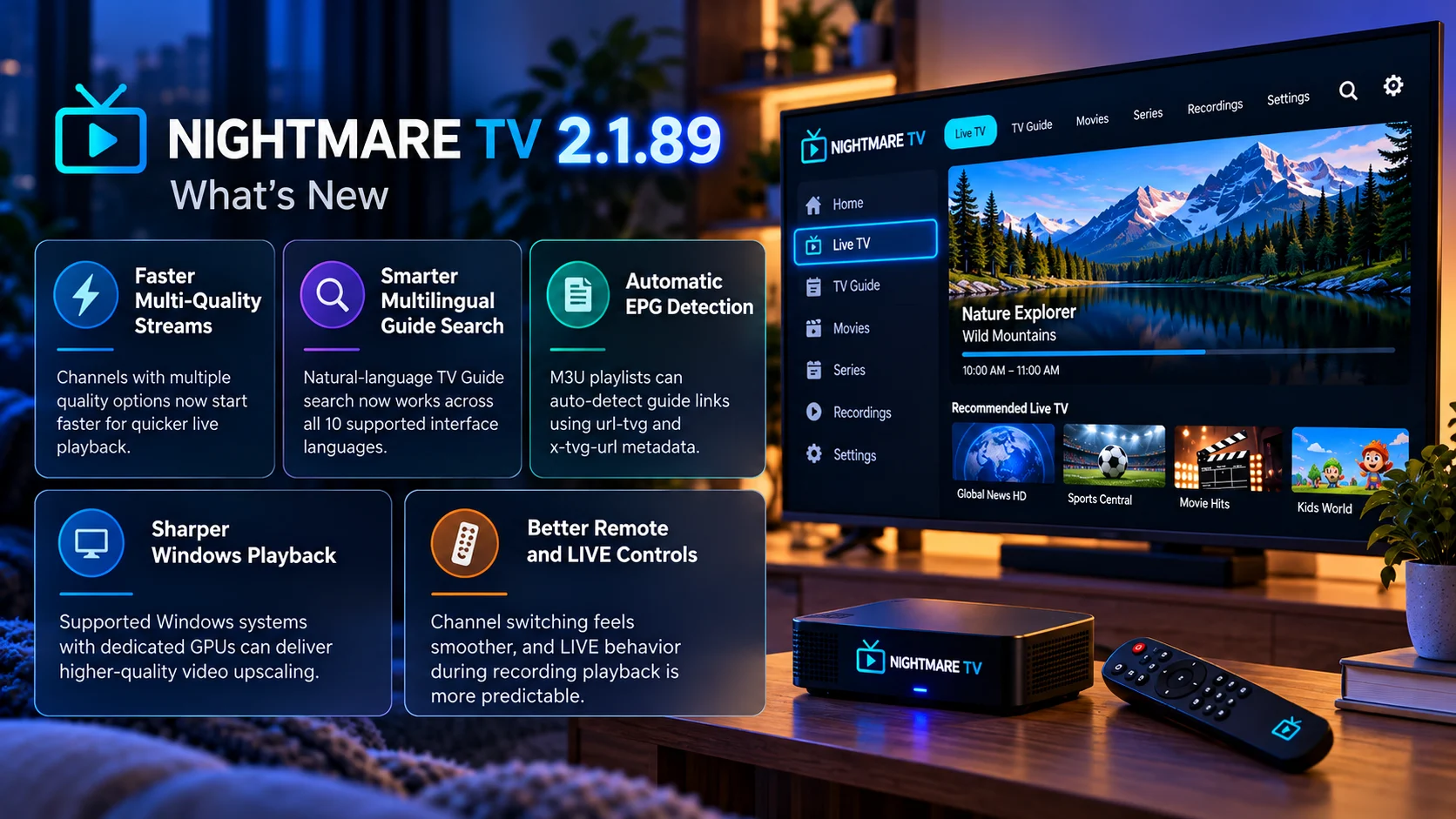
Nightmare TV 2.1.89 is another practical IPTV-focused release that improves both convenience and playback quality.
Faster multi-quality stream startup addresses one of the most visible frustrations in live television: waiting for a channel to appear.
Automatic M3U EPG detection simplifies one of IPTV’s most confusing configuration steps.
Multilingual natural-language TV Guide search makes large channel libraries easier to explore.
Windows users with dedicated GPUs gain a sharper playback path for lower-resolution television.
And the remote-control and LIVE-button improvements refine the couch experience where Nightmare TV ultimately needs to work best.
None of these changes exists in isolation.
Together, they reduce the distance between adding an IPTV source and comfortably watching it every day.
That is the larger direction of Nightmare TV’s recent development: less manual setup, faster playback, smarter discovery and better use of the hardware already available
FAQs About Nightmare TV 2.1.89
1) What is new in Nightmare TV 2.1.89?
The update improves multi-quality stream startup, expands natural-language TV Guide search across 10 interface languages, automatically detects EPG URLs in M3U playlists, improves Windows upscaling and refines remote and recording controls.
2) What are multi-quality streams?
They are streams that provide multiple video-quality variants, allowing the player to select an appropriate version for the device or viewing conditions.
3) Does Nightmare TV 2.1.89 make channels start faster?
The release improves startup performance for supported multi-quality streams, reducing waiting when opening those channels.
4) What changed with TV Guide search?
Natural-language guide search now works across all 10 supported Nightmare TV interface languages.
5) What are url-tvg and x-tvg-url?
They are common M3U playlist attributes used to specify an EPG or XMLTV guide source.
6) Does Nightmare TV automatically detect EPG data now?
The application can detect supported EPG URLs embedded in M3U playlist metadata, reducing manual configuration.
7) What changed for Windows users?
Supported Windows systems with dedicated GPUs can use higher-quality video upscaling for sharper playback of lower-resolution content.
8) Does the update improve recording controls?
Yes. LIVE-button behavior during recording-related playback has been refined, along with TV remote channel-switching behavior.
Stay Updated with the Player SDK Guide Hub
Modern IPTV playback depends on much more than simply opening a stream. Startup speed, EPG metadata, search, video scaling, remote navigation and recording-state handling all influence the final television experience.
The Player SDK Guide Hub tracks developments across Nightmare TV, IPTV players, Windows media players, Android TV, Fire TV, Roku, Apple TV, Plex, Jellyfin, Kodi, VLC and other video ecosystems.
We cover player releases, playback improvements, TV Guide changes, streaming-device updates and regressions to explain what changed, why it matters and what users and development teams should test next.
Explore the Player SDK Guide Hub for the latest IPTV, Windows playback and streaming-platform updates.
