Nightmare TV has released version 2.1.81 on September 26, 2026, delivering one of its more substantial recent updates for macOS while also improving recording reliability and playback behavior across Mac, Android, and mobile devices.
The headline addition is a new mini player for macOS that can remain above other applications while video continues playing. The release also brings system media-key integration, Apple’s Now Playing controls, a dedicated Playback menu, simpler M3U opening from Finder, and built-in Mac recording that no longer requires users to install a separate recording component.
Recording reliability receives significant attention too. If a stream temporarily disappears, version 2.1.81 can preserve what has already been recorded and continue into a new file once the stream returns. The update also changes deinterlacing behavior, improves 1080p playback, and fixes several phone-specific smoothness issues.
One clarification is useful immediately: “Mac mini player” refers to a compact player window on macOS, not specifically to Apple’s Mac mini computer. The feature is available within the Mac version of Nightmare TV.
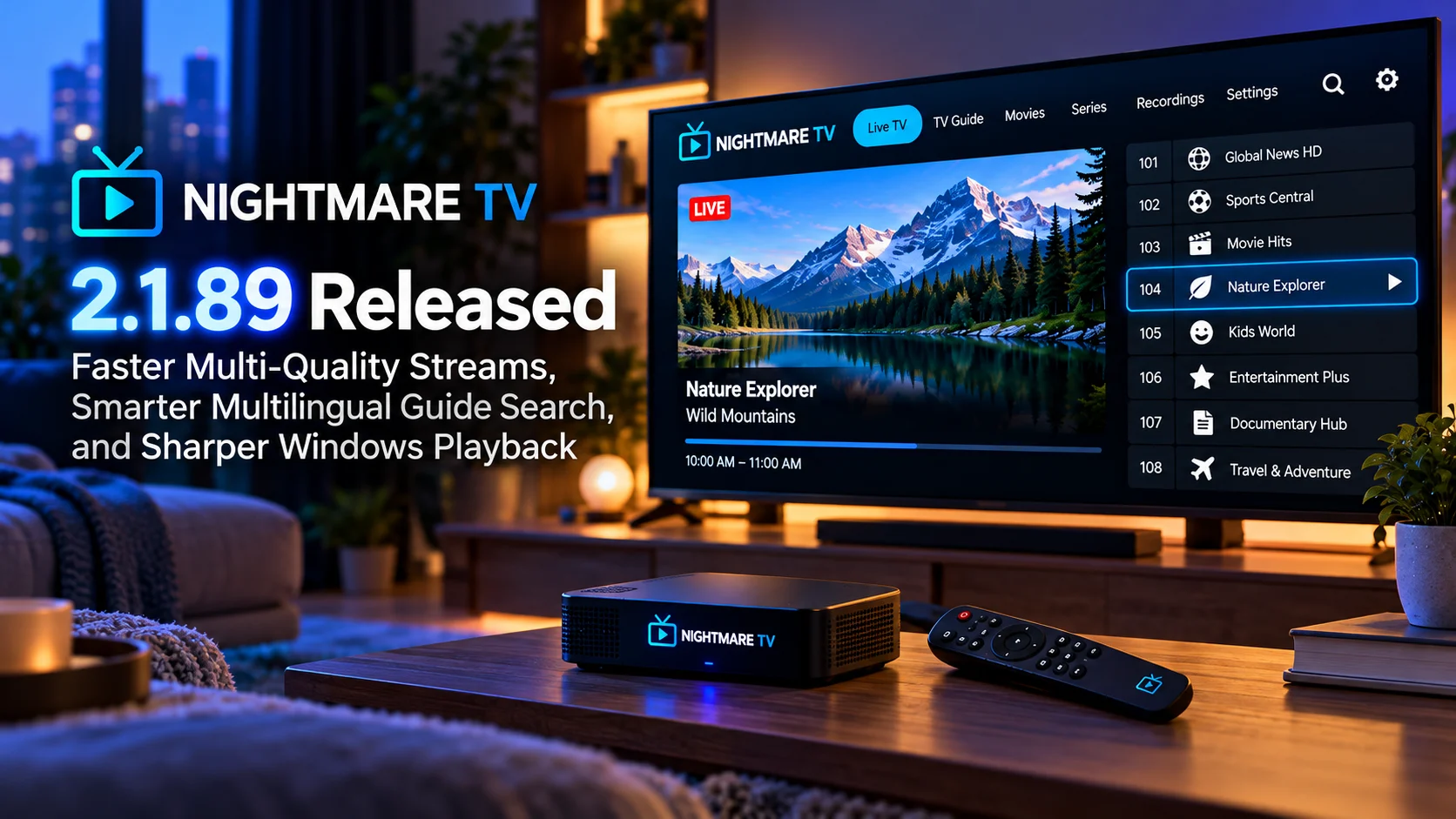
What Is New in Nightmare TV 2.1.81?
Version 2.1.81 is primarily about making Nightmare TV behave more naturally as a desktop media application on macOS.
Previously, Mac users could watch content through the regular player window, but the application lacked several conveniences that are common in modern native media players. The new release closes some of those gaps.
Users can now switch into a compact always-on-top player, control playback through Mac media keys, and see the currently playing channel through the operating system’s Now Playing interface. Nightmare TV also introduces a dedicated Playback menu containing common commands such as play/pause, mute, mini player, screenshot, and keyboard-shortcut information.
At the same time, the release improves areas that are less visible but potentially more important during long viewing sessions: recording recovery, interlaced video processing, and device power behavior.
Nightmare TV 2.1.81 Changes at a Glance
| Area | What Chnaged in 2.1.81 | Why It Matters |
|---|---|---|
| macOS Mini Player | Small always-on-top playback window | Easier to watch while using other apps |
| Media Keys | Play/pause and next/previous controls work from Mac keys | More native desktop control |
| Now Playing | Current channel appears in macOS Now Playing | Playback can be controlled outside the app |
| Mac Recording | Recording works without additional installation | Simpler setup |
| Recording Recovery | Interrupted streams preserve existing recording and resume to another file | Reduces lost recordings |
| Deinterlacing | Automatic mode is now the default across devices | Progressive content avoids unnecessary filtering |
| 1080i Playback | Double-rate deinterlacing on computers and phones | Smoother motion |
| Phone Playback | Several interlace and refresh-rate issues corrected | More consistent mobile playback |
These changes are listed in Nightmare TV’s official 2.1.81 changelog.
The New macOS Mini Player Is the Most Visible Addition
The new Mini Player is probably the feature Mac users will notice first.
It creates a smaller playback window designed to stay above other applications. That means someone can continue watching while browsing the web, working in another application or arranging other windows around the video.
Nightmare TV says users can activate it with Cmd+Shift+M or select Mini Player from the new Playback menu. Switching channels does not automatically return the app to its full-size window; the compact player remains active. Pressing Escape or double-clicking returns to the main window.
That persistent behavior is important.
A mini player becomes much less useful if every channel change or playback action expands the full interface again. Keeping the compact state while content changes makes the mode suitable for longer multitasking sessions rather than just brief picture-in-picture use.
Mac Media Keys Now Control Nightmare TV
Version 2.1.81 also integrates Nightmare TV more closely with macOS hardware controls.
The official release notes say play/pause and the next and previous media keys can now control the player.
This is a relatively small feature technically, but it changes the everyday experience.
Users no longer need to bring the Nightmare TV window to the foreground just to pause playback. A keyboard with media controls can handle those actions directly.
That makes the application behave more like other native music and video software on macOS.
The next and previous controls are particularly useful for channel-based playback, where moving between content can be a frequent action.
Now Playing Integration Comes to macOS
Nightmare TV 2.1.81 also connects to macOS Now Playing.
The currently playing channel can appear in the system interface, and users can pause or resume playback from there.
System-level playback integration matters because it separates basic control from the application window.
A user might have Nightmare TV minimized, hidden behind another workspace or running in Mini Player mode. Instead of locating the application, common playback controls remain available through macOS.
Combined with media-key support, this makes version 2.1.81 feel more integrated with the operating system than earlier builds.
A New Playback Menu Organizes Mac Controls
The Mac application now includes a dedicated playback menu.
Nightmare TV says the menu provides direct access to play/pause, mute, mini player, and screenshots, while its keyboard-shortcut list has been updated to show Mac-specific Command-key combinations correctly.
This is a useful usability improvement for desktop users.
Keyboard shortcuts are valuable once learned, but discoverability matters. Placing commonly used playback actions into the macOS menu structure gives users a predictable place to find them without exploring player overlays.
It also makes Nightmare TV behave more consistently with conventional desktop applications.
M3U Files Can Be Opened Directly From Finder
Another Mac-specific improvement simplifies adding a source from a file.
Version 2.1.81 lets users select an M3U file in Finder, use Open With, and send it directly to Nightmare TV. The application then opens its Add M3U screen with the file already populated.
This removes a few manual steps from the setup workflow.
Instead of opening Nightmare TV first, navigating through its interface and then locating a local file, users can start from the file itself.
It is a familiar desktop interaction and another example of the Mac build gaining more native operating-system behavior.
Recording on Mac No Longer Needs Extra Setup
Recording is another major part of the 2.1.81 update.
Nightmare TV says live recording on macOS now works without installing anything separately. Recordings are saved under the user’s Movies folder in a Nightmare subfolder.
The application also protects users from accidentally quitting while a recording is active.
If the user attempts to exit, Nightmare TV asks first rather than silently terminating the recording.
This builds on recording work introduced across earlier 2.1.x releases, but version 2.1.81 makes the Mac experience significantly more straightforward.
For users who simply want to press Record and save what is currently playing, reducing setup complexity is arguably more valuable than adding another advanced configuration screen.
Recording Can Recover When the Stream Drops
The most important reliability change may be the new recovery behavior for interrupted recordings.
On Mac and Android, Nightmare TV 2.1.81 preserves the portion already written if the source stream disappears. When the stream returns, recording resumes into another file rather than discarding the earlier material.
The software also monitors whether a recording file has stopped growing even though the channel itself continues playing.
If that condition is detected, Nightmare TV attempts to continue recording.
This addresses a particularly frustrating failure mode.
A recording can appear active for a long period, only for the viewer to discover afterward that the file stopped growing halfway through. Detecting that situation while playback is still active gives the application a chance to recover.
It does not guarantee that every interruption can be reconstructed perfectly, but it reduces the risk that one brief source problem destroys an entire long recording.
The Screen No Longer Sleeps During Reconnection
Version 2.1.81 also prevents the device screen from turning off or locking while Nightmare TV is trying to reconnect to a channel.
That is another small change with practical consequences.
A temporary stream interruption should not make the operating system assume the user has stopped watching.
By keeping the session active during reconnection, Nightmare TV can provide a more continuous experience when the source briefly disappears and then returns.
Automatic Deinterlacing Is Now the Default
Video processing receives a broader change across devices.
Nightmare TV now sets deinterlacing to Automatic by default.
If content is progressive, the player does not apply the deinterlacing filter. Interlaced material can still receive the processing it needs. Users who previously had deinterlacing forced On are moved to Automatic once, after which any manual choice they make is remembered.
This is a sensible default because deinterlacing is useful only when the source actually requires it.
Applying the filter to progressive content can consume additional processing resources and may introduce unnecessary frame handling.
Automatic detection lets the application adapt rather than forcing every channel through the same processing path.
1080i Motion Should Look Smoother
Nightmare TV 2.1.81 also changes how interlaced content is processed on computers and phones.
The player now uses double-rate deinterlacing on these devices. TV boxes continue using single-rate processing.
Double-rate deinterlacing can produce smoother motion because both fields of an interlaced signal contribute to output frames rather than reducing temporal information.
This is particularly noticeable in content with quick movement, camera pans, sports, or scrolling text.
The changelog specifically notes that Mac 1080i playback is deinterlaced so traditional comb-line artifacts are removed, while progressive channels can run with lower processor use.
Phone Playback Gets Several Fixes
Mobile playback also receives attention.
Nightmare TV says films on phones are no longer incorrectly treated as interlaced, improving smoothness. The swipe hint no longer forces the picture into an unwanted 60 Hz behavior, and the refresh-rate information shown by the application now reflects the rate the display is actually using.
These changes matter because refresh-rate mismatches can create visible judder even when decoding itself is working correctly.
A player may request one refresh rate while the operating system ultimately chooses another.
Reporting the real result rather than the requested value gives both users and developers a more accurate picture of playback conditions.
Privacy Improves in Diagnostic Reports
A smaller but welcome change affects diagnostics.
Version 2.1.81 removes the user name from file paths included in diagnostic reports.
Diagnostic logs often contain extensive technical information about application state, local files, and playback.
Avoiding personally identifying folder names is a sensible privacy improvement, especially if those reports are going to be shared with support or posted while troubleshooting.
How Version 2.1.81 Builds on Recent Releases
Nightmare TV has been shipping updates rapidly.
Version 2.1.80 arrived on September 23 and focused heavily on recording and guide reliability. It added better recovery when live recordings stall, more consistent recording folders, and the ability for scheduled recordings to continue in the background when users change channels.
Version 2.1.81 expands that work by making recording recovery more resilient to complete stream interruptions while substantially improving the Mac player experience.
That makes 2.1.81 less of an isolated feature release and more of a continuation of Nightmare TV’s recent emphasis on playback reliability, recording, and platform-specific polish.
Final Thoughts
Nightmare TV 2.1.81 is primarily a quality-of-life and reliability release, with macOS receiving the biggest visible improvements.
The new Mini Player, system media keys, Now Playing integration, and dedicated Playback menu make the Mac version feel more like a fully integrated desktop media application.
But the less obvious changes may prove even more valuable.
Recording can now survive source interruptions more gracefully, stalled recording output is detected, the screen remains awake during reconnection, and automatic deinterlacing should reduce unnecessary processing on progressive content.
The double-rate handling of 1080i content on computers and phones also shows continued attention to playback quality rather than simply adding interface features.
For Mac users, version 2.1.81 is one of the more meaningful Nightmare TV updates of the recent 2.1.x cycle.
For Android and mobile users, it is a smaller update, but the recording-recovery and playback changes still make it relevant.
FAQs About Nightmare TV 2.1.81
1) When was Nightmare TV 2.1.81 released?
Nightmare TV 2.1.81 was released on September 26, 2026, and the official changelog currently identifies it as the latest version.
2) What is the new Mac Mini Player?
It is a compact mini player mode for macOS, not a feature limited to Apple Mac Mini hardware. It creates a small always-on-top playback window and can be opened with Cmd+Shift+M.
3) Does Nightmare TV 2.1.81 support Mac media keys?
Yes. Play/pause and previous/next media controls can now operate the player directly.
4) Does Nightmare TV appear in macOS Now Playing?
Yes. Version 2.1.81 integrates the current channel with macOS Now Playing and supports pause/resume controls there.
5) Is recording improved in version 2.1.81?
Yes. Mac recording now works without an additional installation, while Mac and Android recordings can retain existing data and continue in another file when the source stream returns after an interruption.
6) What changed with deinterlacing?
Automatic is now the default across devices. Progressive video avoids unnecessary filtering, while computers and phones use double-rate deinterlacing for interlaced material.
7) Does version 2.1.81 include mobile playback improvements?
Yes. Phone playback fixes include correcting films that were mistakenly treated as interlaced, improving refresh-rate behavior, and displaying the refresh rate the device is actually using.
Stay Updated with the Player SDK Guide Hub
Media-player updates can affect much more than the interface. Changes to recording recovery, refresh-rate handling, deinterlacing, native operating-system controls, and playback engines can directly influence the viewing experience.
The Player SDK Guide Hub tracks the latest developments across Nightmare TV, VLC, Plex, Kodi, Android Media3, ExoPlayer, Fire TV, Roku, Google TV, Android TV, Apple TV, and other media-player and streaming-device platforms.
We follow release notes, playback changes, operating-system updates, developer APIs, and technical fixes to explain what changed, which devices and workflows are affected, why the update matters, and what developers and streaming teams should watch next.
Explore the Player SDK Guide Hub for the latest media-player releases, streaming-device updates, playback fixes, and developer-focused platform news.
