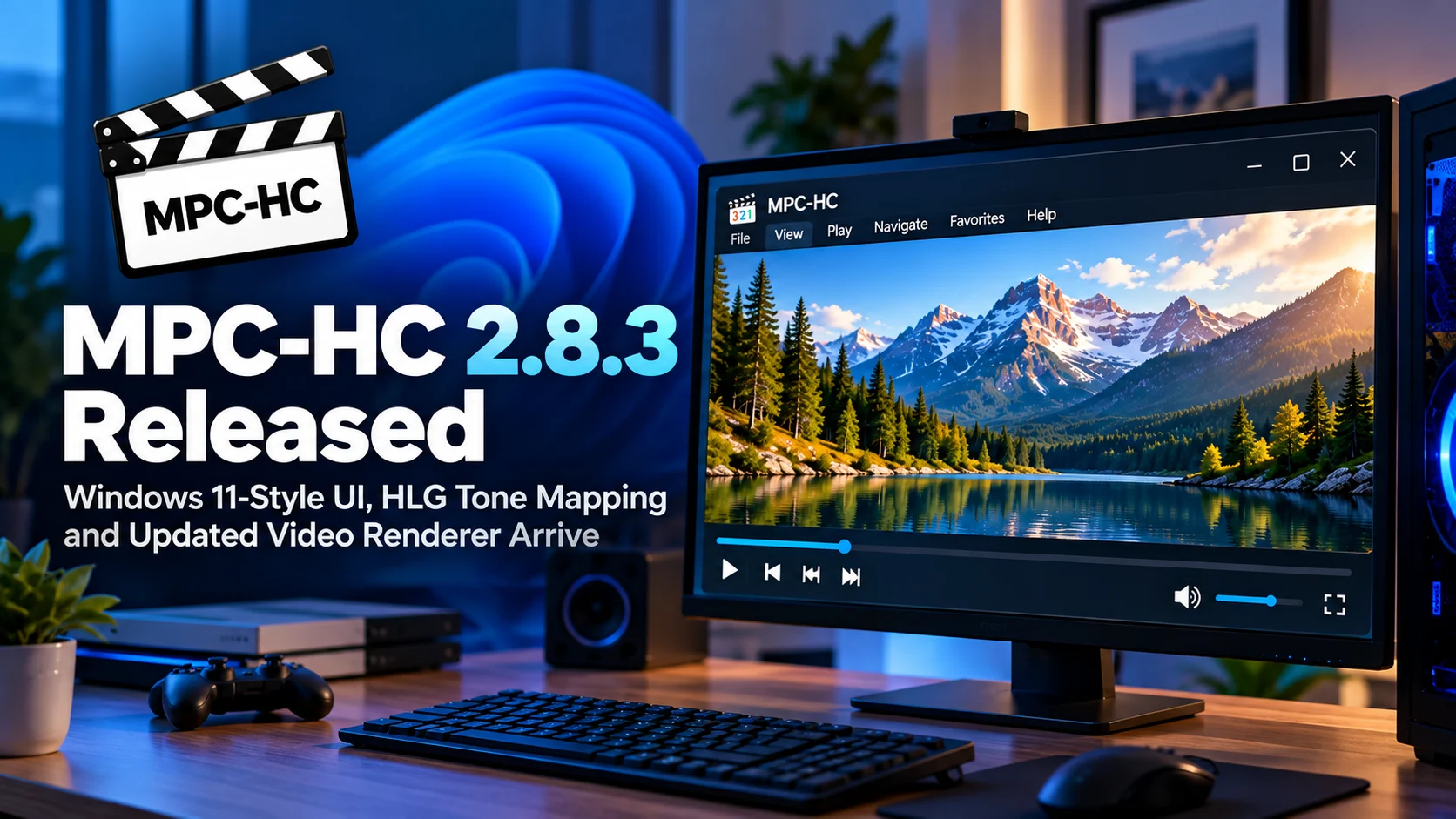
MPC-HC 2.8.3 is now available with a release that modernizes both the appearance and video-processing capabilities of the long-running Windows media player.
The biggest visual change is a new Windows 11-inspired modern theme for menus and dialogs. MPC-HC has traditionally maintained a lightweight, classic Windows appearance, but this release gives users another option that better matches current versions of Microsoft’s operating system. The update is not limited to cosmetic changes.
MPC-HC 2.8.3 also expands HDR-related playback with HLG tone mapping support in EVR-CP and EVR-Sync, updates the bundled MPC Video Renderer, refreshes media-information components, improves CUE file parsing, and includes a range of smaller stability fixes.
For users who want a lightweight Windows video player without abandoning advanced playback options, MPC-HC continues to occupy an unusual position. It retains the fast, familiar Media Player Classic design while steadily adding modern rendering, HDR, subtitle, and hardware-decoding features.
Version 2.8.3 follows that same philosophy: keep the player recognizable, but improve the parts that matter on modern Windows PCs and displays.
MPC-HC 2.8.3 at a Glance
| Area | What Changed | Why It Matters |
|---|---|---|
| User interface | New Windows 11-style modern theme | Makes dialogs and menus feel more consistent with current Windows |
| Menus | Optional native-style Windows 11 menu appearance | Gives users rounded, more modern menu presentation |
| HDR | HLG tone mapping added to EVR-CP and EVR-Sync | Helps HLG HDR content display correctly on SDR workflows |
| Video rendering | MPC Video Renderer updated | Improves the player’s modern rendering stack |
| Media detection | Media information components refreshed | Helps identify current media formats more accurately |
| CUE files | Parsing improved | Better handling of chapter, track and disc-style media layouts |
| Stability | Internal fixes and refinements | Reduces crashes and playback edge cases |
The Classic MPC-HC Interface Gets a Windows 11 Refresh
MPC-HC has always been intentionally conservative when it comes to interface design.
That is part of its appeal.
While many media players have moved toward large animated interfaces, online accounts and streaming-service-style home screens, MPC-HC still opens quickly into a straightforward player window.
Version 2.8.3 does not replace that philosophy.
Instead, it introduces a new modern-theme variant based on the Windows 11 design language.
Menus and dialogs can now look more consistent with the operating system surrounding the application.
This is particularly useful on modern desktops where traditional Win32-style menus can look visually disconnected from the rest of Windows 11.
The update gives users a choice rather than forcing everyone onto the new appearance.
That fits MPC-HC well because customization has always been one of its strengths.
Windows 11 Styling Does Not Mean MPC-HC Is Becoming Heavy
A modern interface does not necessarily mean a heavier player.
The core structure remains familiar.
Users still get the traditional menu system, seek bar, playback buttons and highly configurable Options panel.
The Windows 11 theme is primarily about presentation rather than turning MPC-HC into a completely new application.
That distinction matters for long-time users.
Many people continue using MPC-HC precisely because it starts quickly, stays out of the way, and allows keyboard-driven operation without placing a large media-library interface between the user and the file.
Version 2.8.3 modernizes the shell while keeping that basic workflow intact.
Native Windows 11 Menus Add Another Visual Option
The update also adds an advanced option for native Windows 11-style menus.
Rounded corners and updated menu presentation can make MPC-HC blend more naturally with current Windows applications.
This may sound minor compared with codec or renderer changes, but desktop software lives inside the operating system’s broader visual environment.
A player used every day benefits from looking intentional rather than like an application frozen in an older Windows generation.
Importantly, advanced users retain control.
The player is not abandoning traditional appearance options simply because Windows 11 exists.
That balance between modernization and user choice is one of the stronger aspects of the release.
HLG Tone Mapping Is the Biggest Playback Improvement
The most technically important change in MPC-HC 2.8.3 is HLG tone mapping support for EVR-CP and EVR-Sync.
HLG stands for Hybrid Log-Gamma.
It is an HDR format designed especially for broadcast and live television environments.
Unlike some HDR formats that rely heavily on additional metadata, HLG was designed to work efficiently within television distribution systems and to retain a degree of compatibility with existing broadcast workflows.
That makes HLG particularly relevant to satellite, terrestrial, and live-TV content.
The challenge appears when an HLG source is displayed on hardware or through a playback pipeline that cannot reproduce the intended HDR output directly.
That is where tone mapping becomes important.
What Tone Mapping Actually Does
HDR content can contain a much wider brightness range than a standard SDR display can reproduce.
Simply sending the original HDR values to an SDR screen can produce incorrect brightness, washed-out colors, or an image that is much too dark.
Tone mapping transforms that HDR range into something the target display can handle.
The goal is not to reproduce the full HDR signal on hardware that cannot display it.
Instead, the player attempts to preserve useful highlight detail, shadow visibility, and overall contrast while mapping the image into the available range.
For MPC-HC users, adding HLG tone mapping to more renderer paths means a wider variety of HDR sources can be handled appropriately without requiring the same renderer configuration for every system.
Why HLG Matters for TV Recordings and Broadcast Content
Movies are often associated with HDR10 or Dolby Vision.
HLG is more closely associated with broadcasting.
That means the change can be especially useful for users who play television captures, DVB recordings, satellite material, or other live-broadcast-derived media on Windows.
A home-theater PC may contain a mix of ordinary SDR recordings, HDR movies, and HLG broadcast captures.
The player needs to understand those formats correctly.
HLG tone mapping gives MPC-HC another tool for making those sources usable on different display configurations.
This also strengthens MPC-HC as a player for users who deal with more than standard downloaded movie files.
EVR-CP and EVR-Sync Remain Relevant
MPC-HC supports several video-output options.
While newer users may select MPC Video Renderer, some systems and workflows continue using EVR Custom Presenter or EVR Sync.
Different renderers can have different advantages depending on GPU compatibility, display timing, and user preferences.
Adding HLG tone mapping to these renderer paths is therefore significant.
It means users do not necessarily need to change their preferred output setup merely to obtain better handling of HLG content.
That is consistent with MPC-HC’s broader design philosophy: provide several high-quality playback paths and let advanced users choose what works best on their system.
MPC Video Renderer Gets Another Update
MPC-HC 2.8.3 also includes an updated MPC Video Renderer.
The renderer has become increasingly important to the modern MPC-HC experience.
A video renderer handles the final stages between decoded video frames and what appears on the display.
That includes scaling, color handling, presentation timing, HDR processing, and interaction with GPU acceleration.
A renderer can therefore have a major influence on playback quality even when the decoder itself has not changed.
Updating MPC Video Renderer helps keep MPC-HC aligned with modern graphics hardware and contemporary HDR/video workflows.
For many current Windows systems, MPC Video Renderer is one of the most sensible output options because it is designed specifically around modern GPU capabilities.
The Renderer Matters for HDR and High-Quality Playback
Users sometimes think of media playback as a single decoding operation.
In reality, the pipeline contains several stages.
First the player reads the container.
Then video and audio codecs are decoded.
Subtitles may be rendered.
The video may be resized or converted.
HDR and color information need to be handled.
Finally, the resulting frames must be synchronized with the display.
MPC Video Renderer participates in the later parts of this chain.
That means renderer improvements can influence smoothness, HDR behavior, compatibility, and picture processing without any change to the original video file.
For users with 4K displays, HDR monitors, or modern GPUs, keeping the rendering stack current is especially valuable.
Media Information Components Are Updated Too
Another behind-the-scenes improvement is the refreshed media-information component.
MPC-HC uses media-analysis libraries to understand the technical characteristics of files.
This can include container type, codec, bitrate, resolution, frame rate, audio format, channel layout, and metadata.
Accurate media identification matters both for user information and playback decisions.
Media formats continue evolving.
New encoder versions, unusual container combinations, and recently adopted metadata conventions can expose weaknesses in older analysis libraries.
Keeping the media-information layer updated helps MPC-HC correctly interpret newer files.
Most users will never notice the component itself.
They simply benefit when file properties are detected correctly.
CUE File Parsing Gets Better
MPC-HC 2.8.3 also improves CUE file parsing.
CUE sheets are commonly associated with audio collections, disc images, and files containing multiple tracks inside one larger media file.
A CUE sheet can describe where individual tracks begin, allowing a player to navigate a continuous recording as though it consisted of separate items.
That is particularly useful for concert recordings, archived CDs, and other media stored as a single file.
Better parsing reduces the chance that track boundaries, titles, or related information are interpreted incorrectly.
It is not the headline feature of 2.8.3, but it demonstrates how MPC-HC continues refining niche workflows used by dedicated media-library users.
Stability Improvements Remain Part of the Release
The update includes various internal improvements and smaller bug fixes.
These may be difficult to describe individually, but they matter in a media player.
Playback software needs to deal with an enormous variety of files.
One MKV can contain standard H.264 video and stereo AAC audio.
Another may contain multiple HEVC video editions, several subtitle tracks, unusual chapters and high-resolution audio.
A robust player needs to handle all of those combinations without crashing.
Small fixes frequently address edge cases that only appear with particular files, graphics drivers or user configurations.
That makes stability work just as important as visible features.
MPC-HC Continues Evolving Without Losing Its Identity
Perhaps the most interesting part of MPC-HC 2.8.3 is how little the basic philosophy has changed.
MPC-HC remains a local Windows media player.
It does not require an online account.
It does not try to become a subscription service.
It does not force a huge media-library home page every time the user wants to open one video.
Instead, development continues around the traditional strengths of a desktop player: rendering, subtitles, HDR, formats, control and customization.
The new Windows 11-style interface demonstrates that the project is willing to modernize without discarding what made it popular.
Who Should Upgrade?
Windows 11 users have an obvious reason to try 2.8.3 because of the new UI options.
Users working with HLG HDR content have an even stronger technical reason because of the new EVR-CP and EVR-Sync tone-mapping support.
Anyone relying on MPC Video Renderer also benefits from the updated rendering component.
CUE-sheet users gain improved parsing, while general users receive the stability fixes included throughout the release.
Because MPC-HC remains lightweight, upgrading is unlikely to fundamentally change the familiar playback workflow.
Final Thoughts
MPC-HC 2.8.3 is a strong example of how a mature media player can modernize without abandoning its original strengths.
The new Windows 11-style interface gives the application a cleaner appearance on current PCs while preserving the fast, traditional MPC-HC workflow.
The addition of HLG tone mapping is more important technically, particularly for users dealing with broadcast HDR sources and television recordings.
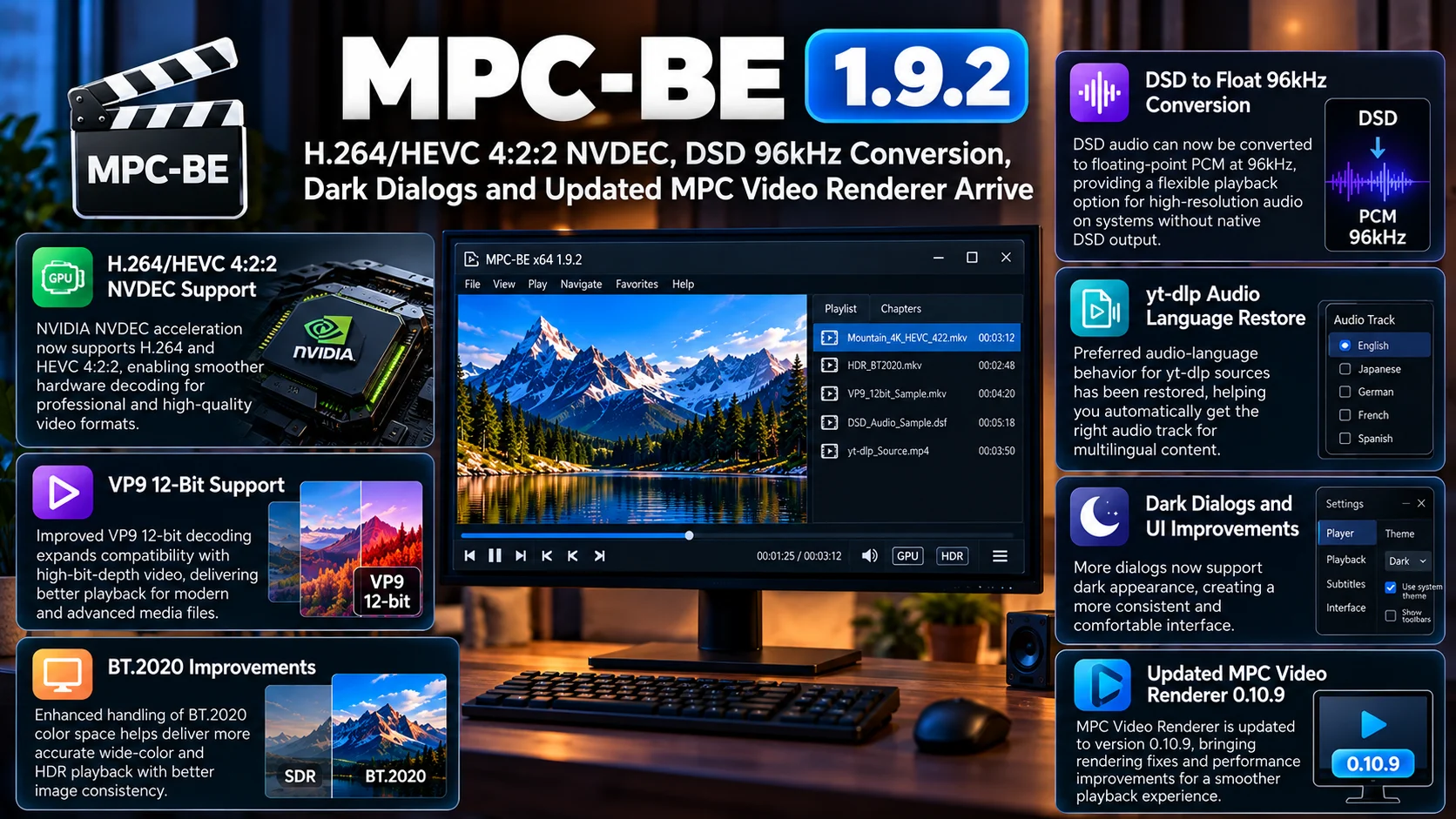
The refreshed MPC Video Renderer keeps the player’s graphics pipeline moving forward, while improved CUE parsing and internal stability refinements address the smaller details that matter to long-time users.
MPC-HC remains popular because it gives users control.
They can choose renderers, customize playback, manage subtitles, tune hardware decoding and open almost any local media without navigating through a commercial streaming-style interface.
Version 2.8.3 does not change that identity.
It simply makes the player feel more at home on a modern Windows system while expanding what its rendering pipeline can handle.
FAQs About MPC-HC 2.8.3
1) What is new in MPC-HC 2.8.3?
The update introduces a Windows 11-style modern theme, optional Windows 11-style menus, HLG tone mapping for EVR-CP and EVR-Sync, an updated MPC Video Renderer, improved CUE parsing and stability fixes.
2) Does MPC-HC 2.8.3 change the entire interface?
No. The familiar player layout remains. The new Windows 11 appearance is primarily a modern theme option for menus and dialogs.
3) What is HLG?
HLG, or Hybrid Log-Gamma, is an HDR format commonly associated with broadcast and live television workflows.
4) What does HLG tone mapping do?
Tone mapping converts HLG HDR content into a brightness and color range suitable for displays or playback paths that cannot directly reproduce the original HDR range.
5) Which renderers get HLG tone mapping?
The update expands HLG tone mapping to EVR Custom Presenter and EVR Sync.
6) What is MPC Video Renderer?
MPC Video Renderer is a modern GPU-based video renderer used with MPC-HC for high-quality playback, scaling, timing and HDR-related processing.
7) Does the release improve CUE files?
Yes. CUE file parsing has been improved, which can help media collections that use CUE sheets for track and chapter-style navigation.c
8) Is MPC-HC still suitable for Windows 11?
Yes. Version 2.8.3 specifically improves its visual integration with Windows 11 while continuing to support advanced local media playback.
Stay Updated with the Player SDK Guide Hub
Modern desktop video playback depends on much more than codec support. Renderers, HDR processing, tone mapping, GPU acceleration, subtitle engines and display synchronization all affect the final viewing experience.
The Player SDK Guide Hub tracks developments across MPC-HC, VLC, Kodi, Windows media players, Plex, Jellyfin, Android TV, Fire TV, Roku, Apple TV and other playback ecosystems.
We cover player releases, renderer updates, HDR changes, playback regressions and SDK developments to explain what changed, why it matters and what users and development teams should test next.
Explore the Player SDK Guide Hub for the latest video-player, Windows playback and streaming-platform updates.
