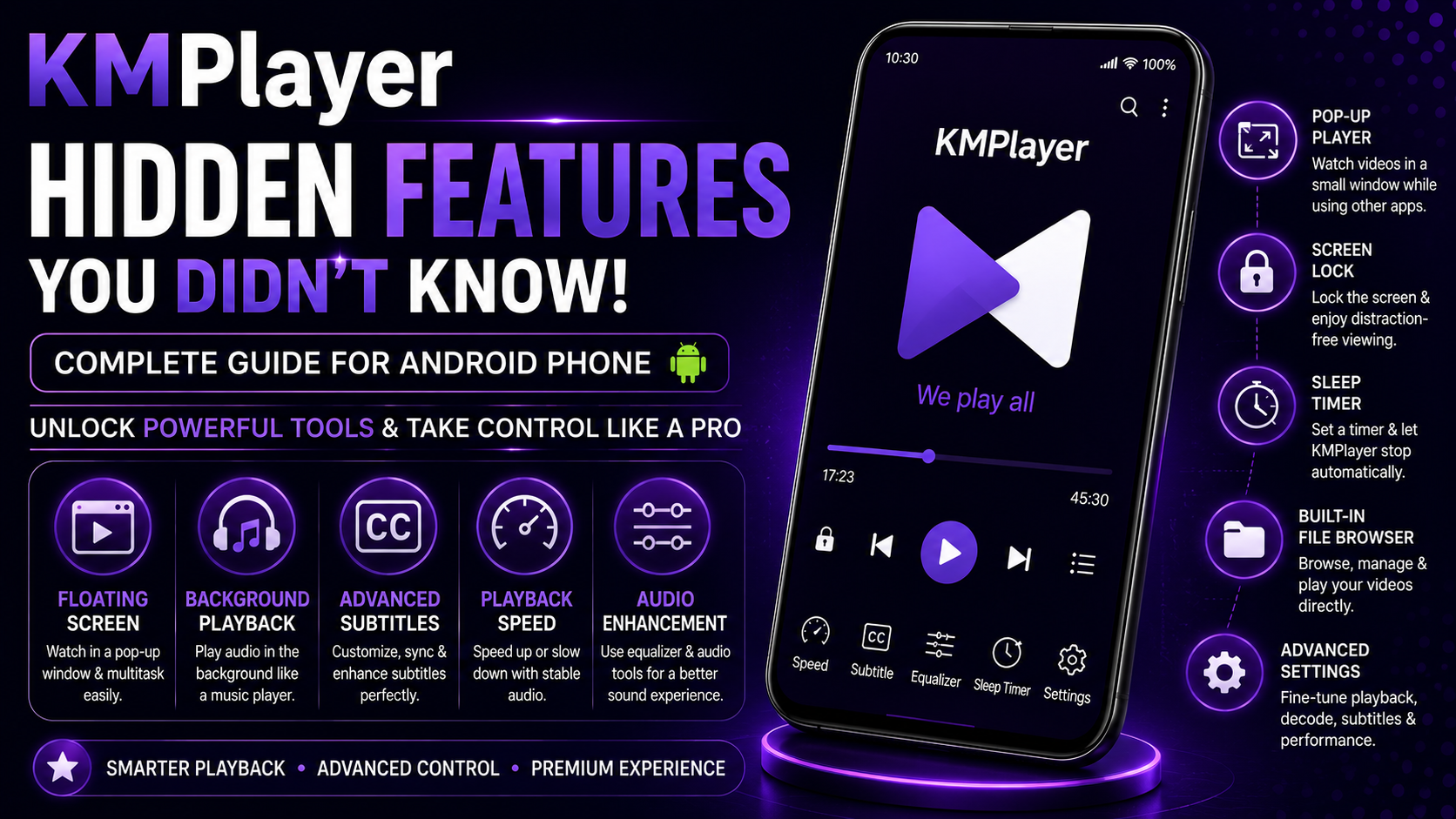
KMPlayer is widely known as a powerful and reliable media player for Android, but what truly sets it apart is the number of hidden features it offers. While most users stick to basic playback, KMPlayer includes advanced tools and smart functionalities that can significantly enhance your viewing experience.
If you've been using KMPlayer only for watching videos, you're missing out on its real potential.
In this complete KMPlayer Hidden Features Guide for Android, you'll discover lesser-known features, advanced controls, and smart techniques that can transform the way you use your media player. Whether you want better control, improved performance, or a more personalized experience, this guide has everything you need.
Why Explore Hidden Features in KMPlayer?
Hidden features are what transform a good media player into a truly great one, and KMPlayer is a perfect example of this. Designed with flexibility and advanced usability in mind, it offers a range of powerful tools that are not always immediately visible to users. By exploring these hidden capabilities, you can unlock advanced playback controls, fully customize your viewing experience, and significantly improve overall performance and efficiency. These features also allow you to take advantage of multitasking options while enhancing subtitle and audio control, ultimately delivering a premium-level media experience. Once you become familiar with these functionalities, KMPlayer evolves from a standard video player into a much more powerful and versatile entertainment tool.
What You'll Learn
In this guide, you will explore a variety of these lesser-known capabilities, including advanced playback features, hidden interface tools, and smart multitasking options. You will also learn how to enhance audio and subtitle settings, apply performance optimization techniques, and discover additional settings and controls that most users overlook. Together, these insights will help you unlock the full potential of KMPlayer and elevate your overall media viewing experience.
Feature 1: Floating Screen (Pop-Up Player)
One of KMPlayer’s most useful hidden features is its floating screen mode.
This allows you to:
- Watch videos in a small movable window
- Use other apps simultaneously
- Multitask without stopping playback
You can resize and reposition the floating window according to your preference, making it ideal for productivity and entertainment at the same time.
Feature 2: Background Audio Playback
KMPlayer isn't just for video—it can function like a music player too.
With background playback, you can:
- Listen to audio from videos
- Continue playback while using other apps
- Save battery by turning off the screen
This is perfect for podcasts, lectures, and music content.
Feature 3: Advanced Gesture Controls
Most users know about basic gestures, but KMPlayer offers deeper control than expected.
Hidden gesture capabilities include:
- Fine-tuned seeking control
- Adjustable gesture sensitivity
- Separate controls for brightness and volume
Once mastered, gestures make navigation extremely fast and efficient.
Feature 4: Subtitle Sync and Customization
KMPlayer provides powerful subtitle control options that many users overlook.
You can:
- Sync subtitles manually with precision
- Adjust subtitle delay instantly
- Change font, size, and color
- Load external subtitle files
These controls ensure a perfect viewing experience, especially for international content.
Feature 5: Playback Speed with Audio Stability
Changing playback speed usually affects audio quality, but KMPlayer maintains clarity.
This feature allows you to:
- Speed up educational videos
- Slow down detailed scenes
- Maintain clear and stable audio
It's especially useful for students and content learners.
Feature 6: Hardware Acceleration Control
KMPlayer gives you control over hardware acceleration settings, which can greatly impact performance.
With this feature, you can:
- Improve video rendering
- Reduce lag and buffering
- Optimize playback for HD and 4K videos
Adjusting this setting based on your device can significantly enhance performance.
Feature 7: Screen Lock for Distraction-Free Viewing
Accidental touches during playback can be frustrating.
KMPlayer includes a hidden screen lock feature that:
- Disables touch input during playback
- Prevents interruptions
- Keeps your viewing experience smooth
This is especially useful for long movies and immersive content.
Feature 8: Equalizer and Audio Enhancement
KMPlayer includes built-in audio enhancement tools that many users don't explore.
You can:
- Adjust bass and treble
- Improve dialogue clarity
- Customize sound profiles
This feature enhances your listening experience, especially with headphones.
Feature 9: File Management Within the App
KMPlayer acts as more than just a player—it also helps manage your media.
Hidden file management features allow you to:
- Browse files directly within the app
- Organize videos by folders
- Access recently played content
This reduces the need for third-party file managers.
Feature 10: Resume Playback Memory
KMPlayer automatically remembers your last playback position.
This feature:
- Saves your progress
- Allows you to continue where you left off
- Works across multiple videos
It's a small but highly useful feature for regular users.
Feature 11: Sleep Timer
The sleep timer is a hidden gem for nighttime users.
It allows you to:
- Set a timer to stop playback
- Save battery
- Avoid unnecessary playback overnight
Perfect for watching videos before sleep.
Feature 12: Multi-Format Support Without Conversion
KMPlayer supports a wide range of formats without needing conversion.
This means:
- You can play almost any file directly
- No need for additional apps
- Saves time and storage
This is one of the biggest advantages of KMPlayer.
Performance Optimization Tips
To get the best out of KMPlayer’s hidden features, it is important to keep your device optimized for smooth performance. Maintaining sufficient storage space ensures that the app runs without lag, while closing unused apps before playback helps free up system resources. Keeping KMPlayer updated allows you to access the latest improvements and bug fixes, and occasionally restarting your device can further enhance stability. Together, these simple steps ensure a smooth and reliable media playback experience.
Best Practices for Advanced Users
For advanced users who want to maximize KMPlayer’s capabilities, adopting a few best practices can make a significant difference. Regularly exploring advanced settings helps you stay updated with new features, while customizing playback according to your preferences enhances usability. Using gesture controls can speed up navigation and control, and organizing your media files properly ensures a more efficient and enjoyable experience. These habits allow you to fully utilize the app like a professional.
When Should You Use These Features?
You should start using these hidden features when you need greater control over your media experience. Whether you want more precise playback control, require multitasking capabilities, aim for improved performance, or simply prefer a more personalized setup, KMPlayer provides the tools to meet these needs. As you continue to use the app, it adapts to your requirements, making it increasingly powerful over time.
Why KMPlayer is Still One of the Best
Despite the availability of many media players, KMPlayer continues to stand out due to its depth and flexibility. It offers advanced playback tools, supports a wide range of formats, delivers smooth performance, and provides extensive customization options, all within a user-friendly interface. These qualities make it a complete and reliable media solution for Android users.
What's Next?
Now that you have explored KMPlayer’s hidden features, the next step is to apply what you have learned in real-world usage. By implementing these techniques and continuing to explore additional functionalities, you can fully master KMPlayer and elevate your overall media viewing experience.
Final Thoughts
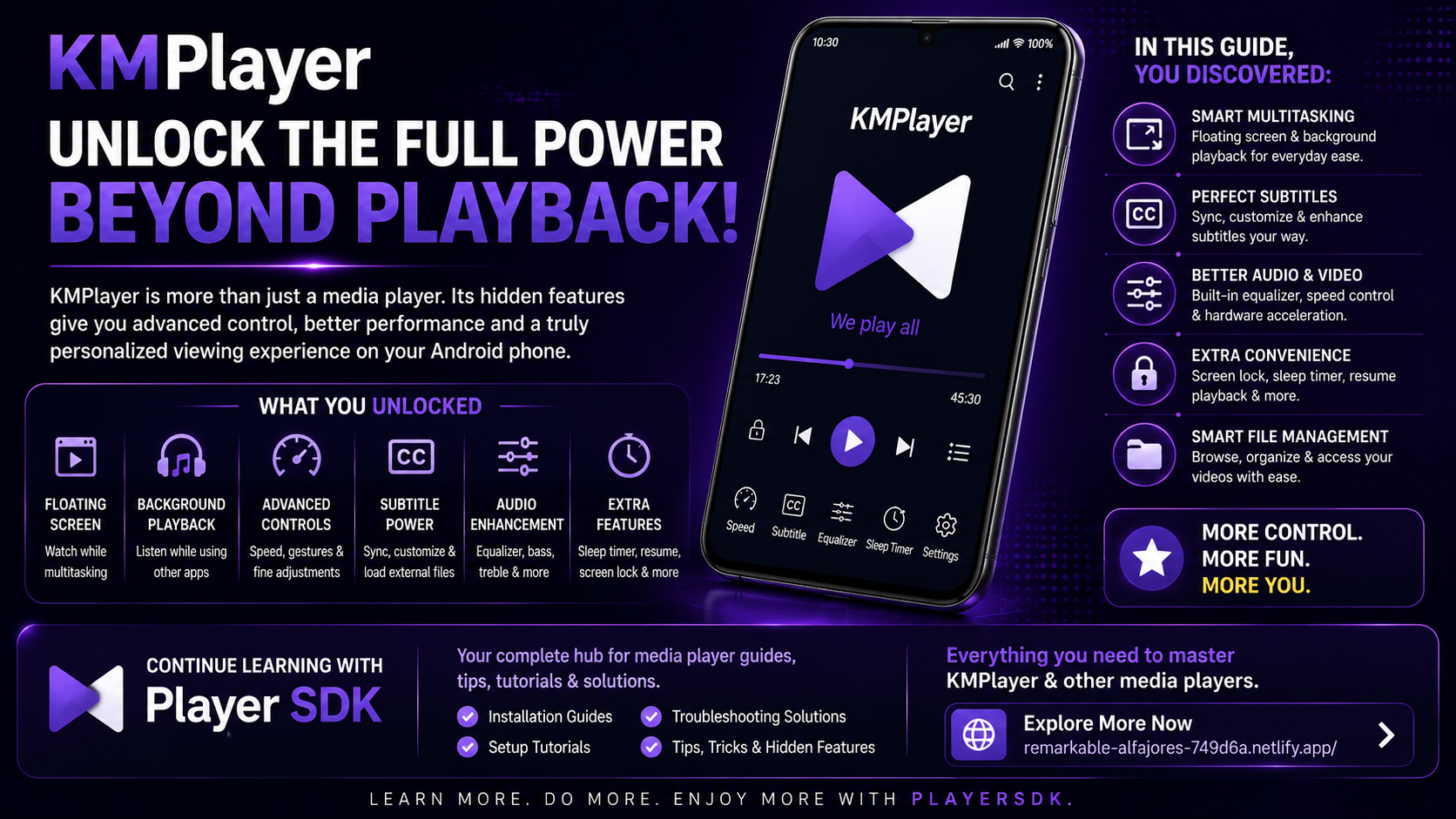
KMPlayer is far more powerful than it appears at first glance. Its hidden features provide advanced control, customization, and performance improvements that can completely transform your media experience.
By exploring these tools, you can move beyond basic playback and enjoy a smarter, smoother, and more efficient way to watch videos on your Android phone.
The more you explore, the more KMPlayer reveals its true potential.
Frequently Asked Questions (FAQs)
1) What are hidden features in KMPlayer?
Hidden features are advanced tools and settings that are not immediately visible but provide enhanced functionality and control.
2) Can I use KMPlayer for multitasking?
Yes, features like floating screen and background playback allow you to multitask easily.
3) Does KMPlayer support all formats?
KMPlayer supports a wide range of video and audio formats without requiring conversion.
4) How do I improve audio quality?
You can use the built-in equalizer and audio settings to enhance sound quality.
5) Are hidden features safe to use?
Yes, all features within KMPlayer are safe and designed to improve your experience.
6) Which guide should I read first?
If you're new, start with the Installation and Setup Guides before exploring advanced features.
Continue Learning with Player SDK
Want to explore even more?
Player SDK is your complete learning hub for media players like KMPlayer. Whether you're just starting or looking to master advanced features, we provide structured, easy-to-follow guides for every level.
