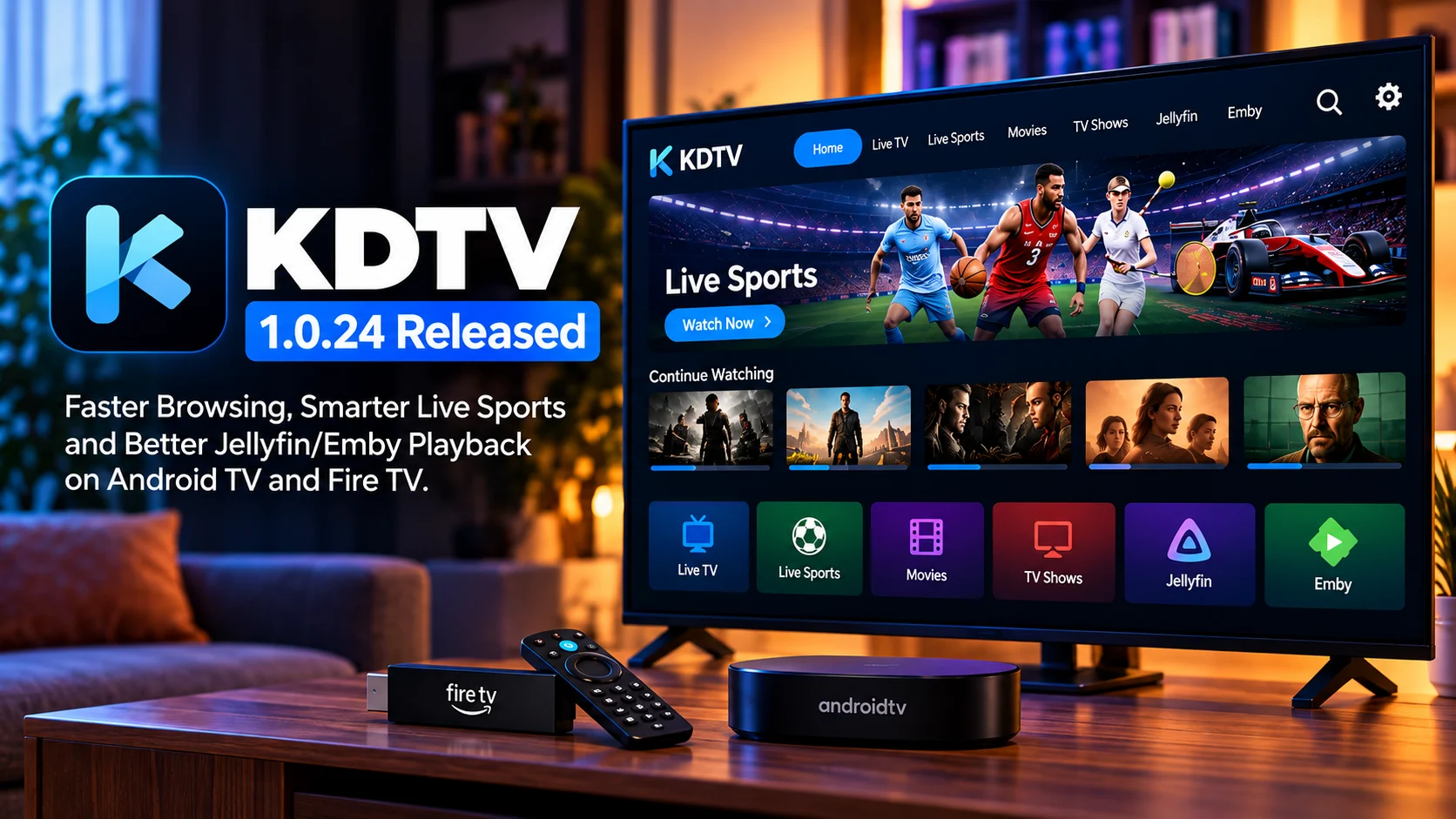
KDTV 1.0.24 is rolling out with a collection of improvements aimed at making the television experience faster, easier to navigate, and more reliable across Android TV and Fire TV devices.
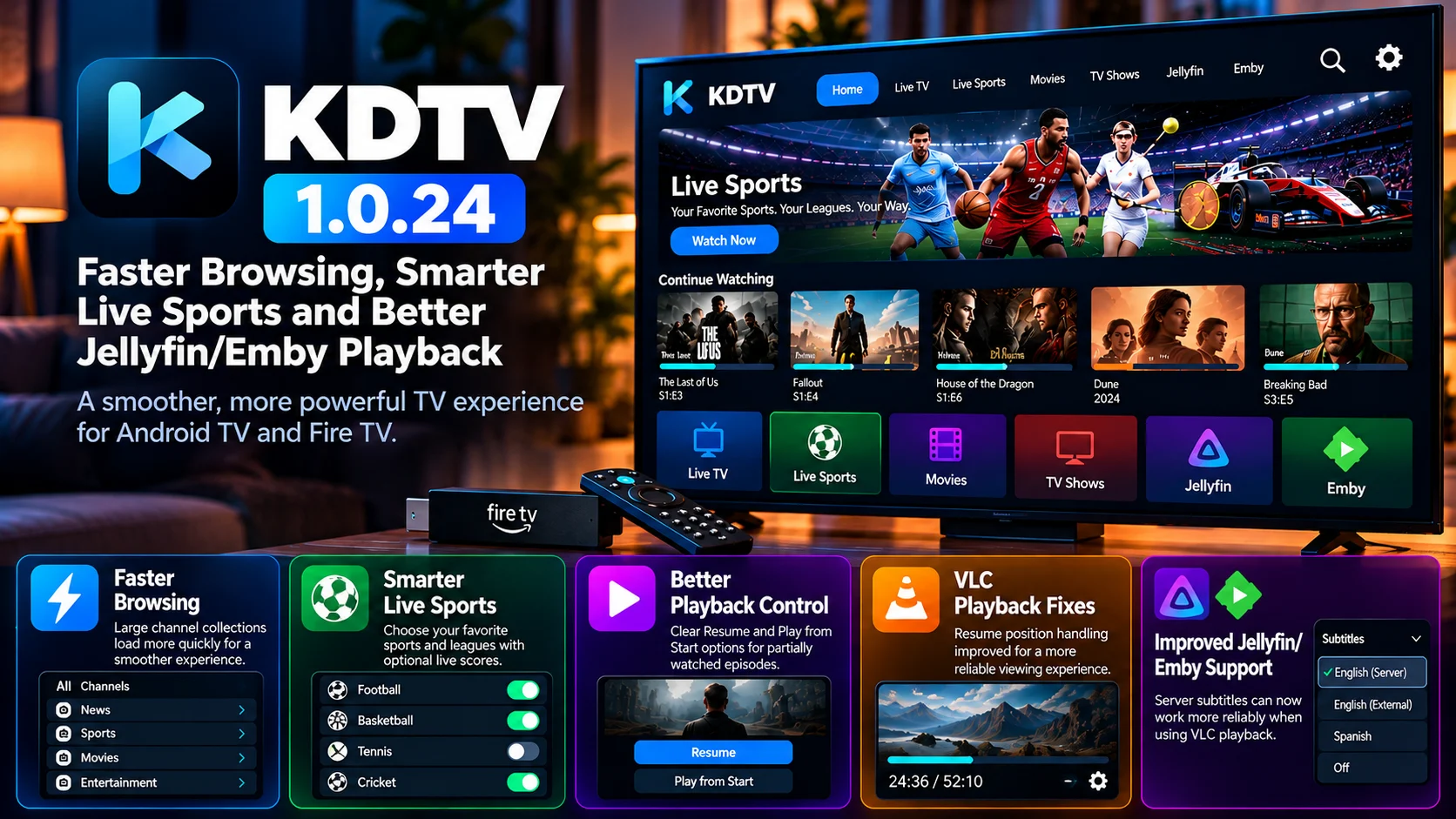
The update focuses on several areas that directly affect everyday viewing. Large channel collections should open more quickly, navigation through the interface has been refined, and the Live Sports section now gives users more control over which sports and leagues appear.
Playback has also received important attention. Partially watched episodes can offer clearer Resume and Play from Start options, VLC-based playback has received a resume-position fix, and subtitles supplied through Jellyfin or Emby can now work more reliably when VLC is being used as the player.
Taken together, version 1.0.24 is less about one dramatic redesign and more about removing friction throughout the application. Browsing becomes quicker, sports discovery becomes more configurable, and personal media playback becomes more consistent.
For people using KDTV as a central television interface on Android TV, Google TV, Fire TV, or similar devices, those improvements can have a noticeable impact.
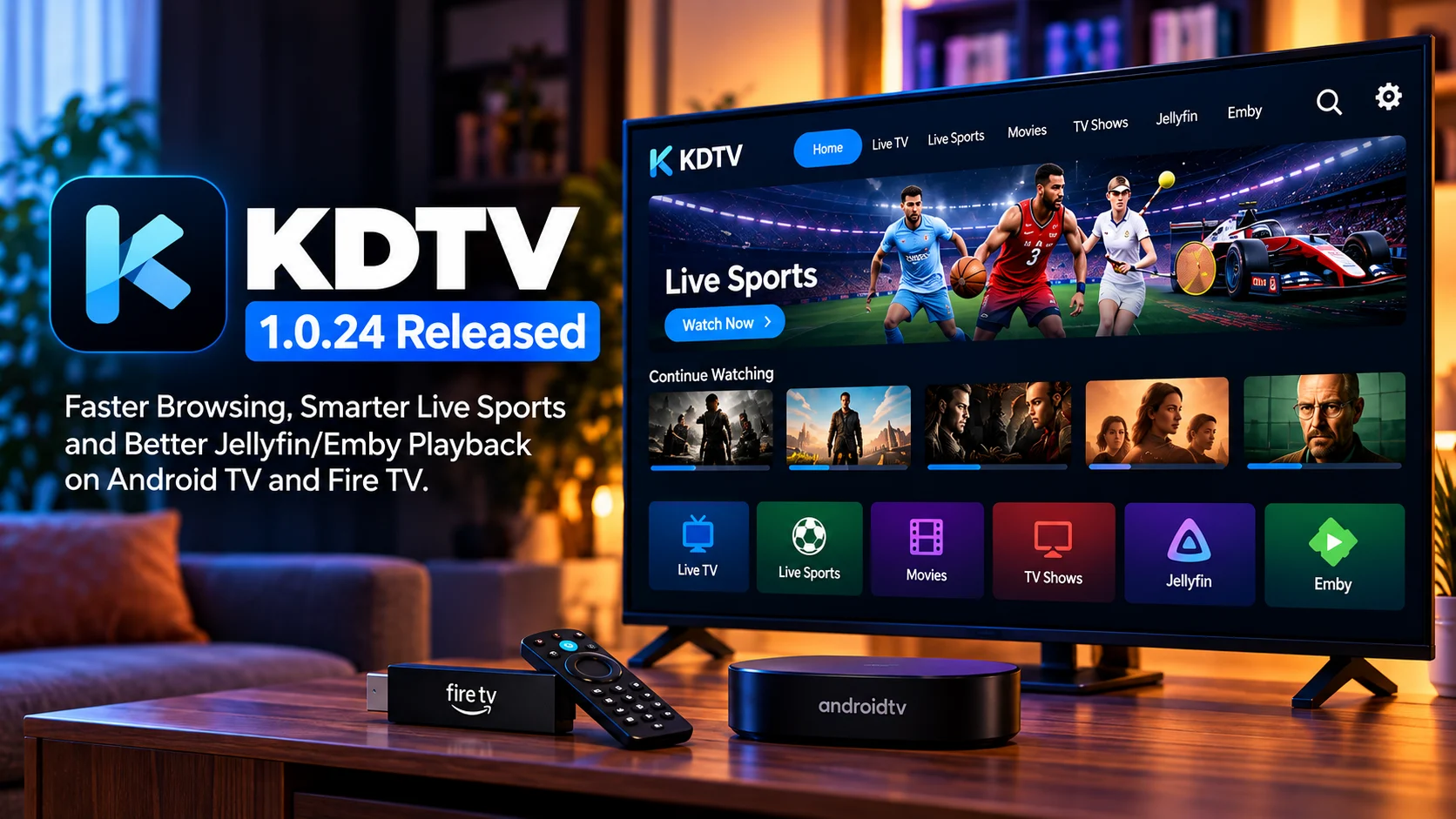
KDTV 1.0.24 at a Glance
| Area | What Changed | Why It Matters |
|---|---|---|
| Browsing Performance | Large channel collections load faster | Less waiting when opening big libraries |
| TV Navigation | Sidebar focus behavior improved | Smoother remote-control navigation |
| Live Sports | Sports and leagues can be customized | Users can focus on competitions they actually follow |
| Score Controls | Live scores can be enabled or disabled | More control over sports information shown in the interface |
| Episode Playback | Resume and Play from Start options improved | Easier handling of partially watched episodes |
| VLC Playback | Resume-position handling fixed | Playback can continue from the expected point |
| Jellyfin/Emby | Server subtitles supported more reliably with VLC | Better personal-media playback experience |
Faster Browsing Is One of the Most Practical Improvements
Performance improvements are often more valuable than flashy visual changes on television devices.
A user may open the same library dozens of times each week. If every visit involves waiting for a large list to populate, the delay becomes increasingly noticeable.
KDTV 1.0.24 targets that problem by improving browsing performance, particularly when users have large collections.
Faster loading can make the entire application feel more responsive even when the underlying hardware has not changed.
This matters especially on streaming sticks and lower-powered television devices, where CPU performance, available memory, and storage speeds can vary significantly.
High-end Android TV boxes may hide inefficient loading behavior simply because they have enough processing power. On entry-level hardware, the same workload can create obvious delays.
Improving how content is loaded and presented benefits both groups.
Large Channel Libraries Should Feel More Responsive
The size of a user’s collection can dramatically change the performance requirements of a television application.
A small setup may contain only a limited number of channels or categories. A larger household configuration might contain hundreds or thousands of entries.
Every additional item can increase the work required to parse, organize, display, and navigate the collection.
Version 1.0.24 aims to reduce that friction.
Instead of making users wait while large lists are prepared, the app can get them into their content more quickly.
That should make common actions such as switching categories, reopening a collection, or browsing between groups feel smoother.
For a remote-controlled interface, responsiveness is especially important because every button press needs clear and immediate feedback.
Sidebar Navigation Gets Better Focus Handling
KDTV 1.0.24 also improves sidebar focus behavior.
This might sound like a small interface adjustment, but focus management is fundamental to a good Android TV or Fire TV application.
Unlike a touchscreen interface, a TV app is controlled mainly with directional buttons.
The user presses up, down, left, and right, and the application must always make it obvious which element is currently selected.
If focus unexpectedly jumps to another item, becomes difficult to see, or moves somewhere the user did not expect, navigation quickly becomes frustrating.
Improved sidebar focus makes movement between the primary sections of KDTV more predictable.
The result should be a UI that feels more deliberate when moving from content rows to navigation menus and back again.
Live Sports Becomes More Customizable
One of the more interesting additions in version 1.0.24 is expanded control over the live sports experience.
Sports viewers rarely follow every competition available.
A football fan may care about a few specific leagues. Another viewer may mainly follow basketball, cricket, motorsport, or hockey.
Showing every possible event equally can create clutter.
KDTV now gives users greater control over which sports and leagues are relevant to them.
That allows the sports section to become more personalized rather than behaving like one large universal schedule.
A more focused sports experience can also shorten the path between opening the application and finding the event the viewer actually wants.
Sports and League Selection Improves Discovery
Being able to choose sports and leagues is particularly useful during busy schedules.
Major sports calendars often contain dozens of simultaneous or upcoming events.
Without filtering, a user may spend more time searching than watching.
By selecting preferred sports and competitions, viewers can reduce the amount of irrelevant information shown in the interface.
This also makes the feature useful for households where people follow different competitions.
Instead of assuming every viewer wants the same sports coverage, KDTV can be configured around the interests of the people actually using the device.
The change moves Live Sports closer to a personalized dashboard rather than a generic listing.
Live Score Controls Give Users More Choice
Version 1.0.24 also adds control over whether live scores are displayed.
Score information is useful for some viewers but undesirable for others.
Someone watching a recorded or delayed event may want to avoid spoilers.
Another user may prefer a clean sports interface without additional information.
Others may want scores visible immediately so they can track several games at once.
A simple setting to show or hide scores supports all of those preferences.
It is a good example of how customization can improve the experience without requiring a complicated feature.
The application does not need to decide which approach is best for everyone. It can let the viewer choose.
Resume and Play from Start to Become Clearer
Playback continuity is another area receiving attention.
When a user stops an episode before reaching the end, the next playback session should offer an obvious choice.
They may want to continue from the previous position, or they may want to restart the episode.
KDTV 1.0.24 improves the handling of partially watched episodes by presenting clearer Resume and Play from Start behavior.
This is particularly useful in shared households.
One person may begin an episode and stop halfway through. Another person may later choose the same episode and want to begin from the start.
Making those options explicit prevents accidental jumps into the middle of the program.
VLC Resume Position Gets an Important Fix
Users who rely on VLC playback should also see an improvement.
Resume functionality depends on the application saving and restoring the correct playback position.
If that information is not passed correctly to the external or integrated player, the user may resume at the wrong point or start from the beginning.
Version 1.0.24 includes a fix for VLC resume-position behavior.
For people who prefer VLC because of its broad codec support or playback compatibility, this can be an important quality-of-life improvement.
A player is only truly convenient when switching between sessions does not require manually searching for the point where viewing stopped.
Jellyfin Playback Gets Better Subtitle Support
Jellyfin users receive another useful enhancement.
When server-hosted content is played through VLC, subtitles provided by the Jellyfin server can now be handled more effectively.
Subtitle support can be more complicated than it first appears.
A media file may contain embedded subtitle tracks, while other subtitles may be stored separately or provided dynamically by the server.
The client then needs to identify the available track and ensure the playback engine receives it correctly.
Improved integration between KDTV, Jellyfin, and VLC reduces the chance that users need to leave the application or manually locate subtitles.
That is particularly helpful for international content, foreign-language movies, and households that regularly use accessibility captions.
Emby Users Receive Similar Benefits
Emby users can benefit from the same broader playback improvements.
Like Jellyfin, Emby may provide subtitle tracks and metadata to a television client while the actual video playback is handled through another engine.
Making that handoff reliable is important.
Users generally do not care which technical component is responsible for subtitles or resume information. They simply expect the selected episode to continue from the right point with the correct audio and subtitle options available.
KDTV 1.0.24 improves that experience by tightening the connection between the application, media server and VLC playback path.
Why Jellyfin and Emby Integration Matters
Personal media servers have become an important part of many living-room setups.
A household may use one application for live television and another for movies stored on a server.
Every extra app switch adds more navigation.
Integrating Jellyfin and Emby into a broader TV interface gives users a chance to keep more of their viewing activity in one place.
For this to work well, however, integration needs to go beyond simply opening a video.
Playback progress needs to remain accurate.
Subtitle tracks need to appear.
The episode state should make sense.
Remote controls need to behave consistently.
That is why seemingly small improvements such as the VLC resume fix and server-subtitle support matter.
They make the personal-media part of KDTV feel more complete.
Android TV and Fire TV Benefit from Optimization
Android TV and Fire TV cover an extremely broad range of hardware.
Some devices contain powerful processors and plenty of memory. Others are compact streaming sticks designed around cost and efficiency.
An application therefore needs to scale well.
Performance work in KDTV 1.0.24 could be particularly noticeable on devices where resources are limited.
Faster browsing reduces the amount of time users spend waiting.
Improved focus behavior makes remote navigation easier.
Cleaner playback-state handling reduces unnecessary actions.
These changes help the same application feel more consistent across different classes of hardware.
Version 1.0.24 Is About Reducing Everyday Friction
The strongest theme of KDTV 1.0.24 is not one headline feature.
It is refinement.
Browsing becomes faster.
Sports become easier to personalize.
Live-score visibility becomes optional.
Partially watched episodes provide clearer playback choices.
VLC handles resume positions better.
Jellyfin and Emby users gain improved subtitle behavior.
None of these changes completely transforms the application on its own.
Together, however, they improve many of the actions viewers perform repeatedly.
That is often what separates a capable TV application from one that feels polished.
Who Should Pay Attention to KDTV 1.0.24?
Users with large channel libraries are likely to appreciate the browsing improvements first.
Sports fans have another reason to update because of the expanded Live Sports configuration and score controls.
Jellyfin and Emby users who rely on VLC playback may see some of the most practical playback improvements, particularly around resume state and subtitles.
The release is also relevant to people using lower-powered Fire TV or Android TV hardware, where navigation and loading optimizations can have an outsized effect on the overall experience.
Final Thoughts
KDTV 1.0.24 is a practical update built around making common television tasks quicker and more dependable.
The faster browsing experience should be particularly helpful for users managing large libraries, while better sidebar focus makes remote navigation more predictable.
Live Sports receives meaningful customization through sports and league selection along with optional score visibility.
Playback improvements may be even more important for users combining KDTV with Jellyfin or Emby.
Clearer Resume and Play from Start choices, a VLC resume-position fix and improved server-subtitle handling all reduce friction when moving between content and devices.
Rather than introducing one oversized feature, KDTV 1.0.24 improves several parts of the experience that viewers interact with every day.
For Android TV and Fire TV users who value fast navigation, sports discovery and personal-media integration, it is a meaningful refinement of the KDTV experience.
FAQs About KDTV 1.0.24
1) What is KDTV 1.0.24?
KDTV 1.0.24 is an update for Android TV and Fire TV devices that focuses on faster browsing, improved Live Sports customization and better Jellyfin/Emby playback behavior.
2) Does KDTV 1.0.24 improve performance?
Yes. The release includes browsing optimizations designed to make large channel collections open and navigate more quickly.
3) What changed in Live Sports?
Users can customize sports and leagues more easily and control whether live scores appear in the interface.
4) Can live scores be turned off?
Yes. Version 1.0.24 provides additional control over score visibility, which can also help users avoid spoilers.
5) What changed with partially watched episodes?
Part-watched episodes can offer clearer Resume and Play from Start options.
6) Does the update fix VLC resume playback?
Yes. The release includes a fix related to restoring the correct playback position when VLC is used.
7) Is Jellyfin playback improved?
Yes. Jellyfin-hosted subtitles can work more reliably when content is played through VLC.
8) Does the update also benefit Emby users?
Yes. The playback improvements are relevant to Emby integrations as well, particularly when VLC is being used for server-hosted content.
9) Is KDTV 1.0.24 useful on Fire TV?
Yes. Performance, navigation, sports and playback improvements are directly relevant to Fire TV devices.
Stay Updated with the Player SDK Guide Hub
TV applications continue to evolve through faster navigation, smarter sports discovery, better server integration and more reliable playback engines.
The Player SDK Guide Hub follows important updates across Android TV, Google TV, Fire TV, Jellyfin, Emby, Plex, Kodi, VLC, Roku, Apple TV and modern video-player platforms.
We cover player releases, media-server integrations, playback fixes, television UI improvements and developer-focused changes to explain what changed, why it matters and what users should test next.
Follow the Player SDK Guide Hub for the latest streaming-device, media-server and video-player updates.
