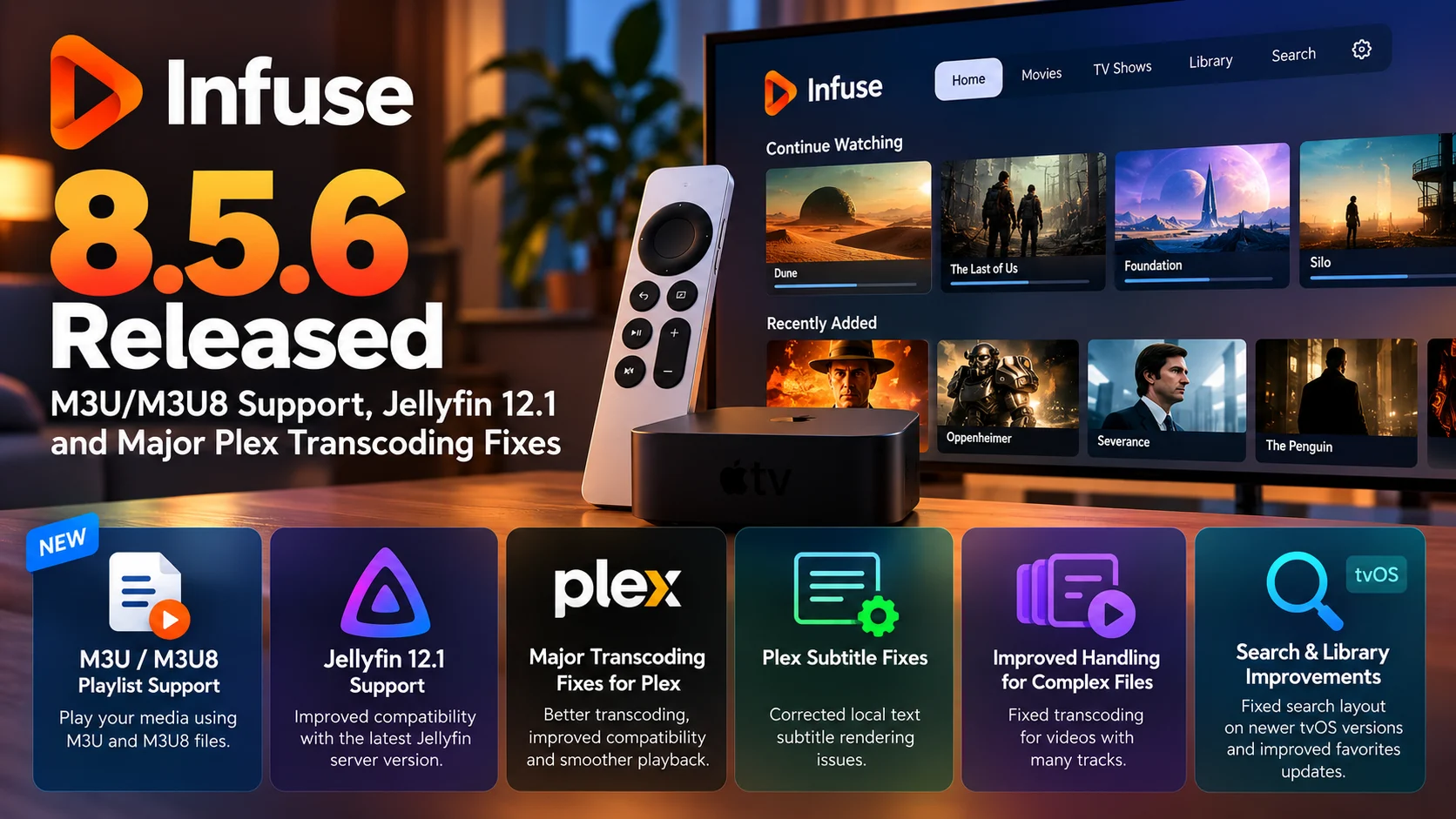
Infuse 8.5.6 is now available with a collection of useful media-server, playlist, and playback improvements aimed at users who rely on Infuse as a front end for personal video libraries.
The update introduces support for M3U and M3U8 playlist files, adds compatibility with Jellyfin 12.1, and addresses several problems affecting Plex transcoding. It also includes fixes involving Plex subtitles, media with unusually large numbers of tracks, Plex sorting options, favorites, and the search interface on newer tvOS versions.
For Apple TV users in particular, Infuse has become much more than a player for locally stored video files. Many installations now connect to Plex, Jellyfin, Emby, NAS devices, WebDAV storage, and other network sources.
That means seemingly small server-compatibility changes can have a significant impact on everyday playback.
Infuse 8.5.6 is therefore primarily a compatibility and reliability update, but the new playlist support also expands the types of media collections the application can understand.
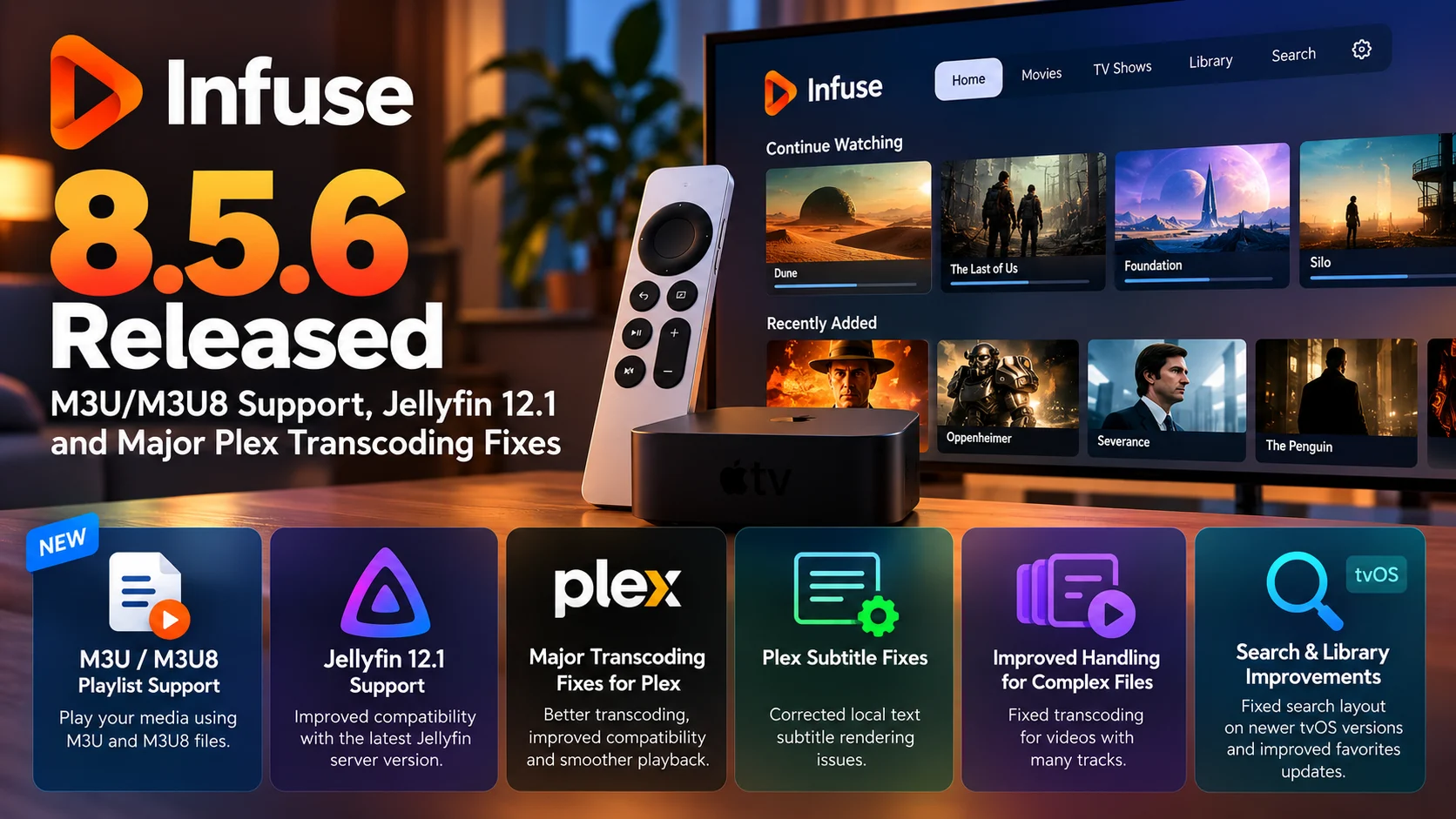
Infuse 8.5.6 at a Glance
| Area | Infuse 8.5.6 Change | Why It Matters |
|---|---|---|
| M3U/M3U8 | Basic playlist-file support added | Makes file-based playlist collections easier to access |
| Jellyfin | Jellyfin 12.1 support | Improves compatibility with newer Jellyfin servers |
| Plex on Unraid | Plex transcoding profile corrected | Helps users running Plex servers on Unraid |
| Plex subtitles | Local text subtitle rendering fix | Improves subtitle behavior during Plex playback |
| Complex media files | Transcoding fix for videos with many tracks | Helps files containing many audio or subtitle streams |
| Plex library | Sorting-mode display corrected | Makes library browsing more consistent |
| tvOS | Search layout fix | Improves search presentation on newer Apple TV software |
| Favorites | Favorites updates corrected | Makes Home and library changes appear more reliably |
M3U and M3U8 Support Arrives in Infuse
One of the most noticeable additions in Infuse 8.5.6 is support for M3U and M3U8 files.
These formats are commonly used to describe playlists containing references to media files.
An M3U playlist generally does not contain the video itself. Instead, it contains paths or links pointing to individual media items.
M3U8 is closely related but uses UTF-8 text encoding, making it better suited to filenames and metadata containing a wider range of international characters.
For Infuse users, this means a playlist file can now function as a convenient way to group media stored in different locations without physically moving those files into the same folder.
For example, a personal collection could contain movies stored across multiple directories while an M3U playlist defines a custom viewing list containing selected titles.
That can be useful for curated collections, home-video playlists, episodic archives, and manually organized media sets.
It Is Important to Understand What the New M3U Support Means
The first version of Infuse's M3U/M3U8 implementation should be viewed as basic playlist-file support rather than a complete IPTV platform.
This distinction matters because M3U8 is used in several different contexts.
Some people associate M3U8 exclusively with HLS streaming because HTTP Live Streaming commonly uses M3U8 manifests.
Others use ordinary M3U or M3U8 files simply as playlists containing paths to media files.
Infuse 8.5.6 is focused on the latter type of workflow.
Users should therefore not automatically assume that adding M3U/M3U8 support turns Infuse into a full IPTV channel-management application.
Instead, the update gives Infuse another way to organize and access playable files.
Why Playlist Support Is Useful for Media Libraries
Traditional media-library organization depends heavily on folders.
Movies might be stored in one directory, television shows in another, and home videos somewhere else.
That model works well until a user wants the same media item to appear in multiple collections.
Duplicating the file wastes storage.
Moving the file can break an existing library structure.
A playlist solves the problem by referencing the original media without copying it.
This makes M3U support particularly useful for large NAS-based collections.
Users can create temporary watch lists, themed groups, or manually ordered collections while leaving the underlying directory structure unchanged.
For Infuse, this adds another layer between simple folder browsing and full server-driven libraries from platforms such as Plex and Jellyfin.
Jellyfin 12.1 Support Is Another Important Addition
Infuse 8.5.6 also adds Jellyfin 12.1 compatibility.
Jellyfin users often depend on third-party clients because the server provides APIs that allow compatible applications to browse libraries, retrieve metadata, and initiate playback.
Infuse is one of the popular options in the Apple ecosystem because it combines Jellyfin integration with Infuse's own playback engine.
That approach can be especially useful on Apple TV.
Instead of relying entirely on the playback behavior of a server's native client, Infuse can provide its own interface and format support while still using Jellyfin for library management.
As server software evolves, however, clients also need to keep pace.
Authentication behavior, playback negotiation, API responses, and transcoding requests can all change between server versions.
Infuse 8.5.6 continuing to improve Jellyfin 12.1 compatibility, is therefore important for users who keep their Jellyfin servers updated.
Why Jellyfin Compatibility Requires Ongoing Work
A media player connecting to Jellyfin does more than download a list of movie names.
When a user opens a library, Infuse may need information about metadata, artwork, versions, audio tracks, subtitles, and playback progress.
When playback begins, the client and server need to determine how the media should be delivered.
If the device can play the file directly, Direct Play may be used.
If the media needs to be converted because of bandwidth, compatibility, or user-selected quality settings, the server may need to transcode it.
Even small changes in server responses can therefore affect playback.
Maintaining compatibility with Jellyfin 12.1 helps ensure that Infuse can continue participating correctly in those client-server workflows.
Plex Transcoding Gets Several Important Fixes
Plex users receive some of the most practical improvements in Infuse 8.5.6.
Infuse has traditionally been known for its ability to play a wide range of formats directly.
However, transcoding remains important in certain situations.
A user might be streaming remotely through a limited connection.
A video could have an extremely high bitrate.
The selected quality setting may intentionally request a smaller version.
Or some part of the original file may not be appropriate for the current playback environment.
In these cases, Infuse can request a transcoded version from Plex rather than playing the original file unchanged.
Infuse 8.5.6 addresses multiple issues related to this process.
Plex Transcoding on Unraid Is Fixed
One targeted change involves the Plex transcoding profile when Plex is running on Unraid.
Unraid is widely used in personal media-server environments because it allows users to combine storage, Docker containers, and applications such as Plex on a single home server.
A user may have an Apple TV running Infuse in the living room while an Unraid server elsewhere in the house handles the Plex library and any required transcoding.
For that workflow to function properly, the Plex client needs to describe its playback capabilities accurately.
The Plex server then uses that information to decide what should be directly played and what should be transcoded.
A problem with that profile can cause incorrect playback decisions or failed conversion attempts.
The correction in Infuse 8.5.6 should therefore be particularly relevant to users combining Infuse, Plex, and Unraid.
Plex Subtitle Rendering Also Gets Attention
Subtitles are another area improved in this update.
Infuse 8.5.6 fixes an issue involving local text-based subtitles when using Plex.
Subtitle handling is often more complicated than simply displaying words over a video.
A media file may contain embedded subtitle tracks, while external subtitle files may sit next to the video.
Some subtitle types contain plain text and timing data.
Others are image-based.
The playback behavior can also change depending on whether the video is directly played, remuxed, or transcoded.
A subtitle-related regression can therefore appear only under a particular combination of file type, server, and playback mode.
Fixing text-based subtitle rendering makes the Plex integration more predictable for users who keep local subtitle files alongside their media.
Videos With Large Numbers of Tracks Get a Transcoding Fix
Infuse 8.5.6 also improves transcoding for videos containing a large number of tracks.
This is especially relevant to enthusiast media libraries.
A single MKV file, for example, may contain several audio languages, commentary tracks, subtitle languages, and accessibility tracks.
Some collectors maintain extremely feature-rich versions of movies containing many separate streams.
Handling these files requires the client and server to correctly identify each available track and select the right combination for playback.
When transcoding is required, the process becomes even more complicated.
The server has to understand which tracks the user selected and produce an output that matches the requested playback configuration.
Fixing transcoding behavior for files with many tracks makes Infuse more resilient when dealing with these complex media containers.
Why the Plex Fixes Matter More After Infuse 8.5
The Plex changes in 8.5.6 should also be viewed in the context of the broader Infuse 8.5 series.
Infuse 8.5 introduced expanded transcoding controls for Plex, Emby, and Jellyfin.
That gave users more flexibility when they do not want or cannot use the original media stream.
Once users are given more control over transcoding, however, a wider variety of server configurations and unusual media files begin exercising that code path.
Updates such as 8.5.6 are therefore part of the normal process of making these newer capabilities more reliable.
The result should be fewer cases where selecting a lower playback quality or requiring transcoding unexpectedly leads to an error.
Plex Sorting Modes Are Displayed More Reliably
Not every improvement is directly related to playback.
Infuse 8.5.6 also fixes the display of sorting modes for Plex.
Large libraries rely heavily on sorting.
A Plex user may want to arrange media alphabetically, by recently added content, release date, rating, or another available option.
When sorting options are displayed incorrectly, the actual library may remain intact but the navigation experience becomes confusing.
Fixing these controls improves the day-to-day usability of Infuse for people managing hundreds or thousands of items.
Favorites Updates Are More Reliable
Another smaller but useful correction involves the favorites list.
Infuse can surface favorite media locations and collections for quicker access.
In previous behavior, changes made after adding favorites could sometimes fail to appear immediately or correctly.
Infuse 8.5.6 addresses favorites-list updates so the interface should more accurately reflect recent changes.
On iPhone, iPad, Mac and Vision Pro, the release also expands Home-screen customization by allowing individual favorites to be hidden from Home.
This gives users greater control over which shortcuts remain visible without necessarily removing access to the underlying location.
Apple TV Search Receives a Layout Fix
Apple TV users also get a search-layout correction for newer tvOS versions.
Search is particularly important on television interfaces because typing with a remote is slower than typing on a phone or computer.
The results need to remain easy to scan, and the focus system needs to make it clear which item is currently selected.
A layout problem can make a small interface regression feel much larger when the application is controlled entirely with a remote.
The fix in Infuse 8.5.6 should make the search experience more consistent for users running newer Apple TV software.
Infuse Continues to Position Itself as a Multi-Server Player
The overall direction of Infuse 8.5.6 is clear.
Firecore is continuing to make Infuse work across multiple types of media libraries rather than tying it to one server ecosystem.
A single Infuse installation can serve users who keep ordinary network files, use Plex for one library and Jellyfin for another.
Adding M3U/M3U8 files expands that flexibility further.
The challenge with such broad compatibility is that every server and storage protocol has its own edge cases.
That is why releases increasingly combine new features with very specific fixes involving transcoding, subtitles, library sorting and server versions.
For experienced media enthusiasts, these compatibility details often matter more than major interface redesigns.
Who Should Install Infuse 8.5.6?
The update is especially relevant for Plex and Jellyfin users.
Anyone running Jellyfin 12.1 should benefit from using a client specifically updated for that server generation.
Plex users who have experienced transcoding problems, subtitle issues or unusual behavior with complex files should also prioritize the release.
Users interested in M3U/M3U8 playlists now have another reason to test the update, while keeping in mind that the initial playlist support is designed around media-file playlists rather than being a complete IPTV solution.
For Apple TV users, the tvOS search fix and the broader server improvements make 8.5.6 a worthwhile maintenance update even if the new playlist feature is not needed.
Final Thoughts
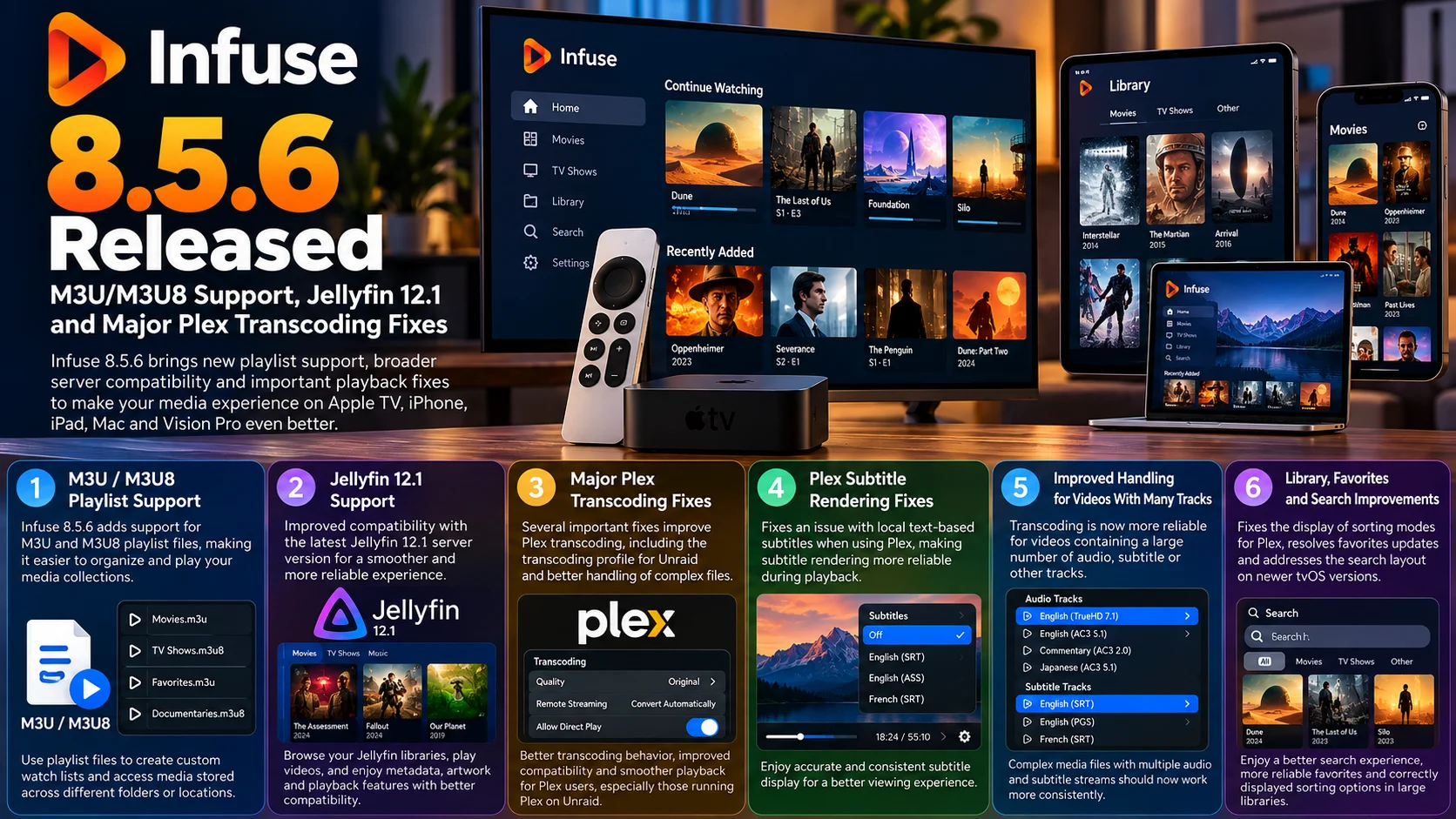
Infuse 8.5.6 is a focused update that strengthens several of the areas most important to serious personal-media users.
M3U and M3U8 support introduces a new way to organize and access file-based media collections.
Jellyfin 12.1 support keeps Infuse aligned with newer Jellyfin server deployments.
For Plex users, the update goes deeper by addressing transcoding on Unraid, local text subtitles and complicated videos containing many tracks.
Those fixes are especially relevant now that Infuse offers more control over server-side transcoding.
As the player handles more combinations of direct playback and converted streams, compatibility across different server configurations becomes increasingly important.
Combined with the Plex sorting correction, favorites improvements and tvOS search fix, Infuse 8.5.6 is less about one dramatic feature and more about making the overall playback environment more dependable.
For users who have built their Apple TV setup around Plex or Jellyfin, that reliability can be far more valuable than a major visual redesign.
FAQs About Infuse 8.5.6
1) What is new in Infuse 8.5.6?
Infuse 8.5.6 adds M3U/M3U8 playlist support, Jellyfin 12.1 compatibility and several Plex-related fixes. It also improves transcoding, subtitles, favorites, Plex sorting and Apple TV search behavior.
2) Does Infuse 8.5.6 support M3U files?
Yes. Infuse now includes basic support for M3U and M3U8 playlist files.
3) Does M3U8 support mean Infuse is now a full IPTV app?
Not necessarily. The current feature is focused on playlist-file support. Users should not assume that every IPTV or HLS playlist workflow is supported.
4) Does Infuse 8.5.6 work with Jellyfin 12.1?
Yes. Jellyfin 12.1 support is one of the headline additions in this release.
5) What Plex problems were fixed?
The update addresses Plex transcoding issues including the transcoding profile used with Unraid, local text-based subtitle rendering and transcoding videos containing large numbers of tracks.
6) Is the update important for Unraid users?
It can be, particularly if Plex is hosted on Unraid and Infuse relies on Plex transcoding. The update contains a specific correction for that configuration.
7) Does Infuse still support Direct Play?
Yes. Infuse remains heavily focused on direct playback, but transcoding options provide an alternative when the original file is not suitable for the current network or playback conditions.
8) Is there an Apple TV-specific fix?
Yes. Infuse 8.5.6 includes a search-layout correction for newer tvOS software alongside the shared media-server improvements.
Stay Updated with the Player SDK Guide Hub
Media-player releases can change much more than the visible interface. Server APIs, transcoding profiles, subtitle handling, playlist formats and operating-system updates can all affect whether media starts and plays correctly.
The Player SDK Guide Hub tracks developments across Infuse, Plex, Jellyfin, Emby, Apple TV, Fire TV, Android TV, Google TV, Roku, Kodi, VLC, Android Media3, ExoPlayer and other streaming platforms.
We cover player releases, compatibility changes, playback fixes, SDK updates and streaming-device developments to explain what changed, why it matters and what users and developers should test next.
Explore the Player SDK Guide Hub for the latest video-player releases, Apple TV updates and streaming-development news.
