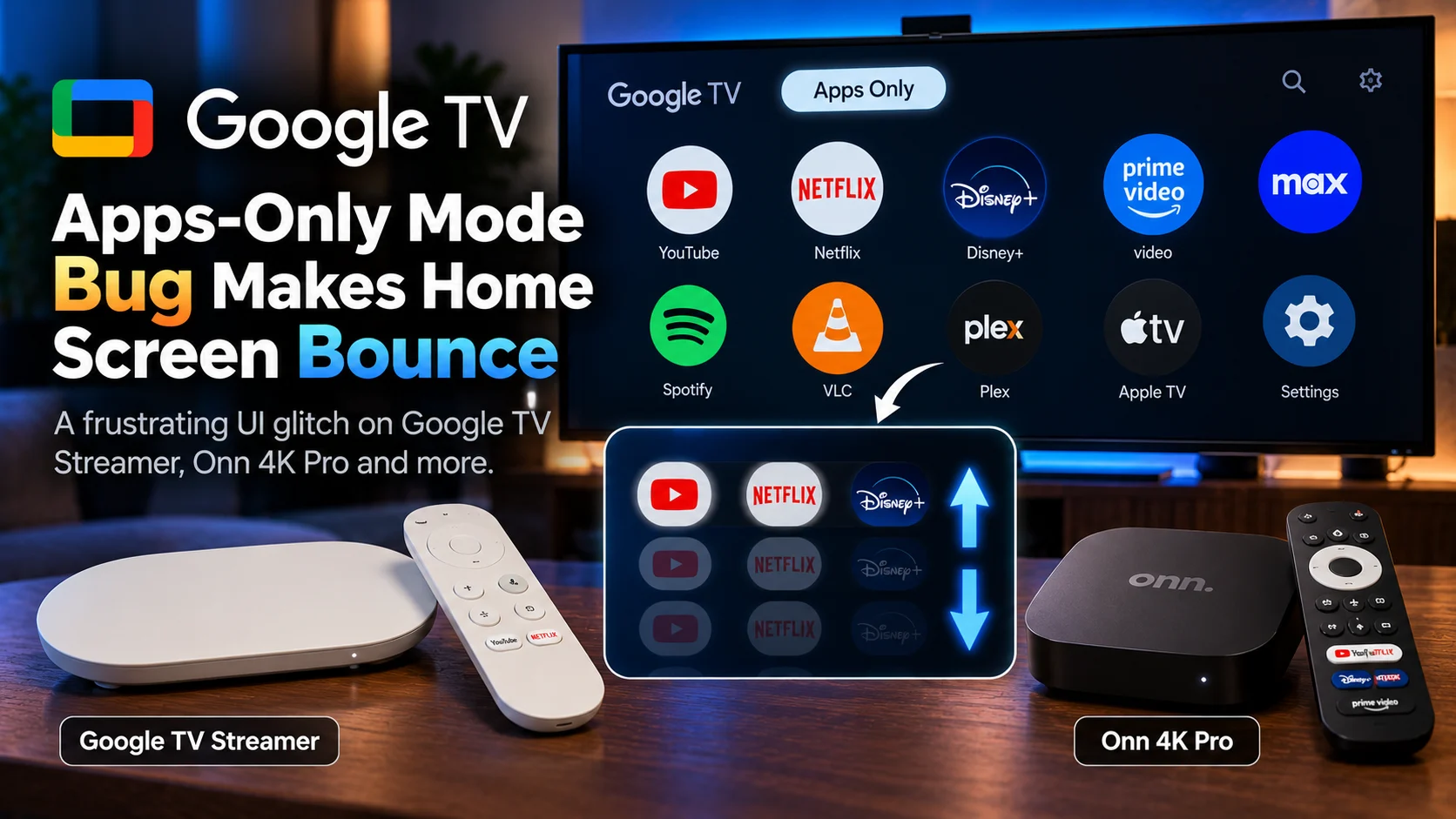
A strange Google TV Apps-Only Mode bug is making the home screen visibly jump up and down whenever some users move between application icons.
The glitch has been reported on Google TV Streamer, Walmart's Onn 4K Pro, and Google TV-powered smart televisions.
Instead of the clean, minimal interface Apps-Only Mode is supposed to provide, every remote press can make the entire home-screen layout shift vertically.
The apps still open, and the device is not crashing.
But the constant movement makes one of Google TV's simplest interface modes feel broken.
The original Google TV Streamer report involved system build UTTK.260317.003. Google currently lists that same build for the Google TV Streamer on its official firmware page, where it includes security updates, Google Home Speaker output support, Thread credential sharing, and general bug and performance fixes.
At the moment, Google has not publicly identified a specific cause for the bouncing behavior.
That means this should be treated as a user-reported Google TV interface regression, not a confirmed hardware defect.
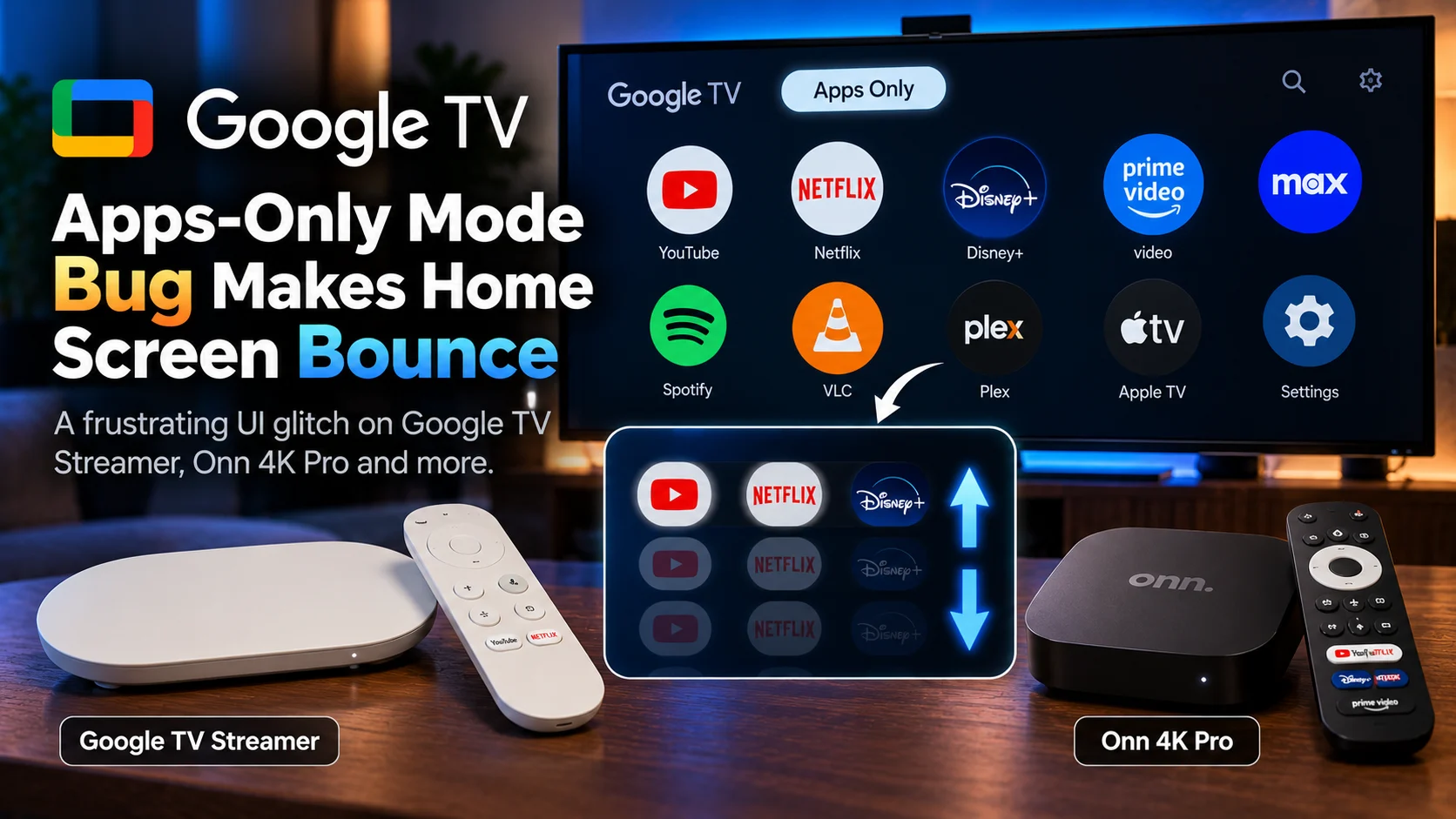
What Is the Google TV Apps-Only Mode Bouncing Bug?
The issue causes the entire Google TV home screen to move slightly up or down when users navigate through installed apps in Apps-Only Mode.
It has been demonstrated on the Google TV Streamer, reported on the Onn 4K Pro, and reproduced on at least some Google TV smart televisions.
The problem appears to affect navigation rather than video playback itself.
Apps can still launch.
The remote still works.
The issue is that the interface visibly shifts each time focus moves between applications.
For users who specifically enable Apps-Only Mode to get a cleaner and calmer television interface, that makes the bug especially frustrating.
Google TV Apps-Only Mode Bug at a Glance
| Area | Current Situation | Why It Matters |
|---|---|---|
| Affected Mode | Apps-Only Mode | Designed to simplify Google TV |
| Reported Devices | Google TV Streamer, Onn 4K Pro, some Google TVs | Suggests issue is not limited to one product |
| Main Symptom | Home screen jumps vertically | Makes remote navigation distracting |
| Streamer Build Reported | UTTK.260317.003 | Matches Google's current listed Streamer firmware |
| Reboot | Reportedly did not fix original case | Suggests more than a temporary UI freeze |
| Community Workaround | Disable/re-enable Apps-Only Mode or use another launcher | Not an official Google fix |
| Google Fix | No confirmed public fix yet | Issue remains unresolved in available reporting |
What Is Google TV Apps-Only Mode?
Google TV normally fills its home screen with recommendations, personalized content rows, sponsored suggestions, and entertainment discovery features.
Apps-Only Mode strips much of that away.
Google's official support documentation says the mode removes personalized recommendations from the home screen and emphasizes installed applications instead.
The idea is simple.
Some users do not want their television constantly recommending movies and shows.
They already know which apps they want to open.
Apps-Only Mode gives them a more traditional launcher-style experience.
Google notes that some features become unavailable while the mode is active, including Google TV Search, Google Assistant from the home screen, Watchlist controls, and certain personalized functions.
For users who accept those trade-offs, the reward is supposed to be a cleaner interface.
That is exactly why a bouncing UI bug feels so out of place.
What Does the Bug Actually Look Like?
The reported behavior is not a subtle animation difference.
As users move from one application tile to another, the home-screen layout appears to jump vertically.
The movement happens repeatedly as focus changes.
That means normal navigation can create a constant up-and-down motion across the screen.
The first detailed report described the issue on two separate Google TV Streamer units running the same software build.
A reboot reportedly did not resolve it.
Other users then reported similar behavior on the Onn 4K Pro and Google TV-based televisions.
That cross-device pattern is significant.
If the problem appeared only on one physical unit, hardware corruption or a local configuration issue would be easier to suspect.
Reports across multiple product families instead point toward a software or interface-level problem.
Is the Google TV Streamer Hardware Defective?
There is no evidence that the hardware itself is defective.
The fact that similar reports involve different Google TV devices makes a hardware-specific explanation less likely.
The Google TV Streamer, Onn 4K Pro, and smart televisions do not all use identical internal hardware.
What they share is the Google TV software experience.
That makes the interface layer a more plausible common factor.
However, without Google's technical explanation, it would be premature to say exactly which system component is responsible.
The bug could involve the Google TV launcher, Apps-Only Mode layout logic, focus animations, content containers, or another UI component.
The current evidence tells us what users see.
It does not yet prove precisely why it happens.
Does Build UTTK.260317.003 Cause the Problem?
The original Google TV Streamer report identified UTTK.260317.003, but that does not prove the firmware itself is universally broken.
Google officially lists UTTK.260317.003 as the current Google TV Streamer build and says it contains security updates, Google Home Speaker audio support, Thread credential sharing, bug fixes, and performance improvements.
There is currently no Google release note saying this build introduces an Apps-Only Mode bouncing problem.
The safest conclusion is that the bug has been observed on devices running that build.
That is different from proving the build is the sole cause.
This distinction matters because other reported devices, including Onn hardware and smart televisions, may use different firmware branches while still showing similar UI behavior.
Why Apps-Only Mode Users Notice UI Problems Quickly
Apps-Only Mode is intentionally minimal.
That makes any layout problem easier to see.
On the standard Google TV home screen, there are multiple content rows, recommendation cards, banners, and navigation elements moving through focus states.
In Apps-Only Mode, attention is concentrated on a much smaller number of interface elements.
When the whole page shifts every time the remote moves between apps, there is very little visual clutter to hide the problem.
This also explains why the glitch can feel more severe than it technically is.
The device may still launch Netflix, YouTube, Plex, or another media player normally.
But the interaction required to reach those apps becomes visually irritating every single time.
For a television interface, perceived responsiveness matters almost as much as raw processor performance.
Does the Bug Affect Video Playback?
Current reports focus on home-screen navigation, not video decoding.
There is no evidence that this specific Google TV bouncing bug changes 4K output, HDR support, audio formats, or media-player decoding.
That is an important distinction.
A streaming device can have a broken launcher animation while video playback remains completely normal.
If a user is also experiencing buffering, frame drops, Dolby Vision problems, or audio synchronization issues, those should be troubleshooted separately.
PlayerSDK's media player comparison can help compare playback capabilities across different applications when the problem occurs after launching a player rather than on the Google TV home screen.
Separating launcher problems from playback problems avoids chasing the wrong settings.
Is Google TV Streamer the Only Device Affected?
No.
Reports have also mentioned the Onn 4K Pro and Google TV smart televisions.
That makes the story more relevant than a single-device streamer bug.
Different manufacturers build Google TV hardware around different processors, memory configurations, and firmware layers.
When a visually similar problem appears across those devices, it raises the possibility that a shared Google TV component is involved.
Users comparing platforms can use PlayerSDK's streaming device comparison to look at hardware differences across Google TV, Fire TV and Apple TV devices.
The comparison is useful because not every interface problem is solved simply by buying faster hardware.
Software still matters.
Does Restarting the Google TV Streamer Fix It?
Not reliably.
The original report states that rebooting the device did not remove the bouncing behavior.
That suggests this is not simply a temporary memory problem or one-time launcher freeze.
Restarting is still worth trying because it is safe and quick.
A reboot can clear a temporary state and resolve many ordinary interface glitches.
But users should not assume that a failed reboot means something is wrong with their hardware.
If multiple users can reproduce the same issue after restarting, the underlying problem may remain in the software configuration.
Can Turning Apps-Only Mode Off and Back On Help?
Possibly.
Google officially allows Apps-Only Mode to be toggled under the user's profile settings.
Community troubleshooting suggests that turning the mode off, returning to the regular Google TV interface, and then enabling it again may help with some Apps-Only Mode problems.
It is not a confirmed fix for this specific bouncing bug.
Still, it is a low-risk troubleshooting step because it does not erase applications or factory-reset the device.
Apps-Only Mode can be disabled through the Google TV account or profile settings and re-enabled afterward.
If the glitch disappears, that suggests some saved UI state may have contributed.
If it immediately returns, users have at least ruled out one simple configuration reset.
What About Using a Third-Party Launcher?
One Onn 4K Pro user reportedly avoided the problem by switching to Projectivy Launcher, a third-party launcher commonly used by Android TV and Google TV users who want a simpler home screen.
That is a workaround, not a fix.
Changing launchers bypasses the interface where the bug is occurring rather than repairing Google's Apps-Only Mode.
It may still appeal to advanced users who already prefer a minimal launcher.
But users should understand the difference.
If Google corrects the underlying UI issue later, the official Apps-Only Mode may work normally again without requiring another launcher.
Should You Factory Reset the Device?
Probably not as a first response.
A factory reset removes accounts, settings, and local application configuration, which makes it far more disruptive than toggling a mode or restarting the device.
Because the same glitch has been reported across multiple Google TV products, there is no strong evidence that every affected device is suffering from corrupted local data.
Start with the least destructive options.
Restart the device.
Toggle Apps-Only Mode.
Check for a system update.
If the issue remains but apps still work, waiting for an official software correction may be more sensible than rebuilding the entire device.
Could an Update Fix It?
Yes.
This type of interface behavior is exactly the kind of issue that can be corrected through a launcher or firmware update.
Google TV Streamer already receives system updates independently of individual media applications.
PlayerSDK recently covered the Chromecast with Google TV 4K security and performance update, which demonstrates how Google continues to deliver maintenance fixes even to older streaming hardware.
That does not guarantee a quick fix for the Apps-Only Mode issue.
But there is no technical reason a new device should be required simply to correct a layout bug.
Does This Change the Value of Google TV Streamer?
For most buyers, probably not by itself.
A temporary UI bug is different from a fundamental hardware limitation.
The Streamer still offers a stronger hardware platform than the older Chromecast generation and remains part of Google's broader living-room strategy.
PlayerSDK has also covered the next-generation Google TV Streamer, which points toward Google continuing to invest in the platform rather than abandoning it.
Still, user-interface quality matters.
A streaming box is operated almost entirely through its software.
If navigation feels broken, specifications alone do not create a good experience.
Google therefore has a strong reason to resolve the problem even if the underlying device remains fully functional.
Why This Bug Matters Beyond Apps-Only Mode
The broader lesson is that streaming-device performance is not only about processor benchmarks.
A device can have plenty of CPU power and still feel bad to use if its launcher reacts incorrectly.
Remote navigation needs to be predictable.
Focus should move cleanly.
The home screen should stay visually stable.
Those details matter because a television interface is used repeatedly before almost every movie, show or media session.
Apps-Only Mode is especially popular with users who want fewer recommendations and a simpler path to their installed apps.
A bug that makes the minimal interface more distracting defeats much of the point of enabling it.
Final Verdict
The Google TV Apps-Only Mode bug appears to be a genuine interface issue affecting more than one type of Google TV hardware.
Reports include the Google TV Streamer, Onn 4K Pro and Google TV televisions, with the main symptom being a home screen that visibly jumps during remote navigation.
The original Google TV Streamer report used build UTTK.260317.003, which Google currently lists as an official Streamer firmware build.
What remains unknown is the exact cause.
Google has not publicly confirmed whether the problem comes from Apps-Only Mode itself, the Google TV launcher, focus animations or another interface component.
For now, users should treat rebooting, toggling Apps-Only Mode and third-party launchers as troubleshooting options rather than permanent fixes.
A factory reset is probably excessive unless other problems exist as well.
Most importantly, the bug does not currently appear to indicate broken streaming hardware or damaged video playback capability.
It is an interface problem.
But on a device controlled almost entirely through its interface, that still matters.
Frequently Asked Questions
1) What is the Google TV Apps-Only Mode bouncing bug?
It is a user-reported interface problem where the Google TV home screen moves vertically when navigating between apps in Apps-Only Mode.
2) Which devices are affected?
Reports include Google TV Streamer, Onn 4K Pro and some Google TV smart televisions. The issue has not been proven to affect every device.
3) What firmware was the Google TV Streamer running?
The original Streamer report identified build UTTK.260317.003. Google also lists that build on its official firmware page.
4) Does rebooting fix the problem?
The original user reported that rebooting did not resolve the issue. It remains a reasonable first troubleshooting step because it can clear temporary launcher problems.
5) Can I turn Apps-Only Mode off and back on?
Yes. Google officially provides the Apps-Only Mode toggle in account or profile settings. Re-enabling it may be worth trying, although it is not a confirmed permanent fix.
6) Does Apps-Only Mode remove all recommendations?
It removes personalized home-screen recommendations, but Google notes that sponsored content and teasers can still appear. Some Google TV features are also unavailable in this mode.
7) Does the bug affect 4K or HDR playback?
There is currently no evidence that this particular issue changes video decoding, HDR output or playback quality. Reports focus on the home-screen interface.
8) Can a third-party launcher avoid the problem?
Some users report bypassing the issue with an alternative launcher such as Projectivy. That avoids the affected Google TV interface rather than fixing the underlying bug.
9) Should I factory reset my Google TV device?
A factory reset is probably unnecessary as a first step. Try a restart, mode toggle and software-update check before using more disruptive troubleshooting methods.
10) Has Google released an official fix?
No specific public fix for this bouncing Apps-Only Mode behavior was identified in the current official firmware information or available reporting.
Experiencing strange behavior on your Google TV streaming device?
Use PlayerSDK's streaming device comparison to compare Google TV hardware with other platforms, or explore the media player comparison when the problem appears inside a playback app rather than on the home screen.
