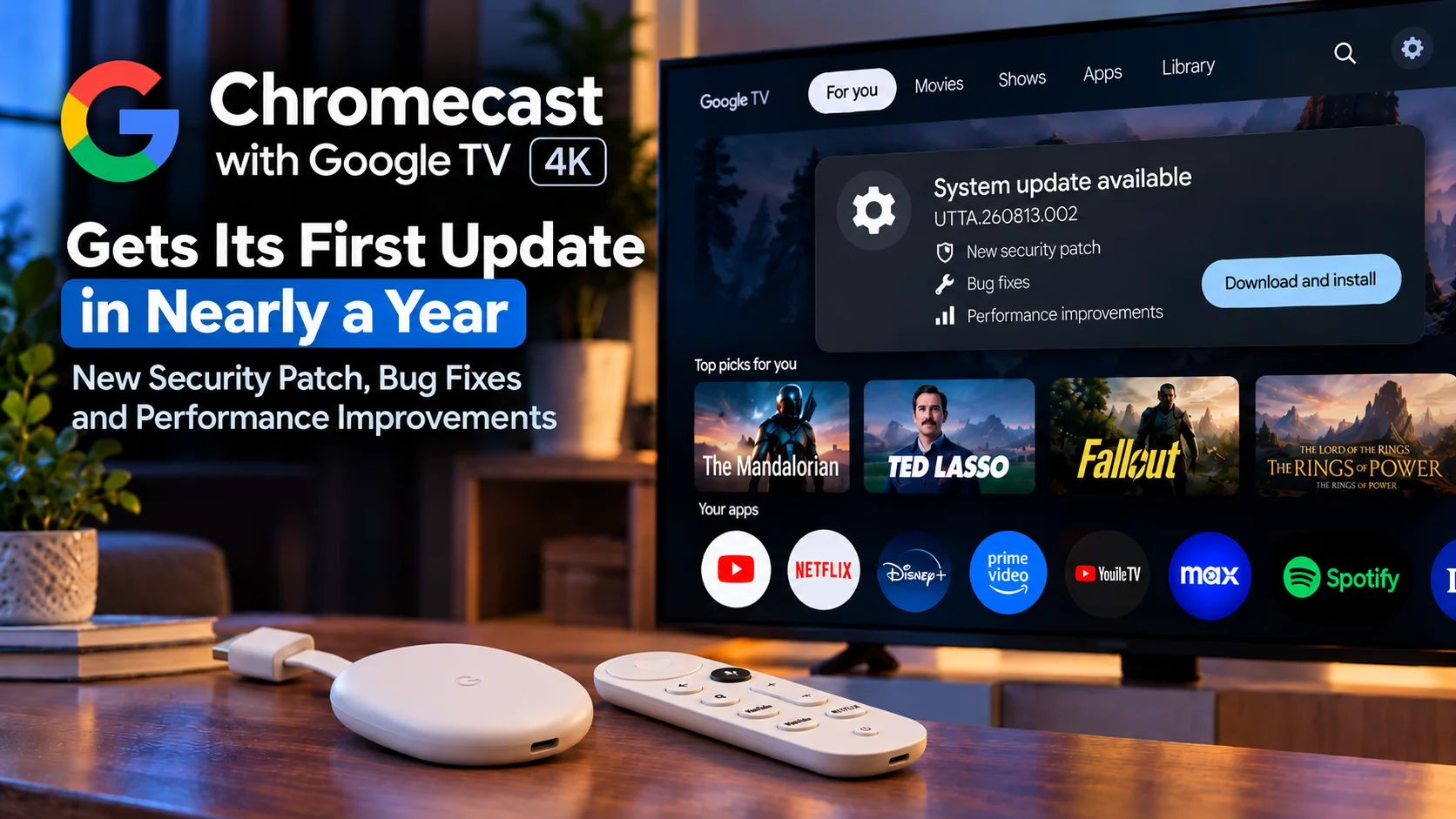
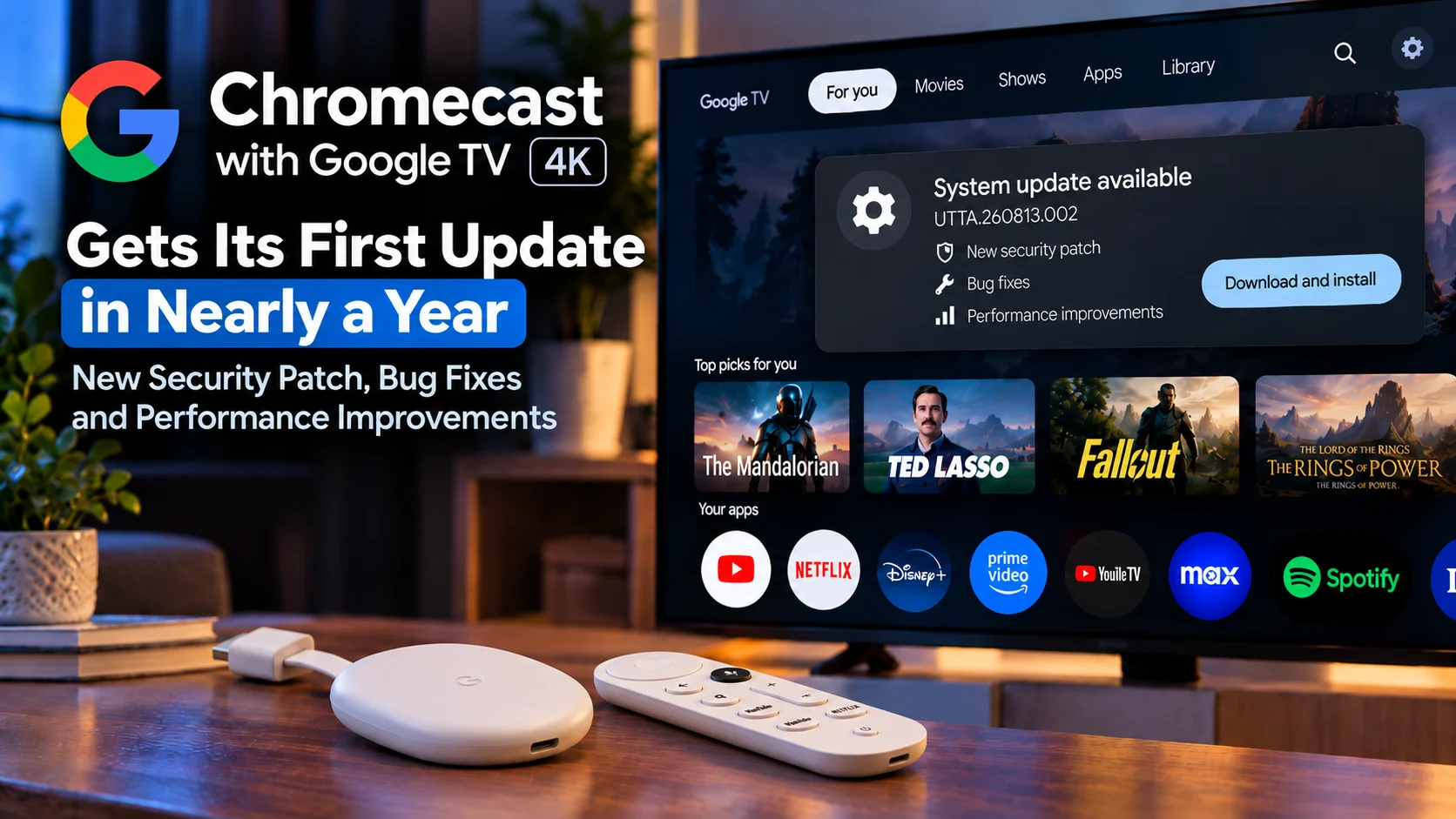
Google has released a new firmware update for the Chromecast with Google TV 4K, giving the older streaming device its first software refresh in nearly a year.
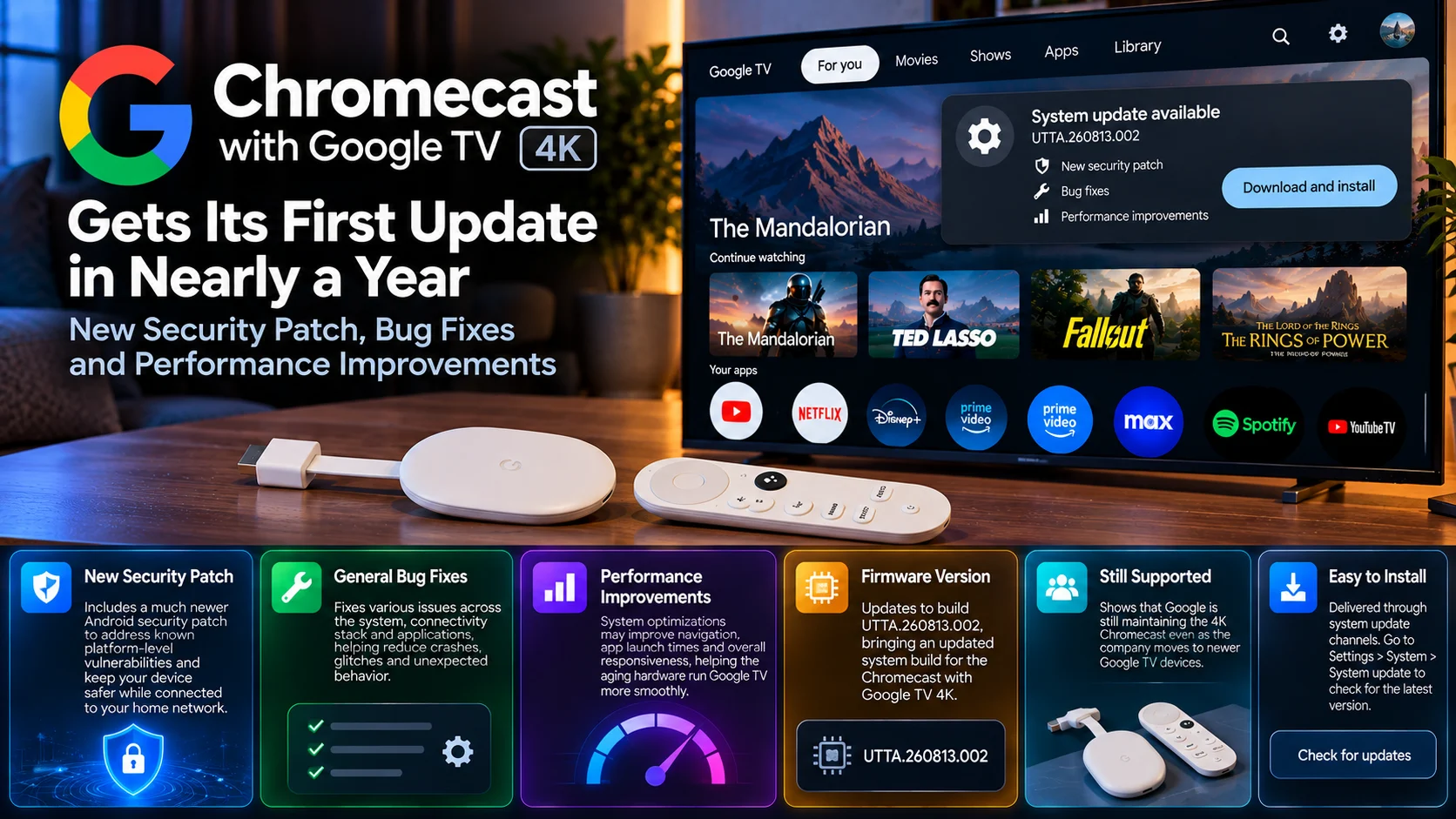
The update moves the 4K Chromecast to firmware build UTTA.260813.002 and brings a significantly newer Android security patch alongside general bug fixes and performance improvements.
For owners of the discontinued Chromecast generation, the update is notable for a simple reason: Google is still maintaining the device even as its hardware strategy has shifted toward the newer Google TV Streamer family.
There are no dramatic interface redesigns, major new apps, or headline entertainment features attached to this release. Instead, the update concentrates on the less visible areas that matter for long-term device reliability: security, stability, responsiveness, and system maintenance. That makes it a practical update rather than an exciting feature release.
For users who continue to rely on Chromecast with Google TV 4K as their primary living-room player, however, continued firmware support is arguably more important than another visual redesign.
Chromecast with Google TV 4K Update at a Glance
| Area | What Changed | Why It Matters |
|---|---|---|
| Firmware | Updated to UTTA.260813.002 | Moves the device onto a newer system build |
| Security | Much newer Android security patch | Addresses known platform-level security issues |
| Stability | General bug fixes included | Helps reduce crashes, glitches, and unexpected behavior |
| Performance | System improvements included | May improve navigation and everyday responsiveness |
| Device Support | 4K Chromecast receives fresh maintenance | Shows continued support for older Google TV hardware |
| Rollout | Firmware distributed through system update channels | Users may receive it gradually depending on device availability |
A Long-Awaited Update for Chromecast with Google TV 4K
Chromecast with Google TV 4K has been on the market long enough that many households now consider it mature hardware.
That maturity has advantages.
The platform is familiar, application support is broad, and most of the major software features have already been established.
The downside is that older streaming devices often receive updates less frequently as manufacturers shift engineering resources toward newer products.
That is why this firmware release stands out.
After a lengthy gap, Google has delivered another system build for the 4K model rather than leaving the device indefinitely on older software.
For owners who have no reason to replace their Chromecast yet, that continued maintenance is valuable.
A streaming player does not need a major feature update every few weeks, but it does need security and stability work throughout its usable life.
The Security Patch Is the Most Important Change
The headline improvement is a much newer Android security patch.
Security updates are easy to overlook on a television because users generally do not store the same volume of sensitive personal information there as they do on a phone or laptop.
A modern streaming device is still a network-connected computer. It connects to Wi-Fi, signs into online services, stores account tokens, communicates with applications, and receives content over the internet.
That makes platform security important. A newer security patch can include fixes for vulnerabilities discovered in Android components and related system software.
Most users will never notice those changes visually. There is no new button to press and no new menu to explore.
But security maintenance helps keep the device safer during continued everyday use.
For older hardware, that is one of the best reasons for a manufacturer to keep delivering firmware.
Why Security Updates Matter on Streaming Devices
Streaming devices are often left connected to a home network continuously.
Even when the television is turned off, the player may remain powered and connected in the background.
It may continue checking for application updates, synchronizing account information, and maintaining network services.
That constant connectivity is convenient, but it also means system software should not remain permanently frozen.
Android security patches are designed to address issues discovered after the operating system was originally shipped.
Updating the patch level helps bring older hardware closer to the security state of more recently maintained Android devices.
The update does not mean the Chromecast suddenly becomes equivalent to a brand-new product in every technical area, but continued security maintenance extends the usefulness of the hardware.
Bug Fixes Target Everyday Reliability
Google also lists general bug fixes as part of the firmware release.
The company has not presented a long feature-by-feature changelog detailing every corrected behavior, so users should not expect a dramatic transformation after installation.
These maintenance updates commonly address issues across the operating system, connectivity stack, application framework, and system services. For the user, the effect can appear in small ways.
An app that previously behaved inconsistently may launch more reliably.
A rare navigation glitch may disappear.
System processes may recover more cleanly after extended use.
None of those changes makes for a flashy marketing feature, but together they can make an older device feel more dependable.
That is especially important for television hardware, which users generally expect to work without requiring regular troubleshooting.
Performance Improvements Could Help Aging Hardware
Performance improvements are another key part of the release.
Chromecast with Google TV 4K was never designed as a high-end gaming computer or workstation.
Its hardware was built around efficient media playback and a television-focused interface.
As applications grow and interfaces become more demanding, optimization becomes increasingly important.
A maintenance release can help by improving system behavior rather than asking older hardware to simply work harder.
Users may notice smoother navigation, fewer pauses when moving through the interface, or improved responsiveness when launching apps.
Actual results can vary depending on installed applications, storage usage, and background processes, but system-level optimization can still make a meaningful difference.
Google TV Has Become More Demanding Over Time
The software environment around Chromecast has evolved substantially since the device originally arrived.
Streaming applications have become larger.
Artwork has become richer.
Recommendations are more dynamic.
More apps run background services.
Google TV itself has continued gaining new interface features and content-discovery elements.
All of that places pressure on older hardware.
A device that felt extremely responsive when new can gradually feel slower even if nothing is physically wrong with it.
This is one reason performance-focused firmware updates matter.
Good optimization helps extend hardware life by reducing the gap between an older processor and increasingly complex software.
The 4K Model Is Still Widely Used
Although Google has moved on to newer streaming hardware, Chromecast with Google TV 4K remains installed in a huge number of homes.
Replacing a streaming device is very different from replacing a smartphone.
If the television interface works, applications still run, and 4K video playback remains reliable, many users have little reason to upgrade.
That means maintenance support can influence whether a product remains useful for years.
A security and stability update gives current owners more confidence that they can continue using the hardware without immediately moving to a newer Google TV device.
For secondary rooms, guest rooms, and less demanding televisions, an older Chromecast may remain perfectly capable.
This Is Not a Major Google TV Feature Upgrade
Users should set expectations appropriately.
This firmware is primarily a maintenance release.
It does not appear to introduce a major Google TV redesign or a collection of new user-facing entertainment features.
That is not necessarily a weakness.
Mature devices often benefit more from stability than from constant feature expansion.
Adding increasingly heavy interface features to older hardware can sometimes make performance worse.
A release focused on security, bugs, and responsiveness is therefore sensible for a device at this stage in its lifecycle.
Users get updated system protection and reliability without forcing the Chromecast into a completely different experience.
Chromecast with Google TV 4K Still Has Strong Core Capabilities
The 4K Chromecast remains capable of handling the fundamental tasks most users bought it for.
It provides access to major streaming applications through Google TV, offers high-resolution video support, integrates with Google services, and includes voice-enabled remote navigation.
It can also run a wide range of Android TV applications, including popular media players and media server clients.
Those capabilities do not disappear simply because newer hardware exists.
For users satisfied with its existing performance, firmware maintenance may be enough to keep the device in service.
The important question is no longer whether it has the newest processor.
It is whether Google continues keeping the software stable and secure enough for normal use.
This update suggests the 4K model has not yet been completely left behind.
What About Chromecast with Google TV HD?
An interesting aspect of this rollout is that the 4K model is the device receiving the highlighted firmware update.
The HD model does not necessarily follow the exact same software schedule.
Although the two devices share the same broader Google TV ecosystem, they use different hardware and can therefore have different builds and update timelines.
Users should not assume that a firmware number intended for the 4K model also applies to the HD version.
The same principle applies when comparing Chromecast hardware with Google’s newer streaming devices.
Google TV is the common platform, but each piece of hardware can have its own firmware branch.
Google TV Streamer Uses a Different Update Track
The newer Google TV Streamer should also be treated separately.
Google’s current streaming hardware uses a different product design and newer internal components, so its firmware does not need to match Chromecast with Google TV.
The fact that the older Chromecast 4K receives an update without an identical Streamer update is therefore not unusual.
Firmware is typically built around specific device hardware.
Different processors, storage systems, network components and system configurations can all require different builds.
What matters to Chromecast owners is that their device is still receiving maintenance.
Should You Install the Update?
For most Chromecast with Google TV 4K owners, installing the firmware makes sense.
Security updates are generally worth taking, particularly when the device has gone a long time without a newer patch.
General bug fixes and performance improvements provide additional reasons to update.
As with any system firmware, users with an unusually customized setup may prefer to wait briefly and observe broader feedback before installing manually.
However, mainstream users are likely better served by remaining on Google’s current supported firmware rather than intentionally staying on an older security build.
The update process should also preserve installed applications and normal Google TV settings.
What to Check After Updating
There is no need for an extensive technical test after installation, but users can pay attention to a few everyday behaviors.
App startup times are worth checking.
Home-screen navigation may feel different.
Users who previously experienced occasional freezes or other glitches can see whether those behaviors continue.
Network stability and video playback are also useful areas to observe.
Because the official change list emphasizes broad maintenance rather than individual feature fixes, improvements may be subtle rather than immediately obvious.
A stable update is often one where the user notices almost nothing except fewer problems.
The Update Extends the Chromecast 4K’s Useful Life
The biggest takeaway from this firmware is not any one bug fix.
It is continued support.
Older streaming hardware often remains technically capable long after manufacturers stop actively promoting it.
Security and system updates help bridge that gap.
Chromecast with Google TV 4K may no longer be Google’s newest living-room hardware, but many users do not need the newest device.
If the apps they use remain compatible and Google continues delivering essential maintenance, the Chromecast can remain useful.
That can be particularly valuable for users who own several units around the house and would otherwise face the cost of replacing them all at once.
Final Thoughts
The latest Chromecast with Google TV 4K update is not designed to reinvent Google’s older streaming device.
Instead, it does something arguably more useful for existing owners: it keeps the hardware maintained.
A newer Android security patch improves the device’s security position after a long update gap.
General bug fixes target reliability.
Performance improvements may help the aging hardware remain responsive as Google TV applications and interfaces continue becoming more demanding.
The update also provides reassurance that the 4K Chromecast has not been completely abandoned simply because Google has moved on to newer streaming hardware.
For users who are happy with their existing Chromecast, there may be no urgent need to replace it.
Continued firmware maintenance can keep the device useful in a main entertainment system, secondary television or spare room for longer.
Sometimes the best update is not one packed with new features.
It is the one that keeps existing hardware secure, stable and working well.
FAQs About the Chromecast with Google TV 4K Update
1) What is the latest Chromecast with Google TV 4K firmware?
The new system build is UTTA.260813.002, bringing a newer security patch along with maintenance improvements.
2) What does the update include?
The main changes are an updated Android security patch, general bug fixes and system performance improvements.
3) Is this a major Google TV redesign?
No. The release is primarily focused on security, stability and performance rather than major new interface features.
4) Why is the security patch important?
A newer patch addresses known Android platform vulnerabilities and helps keep a network-connected streaming device safer during continued use.
5) Will the Chromecast become faster after updating?
Google includes performance improvements, although the amount of noticeable improvement can vary depending on apps, storage usage and individual device conditions.
6) Does the update fix specific bugs?
The release includes general bug fixes, but Google has not provided a detailed public list covering every individual issue addressed.
7) Is the update for Chromecast with Google TV HD too?
The HD model follows its own firmware path, so users should not assume the same 4K firmware build applies to it.
8) Does Google TV Streamer use this same firmware?
No. Newer Google TV hardware has its own system builds and update schedule.
9) Should I replace my Chromecast with Google TV 4K?
Not necessarily. If the device still runs the applications you use and performs reliably, continued security and maintenance updates can make replacement unnecessary.
10)Should I install the new firmware?
For most users, yes. Security, stability and performance updates are generally valuable for a device that remains connected to the internet and home network.
Stay Updated with the Player SDK Guide Hub
Streaming devices depend on more than apps and video codecs. Firmware security, operating-system stability, performance optimization and long-term hardware support all play an important role in the living-room experience.
The Player SDK Guide Hub tracks developments across Chromecast, Google TV, Android TV, Fire TV, Roku, Apple TV, Plex, Jellyfin, Emby, Kodi and modern video-player platforms.
We cover firmware releases, playback fixes, security updates, platform changes and developer-focused improvements to explain what changed, why it matters and what users should watch next.
Follow the Player SDK Guide Hub for the latest streaming-device, media-server and video-player updates.
