Amazon’s Vega SDK 0.24 is one of the most significant updates yet for developers building apps for Vega-powered Fire TV devices.
The release moves Amazon’s development environment toward a much newer React Native foundation with React Native 0.83, introduces mandatory Vega OS 1.2 targeting, upgrades WebView, adds command-line Developer Mode authentication, improves the Vega Virtual Device, and introduces a new accessibility-settings TurboModule.
Amazon currently lists SDK 0.24 as the latest Vega SDK version. The release requires Vega OS 1.2 on compatible Vega Fire TV hardware, while React Native 0.72 remains supported alongside the newer 0.83 runtime.
For streaming-app teams, this is more than a routine SDK refresh. Vega 0.24 changes the React Native development stack, application manifest requirements, debugging workflow, WebView environment, and migration path developers should be planning for future Vega releases.
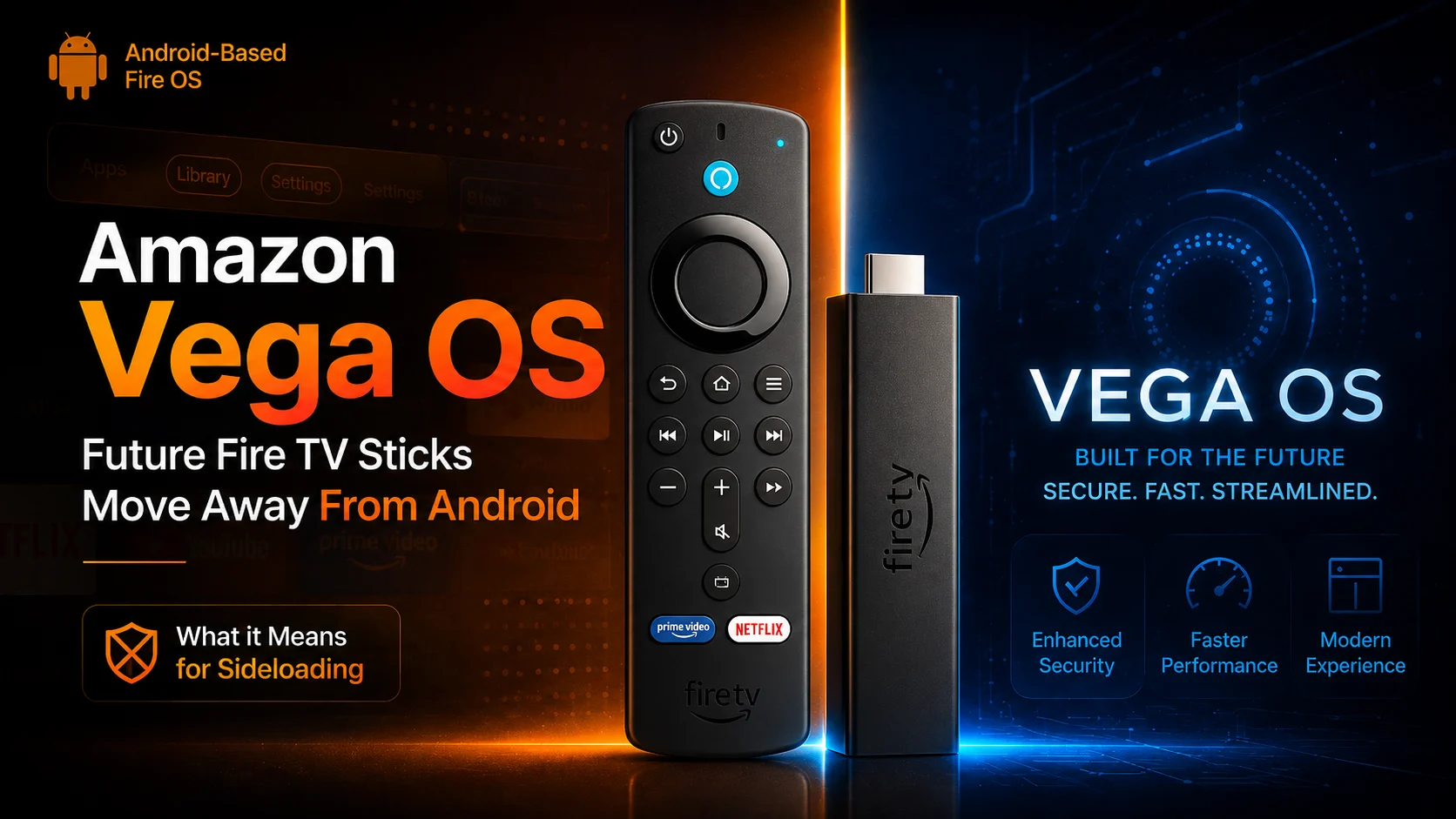
What Is New in Amazon Vega SDK 0.24?
The headline feature is React Native 0.83 for Vega, currently offered by Amazon as an early-access option.
Developers with existing React Native 0.72 Vega projects can begin migrating to the newer runtime, while new Vega applications can start with an updated React Native 0.83 application template. Amazon says React Native 0.72 continues to be supported, so existing projects are not being forced to migrate immediately.
React Native 0.83 brings several architectural and tooling changes relevant to television applications, including React 19, Hermes v1, and Yoga 3.x, newer React Native DevTools, and the Fabric concurrent renderer.
Amazon also says the newer environment brings density-independent pixels for more consistent UI sizing across display densities and additional styling capabilities such as boxShadow and filter.
The result is a considerably more modern foundation for developers targeting Vega-powered Fire TV hardware.
Vega SDK 0.24 Changes at a Glance
| Vega SDK 0.24 Change | What developer Get | Why It Matters |
|---|---|---|
| React Native 0.83 | New React Native runtime alongside 0.72 | Modern framework, tooling and rendering architecture |
| Vega OS 1.2 | Required OS target and minimum declaration | Clearer app/device compatibility |
| Developer Mode CLI | vega devmode login authentication | Faster device-development setup |
| WebView 4.0.x | Chromium 144-based WebView for RN 0.83 | Updated web and media capabilities |
| Accessibility TurboModule | Runtime access to system accessibility settings | Better caption and accessibility integration |
| Vega Virtual Device improvements | UI dumps, text copy/paste and parental controls | Better local debugging and testing |
| Media fixes | Debug playback and WebView video fixes | More reliable streaming-app development |
| RN 0.83 migration tooling | Updated samples and migration documentation | Easier transition from RN 0.72 |
React Native 0.83 Is the Biggest Change
The transition to React Native 0.83 is the central story behind Vega SDK 0.24.
Amazon's Vega platform previously centered on React Native 0.72. SDK 0.24 adds the newer runtime while allowing developers to determine when their applications are ready to migrate.
That distinction matters.
Large streaming applications frequently depend on navigation libraries, custom native modules, media-player integrations, analytics SDKs, authentication components, and other third-party dependencies. Migrating between major React Native generations therefore requires more testing than simply changing a version number.
Amazon has published dedicated migration guidance and refreshed reference applications for RN 0.83 to give teams working examples of the newer architecture. Library developers also need to pay attention to dependency configuration, because Amazon recommends using it peerDependencies for Vega runtime dependencies to prevent conflicting React Native module versions.
Amazon’s current compatibility documentation shows that Vega OS 1.2 supports both RN 0.72 and RN 0.83, giving development teams a transition period rather than an immediate forced migration.
React 19, Hermes, and Fabric Modernize the Vega Stack
React Native 0.83 introduces several underlying technologies that could influence application development.
React 19 and the React Compiler are part of the new environment, while Hermes v1 provides the JavaScript runtime. Amazon also highlights faster startup and runtime improvements from the updated stack.
The Fabric concurrent renderer is enabled by default, which is particularly interesting for TV applications.
Connected-TV interfaces often contain large carousels, horizontally scrolling rows, focus animations, artwork grids, and multiple layers of dynamic content. Rendering improvements can therefore have a visible impact on navigation smoothness.
Amazon also cites a substantially faster Metro bundler startup in the newer React Native environment, which should primarily benefit developer iteration rather than end users.
Teams should still benchmark their own applications rather than assuming every performance improvement will translate directly to production.
Vega OS 1.2 Is Now an Explicit Requirement
SDK 0.24 also introduces a significant manifest requirement.
Applications must now declare their Vega OS minimum and target versions in the manifest. toml. For SDK 0.24, Amazon says both values should currently be set to 1.2.
The resulting configuration identifies which Vega OS version an application requires and which version it has been tested against.
Amazon provides the following CLI workflow for updating an existing project:
vega project update-manifest --os-min 1.2 --os-version 1.2
From SDK 0.24 onward, builds can fail if the [os.version] section is missing. Amazon's documentation also explains that RN 0.83 cannot target an OS minimum lower than 1.2 because earlier Vega OS releases do not contain that runtime.
This distinction between SDK version and OS version is important. The Vega SDK represents the local development toolchain, while the OS target describes the device environment an application supports.
Developer Mode Can Now Be Authenticated from the CLI
Another practical improvement is a streamlined Developer Mode setup.
Vega SDK 0.24 allows developers to authenticate a device through the command line using:
Vega DevMode login
The authentication workflow opens the Amazon sign-in process and can associate the device with the developer’s organization. This reduces dependence on manually managing development access through a separate portal workflow.
It is not a flashy consumer feature, but changes like this can substantially improve everyday developer experience.
Teams repeatedly setting up development hardware, testing across multiple devices, or onboarding engineers should benefit from a more direct CLI-based workflow.
Vega Virtual Device Becomes More Useful
The Vega Virtual Device, Amazon’s local virtual environment for Vega app development, also receives important improvements.
Developers can now copy and paste text into the VVD and dump rendered UI contents. Amazon supports both a text-oriented representation and a more complete view hierarchy that can be saved on the host computer.
That should make diagnosing TV-specific problems such as incorrect focus placement, missing labels, and layout hierarchy issues easier.
The virtual device now also supports Parental Controls integration, allowing developers to exercise related app behavior without always needing a physical Fire TV device.
For larger streaming teams, better virtual-device capabilities can also make automated testing and local development more practical.
WebView 4.0 Brings Chromium 144 to RN 0.83
Web-based experiences receive a major update too.
Vega SDK 0.24 supports WebView 4.0.x for React Native 0.83, with Amazon's release documentation listing version 4.0.2 and a foundation based on Chromium 144. RN 0.72 continues using the older WebView 3.5.7 line.
WebView 4 adds newer web capabilities, including JavaScript alert support and the Web Audio API, while changing security behavior around cleartext HTTP.
The update also fixes several media-related issues. Amazon reports corrections for incorrectly fitted live video, protected-media playback, video resizing after scrolling, video or audio freezing after multiple ads, Service Worker registration problems, and blank screens during Bluetooth audio transitions.
These fixes make WebView 4.0 especially relevant to media applications that mix native React Native interfaces with embedded web experiences.
Accessibility Gets a Dedicated TurboModule
Accessibility receives a more direct integration in SDK 0.24.
Amazon introduced it, which gives applications programmatic access to system accessibility settings. Apps can query settings such as closed-caption font, foreground color, and background styling and use those preferences when rendering their own interfaces.
This matters because accessibility should ideally remain consistent across the entire viewing experience.
If a viewer has selected a particular caption presentation at the system level, an application that can respect those preferences provides a more cohesive experience than one using completely independent defaults. Reading accessibility settings is available to applications, while modifying system values requires additional runtime privileges.
Media Playback Fixes Are Important for Streaming Teams
SDK 0.24 contains several fixes that directly affect media developers.
Amazon says debug versions of some media applications could previously hang at loading or produce audio while leaving the video surface blank. The problem was connected to differences in event-name normalization between React Native 0.72 and 0.83.
The media library has been updated to dispatch events under both conventions, restoring the video surface without requiring application code changes in affected scenarios.
Teams migrating to RN 0.83 should still perform complete playback testing.
Amazon's migration verification guide specifically recommends checking application launch, navigation, animations, focus behavior, media playback, and API calls after migration.
For TV development, focus and playback testing are especially important because issues may not reproduce the same way on a desktop simulator or phone-oriented environment.
Developers Should Review the Known Issues
React Native 0.83 support is still early access, and SDK 0.24 has several documented limitations.
Chrome DevTools is not supported for RN 0.83 projects; Amazon instructs developers to use the newer React Native DevTools instead. Cookie-manager support is also incomplete in this release, and some React Navigation scenarios have minor visual problems.
Several Expo-derived Vega libraries have not yet been stabilized for RN 0.83, so teams depending on those packages may need to remain on RN 0.72 until support improves.
That is why Amazon describes migration as something developers should begin planning rather than an immediate requirement for every existing application.
Intel Mac Developers Also Have a Deadline
Vega SDK 0.24 is the final SDK release supporting Intel-based Macs.
Amazon says Intel macOS x86_64 support reaches end of life on December 15, 2026. Development environments and CI pipelines that still depend on Intel macOS runners will need to move to Apple Silicon or a supported Ubuntu x86_64 environment to continue receiving future SDK updates and tested builds.
This is easy to overlook, but it can become a significant CI/CD issue for teams with older build infrastructure.
What Vega SDK 0.24 Means for Fire TV Development
Vega SDK 0.24 shows Amazon continuing to mature its newer Fire TV application platform.
The biggest shift is not one isolated API. It is the combination of a newer React Native runtime, explicit OS targeting, improved debugging, stronger virtual-device tools, updated WebView technology, and clearer migration infrastructure.
Amazon is also beginning to deprecate experimental APIs as Vega moves toward the next stage beyond its current Open Beta documentation. Developers using experimental interfaces should therefore start identifying dependencies that may need replacement in future SDK versions.
For development teams, SDK 0.24 should be treated as an opportunity to begin compatibility testing rather than as a reason to rush every production app onto RN 0.83 immediately.
Final Thoughts
Amazon Vega SDK 0.24 represents an important step forward for Vega-based Fire TV development.
React Native 0.83 modernizes the application foundation, while Vega OS 1.2 introduces a clearer compatibility model. WebView 4.0, CLI-based Developer Mode authentication, improved virtual-device inspection, accessibility APIs, and playback fixes address several practical areas of day-to-day development.
The update also creates a clear migration period.
React Native 0.72 remains available, giving teams time to validate their libraries and applications before adopting the newer runtime. But with older WebView support heading toward deprecation and Intel Mac support approaching end of life, developers should begin planning their next development environment now.
For streaming-app teams targeting Amazon’s evolving Fire TV ecosystem, Vega SDK 0.24 is an update worth testing closely.
FAQs About Amazon Vega SDK 0.24
1) What is Amazon Vega SDK 0.24?
Vega SDK 0.24 is Amazon's latest Vega development toolkit. It introduces React Native 0.83 early access, Vega OS 1.2 targeting, WebView 4.0.x, CLI Developer Mode authentication, improved virtual-device tools, and new accessibility APIs.
2) Does Vega SDK 0.24 require React Native 0.83?
No. Amazon continues to support React Native 0.72. Developers can migrate to RN 0.83 when their applications and dependencies are ready.
3) Which Vega OS version does SDK 0.24 target?
The current SDK requires applications to declare Vega OS 1.2 as both the minimum and target OS version.
4) What command enables Developer Mode authentication?
Developers can authenticate through the Vega CLI.
5) What WebView version is included for React Native 0.83?
Vega SDK 0.24 provides the WebView 4.0.x line for RN 0.83, currently documented as version 4.0.2 and based on Chromium 144.
6) Should existing Vega apps move to React Native 0.83 immediately?
Not necessarily. Amazon recommends beginning migration planning, while RN 0.72 remains supported. Teams should first verify dependencies, navigation, playback, and device behavior.
7) Does SDK 0.24 still support Intel Macs?
Yes, but only temporarily. SDK 0.24 is the final release supporting Intel macOS, with Amazon setting December 15, 2026, as the end-of-life date.
Stay Updated with the Player SDK Guide Hub
The connected-TV development landscape is changing quickly, and SDK changes can affect everything from media playback and navigation to build systems, operating-system compatibility, and application publishing.
The Player SDK Guide Hub tracks the latest developments across Fire TV, Vega OS, Google TV, Android TV, Roku, Apple TV, Android Media3, ExoPlayer, Plex, Kodi, VLC, and other media-player platforms.
We break down release notes, SDK upgrades, operating-system changes, playback improvements, developer APIs, and hardware updates to explain what changed, which devices and applications are affected, why it matters, and what streaming and development teams should test next.
Explore the Player SDK Guide Hub for the latest streaming-device release notes, player SDK updates, and practical developer insights.
