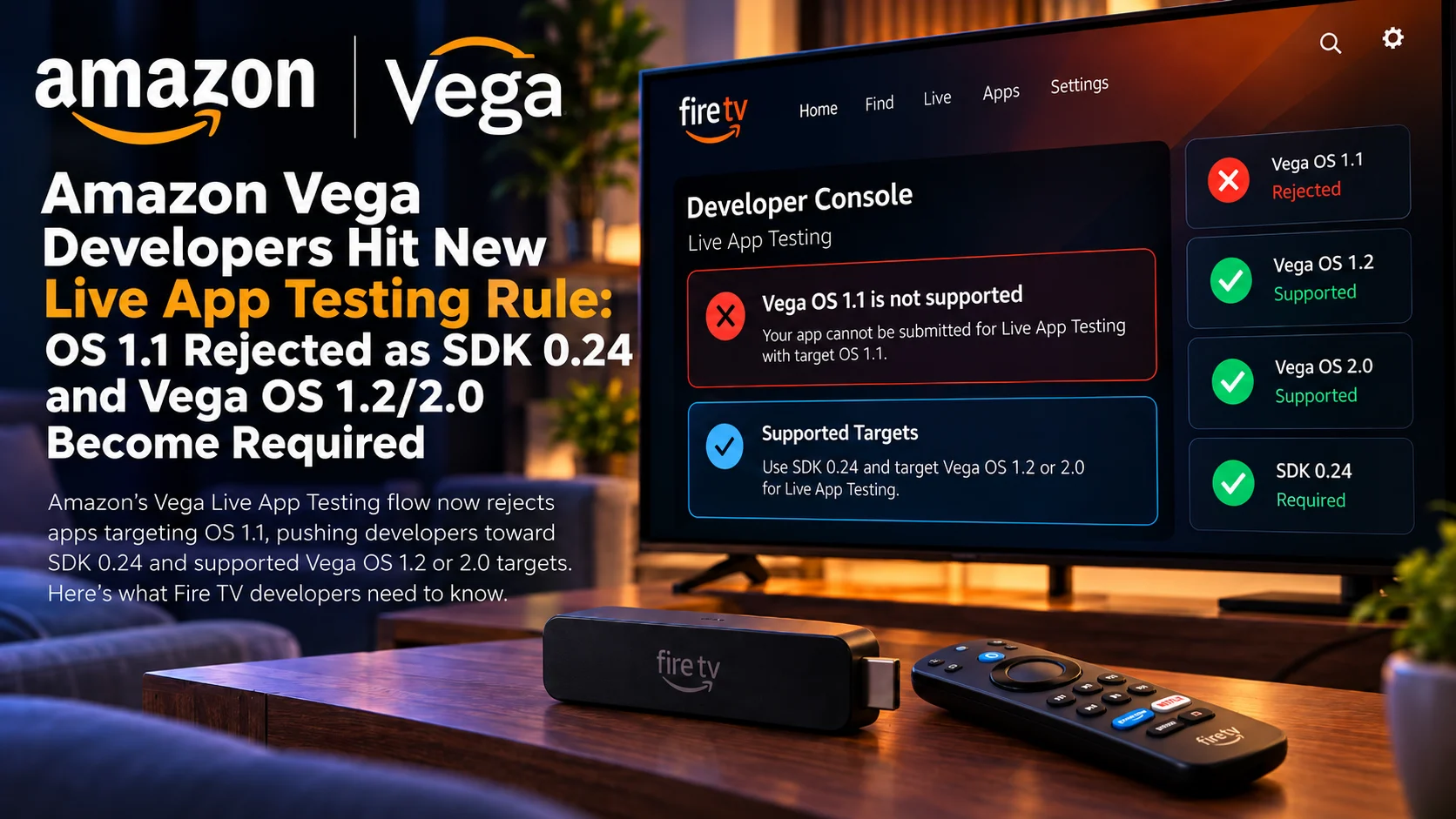
Amazon is tightening the testing requirements around its Vega application ecosystem, and developers preparing Fire TV apps for Live App Testing now need to pay close attention to the operating-system version targeted by their packages.
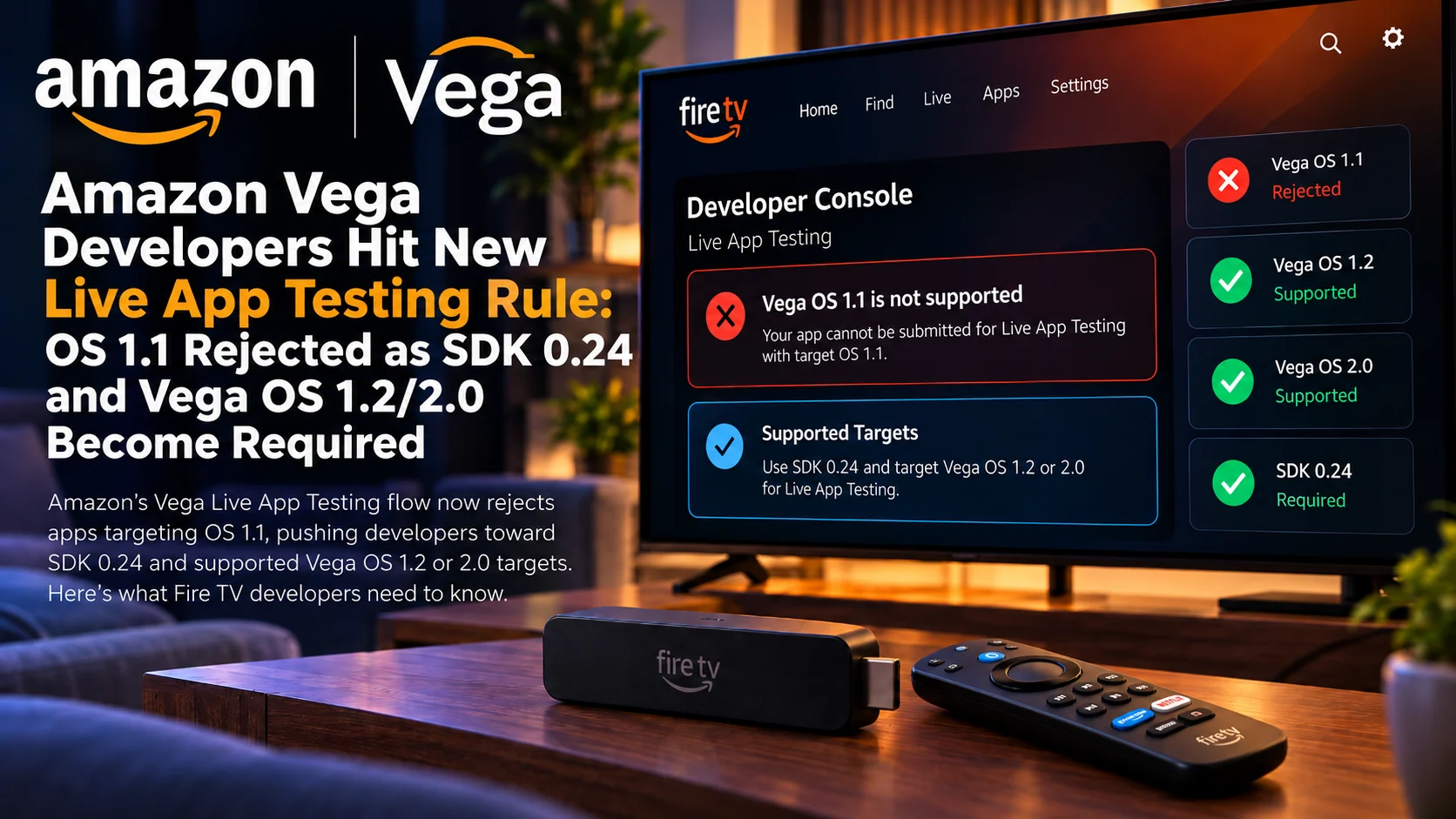
The key change is straightforward: applications targeting Vega OS 1.1 are no longer accepted by the current Live App Testing validation flow. Developers are being pushed toward newer supported targets, particularly Vega OS 1.2 and Vega OS 2.0, while the latest development workflow also centers around Vega SDK 0.24. For teams that have been building Vega applications since the platform’s earlier releases, this can cause unexpected submission failures.
An application may still build correctly in a local environment. It may even run on an older development device. But when the package is uploaded to Live App Testing, Amazon’s validator can reject it because the declared Vega target is no longer considered acceptable for the current testing pipeline. That makes this more than a simple SDK update.
It affects manifests, build tooling, development-device strategy, CI/CD pipelines, and the assumptions developers make about which Vega OS versions are safe to target.
Amazon Vega Live App Testing Change at a Glance
| Area | Previous version | Current Developer Requirement |
|---|---|---|
| Vega OS 1.1 target | Previously usable in earlier development workflows | No longer accepted by current Live App Testing validation |
| Vega OS 1.2 | Newer supported Vega target | Accepted for current testing workflows |
| Vega OS 2.0 | Latest major Vega target family | Vega OS 1.1 target Previously usable in earlier development workflows No longer accepted by current Live App Testing validation Vega OS 1.2 Newer supported Vega target Accepted for current testing workflows Vega OS 2.0 Latest major Vega target family Accepted for current testing workflows Vega SDK Older SDKs may still build existing projects SDK 0.24 is the important baseline for updated Vega tooling App manifest Older OS target values may remain in existing projects Developers should review and update target-version declarations Live App Testing Package upload could previously succeed with older configuration Validator now checks supported Vega target versions more strictly Development devices Older hardware may still run earlier Vega builds Device OS and package target must be considered separately CI/CD Existing automated builds may still produce legacy-target packages Pipelines should be updated to use current SDK and manifest settings |
| Vega SDK | Older SDKs may still build existing projects | SDK 0.24 is the important baseline for updated Vega tooling |
| App manifest | Older OS target values may remain in existing projects | Developers should review and update target-version declarations |
| Live App Testing | Package upload could previously succeed with older configuration | Validator now checks supported Vega target versions more strictly |
| Development devices | Older hardware may still run earlier Vega builds | Device OS and package target must be considered separately |
| CI/CD | Existing automated builds may still produce legacy-target packages | Pipelines should be updated to use current SDK and manifest settings |
Why Vega OS 1.1 Is Now a Problem
Vega OS is evolving quickly. That creates a challenge for developers because software written during an earlier stage of the platform can remain structurally valid while targeting an operating-system version that Amazon no longer wants distributed through its current testing systems.
Vega OS 1.1 is now one of those legacy targets.
The important distinction is between whether an app can technically run and whether Amazon’s Live App Testing system will accept the package.
A developer may have an internal device running Vega OS 1.1. A project built months earlier may still compile. Local installation might also continue to work in some environments. None of that guarantees that the same package will pass Amazon’s server-side validator.
Live app testing evaluates the package according to current platform rules. If the manifest advertises an unsupported or retired target, the upload can fail before testers ever receive the application.
This Is Primarily a Manifest and Tooling Issue
For many projects, the first place developers should look is the application manifest. The manifest tells the Vega platform important information about the package, including the operating-system environment the application expects.
Projects created using older tooling can retain values that were correct when development began but are no longer appropriate. That means upgrading the SDK alone may not automatically solve the problem.
A development team can install Vega SDK 0.24 and still generate an invalid Live App Testing package if the project continues declaring Vega OS 1.1 in its configuration. The safest approach is to treat the upgrade as a complete project audit.
Review the SDK version, build configuration, target OS, manifest generation, and output package rather than assuming one tooling update changes everything automatically.
Why Vega SDK 0.24 Matters
Vega SDK 0.24 is important because Amazon’s newer tooling is designed around the current Vega platform generations. For developers, the SDK is more than a collection of APIs.
It controls parts of the build process, project tooling, React Native integration, packaging, and how app metadata is prepared for Vega devices.
When platform validation rules move forward, older SDKs can leave teams producing packages shaped around assumptions that are no longer current.
Using SDK 0.24 helps align the local build environment with the expectations of newer Vega OS versions. This is especially important for teams maintaining projects that began on much earlier Vega SDK releases.
A build system that has not been updated in months may still appear stable because existing developers have not changed anything. The problem only becomes visible when a new package is sent to Amazon’s current validation pipeline.
Vega OS 1.2 Becomes the Practical Minimum Target
For applications that do not specifically require Vega OS 2.0, Vega OS 1.2 becomes the important supported target.
That does not necessarily mean every application must immediately move all code and features to a Vega OS 2.0-only implementation.
Instead, developers need to select a target that remains valid within Amazon’s testing and distribution ecosystem.
For many existing Vega applications, moving from 1.1 to 1.2 may be the least disruptive migration.
Even a small target-version change, however, should still be tested thoroughly.
Operating-system changes can affect lifecycle behavior, WebView or media integration, focus handling, networking, storage, React Native components, and device capabilities. A package successfully passing validation is only the first step. It still needs to behave correctly on actual Vega hardware.
Vega OS 2.0 Is Also Part of the Supported Path
Vega OS 2.0 represents the newer platform generation and is also part of Amazon’s accepted Live App Testing direction.
Teams building new applications should therefore consider whether targeting 2.0 makes more sense than maintaining compatibility with 1.2.
The decision depends on the device audience and application requirements. A streaming service supporting multiple Vega hardware generations may want the widest realistic compatibility.
A newer app targeting specific hardware may prefer newer OS capabilities. The important point is that developers should make this decision intentionally. Leaving an old 1.1 target in the project simply because it has always been there is no longer a safe strategy.
Live App Testing Is an Important Gate Before Production
Amazon’s Live App Testing environment gives developers a way to distribute near-production builds to selected testers before wider release.
For streaming applications, this is particularly valuable.
A video app can behave correctly in a simulator while exposing completely different problems on a real television.
Remote focus can break. DRM sessions can fail. Player startup may behave differently. Memory consumption can rise after long playback sessions. Authentication or deep linking may behave differently in the production-like environment.
Because Live App Testing sits between local development and public distribution, a validation failure effectively blocks that important testing stage. That is why teams should update their Vega target before an urgent release reaches QA.
Existing Vega Projects Are Most at Risk
Brand-new projects created with current tools are less likely to hit the problem. Older projects are where the risk is highest. A team may have created its Vega application around OS 1.1, completed initial integration, and then spent months focusing on features. During that period, the project’s target configuration may never have changed.
When the team eventually creates another live app testing build, the validator suddenly rejects a package that was previously uploaded successfully.
That can be confusing because the application code itself may not have changed in any relevant way. The failure comes from the surrounding platform rules. For long-running projects, platform metadata therefore needs the same maintenance attention as player code and UI code.
CI/CD Pipelines Need to Be Updated Too
Large streaming services often generate television builds through automated pipelines rather than a developer laptop.
That means fixing one local environment is not enough. A CI server may still contain an older Vega SDK. A Docker image may have been pinned to an earlier toolchain.
A manifest template may hard-code the Vega OS 1.1 target. If any of those remain unchanged, automated builds can continue producing packages that Live App Testing rejects.
Teams should verify the entire pipeline from source code to final VPKG output. This includes build agents, dependency versions, environment variables, manifest transforms, and release scripts. The goal is to ensure that every build environment produces the same current, valid package.
Development Hardware Can Create Confusion
Vega developers also need to distinguish between the OS installed on their development device and the OS version their application declares as its target.
These are related but not identical. An older development device may continue running an earlier Vega OS environment. That can be useful for compatibility testing, but it does not mean an application should continue targeting a version no longer supported by Live App Testing.
Conversely, updating the manifest does not automatically update the operating system on every physical development device. For proper QA, teams should keep a clear inventory showing which devices run Vega OS 1.2, which run Vega OS 2.0, and what target each application build uses.
Without that information, a failed test can easily be misdiagnosed as an application regression when it is actually a platform-version mismatch.
Streaming Apps Should Retest Playback After Migration
Changing the target operating system should trigger a playback regression pass. Streaming applications depend on a wide chain of platform components.
The app needs to initialize correctly, obtain media metadata, negotiate DRM, start the player, handle remote events, display subtitles, switch audio tracks, and recover from network interruptions.
Even if none of the application’s own media code changes, moving to a newer Vega target can expose differences in those underlying components.
At minimum, teams should retest cold startup, video start time, pause/resume, seeking, subtitles, audio-track selection, DRM content, 4K playback, HDR where applicable, background/foreground transitions, and long viewing sessions. That is especially important for apps moving directly from an older 1.1-focused development environment to Vega OS 2.0.
React Native for Vega Teams Should Review Dependencies
Vega application development is closely tied to Amazon’s React Native-based stack. That means SDK migration can also expose dependency issues.
A third-party React Native package may depend on behavior that changed between SDK releases. A custom native module may need rebuilding.
Focus management may behave differently. Build scripts created for an earlier React Native environment can also become outdated. Developers should therefore review package dependencies instead of treating SDK 0.24 as a drop-in compiler update. The more customized the application is, the more important this audit becomes.
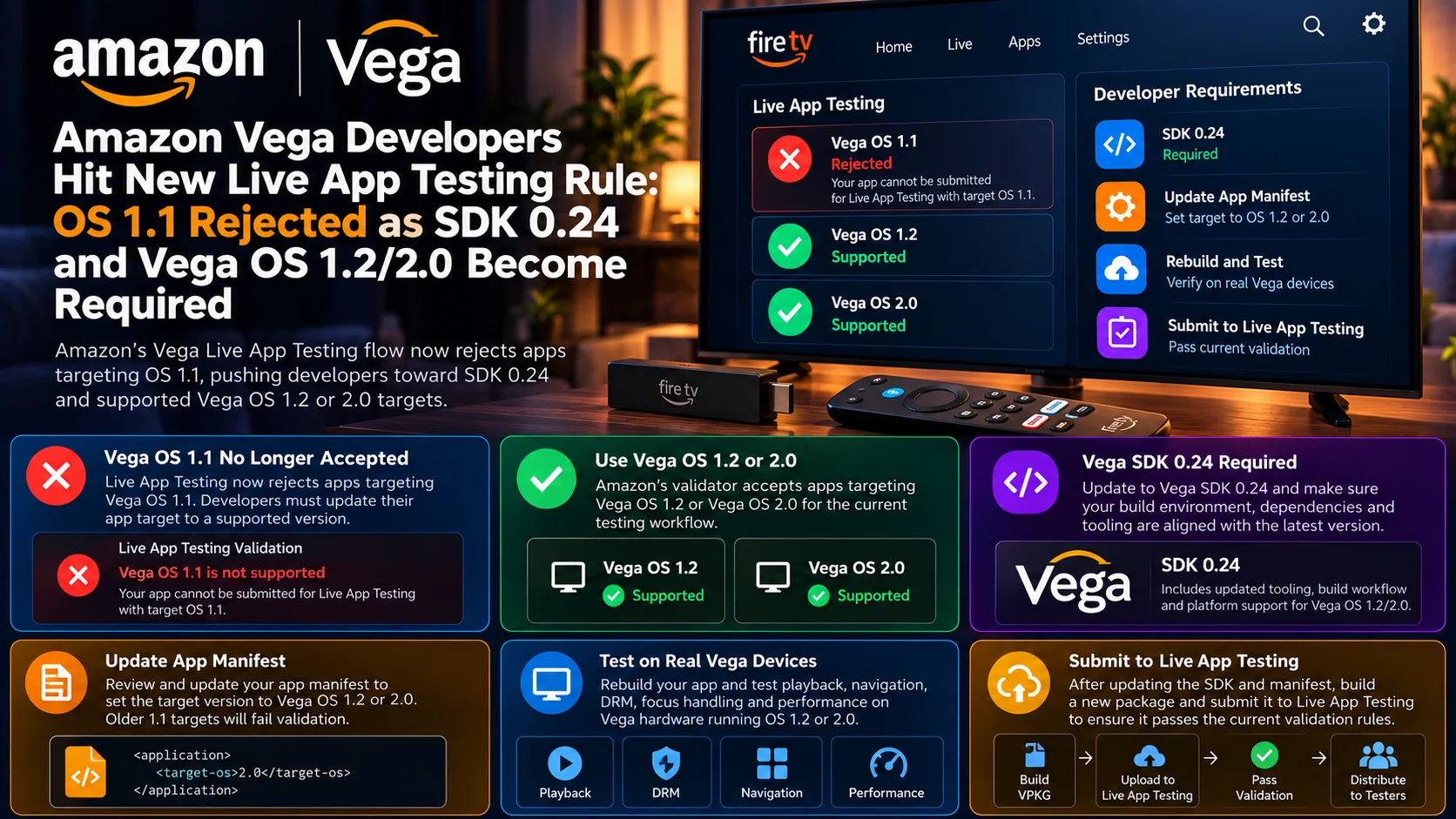
What Developers Should Do Before Their Next Upload
The migration process does not need to be complicated, but it should be systematic. First, confirm the Vega SDK used by both local and automated build environments.
Then review the app manifest and make sure the target is no longer Vega OS 1.1.Choose Vega OS 1.2 or 2.0 according to the application’s compatibility strategy.
After rebuilding, test the resulting package on representative physical devices before submitting it to Live App Testing.
Finally, document the change so future developers do not accidentally revert the project to an obsolete target through an older branch or build template.
Why Amazon Is Tightening Target Versions
Platform owners eventually need to stop supporting old application targets. Maintaining too many OS generations increases testing complexity and can prevent newer APIs from becoming reliable platform standards.
For Amazon, moving Live App Testing toward Vega OS 1.2 and 2.0 allows the development ecosystem to converge around more current platform behavior.
That should make validation more predictable over time. The trade-off is additional work for teams that adopted Vega early. Early developers naturally accumulate older manifests, scripts and testing hardware.
As the platform matures, some of that infrastructure needs to be refreshed. The current Live App Testing rule is a clear signal that Vega has reached another point in that transition.
Final Thoughts
Amazon’s new Live App Testing behavior is an important transition point for the Vega developer ecosystem. The problem is not that Vega OS 1.1 applications suddenly stop containing valid code.
The issue is that OS 1.1 is no longer an accepted target for Amazon’s current Live App Testing workflow. That means developers need to move their projects forward.
For most teams, the practical path is to adopt Vega SDK 0.24, review manifest generation and target Vega OS 1.2 or Vega OS 2.0 depending on device requirements.
The change also highlights an important lesson for streaming-platform development: application code is only one part of release readiness.
SDK versions, operating-system targets, development devices, build pipelines and platform validators can all determine whether an app reaches testers.
Teams that update those pieces now should avoid a much more disruptive situation later when an urgent production release is blocked by an outdated Vega configuration.
FAQs About the New Vega Live App Testing Rule
1) Why is my Vega OS 1.1 application being rejected?
The current Live App Testing validator no longer accepts Vega OS 1.1 as a valid target. Developers need to move the app to a supported target such as Vega OS 1.2 or 2.0.
2) Do I need Vega SDK 0.24?
SDK 0.24 is the important current toolchain for projects moving to the newer Vega platform requirements and updated manifest workflow.
3) Can I simply change 1.1 to 1.2 in the manifest?
The target value needs to be updated, but developers should also rebuild and run full regression tests. OS-target changes can expose differences in APIs, dependencies and playback behavior.
4) Is Vega OS 2.0 mandatory for every app?
No. The current Live App Testing path accepts newer supported targets including Vega OS 1.2 and Vega OS 2.0. The appropriate choice depends on the application’s hardware and compatibility strategy.
5) Can an older development device still run my app?
Possibly, depending on the device and application. However, local device compatibility does not guarantee that an OS 1.1-targeted package will pass Live App Testing validation.
6) Why does the app build successfully but fail during upload?
Local compilation checks whether the project can be built. Live App Testing performs additional server-side validation, including whether the package targets an accepted Vega OS version.
7) Should CI/CD pipelines be updated?
Yes. Build agents, SDK versions, manifest templates and release scripts should all be reviewed to ensure automated builds do not continue generating Vega OS 1.1 packages.
8) Should streaming apps retest video playback after upgrading?
Yes. Developers should test playback startup, DRM, seeking, subtitles, audio tracks, HDR, lifecycle behavior and long playback sessions on representative Vega hardware.
Stay Updated with the Player SDK Guide Hub
Streaming-platform development changes quickly as operating systems, SDKs, certification requirements and player APIs evolve.
The Player SDK Guide Hub tracks developments across Amazon Vega OS, Fire TV, Android TV, Google TV, Roku, Apple TV, Samsung Tizen, LG webOS, Media3, ExoPlayer, Plex, Jellyfin and other streaming platforms.
We cover SDK updates, certification changes, player releases, device requirements and playback regressions to explain what changed, why it matters and what streaming-development teams should test next.
Explore the Player SDK Guide Hub for the latest Vega OS, Fire TV and streaming-app development updates.
