Purple Player Pro
Complete PlayerSDK Setup Guide for Beginners
Learn how to install, configure, organize playlists, enable subtitles, optimize playback quality, and personalize PlayerSDK for the best streaming experience.
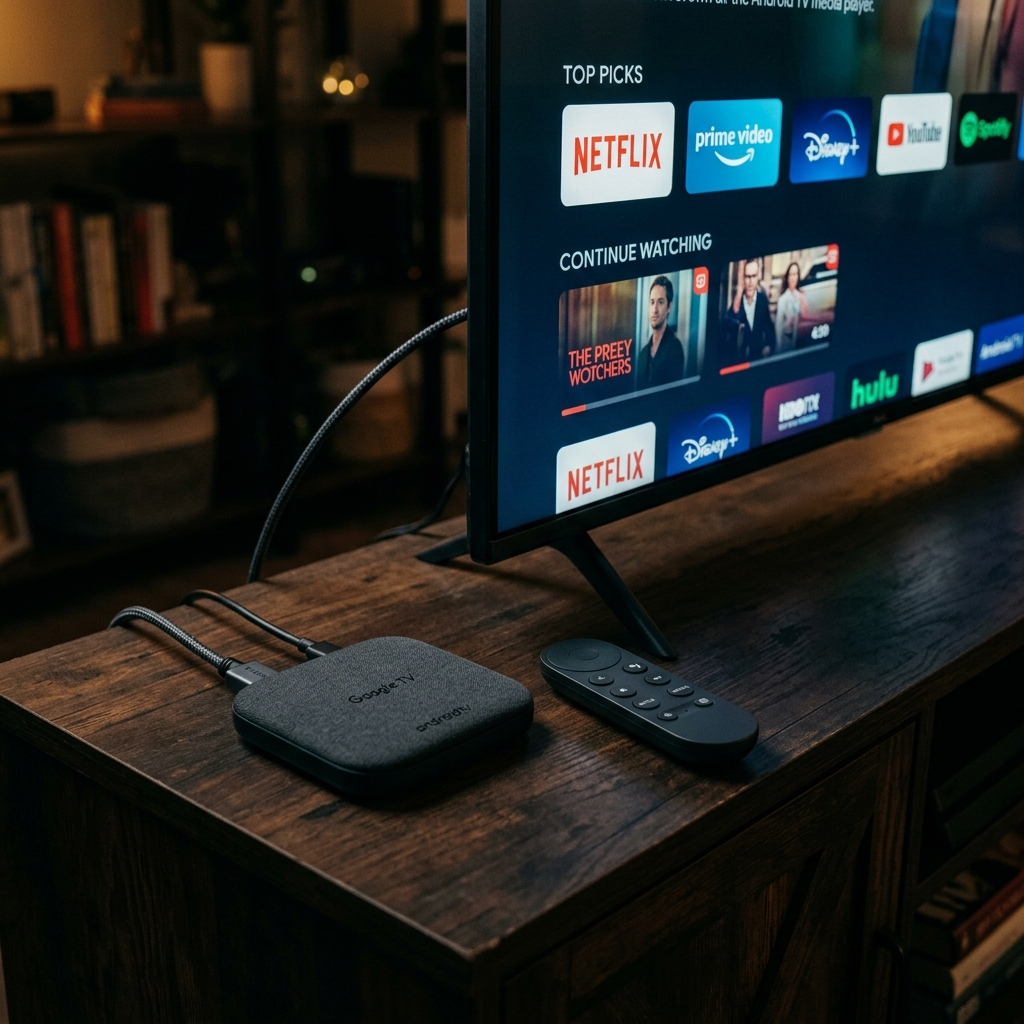
Explore step-by-step installation guides, setup tutorials, troubleshooting tips, hidden features, performance optimization, and expert walkthroughs for every major media player and streaming device.
Start with our most popular installation guides, setup tutorials, optimization tips, and troubleshooting articles trusted by thousands of users.
Learn how to install, configure, organize playlists, enable subtitles, optimize playback quality, and personalize PlayerSDK for the best streaming experience.
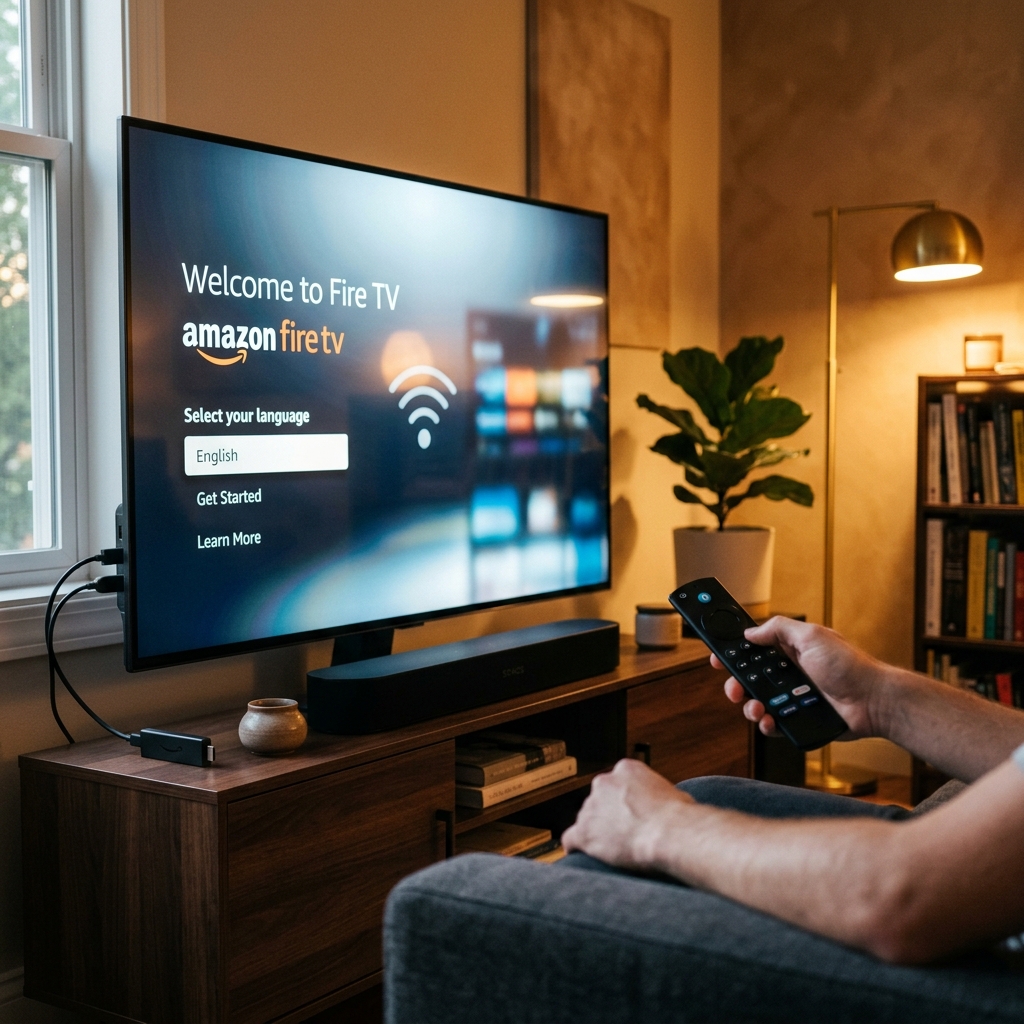
Choose your device to explore installation guides, setup tutorials, troubleshooting articles, optimization tips, and advanced PlayerSDK features designed specifically for your platform.
Installation, IPTV setup, optimization, troubleshooting, and advanced features.
Explore TutorialsSideload PlayerSDK, configure settings, and improve streaming performance.
Explore TutorialsAndroid and iPhone setup guides, streaming tips, and mobile features.
Explore TutorialsExplore the guides our community reads the most. From installation and setup to troubleshooting and advanced features, these tutorials are trusted by thousands of users.
A comprehensive guide covering installation, initial setup, playlist configuration, subtitle settings, playback optimization, and essential tips for all supported devices.
Read Full Guide
Discover advanced tutorials, optimization techniques, downloadable resources, and expert recommendations to maximize your PlayerSDK experience.
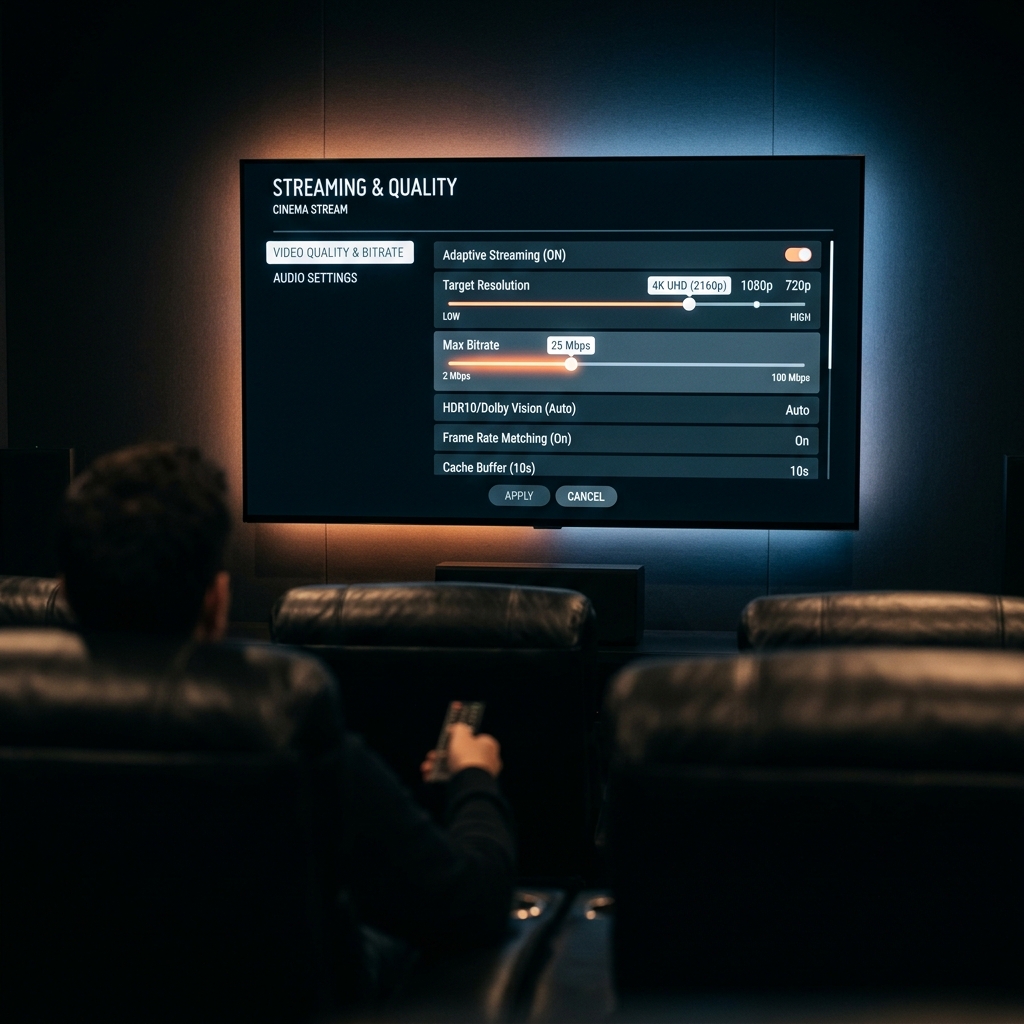
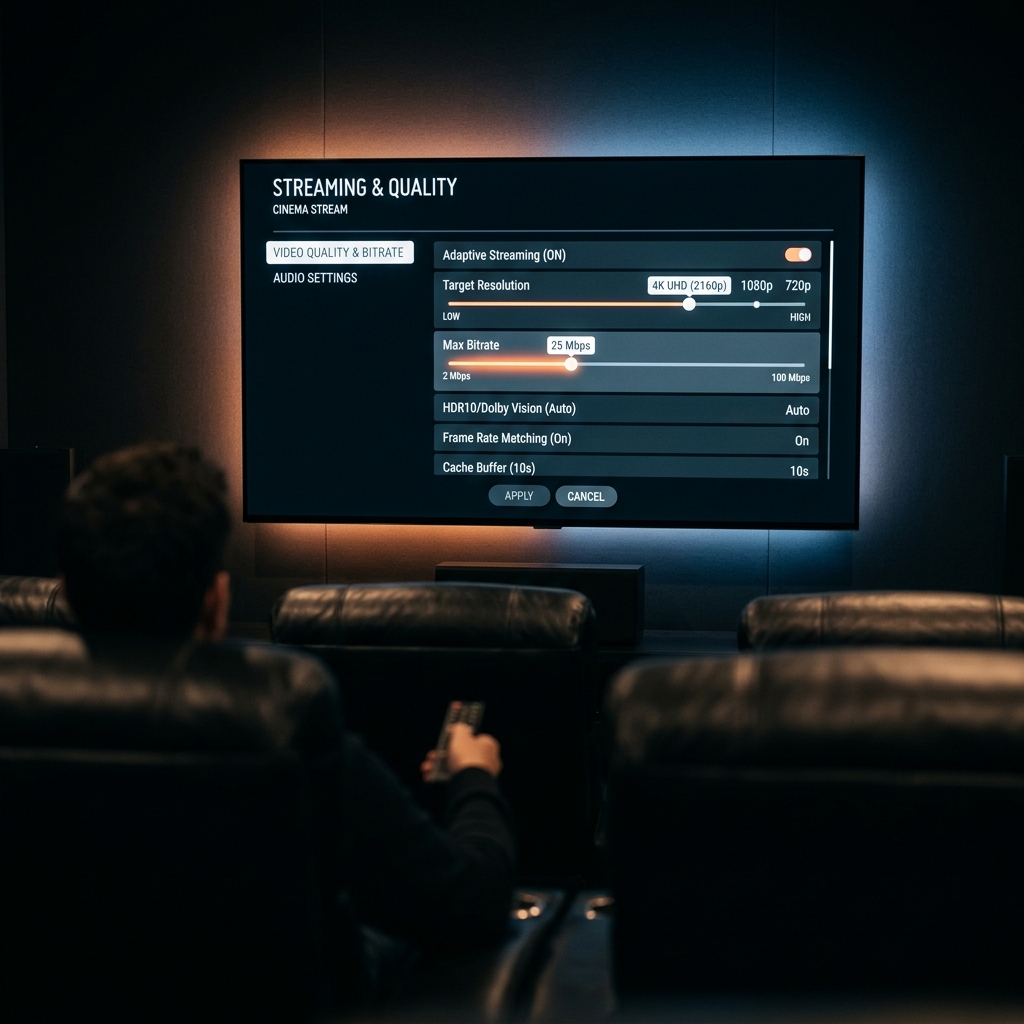
Learn advanced playback settings, hardware acceleration, network optimization, subtitle tuning, and cache management for smoother streaming.
Read Guide
Compare the ideal PlayerSDK settings for Android TV, Fire TV, Apple TV, Smart TVs, Windows, and mobile devices for a flawless experience.
View SettingsDownload a quick optimization checklist to maximize streaming quality on any device.
Master PlayerSDK faster with the complete desktop keyboard shortcuts reference guide.
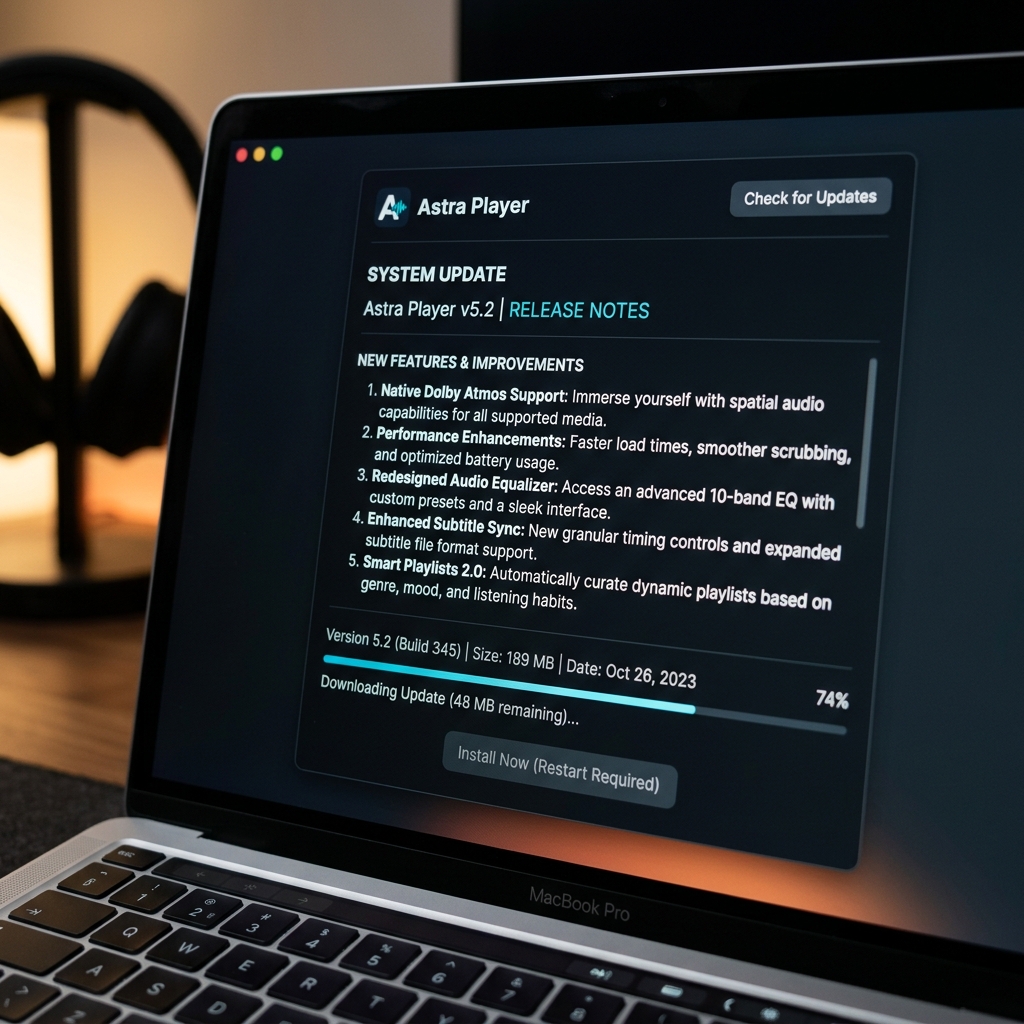
Explore the latest PlayerSDK features, improvements, and bug fixes from every recent release.
Read the highest-rated tutorials chosen and voted for by thousands in our PlayerSDK community.
Instantly access PDFs, checklists, and setup guides.
Find quick answers to the most common questions about PlayerSDK tutorials, device compatibility, installation, troubleshooting, downloads, and learning resources.
Start with the Beginner Learning Path to understand installation, initial setup, and essential features before exploring advanced tutorials. It guides you step by step through every stage of getting PlayerSDK running on your device.
Yes. All tutorials, setup guides, troubleshooting articles, and learning resources on the PlayerSDK website are completely free. No subscription or account is required to access any tutorial or downloadable guide.
Tutorials are available for Android TV, Google TV, Fire TV (Firestick), Apple TV, Samsung Smart TV, LG webOS, Windows, macOS, Linux, Android, iPhone, and other supported platforms. New device guides are added regularly.
Tutorials are reviewed and updated regularly to reflect the latest PlayerSDK features, operating system updates, and best practices. Major updates are published after each new PlayerSDK release, and existing guides are refined when device software changes.
Visit the Troubleshooting Center for step-by-step solutions covering installation issues, buffering, playback errors, login problems, subtitles, and performance optimization across every supported device.
Selected tutorials, setup checklists, and quick-start guides are available as downloadable PDF resources in the Expert Resources section. Look for the Download buttons on the resource cards to save guides for offline use.
Subscribe to the PlayerSDK newsletter at the bottom of this page to receive notifications about new tutorials, feature updates, device support announcements, and streaming tips directly to your inbox.
Visit the Contact page to reach our support team directly, or explore the Help Center for additional documentation and self-service assistance. Our team is ready to help with any PlayerSDK questions.
No FAQs matched your search. Try a different keyword.
Browse curated collections of tutorials designed to help you install, configure, troubleshoot, and master PlayerSDK across every supported platform.
Learn how to install PlayerSDK on Android TV with a complete step-by-step guide.
Optimize playback settings, subtitles, playlists, and performance in just a few minutes.
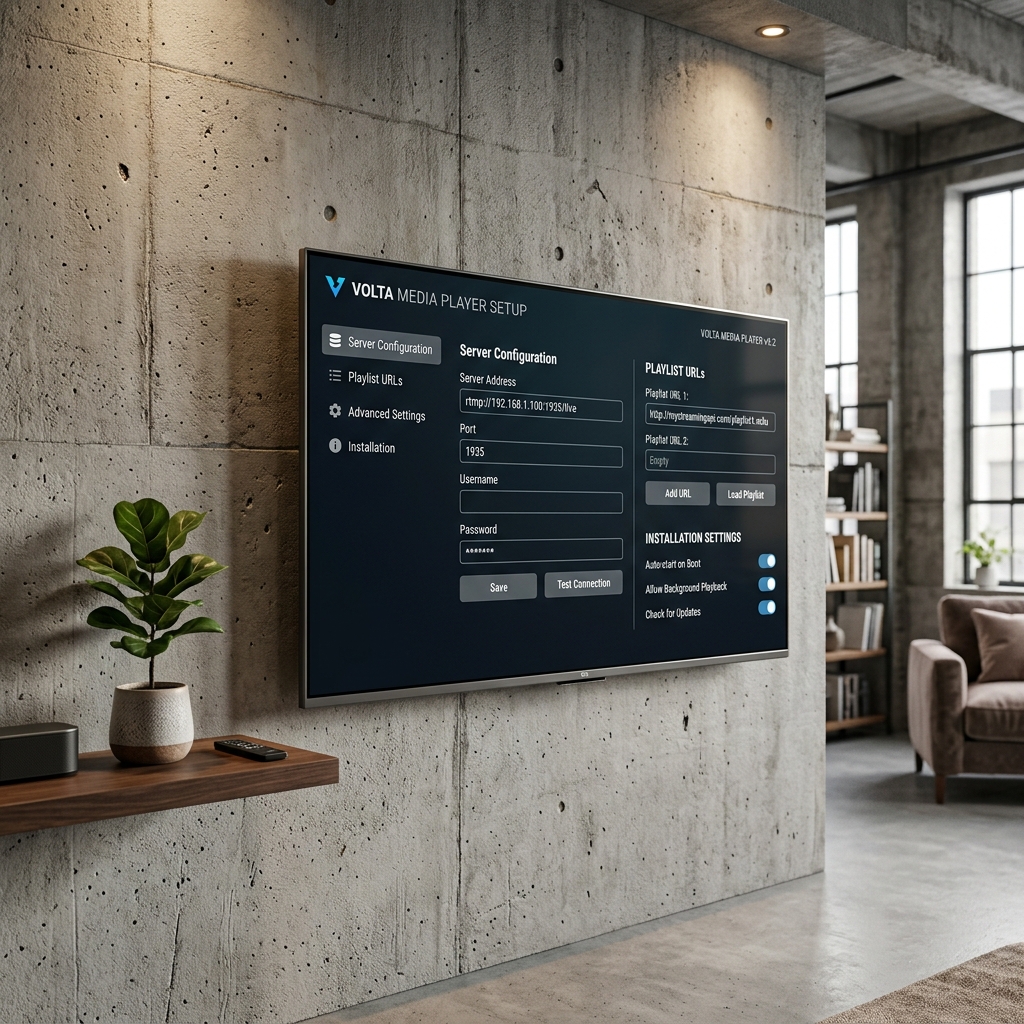
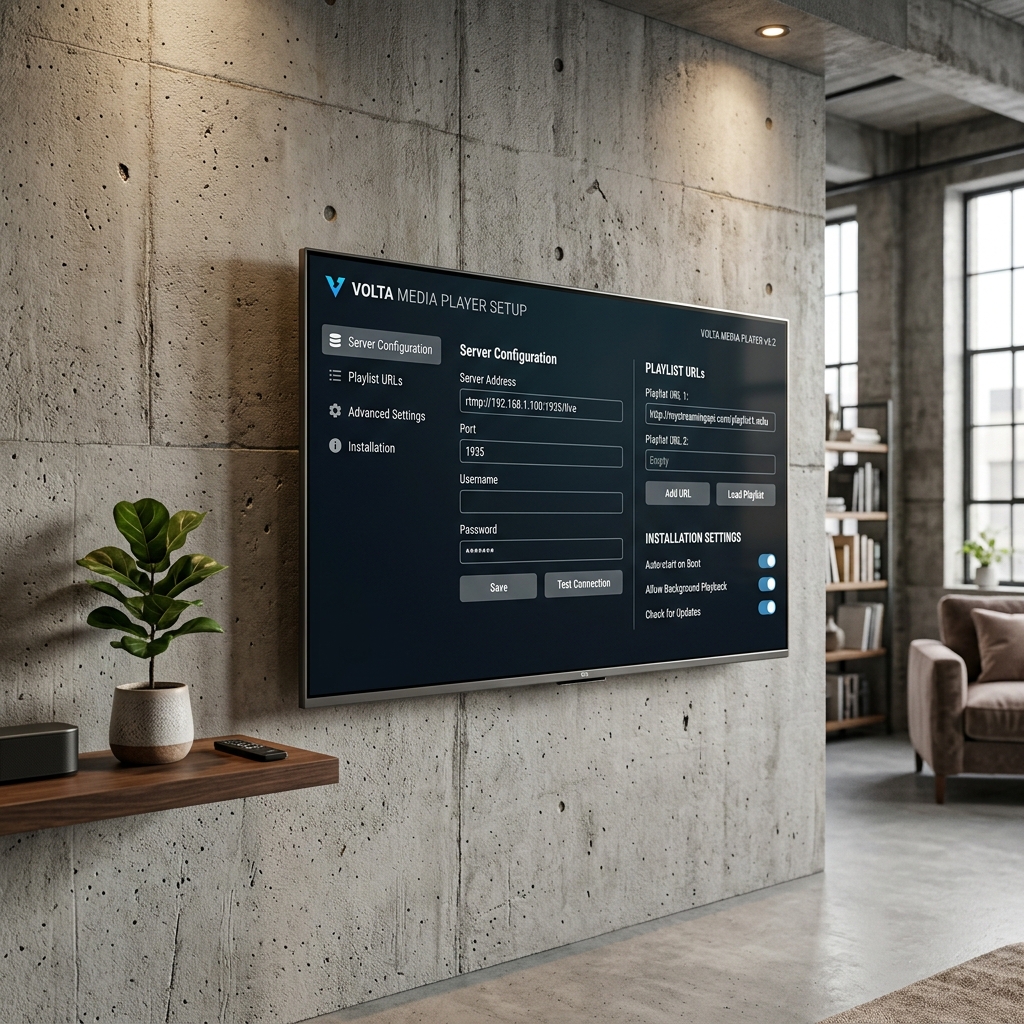
Connect your IPTV provider using Xtream Codes or M3U playlists with ease.
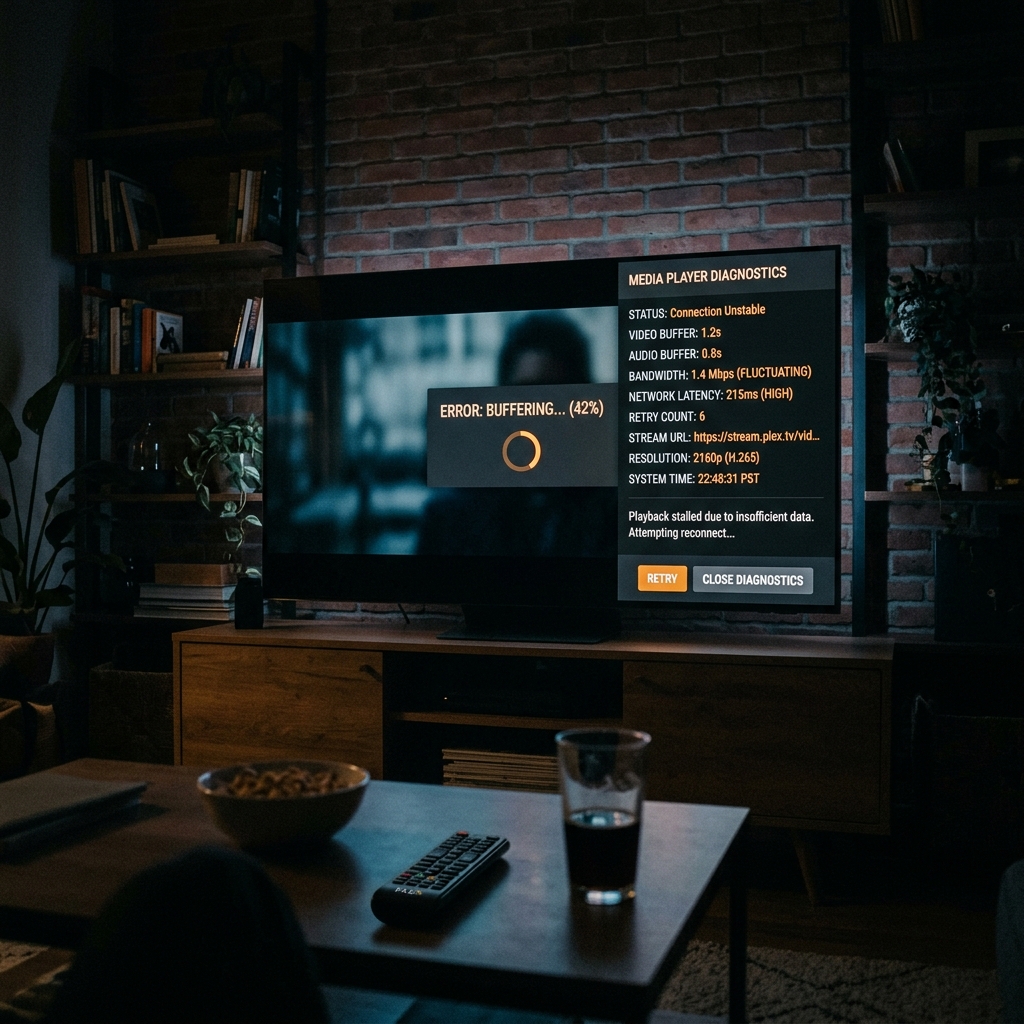
Solve the most common streaming problems using proven troubleshooting methods.
Improve loading times and reduce buffering with optimized settings.
Unlock advanced features to get the most out of PlayerSDK.
Manage multiple playlists, organize channel categories, and group favorites efficiently.
Discover the new hardware decoder updates, EPG sync upgrades, and subtitle fixes in our latest build.
Step-by-step sideloading walkthrough using Downloader utility, covering developer settings and permissions.
There are no tutorials available under this category at the moment.
Get the latest PlayerSDK tutorials, setup guides, troubleshooting tips, product updates, streaming news, and exclusive resources delivered directly to your inbox.
Welcome to PlayerSDK! Check your inbox for your first set of exclusive resources.
No spam. Weekly updates only. Unsubscribe anytime.
Watch installation guides, walkthroughs, reviews, and video tutorials.
SubscribeAsk questions, share tips, and connect with the PlayerSDK community.
Join CommunityReceive instant notifications about updates, tutorials, and announcements.
Join Channel